Heads Up: Moving Files from Your Computer to Google Drive (the Roundabout Way)
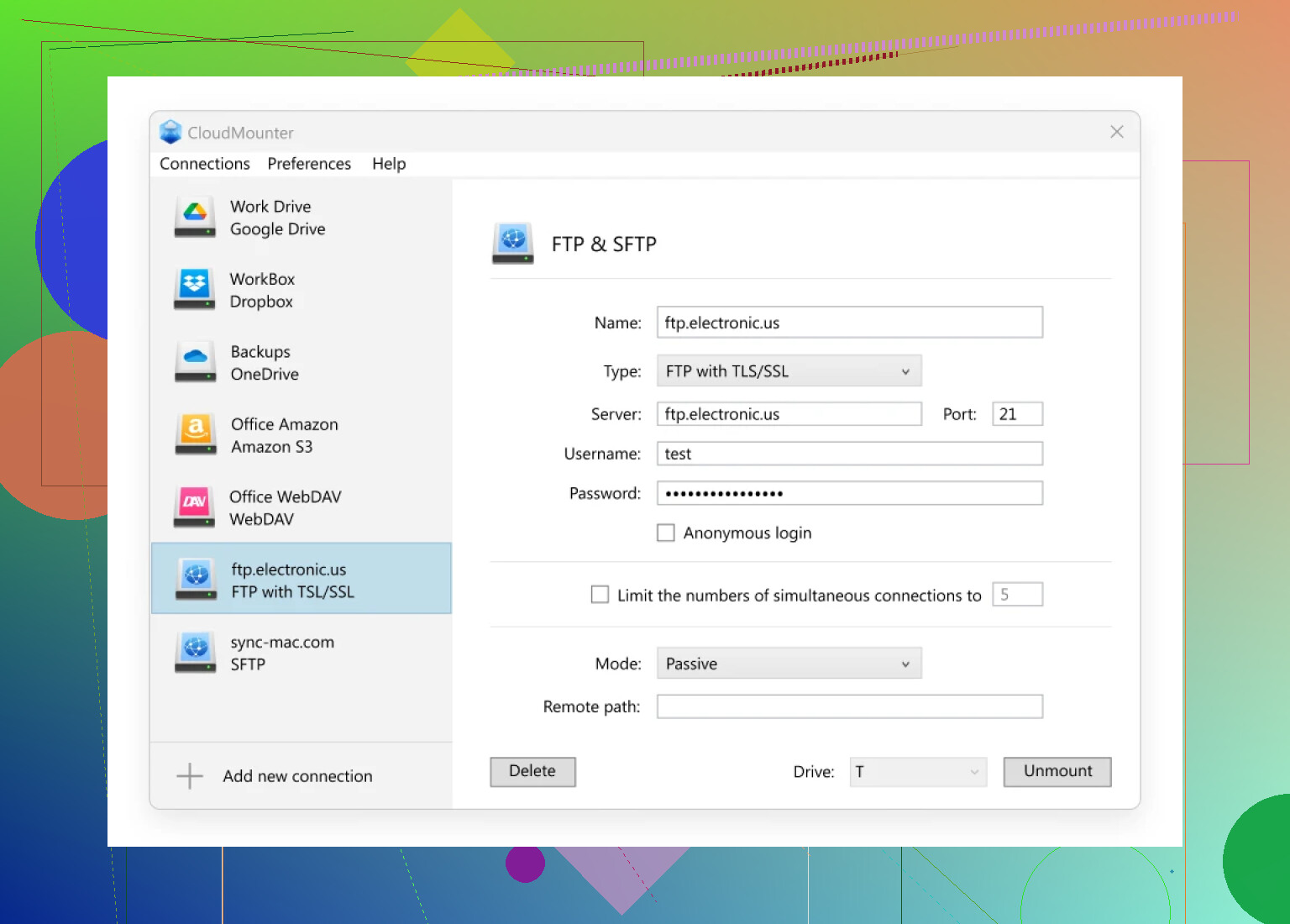
Okay, so here’s the deal—if you’re trying to upload stuff to Google Drive via FTP, it’s not as straightforward as tossing files onto an old-school FTP server. Google Drive just doesn’t speak “FTP.” But! There’s a cheat code: apps that slap an FTP-ish layer on top of Drive. You might want to check out something like CloudMounter (yeah, it’s on the Mac App Store). This doesn’t actually turn Google Drive into a real FTP endpoint, but it does let you mess with files on Google Drive as if they’re sitting on your local hard drive. Say goodbye to that clunky browser upload.
TL;DR How to Get Rolling
- Grab CloudMounter and Fire It Up
- Hit Up the Google Drive Icon: You’ll have to sign in with your Google creds and agree to the usual pile of permissions. No way around that.
- Your Drive Shows Up Like Magic: For Mac, it’ll be in Finder, for Windows, File Explorer. Looks local, feels local.
- Do Your Thing With Any FTP Client: Thanks to the “mount,” you point your FTP tool to this drive like it’s any old folder. Boom.
Real Talk: What’s in It for You?
- No more tab-hopping between browser and desktop. Google Drive lives right along your usual folders. Nice.
- Love FileZilla, Cyberduck, or whatever FTP tool you cling to? Doesn’t matter. You can drag and drop directly to the mounted drive.
- Got more than one Google account? CloudMounter can juggle ‘em all at the same time. Cluttered, but efficient.
My Experience (Take It or Leave It):
I literally set up my freelance video backlog this way. I mounted three different Drives—one for work, one for clients, one for personal junk. Drag, drop, organize, repeat. Just wish Google gave us a true FTP option natively—this workaround is as close as we get for now.
Is it perfect? Nope. (Sometimes there’s a delay if Google’s servers are sleepy.) FTP purists might scoff, but honestly, if you’re desperate to ditch the web UI and treat Google Drive like a part of your machine, this does the job well enough.
So in short: No, you can’t go straight FTP-to-Google-Drive. But with CloudMounter (or something similar), you can make your setup act like it. If you’ve found a better workaround, share below—still hunting for that unicorn solution…