Sick of Dropbox Being a Resource Hog? Here’s My Sanity Saver
Honestly, I was about three seconds away from rage-uninstalling Dropbox the other night. First, it’s nosy—always running in the background, throwing itself a RAM buffet, and acting like my internet pipe was built just for its syncing obsession. Why is it this tough to just see all your Dropbox stuff from several places without turning your computer into a laggy, fan-blasting stress-ball?
Let me save you some grief: it turns out you don’t need the Dropbox app lurking everywhere to stay connected to your cloud stash.
“CloudMounter” – It’s Like Turning Your Cloud Into a Regular Old Drive
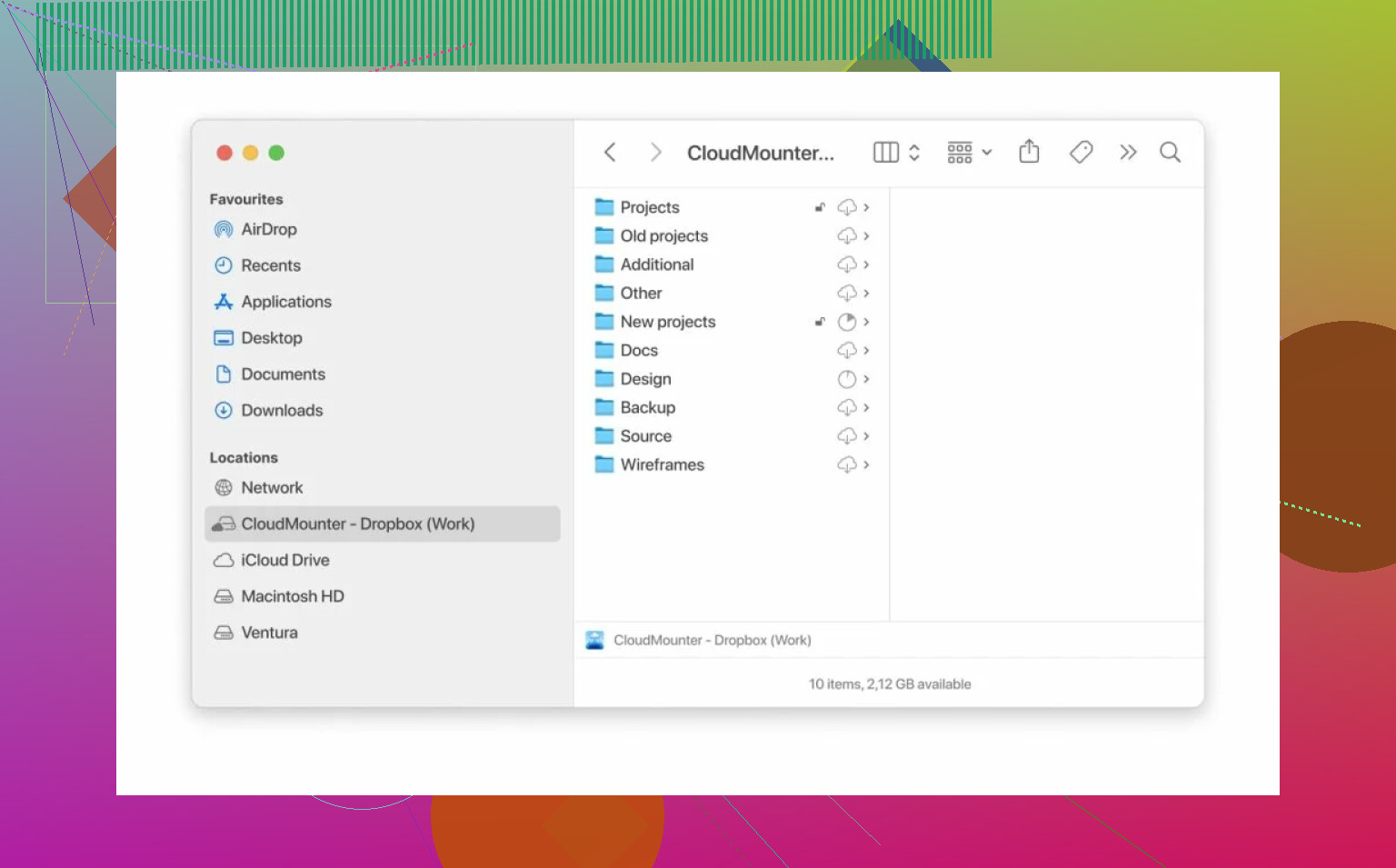
Found myself on a tech subreddit doomscrolling, and someone dropped a link for CloudMounter. Never thought much about cloud “mounting” tools until now, but picture this: Instead of bogging down your desktop with Dropbox’s weird folder voodoo and five zombie processes, you just log into your cloud through CloudMounter and—boom—the stuff appears in Finder (Mac) or File Explorer (Windows) like a good old USB stick.
No bulky client, no sneaky updater, no extra icons in the taskbar. It treats online storage just like any other attached drive. Browse your folders, grab what you want, drag ‘n’ drop, and you’re done. It’s not wizardry, but it’s close.
The Joys of Juggling Multiple Dropbox Accounts
Let’s be real. If you have more than one Dropbox account (work, old school stuff, side hustle), dealing with them on Dropbox’s own app is a pain. Too much browser hopping, too much session switching. CloudMounter? Just toss all your logins in, and it lines up your accounts for you—no relogging, no “which account am I in?” drama.
Light, Quiet, No Clutter (A Contrarian’s Dream)
What actually got me hooked wasn’t the convenience (though that rocks)—it was never having to touch Dropbox’s official bloat again. CloudMounter just talks straight to Dropbox behind the scenes. No install bait, no random startup hog. My computer fans? Whisper quiet. Task Manager? Not a Dropbox tentacle in sight.
Not a Paid Shill—Just Sick of Desktop Drama
I know this kind of post sounds like someone’s pushing a sponsored link, but nope, just sharing what finally stopped my computer from running a Dropbox dictatorship. If you’re over the persistent pop-ups and memory leeching, maybe give this route a shot. Cloud accounts shouldn’t constantly make you pick sides.
For me? I’m never reinstalling the official Dropbox app again. The desktop tyrant can stay uninvited.