Handling Multiple Dropbox Accounts on a Single Machine: My Adventures
So, you ever get that sinking feeling when juggling more than one Dropbox account—maybe work and personal—and want to avoid switching logins a dozen times a day? Let me walk you through the potholes, detours, and shortcuts I’ve bumped into while trying to wrangle all my Dropbox armies under one digital roof.
Linking Personal and Work Accounts: The Easy Route… Sometimes
Here’s the scoop: Dropbox lets you link one personal and one business account natively. It’s like having two rooms joined by a secret passage. You sign in to your main, then hit up the account menu and add the other. Shazam—folders for both show up in your File Explorer (or Finder) automatically. Perfect for when you just want the basics. Too bad it caps you at two.
The Desktop User Switcheroo
Now, for those of us with a wild stable of Dropbox logins (think: freelancing nightmare), Windows and macOS user switching might be your friend. Each user profile can run its own Dropbox instance. Feels like old-school hacking, but really, it’s just OS-level isolation.
- Log into your main Windows or Mac account
- Create a second user (like “Dropbox-Secret1”)
- Install Dropbox there
- Swap between users as needed
Downside: Switching users = context switching in your brain. Feels a bit like playing musical chairs with your desktop.
Tag Team: Desktop App + Browser + Incognito
Don’t sleep on this combo. Got one account running in the app? Great. Hit dropbox.com for another, and then spin up incognito/private browsing for a third. Sounds silly, works reliably.
- Dropbox app → Account #1
- dropbox.com in Chrome → Account #2
- Incognito tab → Account #3
Sure, you can’t seamlessly drag and drop between these, but hey, sometimes desperate times…
Third-Party Tools: When You Need More Firepower
If you want to go full wizard mode, try out a utility that ties your cloud stuff together. Here are two that got my attention:
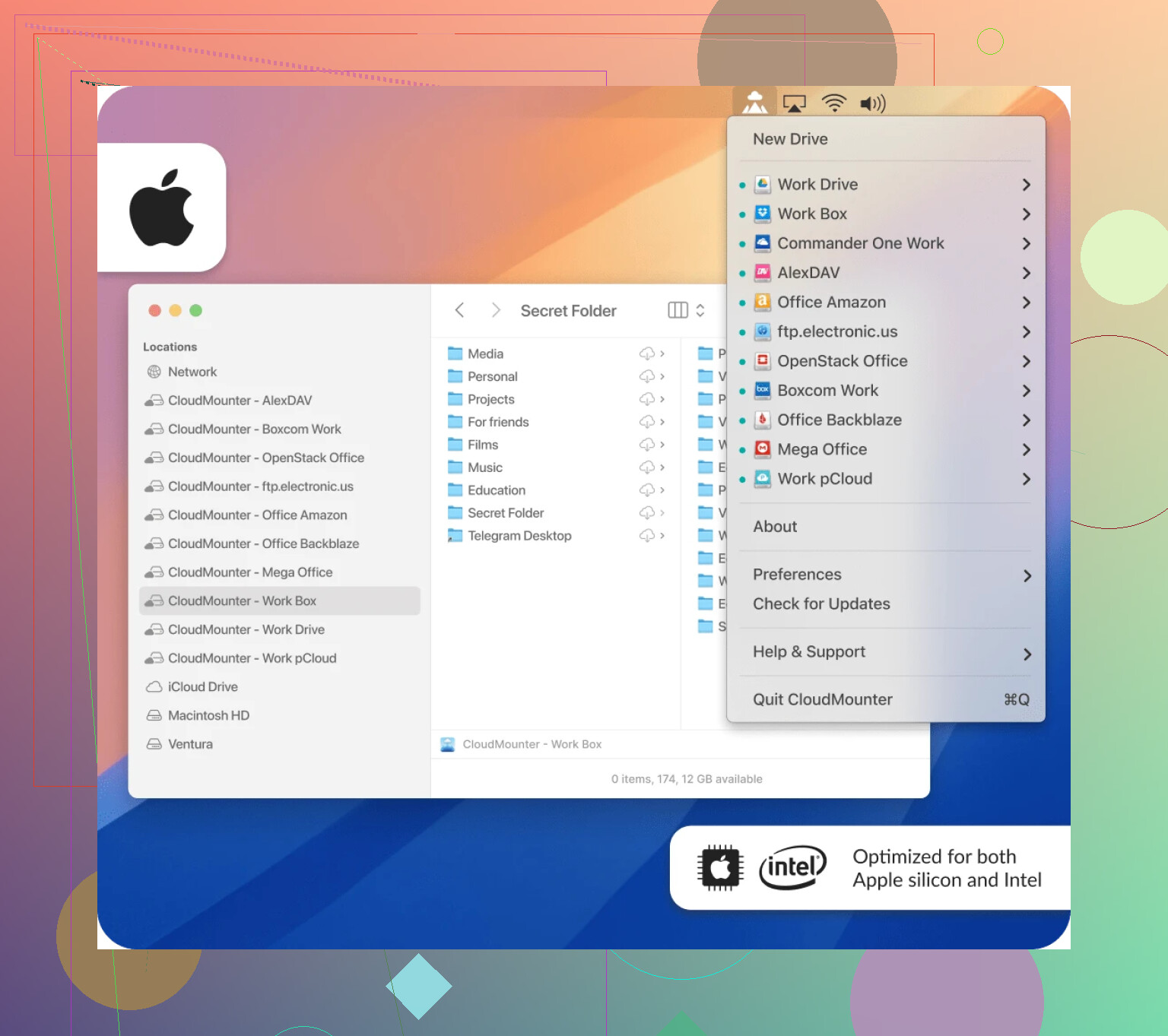
CloudMounter: Your Cloud as Local Drives
Ever wish your Dropbox—or heck, all your clouds—were just drives on your machine? That’s basically what CloudMounter does. Mount those accounts like USB sticks, and swoop through your files in Finder or Explorer like they’re napping on your SSD. Never even need to fire up a browser.
MultCloud: One Dashboard to Rule All Clouds
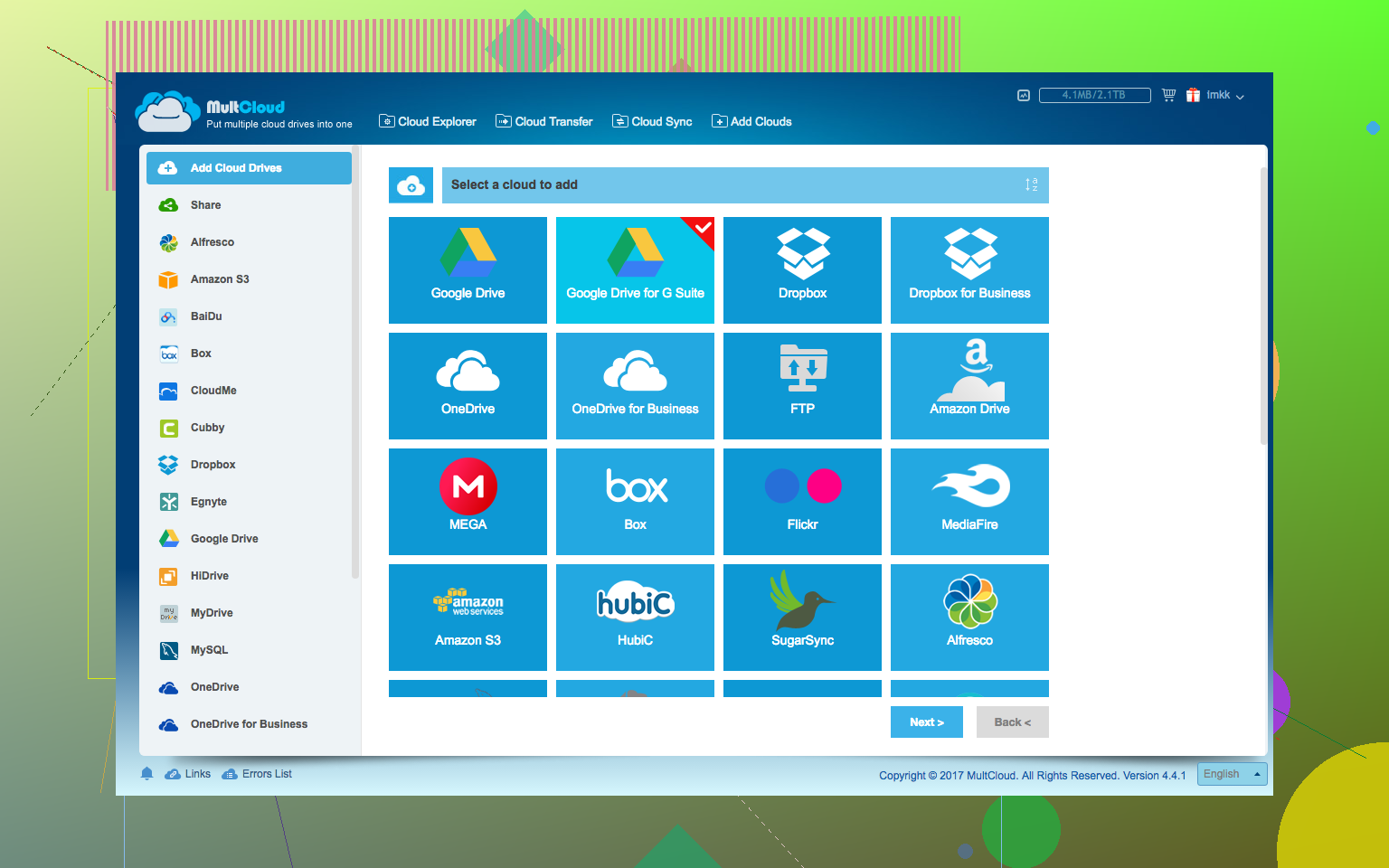
Maybe you want an air-traffic controller for Dropbox, Google Drive, etc. That’s what MultCloud delivers. Sign in once and see all your cloud stuff in a single pane. Need to shuffle files between clouds? Just drag and drop—no messy downloads or uploads.
Final Thoughts
So, is there a one-size-fits-all answer here? Not really—depends whether you like your cloud chaos corralled by native apps, are cool with browser tab Tetris, or want to gamble on third-party utilities. Either way, plenty of ways to keep your work, hobbies, side hustles, and secret projects neat and tidy—even if Dropbox won’t natively let you juggle a circus worth of logins.
Got your own hack? Or did you find one of these only kinda-sorta works? Chime in below—you KNOW we’ve all spent too many hours waging war with cloud storage.