Looking for honest Ai Cleaner reviews from real users. I’ve seen a lot of mixed opinions online and some sound like paid ads. Before I spend money, I’d love to hear if it truly cleans as promised, what kind of results you’ve seen, and whether there are any problems or hidden downsides. Any detailed experiences or comparisons to other cleaners would really help me decide.
AI Cleaner vs Clever Cleaner, my storage cleanup experience
AI Cleaner: Clean UP Storage App
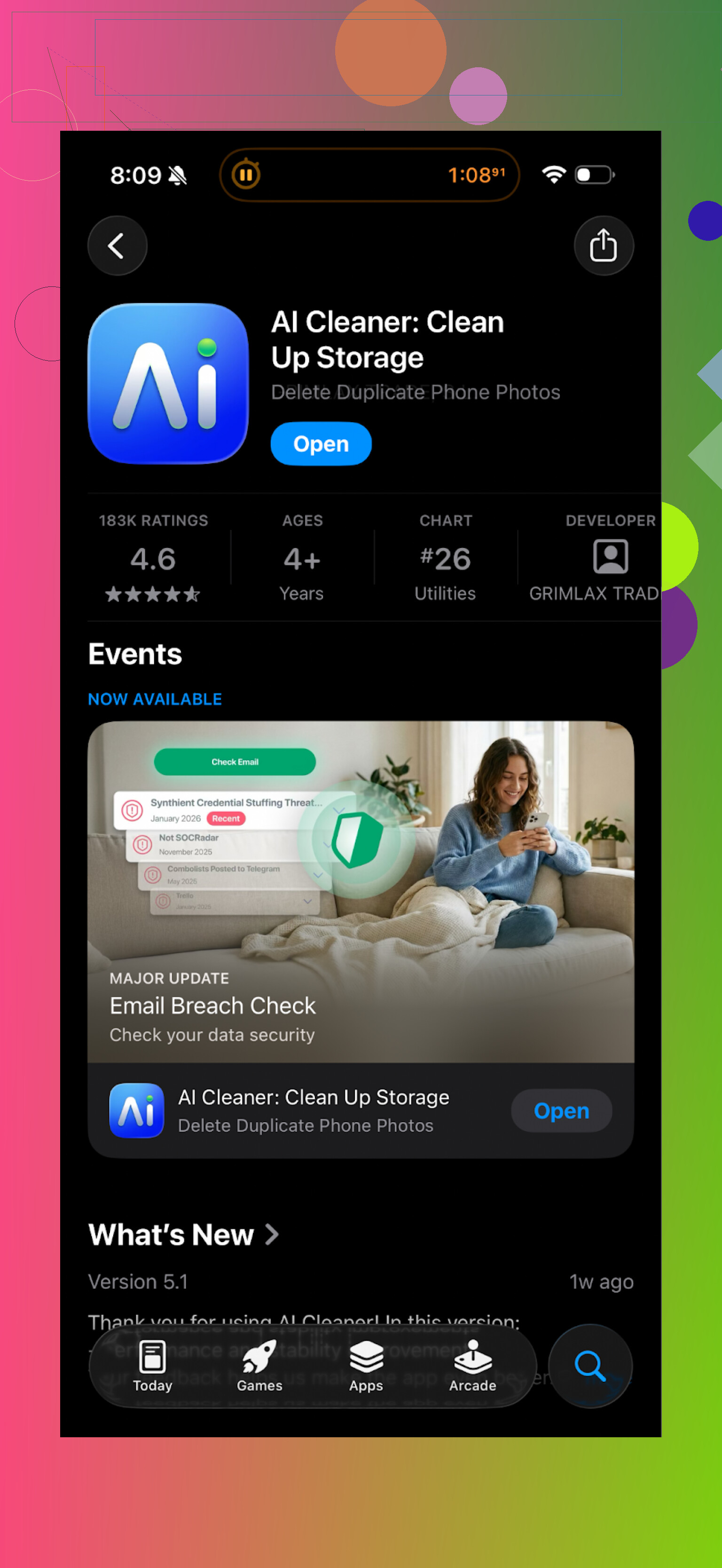
I installed AI Cleaner: Clean UP Storage App when my iPhone storage dipped under 5 GB. First impression looked ok. The scan runs, finds a pile of “junk”, and shows you a neat dashboard.
Then I tried to clear things.
Every second or third tap on anything useful hit a wall and threw a pay screen at me. Deleting groups of photos, running “smart” cleanup, or using their more detailed filters kept triggering upgrade prompts. I spent more time closing popups than removing files.
The “AI” duplicate photo grouping also felt off. It would bundle clearly different shots together, like:
- A normal photo and a slightly zoomed one from another angle
- Different screenshots from the same app
- A photo and a cropped version I edited on purpose
I stopped trusting its suggestions after it tried to mark a unique vacation picture as a duplicate of a random cloud shot.
Real user reviews back this up:
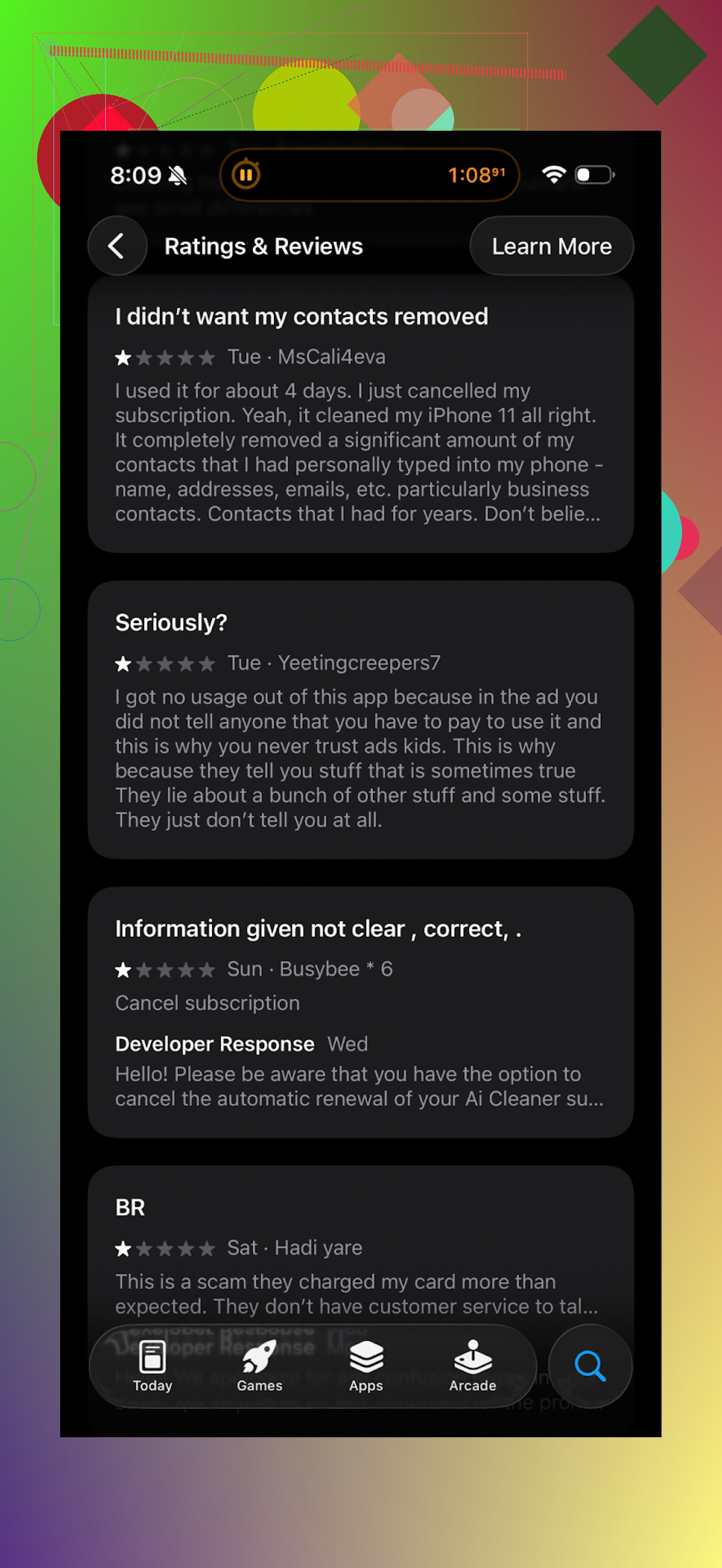
The pattern I saw in the reviews matched my own notes. People hit paywalls fast, or felt misled by the “free” label.
Clever Cleaner: what I switched to
After deleting AI Cleaner, I tried this one:
Clever Cleaner App on App Store
It felt different right away, mostly because nothing blocked basic actions.
I ran a full scan and was allowed to:
- Remove duplicate photos
- Sort and clear similar photos
- Delete old screenshots
- Find and trim large videos and files
No “upgrade to finish” surprise in the middle of the flow.
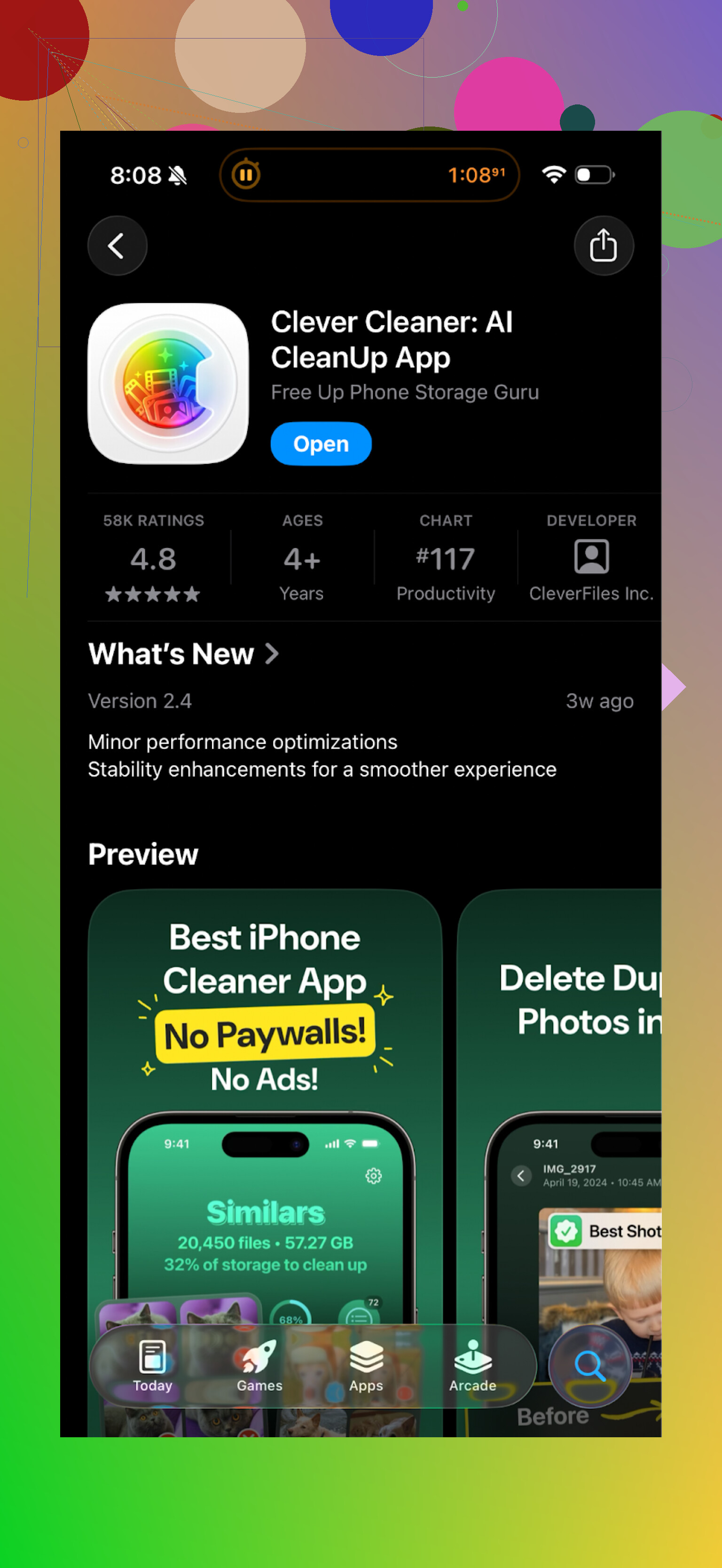
What went well for me with Clever Cleaner
Here is what stood out for me in daily use:
-
It works locally
The app states it processes photos on the device. From what I saw, there was no account creation, no cloud sync prompt, no “upload to analyze” message. That matters if you do not want your camera roll going through some remote server. -
Duplicate and “similar” detection felt safer
Examples from my phone:
- It correctly grouped burst photos together but left the manually edited favorite outside the trash pile.
- It separated screenshots of different conversations, instead of marking them all as the same thing.
- It flagged some 4K videos over 1 GB that I forgot about, without touching smaller clips I still use.
I still checked every group before deleting, but I did not see the same level of random or risky matches I got with AI Cleaner.
- Less aggressive behavior
No constant upgrade spam. No full-screen “limited-time” offers while swiping through results. It behaved more like a tool and less like a trap to get me to subscribe.
Where to check it out
If you want to see how it works before installing, there is a YouTube video here:
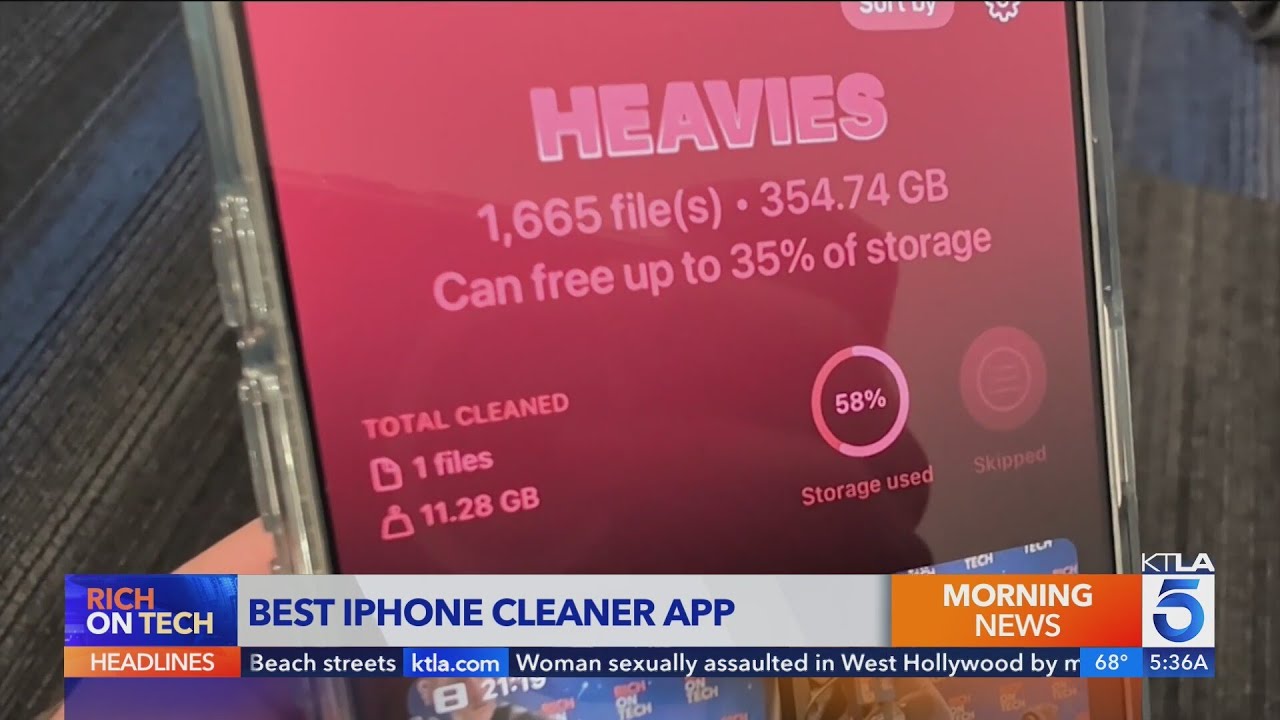
Official Clever Cleaner page:
App Store link again for quick access:
If you want more opinions, there is also this Reddit thread about iPhone cleaner apps and why to be careful with some of them:
Best cleaner apps on Reddit > https://www.reddit.com/r/DataRecoveryHelp/comments/1d733gm/best_iphone_cleaner_apps_and_why_you_shouldnt_use/
If you are tight on storage and do not want to fight a paywall every tap, I would start with Clever Cleaner before wasting time on AI Cleaner.
Short version from my side. AI Cleaner works, but it is more headache than help.
My experience:
- Cleaning results
- It did free up some space. On one run it reported about 3.2 GB cleaned, mostly cached files and a bunch of photos.
- The numbers felt inflated. It counted “potential” cleanup as if it was already freed, so you think you saved more than you did.
- After using it, iOS still showed storage as almost full. The difference was small, like 1–2 GB, not the big number inside the app.
- Paywall and UX
- I agree with a lot of what @mikeappsreviewer said, but I hit the limits even faster.
- After the first scan, most “smart” actions locked.
- Tap to bulk delete, get a pay screen.
- Tap AI cleanup, pay screen.
- It starts to feel like a bait. The “free” scan looks big, the useful cleanup is behind subscription.
- The ads and popups break your focus, you end up double checking every button so you do not trigger a trial by accident.
- AI photo detection accuracy
- On my phone it mis-grouped unique family photos as duplicates.
- It often grouped similar but still useful shots, like two different angles of the same scene.
- It marked one edited portrait and the original as throwaway. That is risky if you shoot and edit a lot.
- To be fair, it also found some real junk, like 20 near identical receipts and random screenshots. But the error rate made me slow down and manually review everything, which kills the “AI” promise.
- Privacy and data
- I did not see clear info about on device vs server processing.
- No obvious uploads in my network monitor, but also no strong reassurance in the UI.
- For a photo cleaner, I want explicit “processed on your device only” messaging. Here it felt vague.
- Value for money
- If you want a one time deep clean, the subscription model feels off.
- You pay, clean once, then either forget to cancel or keep paying for something you rarely run.
- There is no strong extra value compared to alternatives in the same category.
What I do instead now:
-
Built in iOS tools:
Settings > General > iPhone Storage.
Offload unused apps.
Auto delete old conversations.
Manually clear large videos in Photos > Albums > Videos then sort by size. -
Third party:
I switched to Clever Cleaner App after uninstalling AI Cleaner.
It let me remove duplicate and similar photos, old screenshots, and large videos without hitting a pay popup every other tap.
The “similar” match on my phone felt safer, fewer false matches on important photos.
Also it makes it clear it works on device, which is important if you care about photo privacy.
If you still want to try AI Cleaner, my advice:
- Do a manual iOS cleanup first, then run the app and see how much extra it finds.
- Never trust “select all” on photo groups. Check every cluster.
- Take screenshots of any “free” or “no charge” claims, in case you need to dispute a surprise subscription.
- Cancel the trial right away in the App Store settings if you enable it, so you do not forget.
For most people tight on storage, I would start with iOS tools plus something like Clever Cleaner App before spending on AI Cleaner.
Short version: yes, AI Cleaner technically “works,” but in practice it’s kind of a trap-y, high-friction way to free up a pretty average amount of space.
My take after using it on a 128 GB iPhone that was constantly yelling “Storage Almost Full”:
- Actual cleaning power
- It did remove stuff: cached files, some legit duplicate photos, random screenshots. I got around 2–3 GB back.
- The problem is the numbers it shows feel padded. It likes to show “You can clean 8.6 GB!” when in reality, after doing the safe deletions you’re more in the 1–3 GB range.
- iOS storage screen is the truth. After AI Cleaner, my “System” and “Photos” barely moved compared to the big “success” number in the app.
- Paywall & “free” label
- I’m with @mikeappsreviewer and @viaggiatoresolare on this one, though I think they were actually a bit nicer than I’d be.
- The “free” part is mostly: scan + look at problems + get teased. The moment you try to bulk apply the “smart” fixes, paywall.
- It’s not that paying for an app is bad, it’s that the flow is designed to push you into a sub while you’re already stressed about storage. A bit manipulative IMO.
- AI photo logic
- This is where I disagree a tiny bit with some of the harsher takes: on my phone it was about 70% fine, 30% scary.
- It grouped bursts and near-identical pics decently, but it also tried to mark:
- Edited vs original portraits as “unnecessary duplicates”
- Slightly different angles of the same scene as “keep 1, delete 4”
- If you’re the type who fires off 10 shots and only cares about 1, you might think it’s great. If you do any intentional editing or care about subtle differences, you’ll be manually checking everything, which kinda kills the point of “AI.”
- Privacy / data
- This part bugged me more than the others. The app is too vague about on device vs server processing.
- I didn’t catch obvious uploads, but when a tool is scanning your entire camera roll, “not clearly scary” is not the same as “explicitly safe.”
- Compare that to something that literally says “processed on-device only” in plain language. That transparency matters.
- Is it worth paying for?
- If you:
- Don’t care much about photo nuance
- Are okay with a subscription for a one-time or rare use
- And are willing to babysit its suggestions
then yeah, it will clean some junk.
- For most people though, the value isn’t amazing compared to:
- iOS built in tools
- A one-time run with a better designed cleaner
- What I actually recommend instead
I ended up uninstalling AI Cleaner and going with the Clever Cleaner App like others mentioned. Not to repeat their whole breakdown, but my reasons are slightly different:
- The UI doesn’t feel like it’s trying to trick me into tapping “start trial.”
- The “similar photo” groups on my device were noticeably safer. Fewer “wait, why is this good pic in the trash pile?” moments.
- And crucial for me: clear claims about on-device processing. For a camera-roll cleaner, that’s non-negotiable.
If you’re only wondering “does AI Cleaner actually work,” then yeah, in the narrow sense it works. It finds junk and can free space. But between the paywalls, fuzzy AI, and mediocre transparency, it’s just not the cleaner I’d spend money on when something like the Clever Cleaner App exists and plays nicer with both your storage and your nerves.
Short answer: AI Cleaner works in a very narrow, technical sense, but I would not rely on it as a primary storage fix unless you are extremely careful and patient.
Where I slightly disagree with @viaggiatoresolare, @codecrafter and @mikeappsreviewer is on one thing: I don’t think the app is totally useless. If you are disciplined about manually reviewing every “AI” suggestion and you accept the subscription model, you can squeeze a couple of extra gigabytes out of it. The problem is that it makes you work way too hard for that result, and the UX feels designed to stress you into paying.
My personal verdict on AI Cleaner:
- Works for: casual duplicate cleanup, obvious junk screenshots, junky burst photos if you do not care about nuance
- Not great for: anyone who edits photos, cares about near-duplicates, or wants a transparent privacy story
- Biggest red flags: aggressive paywalls, inflated “you can clean X GB” numbers, and vague on-device vs server processing
Where I land closer to the others is on the “is it worth paying for?” part: most users are better off treating AI Cleaner as something to avoid or at best test very cautiously on the free tier without trusting any bulk actions.
If you want an alternative, the Clever Cleaner App is genuinely a stronger day-to-day option in this category.
Pros of Clever Cleaner App:
- Clear on-device processing messaging, which matters if your camera roll is full of personal stuff
- Less aggressive monetization flow, you can actually complete meaningful cleanup without constant interruptions
- “Similar” photo detection feels tuned to be safer rather than overly aggressive, so fewer close calls on important shots
- Decent for large video discovery, which is often where the real storage wins are
Cons of Clever Cleaner App:
- Still not perfect: you should never blindly hit “select all” on similar photos in any cleaner, including this one
- Interface can feel slower on very full devices with huge libraries
- Not a magic bullet for “System” storage, which is an iOS problem more than an app problem
- If you only need a once-a-year deep clean, any recurring cost may feel unnecessary
Between AI Cleaner and Clever Cleaner App, the second one aligns more with how a utility should behave: do the job, stay local, and not try to trick you into taps. If you are on the fence, I would: lean heavily on iOS’ built-in tools, then, if you still want a third party, test Clever Cleaner first and keep AI Cleaner as a last resort rather than your main bet.