AI Cleaner vs Clever Cleaner, my storage cleanup experience
AI Cleaner: Clean UP Storage App
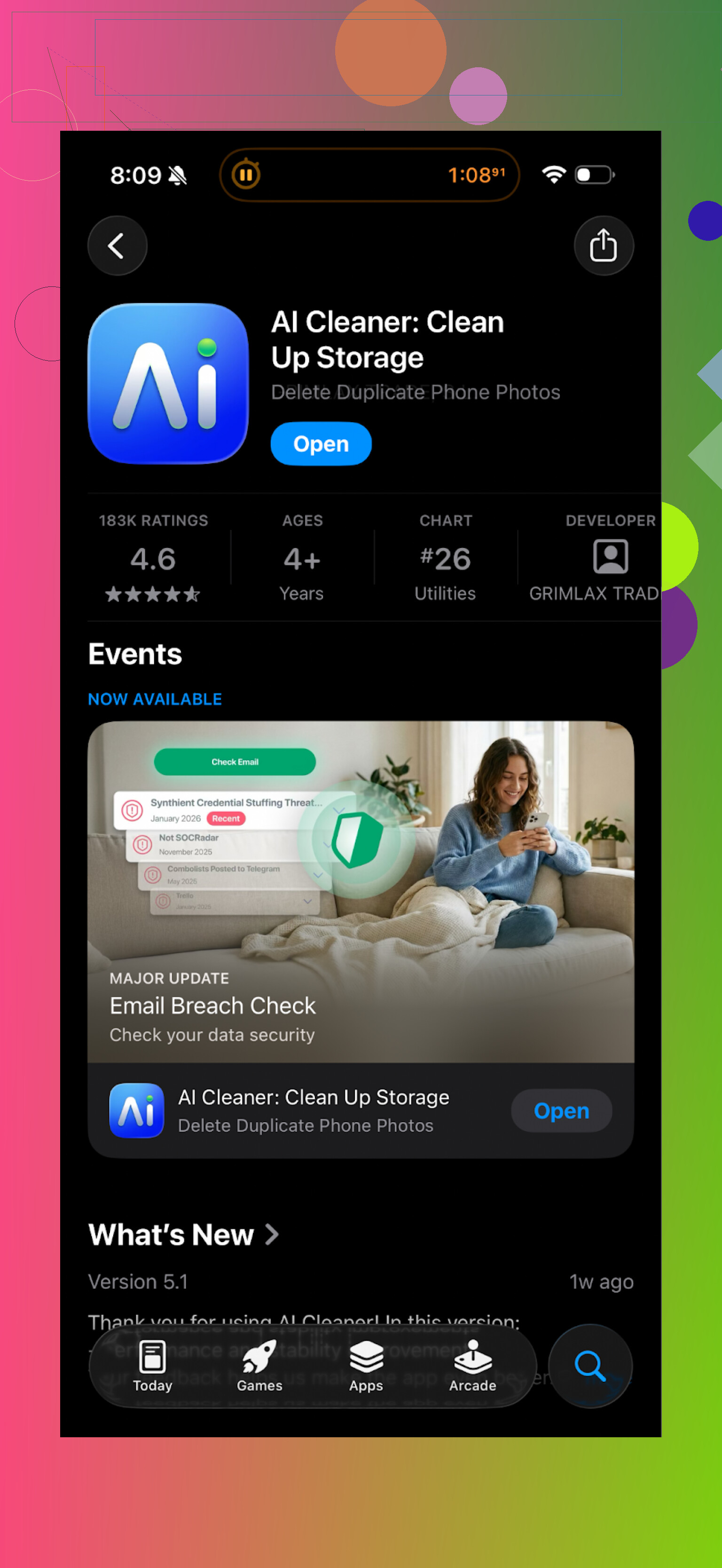
I installed AI Cleaner: Clean UP Storage App when my iPhone storage dipped under 5 GB. First impression looked ok. The scan runs, finds a pile of “junk”, and shows you a neat dashboard.
Then I tried to clear things.
Every second or third tap on anything useful hit a wall and threw a pay screen at me. Deleting groups of photos, running “smart” cleanup, or using their more detailed filters kept triggering upgrade prompts. I spent more time closing popups than removing files.
The “AI” duplicate photo grouping also felt off. It would bundle clearly different shots together, like:
- A normal photo and a slightly zoomed one from another angle
- Different screenshots from the same app
- A photo and a cropped version I edited on purpose
I stopped trusting its suggestions after it tried to mark a unique vacation picture as a duplicate of a random cloud shot.
Real user reviews back this up:
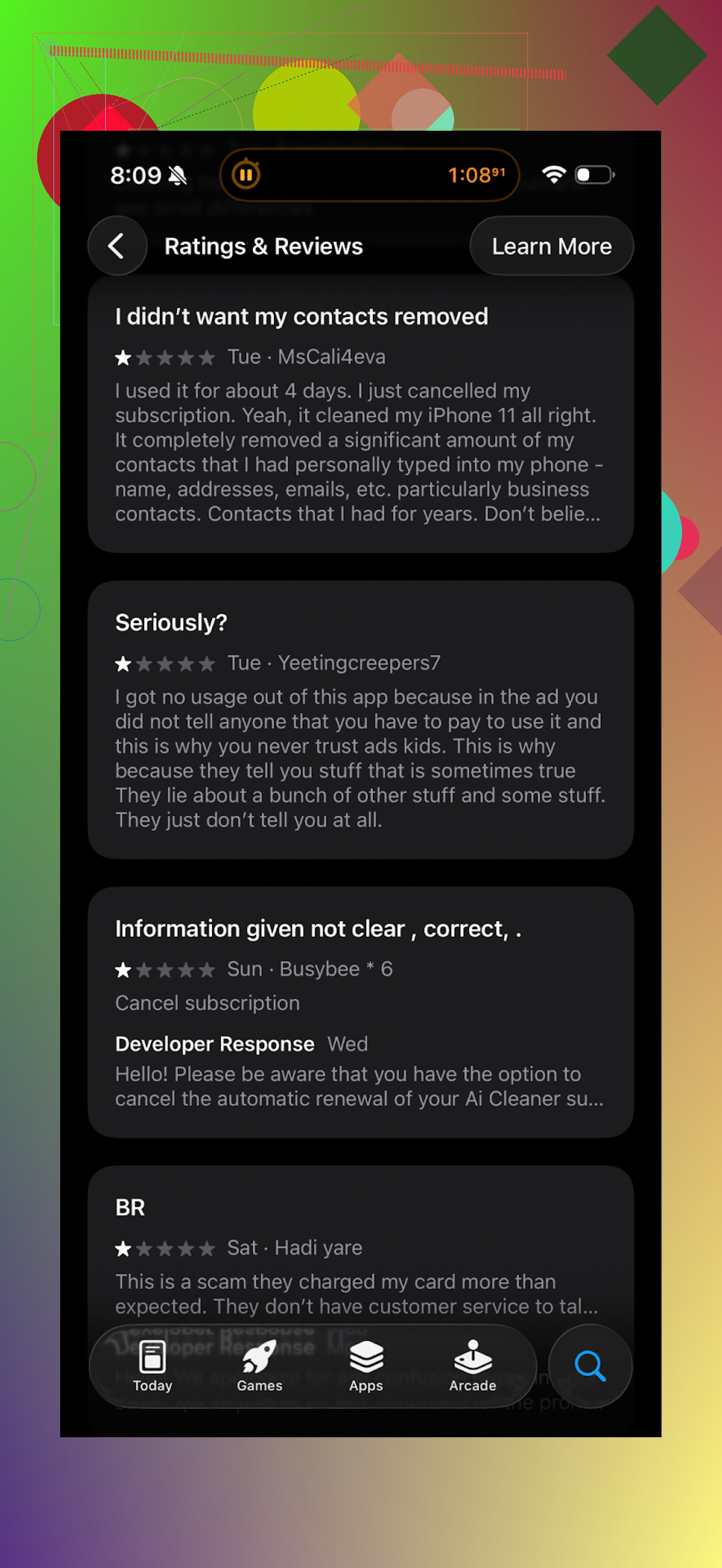
The pattern I saw in the reviews matched my own notes. People hit paywalls fast, or felt misled by the “free” label.
Clever Cleaner: what I switched to
After deleting AI Cleaner, I tried this one:
Clever Cleaner App on App Store
It felt different right away, mostly because nothing blocked basic actions.
I ran a full scan and was allowed to:
- Remove duplicate photos
- Sort and clear similar photos
- Delete old screenshots
- Find and trim large videos and files
No “upgrade to finish” surprise in the middle of the flow.
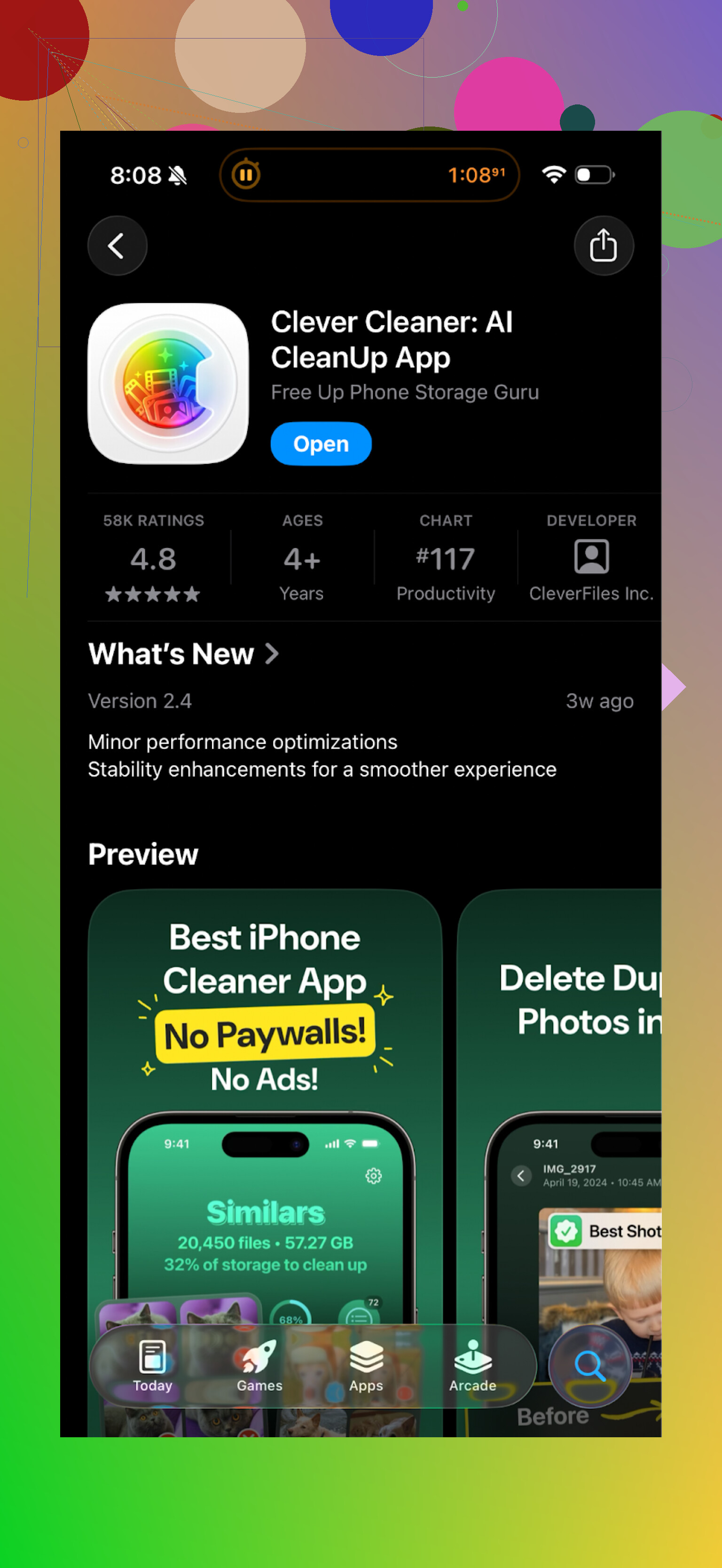
What went well for me with Clever Cleaner
Here is what stood out for me in daily use:
-
It works locally
The app states it processes photos on the device. From what I saw, there was no account creation, no cloud sync prompt, no “upload to analyze” message. That matters if you do not want your camera roll going through some remote server. -
Duplicate and “similar” detection felt safer
Examples from my phone:
- It correctly grouped burst photos together but left the manually edited favorite outside the trash pile.
- It separated screenshots of different conversations, instead of marking them all as the same thing.
- It flagged some 4K videos over 1 GB that I forgot about, without touching smaller clips I still use.
I still checked every group before deleting, but I did not see the same level of random or risky matches I got with AI Cleaner.
- Less aggressive behavior
No constant upgrade spam. No full-screen “limited-time” offers while swiping through results. It behaved more like a tool and less like a trap to get me to subscribe.
Where to check it out
If you want to see how it works before installing, there is a YouTube video here:
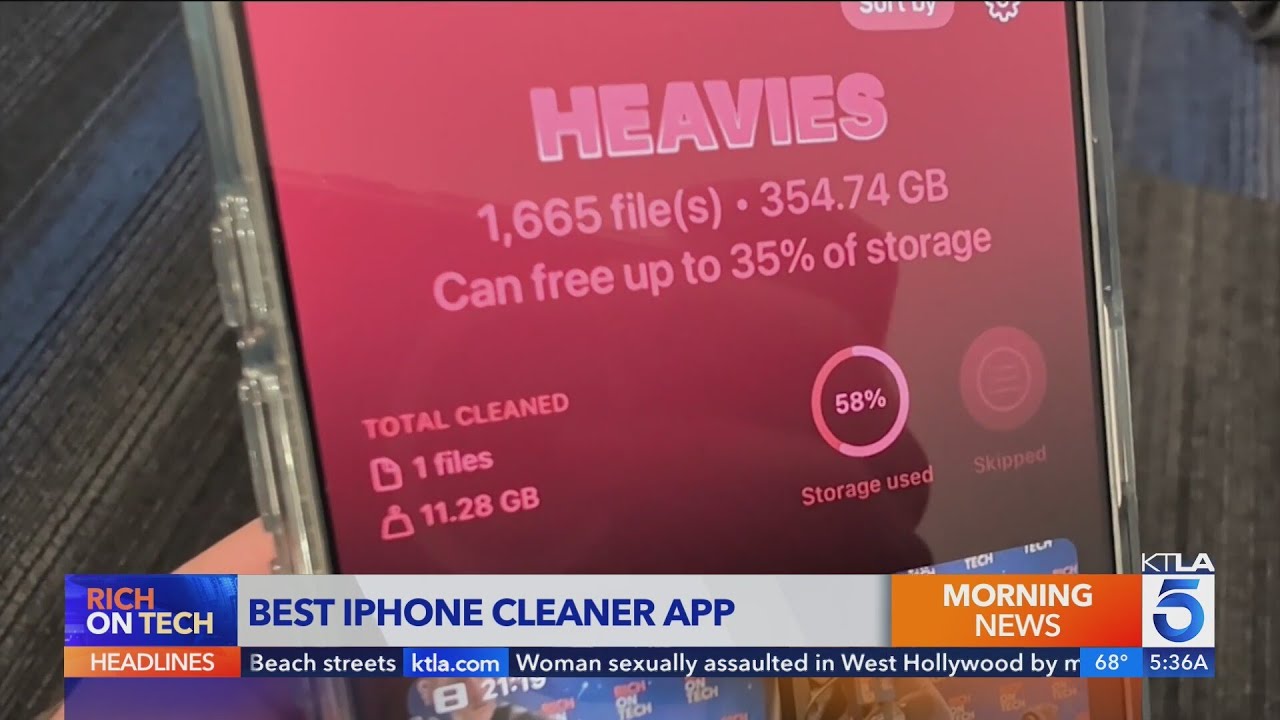
Official Clever Cleaner page:
App Store link again for quick access:
If you want more opinions, there is also this Reddit thread about iPhone cleaner apps and why to be careful with some of them:
Best cleaner apps on Reddit > https://www.reddit.com/r/DataRecoveryHelp/comments/1d733gm/best_iphone_cleaner_apps_and_why_you_shouldnt_use/
If you are tight on storage and do not want to fight a paywall every tap, I would start with Clever Cleaner before wasting time on AI Cleaner.