I lost my physical LG TV remote and I’m trying to control my TV using my iPhone. I’ve seen a bunch of free LG TV remote apps in the App Store but the reviews are all over the place, with some mentioning ads, connection issues, or missing features. Can anyone recommend reliable, truly free LG TV remote apps for iPhone that actually work well with recent LG smart TV models?
Free LG TV Remote Apps For iPhone That I Tried So You Don’t Have To
I went through a phase where the LG remote kept vanishing into the couch. At some point I stopped looking and started testing iPhone apps instead. Here is how it went, what worked, what was annoying, and which one I still use.
I’ll keep the original links and images so you can check them yourself.
Free LG TV Remote Apps For iPhone
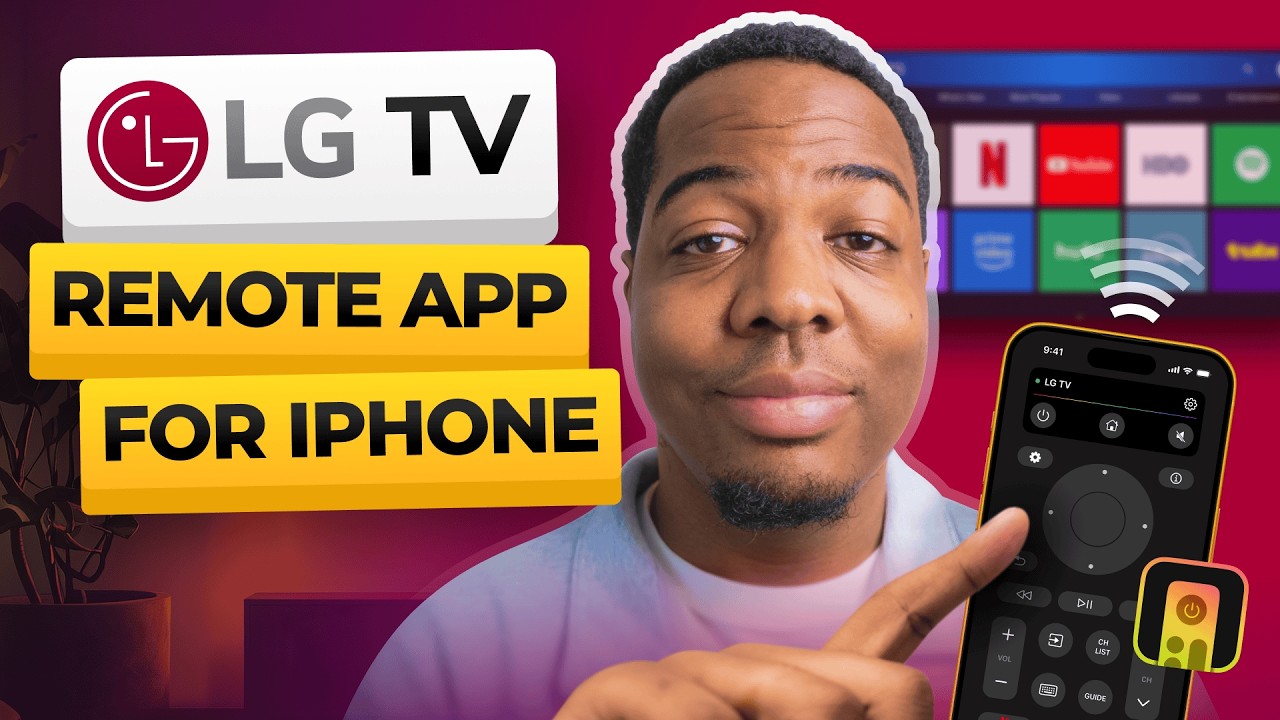
Losing the LG remote is one thing. Typing a WiFi password or a Netflix search with arrow keys is worse. I wanted three things from an iPhone app:
- Real remote buttons
- Fast typing in YouTube, Netflix, etc
- No extra hardware, infrared dongles, or other nonsense
I tried a few apps that work over WiFi with LG TVs. Some pretend to be free, some are actually usable without paying. Here is the breakdown.
TVRem – The One I Ended Up Keeping
TVRem – Universal TV Remote App
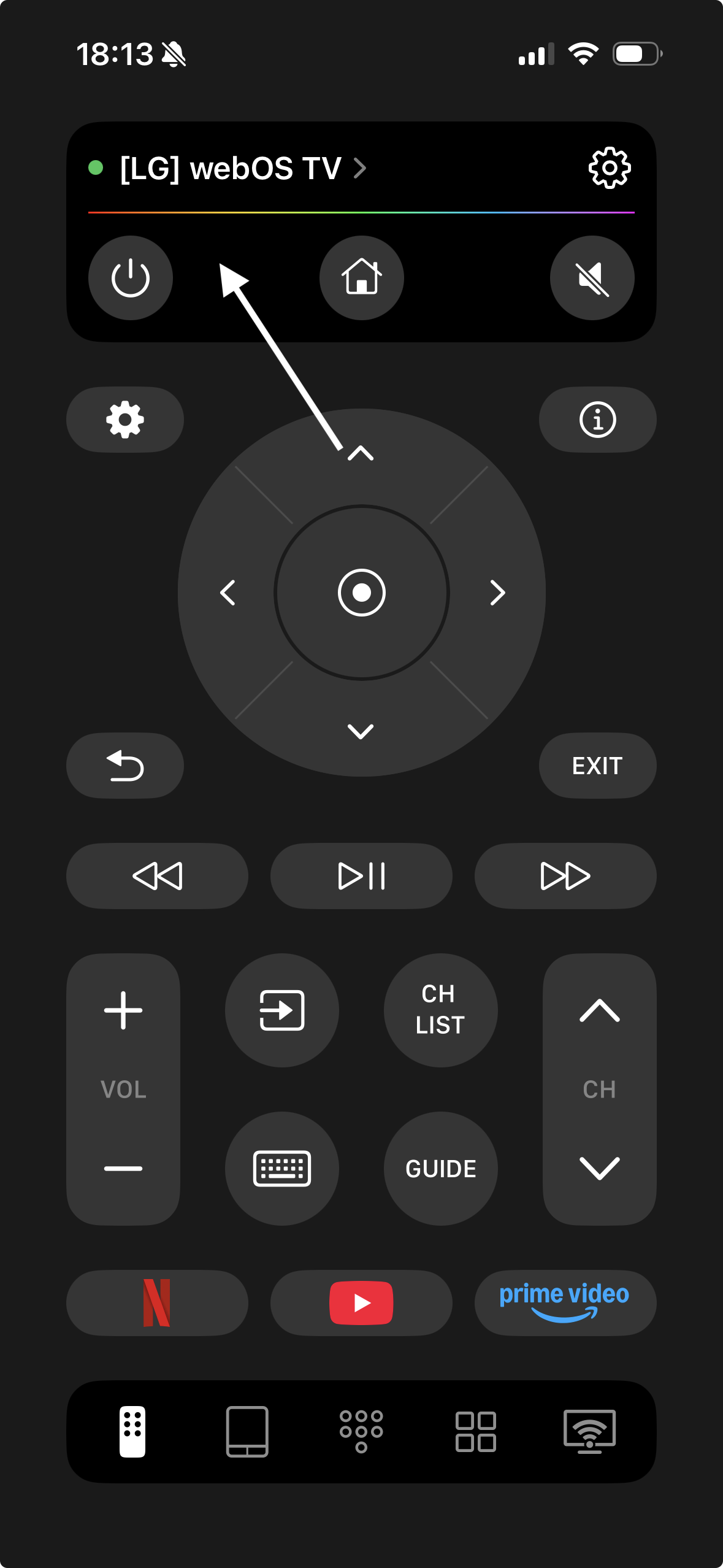
I started with this one because I wanted something that works with more than a single brand. I have an LG in the living room and a random non‑LG in the bedroom. I did not want two apps.
TVRem worked on both. It found the TVs over WiFi, showed them as devices, and once I tapped one, it behaved like a normal remote. No weird pairing codes on most models. On one older LG, I had to approve the connection on the TV once, then it stuck.
Link again for convenience:
What I liked:
• Fully free in daily use
I did not hit any paywall for normal remote behavior. Power, volume, mute, channel, home, inputs, directional pad, all there. No subscription popup every 10 taps.
• Works on LG and other TV brands
I used it on an LG, a Samsung, and some random budget TV. Same app. If you have a mixed setup, this matters more than you think.
• Full navigation and input switching
I was able to jump between HDMI inputs, open the LG home menu, move around apps, and control playback. For basic watching it replaced the physical remote.
• WiFi only, no infrared
My iPhone does not have infrared, so any “IR remote” apps are useless. TVRem talks to the TV over the local network. As long as the iPhone and the TV sit on the same WiFi, it works.
• Built in keyboard
This was the main win. When I searched on YouTube or typed a Netflix password, a keyboard showed up in the app, and the text appeared on the TV. No more arrowing around an on screen keyboard.
• Clean layout
Nothing fancy, but I was not hunting for buttons. Power, arrows, volume, inputs, back, home, all easy to find with one hand.
What annoyed me:
• Network settings on the TV matter
On one LG, remote control over the network was disabled in the TV settings. Until I toggled that on, the app did not connect. Someone who is not used to TV menus might think the app is broken. Once I fixed the TV setting, it worked fine every time.
If you want one app that behaves like a “universal WiFi remote” and you do a lot of text input on the TV, this one made the most sense to me.
By the way, there’s a useful Reddit thread that reviews the best universal free and paid TV remote apps, highlighting their pros and cons in relation to traditional remotes. Give it a look — you’ll find something useful for sure!
Remote Control for LG TV – Works, But Felt Barebones
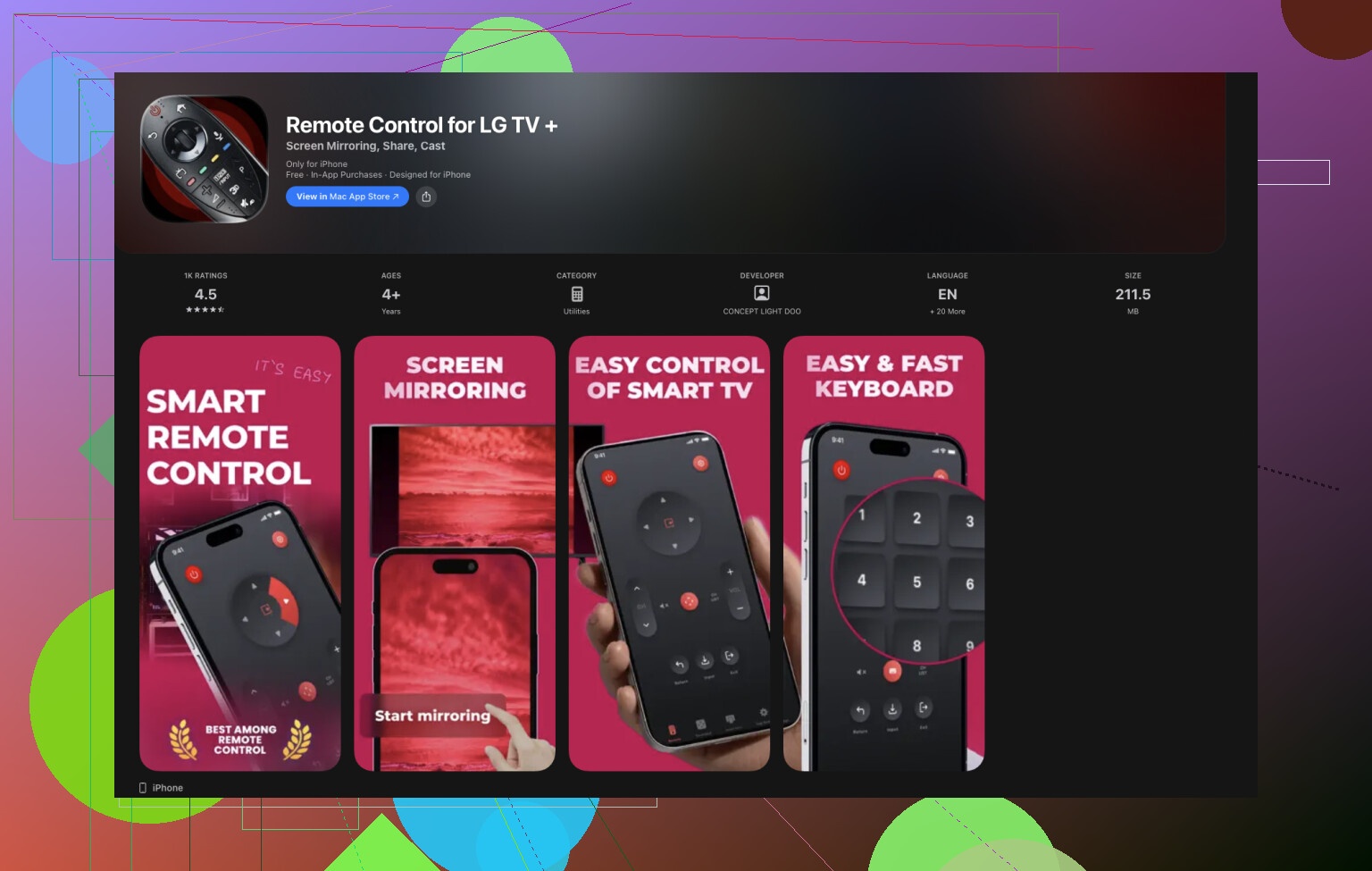
This one is aimed only at LG TVs. I tried it on two different LG models, one newer WebOS model and one slightly older.
What it did well:
• Built for LG only
The button layout matches what you get on a basic LG remote. Power, volume, channel, navigation, source, etc. If you only use LG, you might like how simple it is.
• Basic buttons work as expected
Volume up, down, mute, input switching, directional pad, OK, back, all worked on the newer LG. No guesswork.
• Light and fast
It opened quickly and connected faster than I expected after the first pairing.
• WiFi based
Same as TVRem, it uses WiFi, no external IR hardware.
Where it fell short for me:
• Not fully free
After a bit of use I hit paywalls for some features. If all you need is simple TV control, you might not care, but I do not like guessing where the free part ends.
• Some LG models do not play nice
On my older LG, some buttons were unreliable. Power worked, but some menu things did nothing. I did not spend time debugging, I moved on.
• No keyboard
This was the main deal breaker. If you only change volume and channels, it is fine. If you type passwords or search often, it becomes painful again.
• Very basic UI
Functional, but looked like a first version. If you want simple and do not care about looks, that is fine. I wanted something more efficient for streaming.
I uninstalled it after a few days, not because it was useless, but because it did not solve the typing problem and was not fully free for everything.
Remote for LG Smart TV Control – Simple, But Too Limited
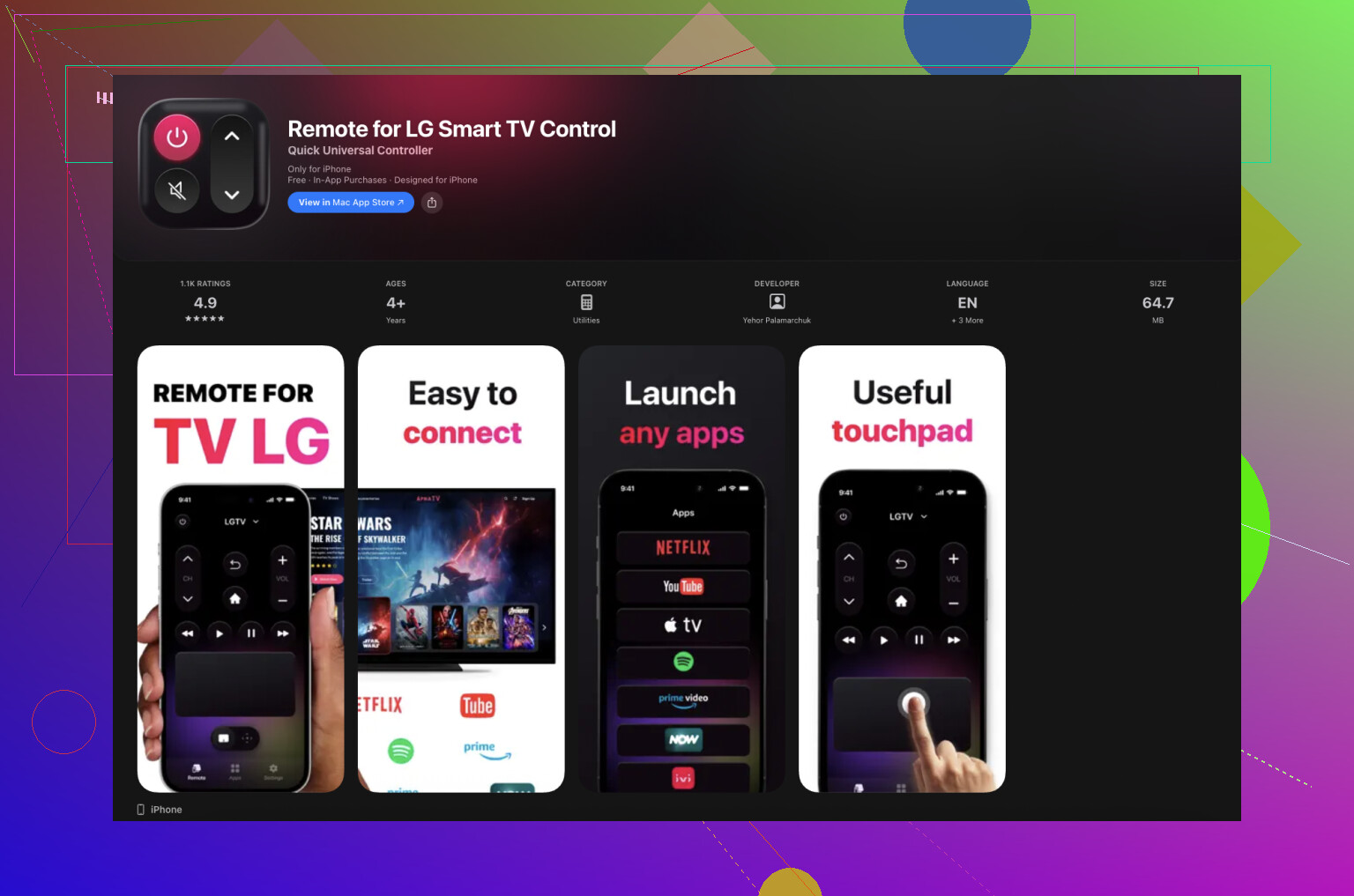
This one sits in the middle. It works, it is not terrible, but it felt too limited for daily smart TV use.
What worked:
• Straightforward interface
Install, connect to the LG TV over WiFi, get a remote screen with the usual suspects. It did not confuse me. That is good.
• Setup was quick
The app found my LG TV on the network and paired with it without extra steps other than confirming on the TV.
• Covers basic TV usage
Volume control, input switching, directional pad, back, OK. If you use built in cable, HDMI devices, and simple menus, you are mostly covered.
Where it lost me:
• LG TVs only
It did not connect to my other non LG TVs. If your home is all LG, this might be fine. I wanted one app for everything.
• No keyboard at all
Again, text entry killed the experience. No keyboard overlay. I had to use arrow keys on the TV interface for search. That made it feel like a remote from 2010.
• Some features locked behind in‑app purchases
Advanced options, extra layouts or buttons were paywalled. It felt like a free demo instead of a full free tool.
• Weak for streaming app navigation
On Netflix, YouTube, Prime Video and similar, the lack of keyboard and some missing shortcuts made it slower than TVRem.
Also, it is not totally free. If you want the complete feature set, be ready to pay something.
Conclusion
After trying several LG remote apps, TVRem clearly stands out as the best free LG TV remote app. Unlike the other two apps, it works not only with LG TVs but also with other brands, making it a true universal solution. It connects over Wi-Fi without any extra hardware, offers a built-in keyboard for fast text input, and provides a clean, intuitive layout that replicates the functionality of a physical remote.
The other apps are limited to LG only, often lock features behind in-app purchases, and lack keyboard support, which makes typing in Netflix, YouTube, or other streaming apps tedious. For anyone who wants a single, reliable, fully free app that replaces the physical LG remote and works across multiple TVs in the home, TVRem is the obvious choice.
16 Likes
I went down the same rabbit hole a few months ago. Lost the LG remote, App Store full of “free” apps, all banner ads and subscriptions.
Quick take based on what you wrote and what @mikeappsreviewer already tested:
-
Try LG’s own “LG ThinQ” app first
• It is not perfect, but it is free and has no fake paywalls.
• Works over WiFi. Your TV and iPhone need the same network.
• On newer webOS TVs, it gives you: power, volume, inputs, app launch, and a phone keyboard for search.
• On some older models, it is more limited, and keyboard does not always sync right.
• You might need to enable “Mobile TV On” or “LG Connect Apps” in TV settings:
Settings > General > Devices > Mobile TV On / LG Connect Apps. -
Stick with WiFi remotes only
• Any app that says “IR blaster” on iPhone is a waste. iPhones do not have IR.
• Look for “works over WiFi” or “network control”.
• If the TV is on Ethernet, it still works as long as it is on the same router as your phone. -
About TVRem vs the single brand LG apps
• I agree with @mikeappsreviewer on one point, TVRem is nice if you have mixed brands.
• I do not fully agree that the others are only for “volume and power”. On my 2022 LG one of the LG specific apps handled inputs and basic app navigation fine, it was just annoying with ads.
• If you only have LG and do not care about controlling other brands, the official LG ThinQ app plus one backup LG only remote app is enough. -
How to avoid the worst “free” apps
When you check the App Store page, look for:
• Screenshots with huge “Start free trial” banners on the first screen. That means aggressive paywall.
• Reviews that mention “every tap gives an ad” or “auto starts trial”. Skip those.
• Last update date. If no updates for a year or more, connection issues are more likely. -
Simple setup checklist to make any of them work
• TV and iPhone on the same WiFi.
• Turn off VPN on the iPhone if the app does not find the TV.
• On the TV, enable any setting named “LG Connect Apps”, “Mobile Link”, “Mobile TV On” or “Remote control via IP”.
• First time you connect, watch for a small popup on the TV asking to allow the phone.
If you want one concrete path, I would do this:
- Install LG ThinQ and set it up.
- If you want a cleaner remote layout and keyboard, keep TVRem alongside it.
- Ignore most of the other “LG remote” clones, they feel like the same template with different logos and more ads.
That combo covered everything for me, from volume to app search, without paying and without a physical remote.
If you just want “something that actually works” and not another ad farm, here’s what’s been solid for me with LG:
-
Start with LG ThinQ, but don’t stop there
@boswandelaar already mentioned it and I partly disagree with how forgiving they are. ThinQ works, but on some webOS versions it’s clunky, slow to connect, and the keyboard randomly decides not to talk to Netflix or YouTube. Nice as a backup, not amazing as your only remote. -
TVRem is good, but not magic
@mikeappsreviewer liked TVRem a lot and I get why. It’s probably the best “free enough” option if:- Your LG and iPhone are on the same WiFi
- You sometimes need to control non‑LG TVs too
- You do a bunch of text input
Where I’d temper expectations: it still depends on LG’s network control support. On some older LGs, power or certain menu keys are hit or miss. It’s not the app’s fault, just the TV’s API being half baked.
-
Stuff I’d avoid in the App Store
When you’re scrolling and see:- “Start 3‑day free trial” as the first screenshot
- Reviews saying “auto started subscription” or “ad every click”
- Apps updated once in 2021 and never again
…those are the ones that look free, then slap you with a paywall the moment you find the volume button.
-
What actually matters more than the app
This is the bit people skip and then blame the app in reviews:- TV and iPhone must be on the same local network
- VPN or “Private Relay” on iOS can stop device discovery
- On many LGs you must enable some version of “LG Connect Apps” or “Mobile TV On” or “Remote via IP” in General / Network / Devices
- First time you connect, watch for a tiny “Allow / Deny” popup on the TV. Miss that once and the app will never find it again until you reset permissions
-
If you only need basic control
Honest answer: if all you do is power + volume + inputs and you don’t type passwords often, some of the really barebones LG‑only remotes that people complain about for “too simple” are actually fine. They look ugly, have a banner ad at the bottom, but they connect fast and do the basics. In that use case, TVRem or ThinQ are almost overkill.
So if I were in your shoes right now and the physical remote is missing in action:
- Install LG ThinQ as the safest “official” option
- Install TVRem as your main daily driver, especially for typing and if you ever add another brand TV
- Ignore 90% of the “LG remote” clones yelling about “Pro” and “3‑day trial” in their screenshots
The bad reviews you see are usually people hitting paywalls they didn’t expect or not realizing the TV’s own settings were blocking network control, not that every single app is garbage.