I just switched to a Mac and I’m overwhelmed by all the different music apps and players available. I need recommendations for the best music apps for organizing a large library, streaming, and maybe some basic audio editing. Which music apps for Mac are you using and why do you prefer them?
I treat my Mac like a stereo some days and a studio on other days. Depends how fried my brain is. I bounced through a bunch of apps over the last few years, and I still don’t feel like I’ve picked a “correct” setup. So here’s what I ended up using, what broke, and what stayed.
The prices below are what I last saw listed, they change all the time, so double check before you throw in your card.
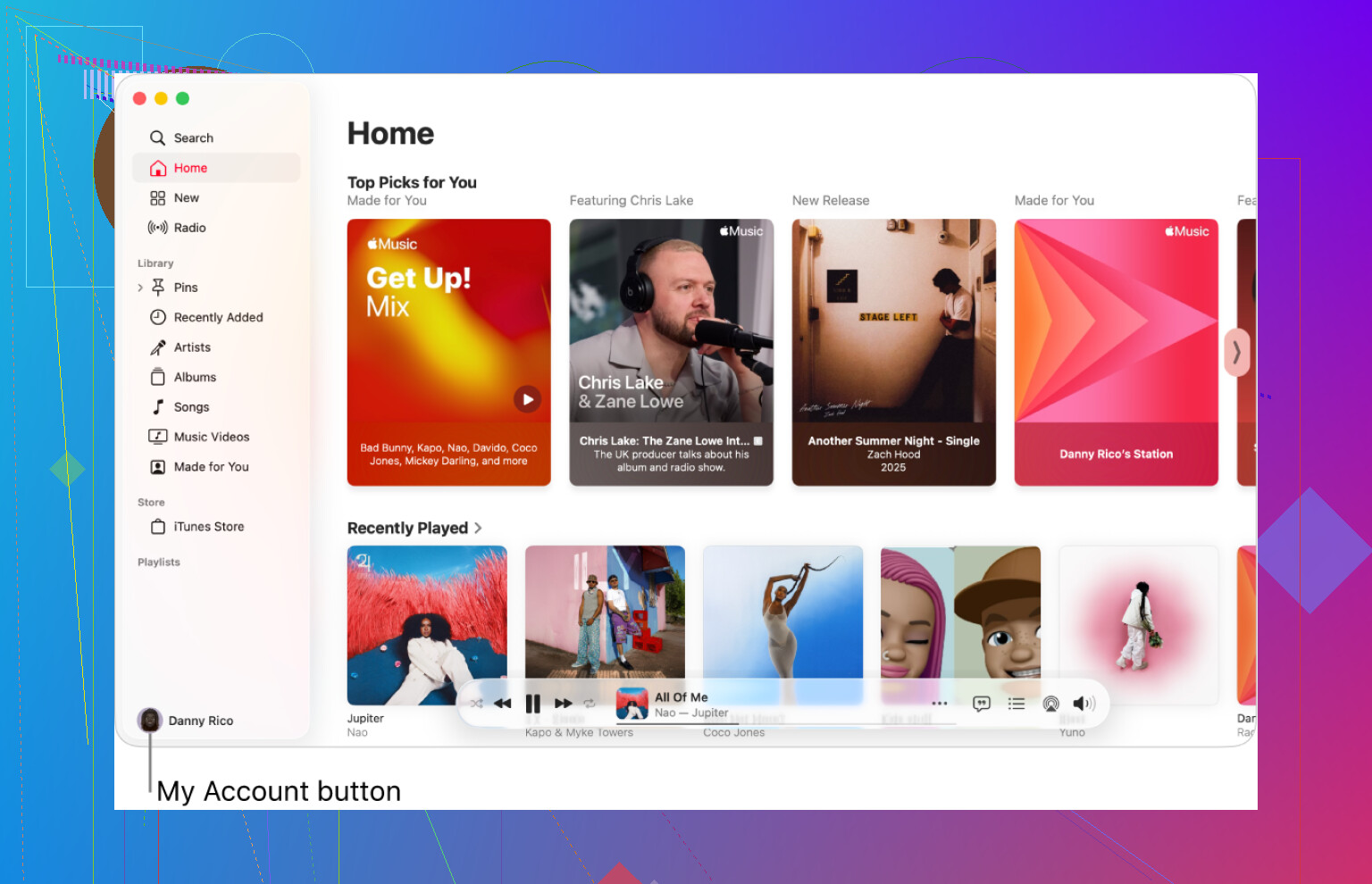
Apple Music ($10.99 / month)
I keep Apple Music around mostly out of laziness. It ships on the Mac, it ties into the system volume keys, and it doesn’t fight me when I hit play from the keyboard.
What it does well for me
• Local files: I dumped a pile of old MP3s and AACs from a 2008 backup drive into the Music app. Out of everything I tried, this handled the mess the best. Tags were hit or miss, but at least it indexed them without choking.
• Lossless streams: I tried a couple of their lossless and hi‑res jazz albums with decent headphones. I felt like I heard a bit more space in the cymbals and room tail, but I’m not going to swear it was night and day. Seeing the “Hi‑Res Lossless” label definitely messes with your brain.
Annoyances
• UI feels tangled. The navigation still feels like they stacked new ideas on top of old iTunes logic. Sometimes I end up in weird side panels and need a second to remember how to get back to my own library.
• Discovery is so-so. It feeds me stuff I know, not much I did not know. If you want “put something on and surprise me,” it trails behind Spotify for me.
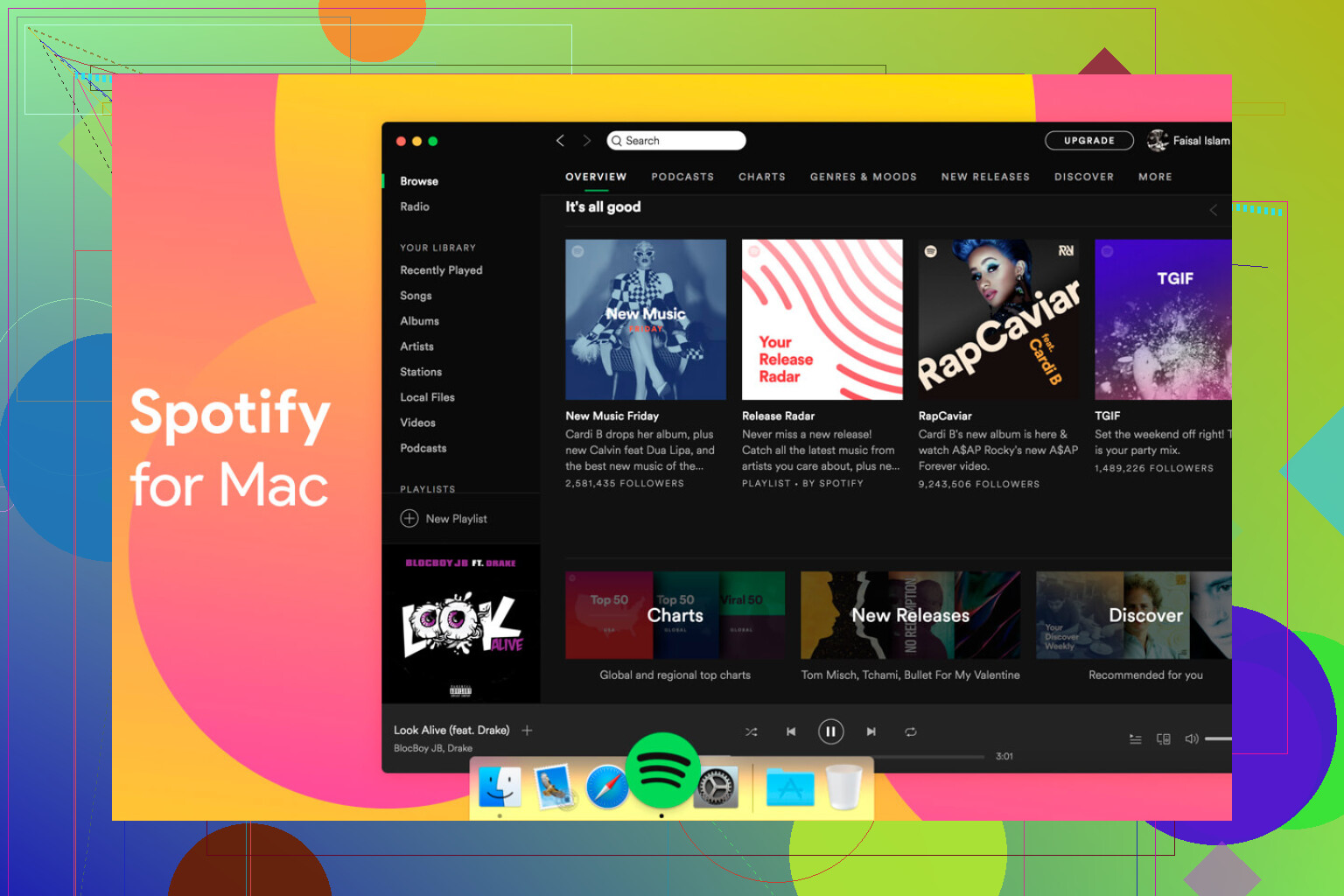
Spotify ($11.99 / month, supposedly going to $12.99)
I walked away from Spotify for a bit. Then a friend sent me a playlist and I felt my library looked like a junk drawer in comparison, so I reinstalled it.
What pulled me back
• Discovery: If I want new tracks without thinking, this is what I open. Release Radar and Discover Weekly hit more often than they miss for me. It got me into artists I probably would not have searched for.
• Social stuff: Shared playlists, links in group chats, “blend” playlists, all of that is smoother. For group listening sessions or sending songs around, it wins.
• “Set and forget” listening: When I’m working and only want background sound, I fire this up instead of digging around in my own library.
Downsides
• Desktop app feels heavy. It behaves like a web app wrapped in green. On older or fanless Macs I notice it more, scrolling gets sluggish during long sessions.
• Local file integration is weaker than Apple Music. It works, but the process always feels like a side feature instead of a first class thing.
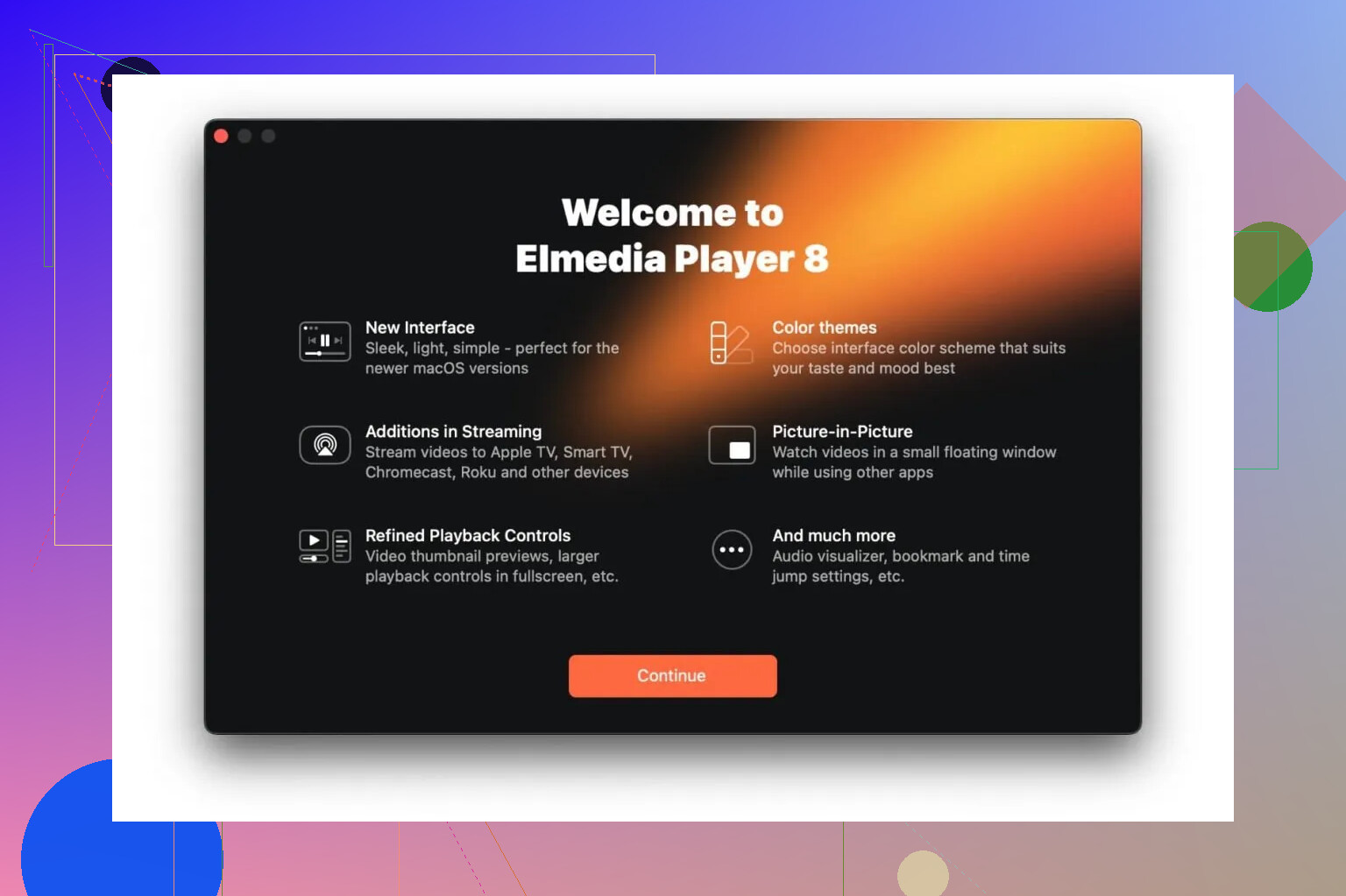
Elmedia Player (Free / $19.99 Pro)
I went hunting for Elmedia after Apple’s Music app refused to touch my FLAC collection. I had a folder with high‑res albums that I did not want to convert to ALAC.
What I did
• Dragged an entire FLAC folder into Elmedia and it started playing without a complaint.
• Tested a mix of 16‑bit and 24‑bit files, plus random odd formats from Bandcamp and old archives.
Why I paid for Pro
• I wanted to send audio to my living room TV over DLNA. With Pro, I targeted the TV directly, hit play, and it stayed stable.
• When I used AirPlay streaming from a browser to the same TV, I used to get dropouts or short hiccups when the network got busy. With Elmedia Pro sending via DLNA, the same files played clean during a couple hours of listening.
Where it fits
• Good for “difficult” formats, FLAC, some weird legacy stuff, without converting.
• Works as a general media player too, but I mainly keep it for the times when Apple Music shrugs at a file.
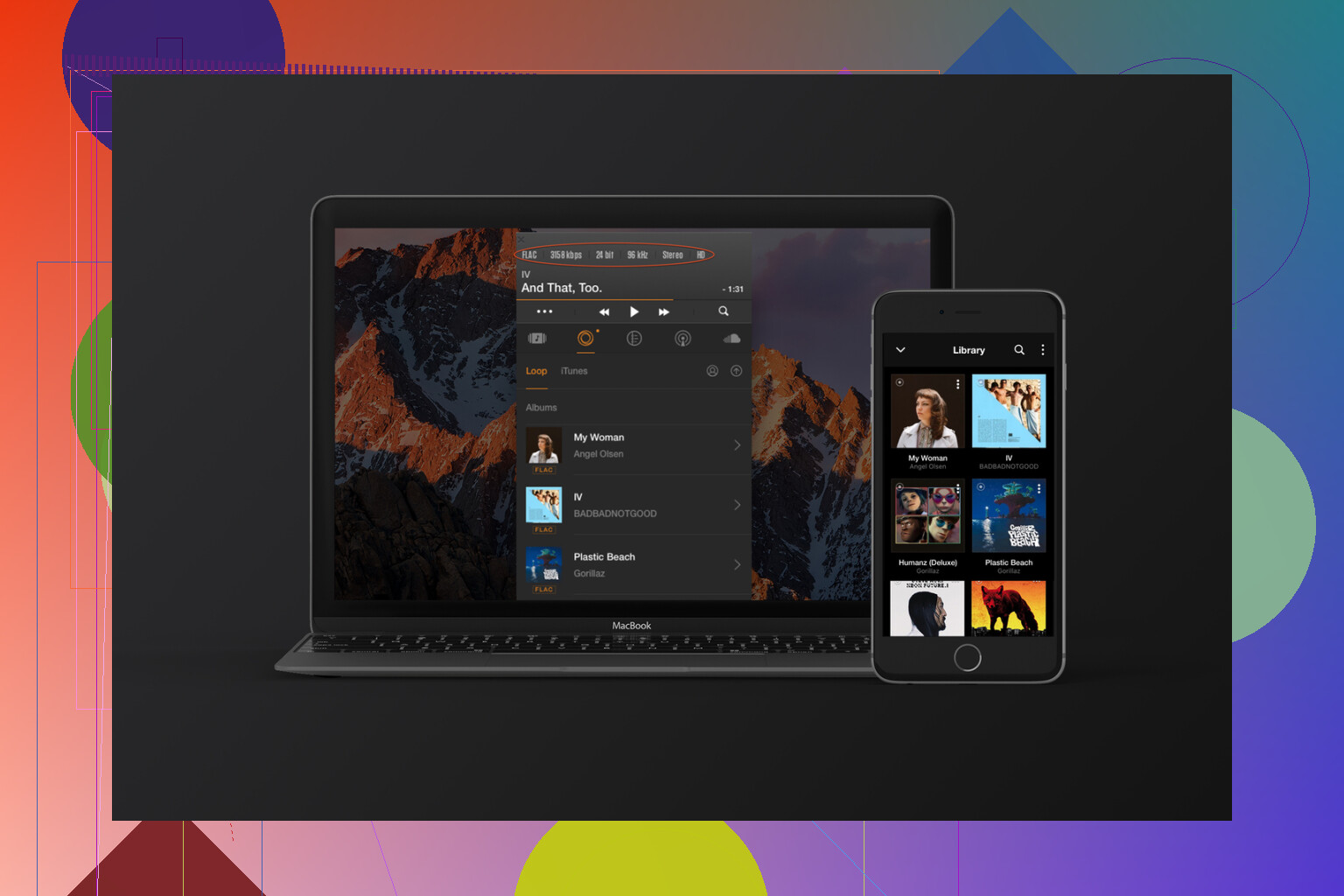
Vox ($4.99 / month)
I grabbed Vox when I wanted a tiny player that stayed out of the way. I didn’t want a full window stealing half my screen while I was working.
What I liked
• Lives in the menu bar. You get basic controls without a big UI hovering over your workspace. For small screens, this matters.
• Handles large libraries better than I expected. I pointed it at a folder with a lot of FLAC and MP3 albums stored on an external drive. Scanning took some time, but playback after that felt light.
• “Hog Mode”: This feature tries to take full control of the audio device and mute other system sounds. I toggled it on while using wired headphones and got the sense that system notifications and random app bleeps stopped fighting with the music, which is all I wanted.
Caveats
• Subscription model at $4.99 a month feels steep if you only play a modest offline library.
• Their cloud features are wasted if you do not want to upload or sync through their service.
GarageBand (Free)
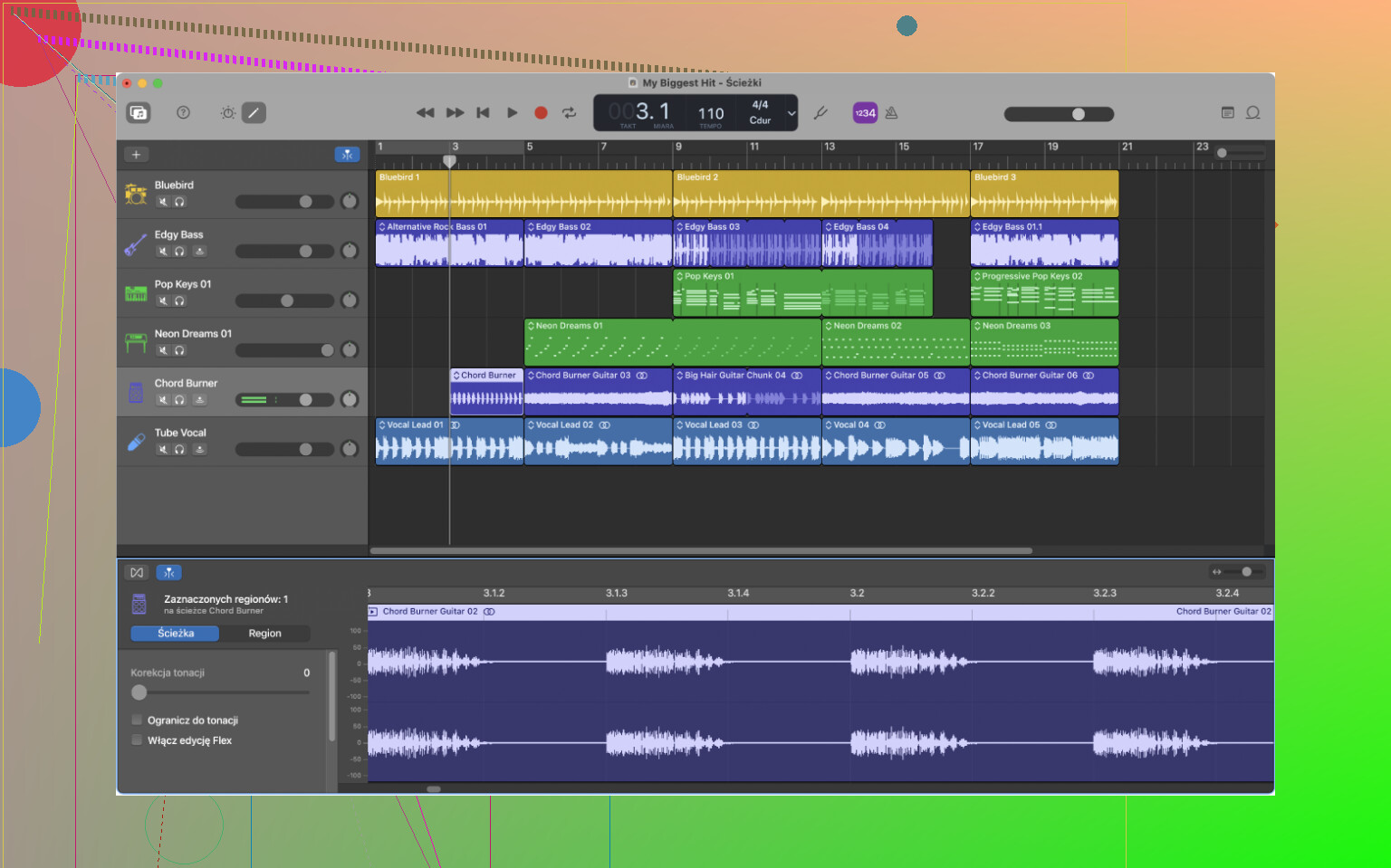
I went back to GarageBand recently to check if I still remembered how to lay down a guitar track and a few MIDI layers.
What surprised me again
• It is free and not gutted. For recording a couple of live instruments, adding software drums, and mixing a podcast, it covers way more than bare basics.
• The “Drummer” feature still works well. I threw together a four chord loop, added a drummer track, and with a few knob tweaks it followed the groove tightly enough for a rough demo. For quick song ideas, it is fast.
• Built‑in instruments and amps are fine for sketching. Guitar amp sims are not the most detailed ones compared to dedicated plugins, but for idea capture they are good enough.
Limitations I ran into
• Project complexity hits a wall. Once I started stacking more buses, more intricate routing, side‑chains, it began to feel constrained.
• Plugin chains and automation views feel simplified, which is helpful when you start, but at some point you want more precise control and routing grids.
Logic Pro ($199.99 one time, or $12.99 / month in Creator Studio)
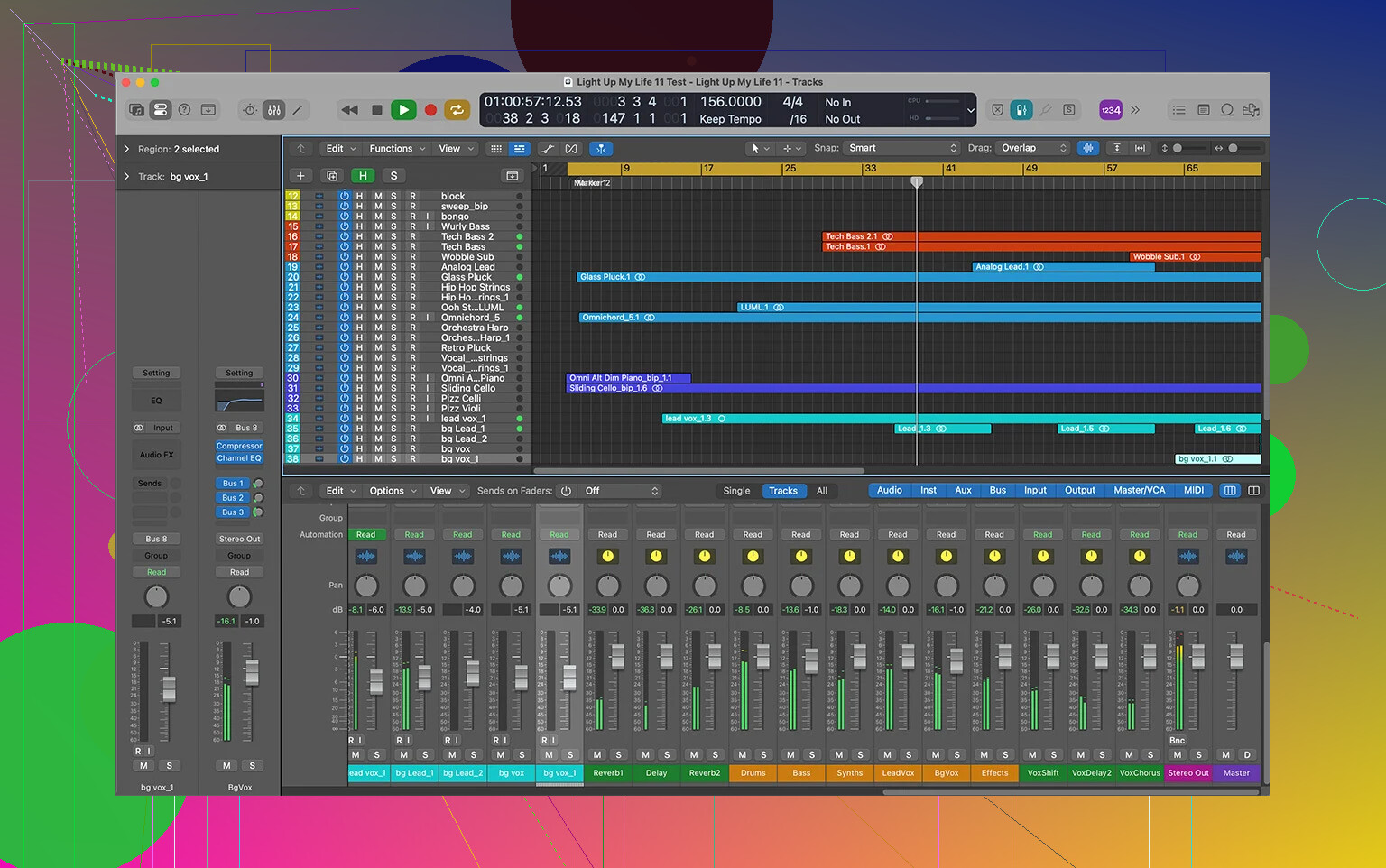
I moved to Logic Pro once I hit GarageBand’s ceiling. The project that pushed me over had a bunch of vocal layers, buses, parallel chains, and I kept fighting the layout.
How it felt transitioning
• Interface looks familiar if you used GarageBand. The track area, transport bar, and a lot of shortcuts carry over. You are not starting from zero, but every area exposes more options.
• There are way more tools. More instruments, more effects, and deeper routing. The “Environment” view and advanced mixer options took me a while to get comfortable with. At first, it feels like someone opened the back panel on a console and showed every wire.
• The new AI‑aided instruments and features (like the updated synth players and assistive tools) work like helpers when building ideas. I set up a couple of synth sounds using some of those suggestions and then tweaked from there. It cut down the time I spent hunting through presets.
Money side
• I went with the standalone $199.99 license. For me, paying once hurt initially, but it removed that background stress of another subscription.
• The Creator Studio option at $12.99 a month spreads the cost, but long term it adds up. If you know you will use it for years, the one time fee seems more sane.
Where it lands
• For podcasts, simple demos, or casual music creation, GarageBand holds up.
• For bigger arrangements, more serious mixing, or if you want to integrate a lot of third‑party plugins and detailed routing, Logic Pro feels more appropriate.
Where I ended up using what
Quick recap of how I actually use these now, so you can map it to your own setup:
• Casual listening to my own files: Apple Music, because it is tied into the system and handles old MP3/AAC libraries decently.
• New music and shared playlists: Spotify, because its discovery is stronger and social features are smoother.
• High‑res and oddball formats: Elmedia Player, especially FLAC and files that Apple Music skips.
• Minimal footprint player: Vox, when I want audio controls in the menu bar and a library on an external drive.
• Learning and quick recording: GarageBand, for scratch ideas, simple podcasts, and practice.
• Bigger projects and deeper production: Logic Pro, once track counts, routing, and plugin chains start piling up.
25 Likes
You got a solid rundown from @mikeappsreviewer already, so I will fill in some gaps and push back in a couple spots.
You said:
- Large local library
- Streaming
- Basic audio editing
Here is a lean setup that keeps things sane.
- Library management and playback
For mixed formats, including FLAC and older rips:
• Elmedia Player
If your library has FLAC, odd Bandcamp downloads, or old rips, Elmedia Player is one of the cleanest options on Mac.
Drag folders in, it plays, no drama. The Pro version adds DLNA etc, but even the free build is a solid library player if you do not want to live inside Apple Music.
For big MP3 / AAC libraries with playlists:
• Apple Music app
I agree with @mikeappsreviewer that it handles old iTunes era stuff better than most.
Where I disagree a bit is on the UI. If you ignore all the Apple Music tabs and stay in Library only, it feels much less messy. Turn off stuff you do not use in Settings, especially “Sync Library” if you want local only at first.
For nerdy library control:
• Swinsian (paid, one time)
This is for you if you care about tags, multiple genres, quick smart playlists.
Faster with big libraries than Apple Music in my experience. Handles FLAC, MP3, AAC in one place. No store, no streaming, pure library manager and player.
- Streaming
• Spotify
Agree with them here. If you want discovery and shared playlists, this still wins.
If the desktop app feels heavy, keep it for discovery and playlists only, then save albums you love to your local library via Apple Music or downloads.
• Apple Music subscription
If you care more about integration with the system and lossless, this is easier than juggling two services.
For you it depends on whether social features and discovery matter more than tight Mac integration.
If you want something more focused on sound quality:
• Tidal or Qobuz
Both do lossless and hi res.
Tidal has better playlists.
Qobuz is nicer if you like full albums and liner notes.
Their Mac apps stay simpler than Spotify’s in my experience.
- Basic audio editing and light creation
• GarageBand
You do not need Logic for basic work. For trimming songs, recording a podcast track, cutting intros and outros, and bouncing to MP3 or AAC, GarageBand is enough.
Workflow:
Import audio, split with Command + T, delete what you do not need, fade with the automation line, export.
If you want more “editor” and less “DAW”:
• Audacity
Ugly UI, but fast for:
– Cutting tracks
– Normalizing volume
– Simple EQ
– Exporting to different formats
Good when you want to fix tags or levels on random files without starting a full DAW project.
- How I would set you up today
If I were starting fresh on a Mac with your needs, I would do:
• Elmedia Player for FLAC and problem files, plus DLNA if you want to send to a TV or receiver.
• Apple Music app for general local library, playlists, and if you go with Apple Music streaming.
• Spotify only if you care about discovery and friends sharing playlists.
• Swinsian if your local library gets huge and you want better tag control than Apple’s app.
• GarageBand for basic editing and small recording jobs.
• Audacity for quick destructive edits and format conversions.
That covers organizing, streaming, and simple editing without you drowning in overlapping tools.
You’re not crazy, macOS is kind of a zoo for music apps right now. @mikeappsreviewer and @cazadordeestrellas already hit the big players, so I’ll skip re‑explaining Apple Music / Spotify / GarageBand and focus on filling the gaps for your 3 needs:
- huge local library
- streaming
- basic editing
…and on not turning your Mac into a DAW-shaped trash pile.
1. Organizing & playing a large local library
If your library is big and mixed (old MP3s, FLAC, Bandcamp weirdness), I’d structure it like this:
A. “Plays almost everything” front-end
Elmedia Player
If you have FLAC, random formats, or folders of albums on external drives, Elmedia Player is honestly one of the easiest Mac options right now.
- Handles FLAC, hi‑res stuff, and oddball formats without forcing conversions
- Works well as a plain player if you just want “open folder, hit play”
- Pro adds DLNA which is actually useful if you want your Mac to behave like a network streamer to a TV / receiver
I’d disagree slightly with the idea of using Elmedia only for edge cases. If you are not into the whole “big all‑in‑one library manager” thing, Elmedia Player alone + decent folder structure is a perfectly valid setup.
B. If you want proper iTunes‑style library control
Apple’s Music app is… fine. But if your library is big and you are picky about tags:
Swinsian (one‑time paid)
- Way faster with large libraries than the Music app on some machines
- Proper FLAC support
- Better bulk tag editing, multiple genres, smart playlists
- No store, no streaming, just: “here is my local library, do not mess with it”
If you are even a little OCD about metadata, Swinsian + Elmedia Player makes more sense than trying to bend Apple Music into something it never really wanted to be.
Rough split I’d use:
- Tagging / organizing / building playlists: Swinsian
- “Just play this folder / album now, no drama”: Elmedia Player
You can keep Apple Music around just for when macOS insists on launching it with keyboard keys.
2. Streaming
You basically have to decide what you care about most:
- discovery
- sound quality
- integration with macOS
Spotify
If your priority is “find new stuff and share playlists with people,” Spotify still wins. I agree with both other posts there. The desktop app is not great, but the recommendation engine is still ahead.
Apple Music (subscription)
If you care more about:
- tighter Mac integration
- lossless as a default
- using the system media keys without hacks
then Apple Music as your streaming service + local library makes sense. Just be careful with “Sync Library” if you do not want Apple touching your own files.
Where I slightly disagree: Apple Music’s discovery is not that terrible if you spend some time liking / disliking tracks and following a few curated playlists. It will never feel as aggressive as Spotify though.
Audiophile-ish alternatives
If “sound > social”:
- Qobuz: nicest for full albums, liner notes, hi‑res. Mac app is simple and not as bloated.
- Tidal: more playlists, but the app is a bit heavier.
For a new Mac user, I’d pick one of these plus your local tools and stop there. Juggling three streaming subs is the fast lane to analysis paralysis.
3. Basic audio editing
You said “maybe some basic audio editing,” which is usually:
- trimming tracks
- fixing volume
- exporting to MP3 / AAC / WAV
- maybe recording a voice or instrument
You have two realistic paths:
A. DAW-lite approach
GarageBand
Already on your Mac, and for basic editing it is totally fine:
- Drop audio in, cut (Cmd+T), move, fade, export
- Record your own voice / guitar on top if needed
Where I disagree a bit with the “GarageBand ceiling” talk: for basic work you are miles away from that ceiling. You do not need Logic for what you described.
B. Straight editor approach
If you want “editor” instead of “mini studio”:
Audacity
- Ugly UI, but it opens fast and does destructive edits
- Trim, normalize, basic EQ, convert formats quickly
- Great for cleaning up random files without starting a full project
Think of it like a text editor vs a word processor: GarageBand is Word, Audacity is Notepad for audio.
4. Minimal but sane setup I’d actually recommend
If I were in your shoes, just switched to Mac and want to keep my brain unfried:
-
Elmedia Player
- For playback of local files, especially FLAC and mixed formats
- Use it as your “Mac is a stereo” app
-
Swinsian (if your library is really big / messy)
- For library management, tagging, smart playlists
- Optional, but worth it once you pass a few hundred albums
-
One streaming service
- Spotify if you care about discovery / friends
- Apple Music if you care about system integration + lossless
- Pick one and stick with it for 3 months before second‑guessing
-
GarageBand + Audacity
- GarageBand for any multi‑track or “music-ish” task
- Audacity for quick trims / conversions
That gives you:
- strong library handling without Apple taking over everything
- streaming that does not require three subscriptions
- editing tools that cover 99% of “basic” needs
You can always add Logic Pro or some fancy DAW later if you actually start producing more than you’re listening. For now, resist the temptation to install every “pro” thing you see, or your Mac will spend more time scanning plugins than playing music.