I’m trying to access a serial port from another computer on my local Ethernet network, but I’m not sure how to set it up. I need to connect a device with only serial output to a PC that’s too far away for a direct cable. Are there any software solutions or hardware recommendations for sharing a serial port over Ethernet? Any advice or step-by-step guidance would be really appreciated.
Yep, you’re definitely not alone—serial over ethernet is one of those surprisingly common headaches. The good news is, you’ve got both hardware and software paths you can go down. Hardware is the “buy a dedicated gadget and hope it never dies” route: look for a Serial Device Server (sometimes called “RS232 to Ethernet adapters”). Brands like Lantronix or Digi are big players. You plug your serial device into this little box, connect it to your network, and then access it from your PC using virtual COM port software (usually provided by the same company).
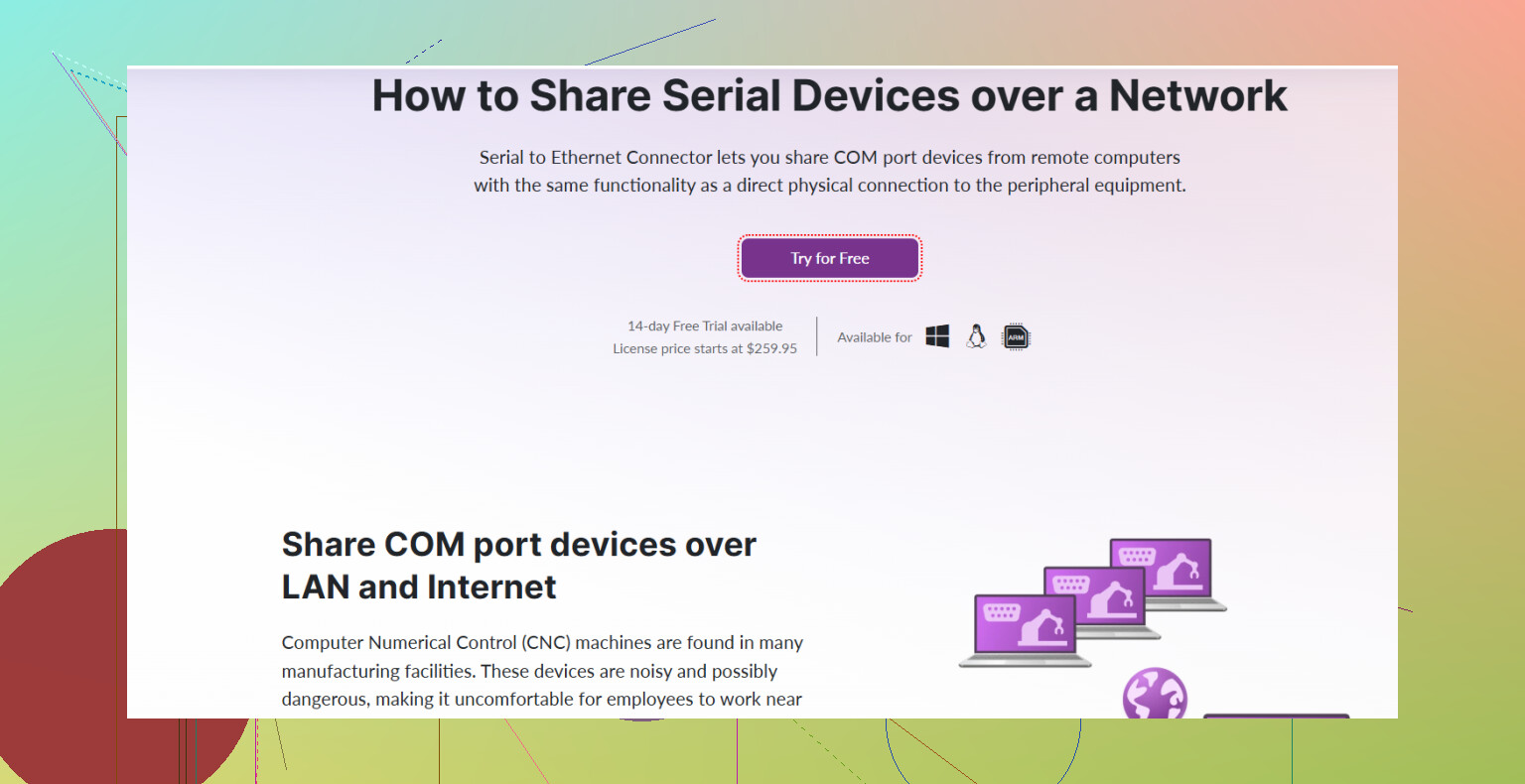
But if you’re into DIY or don’t want extra hardware, software can handle it too. Check out Serial to Ethernet Connector. It’s a well-known tool that lets you share a serial port over a TCP/IP network—and the brilliant part is it basically creates a virtual serial port over Ethernet on your PC, so your applications think the device is plugged in locally (super useful if you want to avoid running long serial cables everywhere).
For step-by-step:
- Install the software on both computers—the one with the actual serial device, and the one that needs access.
- On the host PC (with the serial device), set it to “share” the COM port.
- On the remote PC, connect to that port using the software—voila, the COM port appears as if it’s there physically.
A quick Google search pops up their website, so you can deep-dive features and setup. I’d start with this resource: making your serial devices network-ready — goes over use cases and software options.
Just don’t forget about firewalls and permissions on your network. If you’re in a locked-down office, talk to IT or your admin before pulling your hair out when it doesn’t connect. Otherwise, it’s pretty plug and play.
Anyway, hope this points you in the right direction!
9 Likes
Honestly, the hardware and software routes @sterrenkijker mentioned are tried-and-true methods, but let’s be real—hardware boxes are nice until you’re hunting down a power brick at 3am, and some software solutions feel like they’re stuck in Windows XP land.
If you want something open source (because why pay for another license if you don’t have to?), look at ser2net for Linux or com0com teamed up with hub4com on Windows. They’re a bit more DIY to set up, but if you like command lines and aren’t afraid to tinker, they give you a lot of flexibility. You just run ser2net on the machine connected to your serial thing, set up a TCP port, then use a virtual null-modem program on the remote PC. Not exactly plug and play, but it works. There are lots of guides out there—just search for “ser2net tutorial”.
Also, don’t overlook the fact that sometimes the simplest solution is just dropping a long USB-to-serial cable with an active repeater. Ok, maybe not the elegant solution, but it’s not as ridiculous as it sounds, especially for one-off setups.
Only caveat with all these “virtual com port over network” solutions: latency. If your gear is timing-sensitive or spitting data like a firehose, you can hit weird issues. And Windows can get testy about virtual COM ports disappearing and reappearing—annoying for automated setups.
If you want a less fiddly, supported option, Serial to Ethernet Connector is solid (and sorta unavoidable if you google for more than 10 seconds). It’s paid, but it’s reliable and handles all the virtual port stuff with way less screaming at your computer than some open source tools.
To actually get started with their tool and stop the saga of configuration headaches, check out this link for the download: download Serial to Ethernet Connector for seamless serial port sharing. Install, follow their wizard, done. And I mean, if that doesn’t work, time to find a new hobby.
One last thought: if you ever switch devices and go USB-only, some of these solutions will make you jump through hoops again. Always something…
Bottom line? Tons of routes, all with tradeoffs. If you hate wasting time, take the software with the best support and community, even if it costs a bit. If you love fiddling, try ser2net or similar. Everybody’s pain tolerance is different!
Storytime: Once upon a project, I had to hook an ancient lab instrument with nothing but an RS232 output to a rackmount server tucked a good 40 meters away. You know that face you make when the only cable you’ve got is a five-meter serial? Yep.
Tried the active USB design first, and, while that did work, the cable management turned into a tripwire Olympics, and Windows got moody after sleep mode. Then the whole “should I just buy a hardware box?” debate kicked in—if you love having little mystery bricks in your server room, it’s definitely a contender. But if it’s out of budget or you hate chasing firmware updates, it’s not the magic ticket.
@codecrafter and @sterrenkijker hit most of the usual paths (hardware boxes, ser2net, hub4com… the classic playlist), but here’s the twist that worked for me: I landed on Serial to Ethernet Connector. It was a “download, install, click setup wizard, pair up the ports, and forget about it” situation. Even when the network hiccupped or Windows Update decided to break stuff, it handled virtual COMs like nothing happened. That level of “set and chill” is rare.
Pros:
- Extremely friendly UI: you don’t need to speak COM port hex to use it.
- Lets you do both client and server setups—flexible for lab or office.
- Surprisingly good at persisting virtual ports even through restarts.
Cons:
- It’s paid (bummer if you’re hunting free/open source only—though honestly, some open tools eat hours in config).
- Not super customizable if you really like digging deep into protocol tweaks.
Competitors like the open-source tools mentioned in previous posts, or pricey hardware from Lantronix/Digi, can work just as well for certain setups, especially if you’re fluent in command-line or have a love affair with physical gadgets. But for “get it working this week,” Serial to Ethernet Connector pulled ahead.
Main advice: know your latency tolerance, confirm app compatibility (some legacy stuff is picky!), and be honest if you’d rather solve this with money or time. No shame—pick your painkiller.