I misplaced my TCL TV remote and need a free TCL remote app that actually works. I tried a couple of apps, but they either would not connect or kept asking for payment. I need help finding a reliable free option so I can control my TCL Roku TV again.
I went down this rabbit hole after losing the stock TCL remote under a couch for, no joke, almost two weeks. My first mistake was trying to identify the exact TCL platform before doing anything else. You usually do not need to do that.
TCL sets ship with a few different systems, Google TV, Android TV, Roku TV, and some other smart TV builds. In day to day use, a universal remote app is often the fastest fix.
What I’d try first
Start with TVRem – Universal TV Remote.
https://apps.apple.com/us/app/tvrem-universal-tv-remote/id6746162794
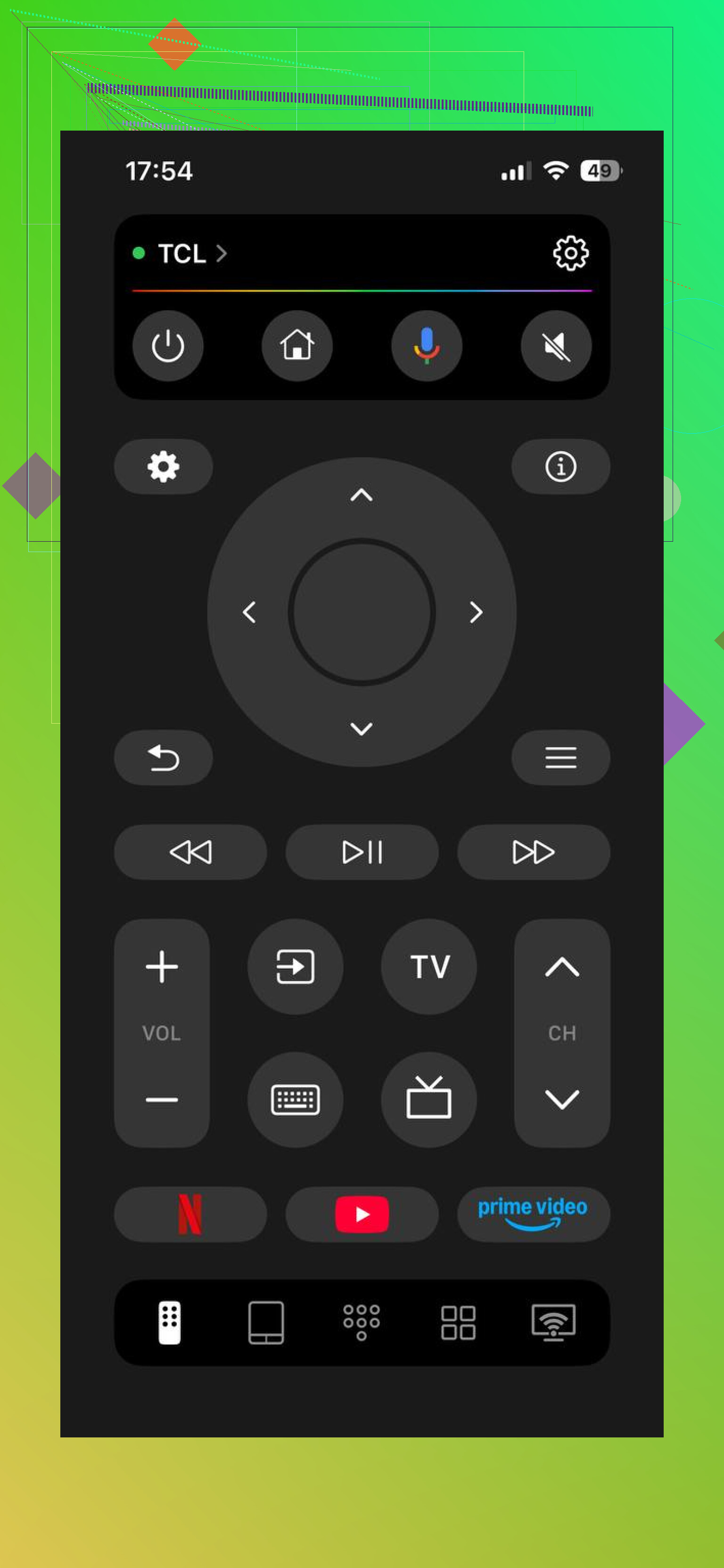
My setup was simple. Phone on the same Wi-Fi as the TV. Opened the app. Waited a few seconds. It found the TV on its own. One tap later, I had the basic stuff working.
You get the usual controls. Menu navigation, volume, app launching, and text entry from your phone keyboard, which is way less annoying than pecking letters one by one on a TV screen.
https://www.youtube.com/watch?v=fglSCEAH54M
Why this one saves time
The main thing is coverage. It is not boxed into one TCL variant. If your set runs Google TV, Android TV, Roku TV, or another common smart TV platform, this app tends to be the easiest first shot. I liked not having to poke through settings menus trying to figure out what TCL sold me three years ago.
If your TCL uses Google TV
I also tried the official Google TV app on one newer set. It was stable for me. Setup was the same idea, same Wi-Fi, open the remote section, pick the TV when it shows up. The layout is clean and the core controls are there. No drama.
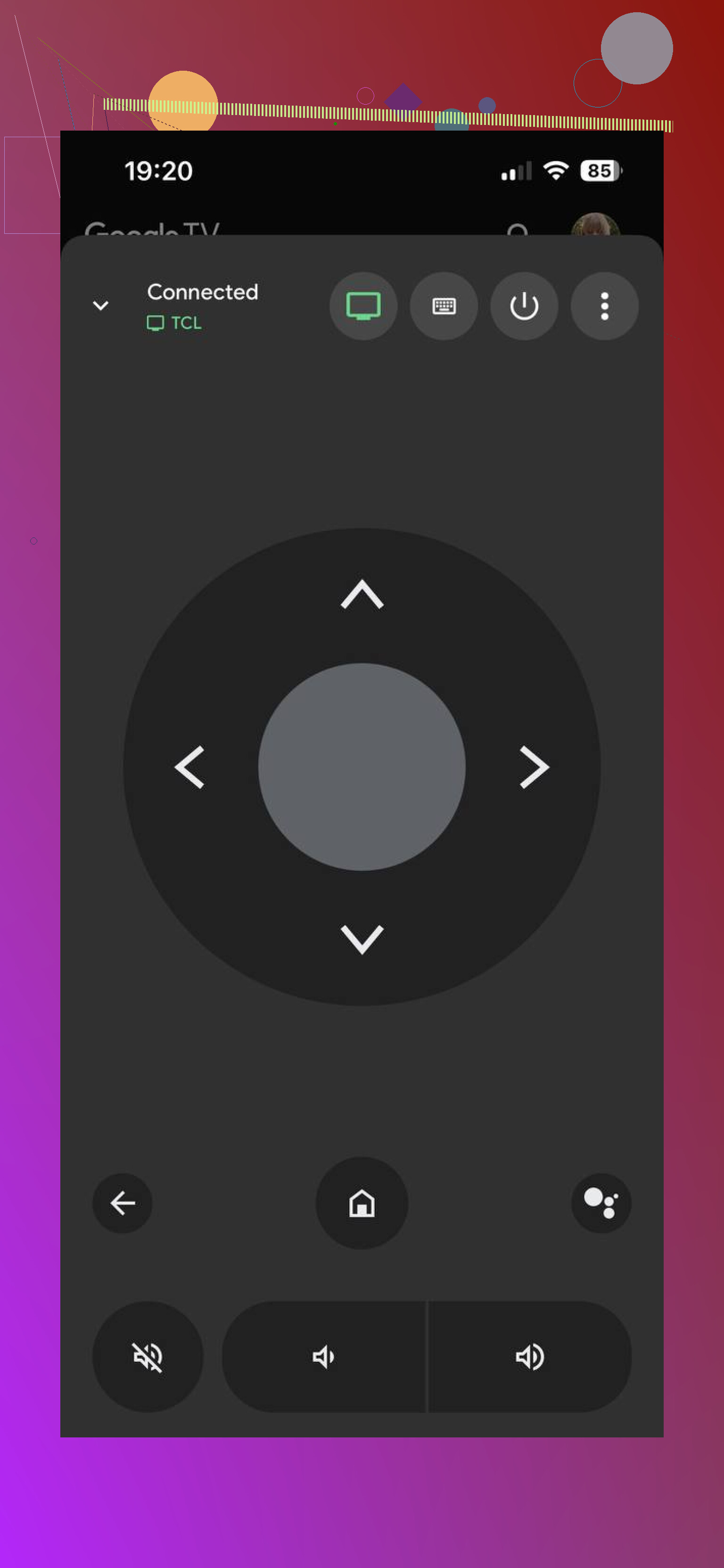
If you already know your TCL is on Google TV, this is a safe backup. I still ended up preferring the universal option first, mostly because it cut out the platform checking.
The TCL app option
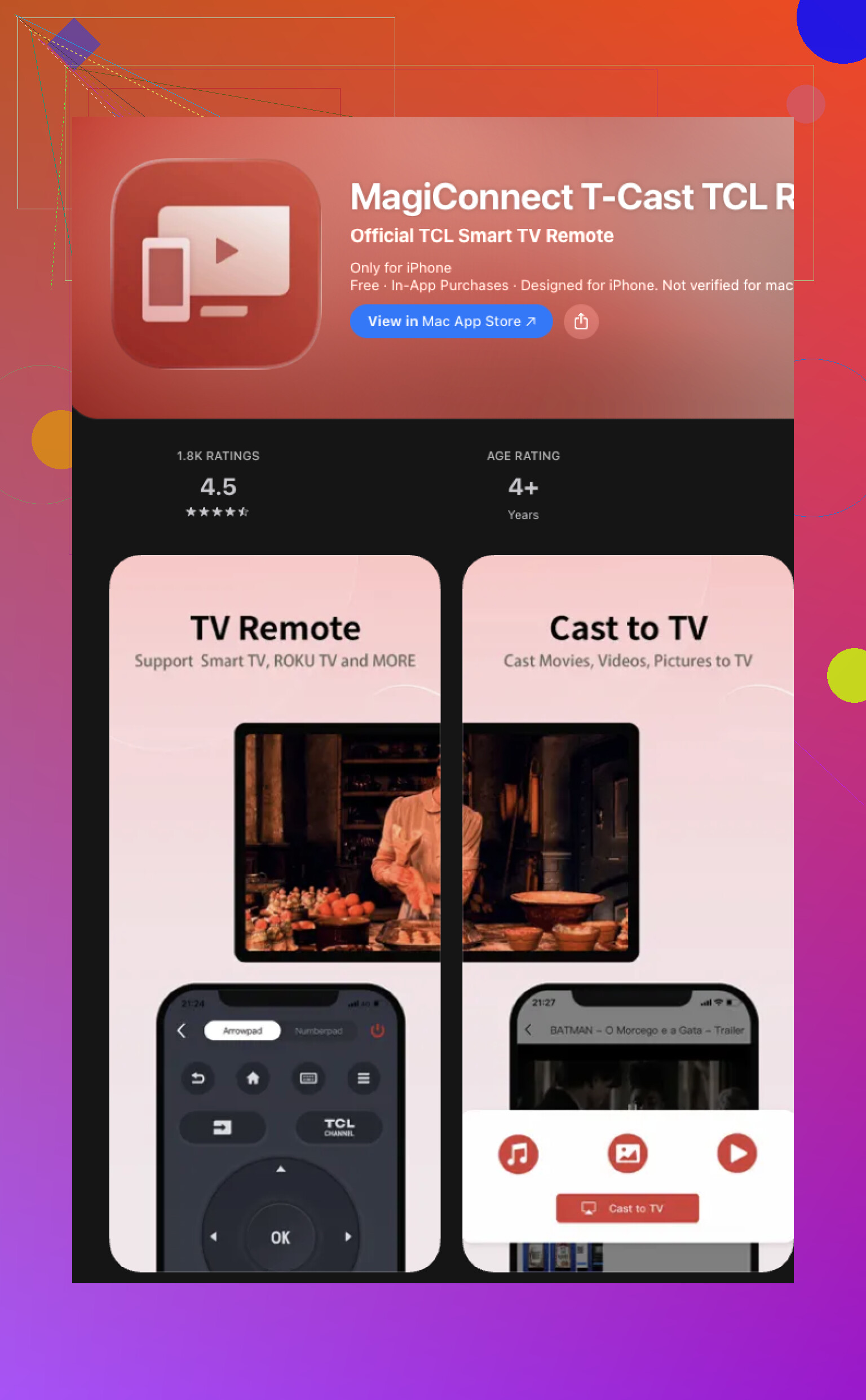
TCL has its own app too, MagiConnect, also called T-Cast on some devices. I tested it, and my experience was mixed. On one TV it behaved fine. On another, parts of it felt aimed more at casting media than replacing the remote full time. So yes, it works for some people, though I would not put it at the top of the list if your goal is plain remote control every day.
Short version
If you want one app first, without sorting through TCL model numbers and software versions, I’d start here: TVRem is the easiest and most universal option.
It covers Google TV, Android TV, Roku TV, and other smart TV setups, so you do not end up installing three different remote apps for one television. If your TCL is confirmed to be Google TV, the official Google TV app is still a solid fallback. For the fastest path, though, TVRem felt like the low-friction pick.
Skip the random “TCL remote” apps in the store. Most are ad traps or push a paywall after 2 taps.
What worked for me was using the official app for the TV system instead of a TCL-branded app:
If your TCL is Roku TV, use the Roku app.
If your TCL is Google TV or Android TV, use Google Home first, not MagiConnect.
I know @mikeappsreviewer mentioned the universal route. I’d do the opposite if you want free with less guesswork long term. Official apps tend to stay free and connect more reliably.
Quick checks if nothing connects:
Your phone and TV need the same Wi-Fi.
Some TCL TVs lose Wi-Fi in standby, so turn the TV on with the power button on the set first.
VPN on your phone breaks discovery sometiems.
Public or guest Wi-Fi also causes issues.
If you don’t know your TCL platform, look at the home screen:
Roku, purple style menu.
Google TV, big banner rows.
Android TV, older row layout.
For pure free, Roku app is the safest pick from my expereince. Google Home is next. MagiConnect was hit or miss for me.
I’d split the difference a bit with @mikeappsreviewer and @viaggiatoresolare.
If you want actually free, I would also check whether your phone already has a built-in IR blaster app or supports one. A lot of older Android phones, especially Xiaomi, Huawei, some Samsungs, can control TVs with no pairing drama at all. That matters because Wi-Fi remote apps are useless if the TV is asleep or got kicked off the network. People forget that part and think the app is broken.
So my order would be:
- Built-in IR remote app on your phone, if your phone has IR
- Official platform app if you know it’s Roku or Google TV
- Universal app if you don’t know the platform
I kinda disagree with the “just use MagiConnect” crowd. It always felt clunky to me and more about casting than being a real remote. Not total garbage, just… not my first pick.
Also, if nothing connects, try enabling TV control from the physical button on the TCL set first. On some models the tiny power/input button under the bezel lets you wake it up and get onto Wi-Fi again. Annoying, but it works.
If you have an iPhone, options are more limited unless the TCL is already on the same network. That’s the one catch ppl don’t mention enough.
Before installing another app, I’d check your cable or satellite remote, if you already have one. TCL provides programming instructions for compatible remotes to handle basic TV controls.
Look up your remote’s model number, follow your provider’s TCL setup instructions, then test power and volume. Input switching depends on compatibility.
Its a free workaround using hardware you already own. I’d try this first if you mainly need teh basics, rather than spend more time testing apps.
Two households, same lost remote. In the first, the TV sits on a wired-ish network, stays awake enough that a phone finds it in seconds, and basically any decent app works. In the second, the TV drops off Wi-Fi the moment it sleeps, so every app looks broken no matter which one you install. Same problem on paper, completely different fix. Most of this thread is answering the first case and skipping the second.
That second case is where @kakeru is right about IR. If your phone has an infrared blaster, it does not care whether the TV is awake, on your network, or sulking in standby. It just fires like the plastic remote did. The catch nobody says out loud is that almost no phone sold in the last few years still has IR. If you’re on a recent iPhone or a mainstream Samsung or Pixel, that door is closed. So it’s a great fix for maybe a quarter of people and useless for the rest.
On the universal vs official debate, I lean toward @viaggiatoresolare. Official platform apps stay free because the vendor has a reason to keep them alive, and they tend to survive OS updates without suddenly demanding a subscription. The universal pick that came up, TVRem, is a fine first stab if you genuinely don’t know what your TCL is running, but the thing I’d warn about is that ‘universal’ Wi-Fi remotes still depend on discovery working, which is exactly what breaks in that second household. It doesn’t magically solve the standby problem. It just hides it behind a nicer button layout.
One practical angle for the iPhone crowd, since that got brushed past: if your TCL is a Roku model, the Roku app does text entry and private listening through headphones, which the physical remote often can’t even do. That alone makes it worth grabbing over anything generic.
My honest order would be:
- Check if the TV is actually staying on the network. Wake it with the button on the set, confirm it shows up, then test an app. Do this before installing anything else or you’ll blame the wrong thing.
- Match the app to the platform. Roku app for Roku TV, Google Home or Google TV for the Google models.
- Universal app only if you can’t tell what you’ve got.
And the boring truth: a no-name replacement remote off a marketplace is a few bucks and works even when your Wi-Fi is having a bad day. If you mostly need power, volume, and input, that beats fighting with discovery every single time the TV naps.