I need a professional headshot for my resume and LinkedIn, but I can’t spend any money right now. I’ve tried a few apps and sites, but either the quality wasn’t great, or the download requires payment. Does anyone know a good free AI tool that actually lets you download your headshot without watermarks or hidden charges? Any advice or links would really help me out.
If you’re looking for a free AI headshot generator, you should definitely check out the Eltima AI Headshot Generator App. I’ve tested a bunch of these tools, and this one stands out — mainly because it actually lets you generate one headshot per day for free, which is rare. It’s a great way to try the app and see how realistic the results are before committing.
Eltima AI Headshot Generator also has a big selection of styles: casual, office/business, nature, glamour, and a bunch of others. So whether you need something for LinkedIn, a professional portfolio, or just a clean social media avatar, you can experiment with different looks pretty easily.
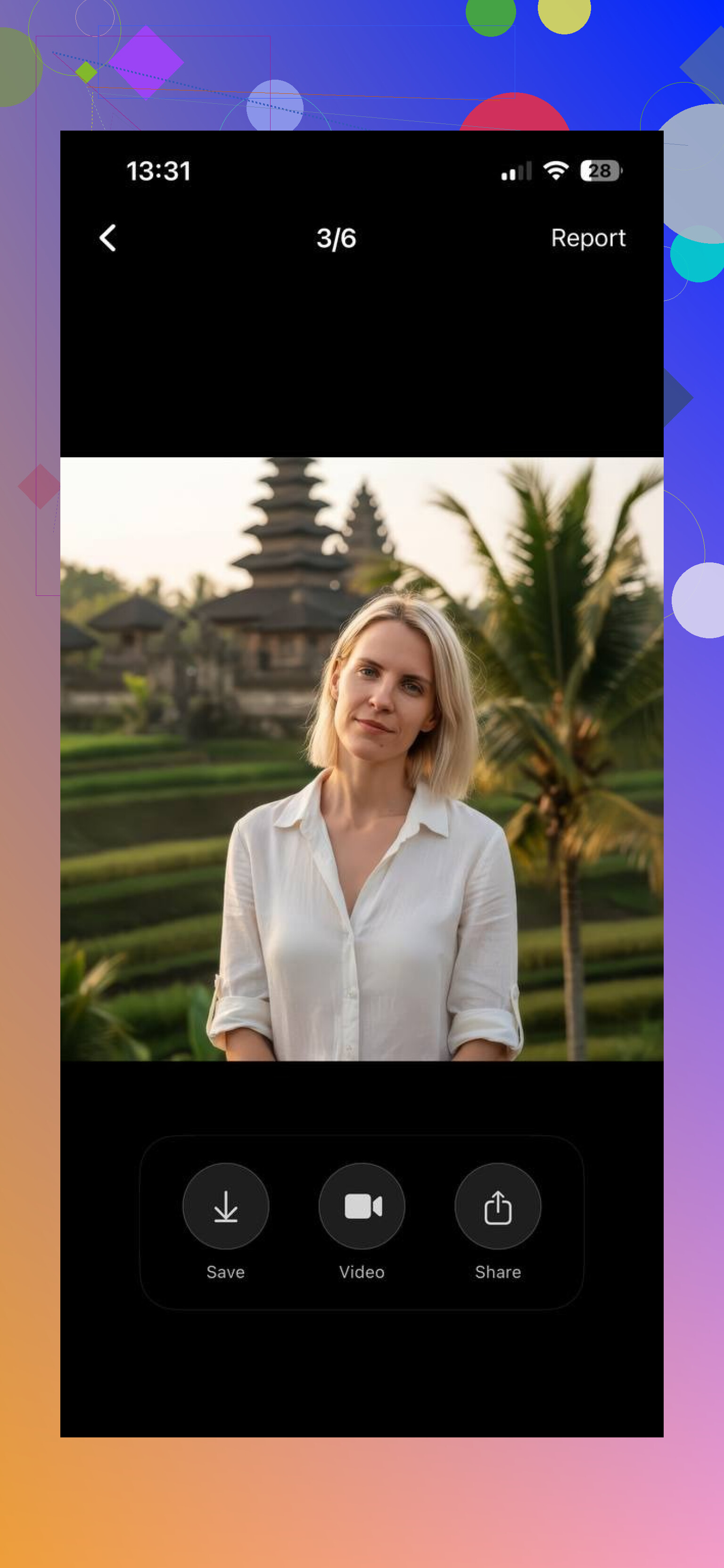
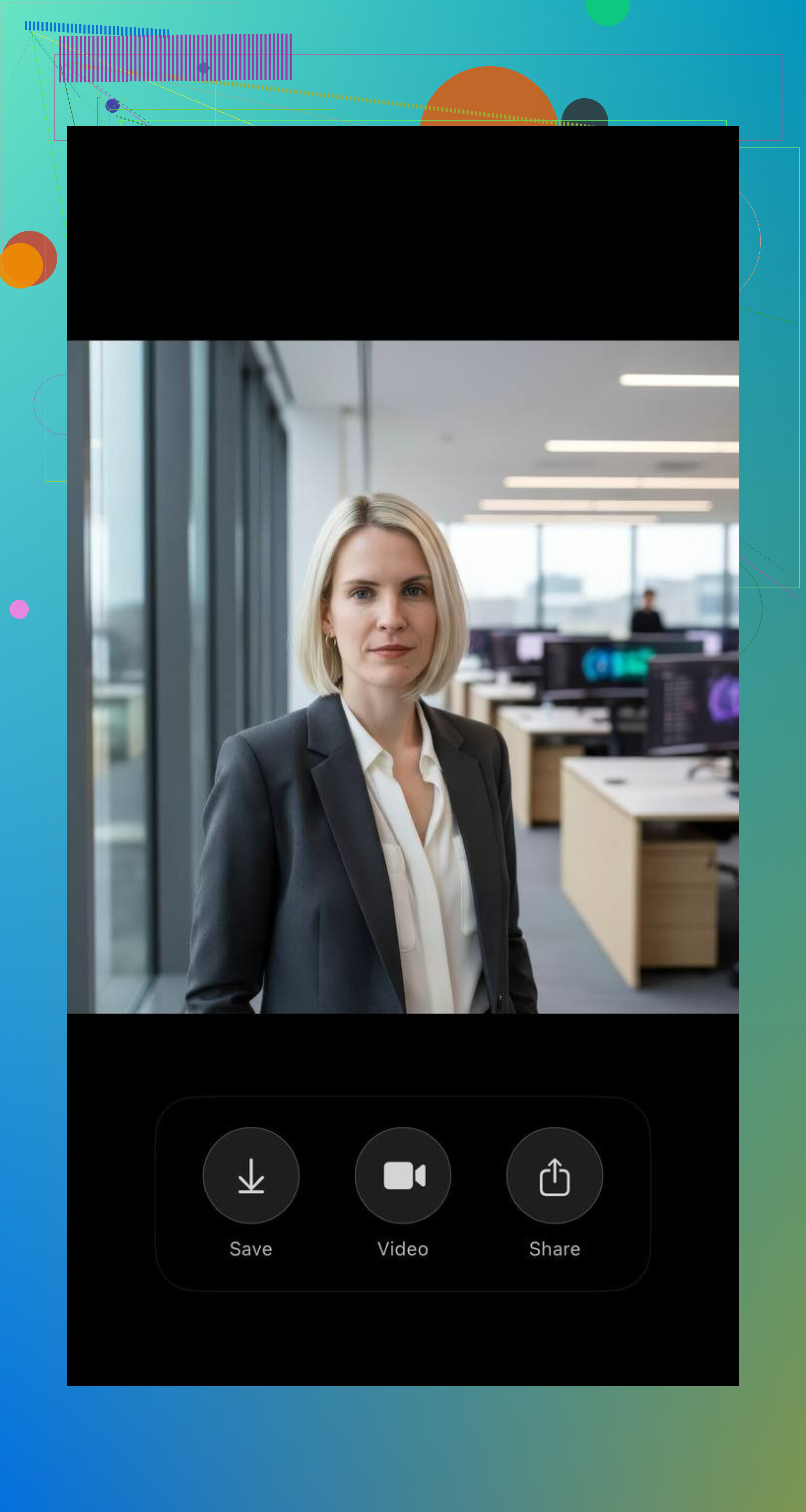
The UI is straightforward: pick a style, feed it some photos, wait, done. No deep technical knowledge needed, no dozen sliders to tune. You won’t be micromanaging lighting and focal length; it just does its thing.
Browser‑based alternative if you don’t want an app
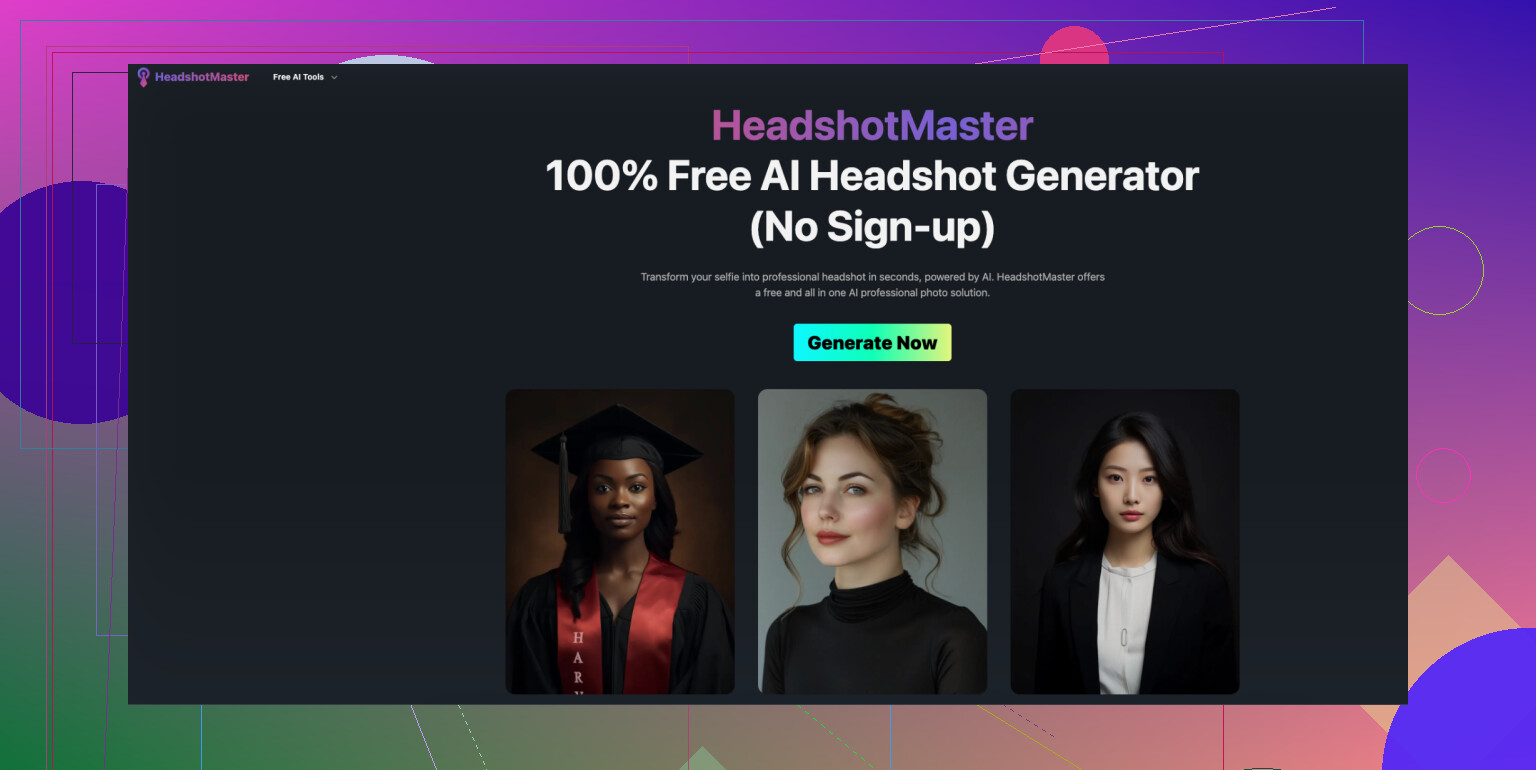
If you want another option to compare, you can also try HeadshotMaster io. It’s a decent web-based alternative with solid quality and straightforward workflow. It doesn’t offer daily free generations like Eltima, but it’s handy if you prefer using a browser instead of a mobile app or want to generate multiple headshots in one go.
- Eltima: great if you want a small trickle of free images over time and don’t mind using an app.
- HeadshotMaster io: better if you want a bunch of images in one go and prefer to keep everything in the browser, but you’ll be paying once you actually generate.
If you’re just testing the waters and seeing how AI headshots look with your face, start with Eltima AI Headshot Generator for the daily free shot.
Oh, and at the last minute, I also browsed Reddit and found a thread that breaks down the best headshot generators. It includes apps for iPhone and Android, as well as web-based services. Definitely worth checking out.
Also, this LinkedIn article provides in-depth reviews of some of the best AI headshot generators, helping you compare different tools and understand which ones deliver the most realistic and professional results.
7 Likes
If you literally cannot spend anything right now, you’re kinda stuck juggling “free tiers with catches” rather than a truly free, unlimited solution.
I agree with @mikeappsreviewer that Eltima AI Headshot Generator is worth a shot, mainly because of the 1‑headshot‑per‑day thing. I actually disagree a bit on the “no need to tweak anything” part though. For LinkedIn / resume use, I’d still treat it like a photoshoot:
- Upload only clear, front‑facing pics
- Neutral background if possible
- One consistent outfit
- Avoid party lighting / filters
The model won’t magically fix terrible source photos, even if the app is solid.
To avoid repeating the same tools: a couple of other options I’d rotate with Eltima so you can stay basically free:
-
Canva AI + templates
- Use Canva’s free version, upload a decent selfie, remove the background, and drop yourself into one of their “Corporate headshot” or “Profile photo” templates.
- It’s not a true face‑swapping AI headshot generator, but you can get something clean and professional enough for LinkedIn without paying.
-
Remini (free tier, mobile)
- Use the free photo enhancement to clean up a regular selfie: sharper face, better lighting.
- Then crop it tightly, maybe pair with Canva for a neutral backdrop.
- Quality is usually better than most low‑effort “AI headshot” web tools that slap you with a paywall at download.
-
Try-before-pay browser tools
- Some web generators let you generate low‑res previews for free.
- You can screenshot the preview, crop carefully, and use it as a temporary profile photo.
- Not ideal, kinda hacky, but if you’re broke and job hunting, practicality > purity.
If I were in your shoes and needed something today with zero budget, I’d:
- Use my best selfie with good lighting.
- Run it through Remini free tier to clean it up.
- Drop it into Canva free, remove background, add light gray or off‑white background, slight vignette.
- Start using that.
- Meanwhile, use Eltima AI Headshot Generator each day to slowly build a set of “real” AI headshots and swap one in as soon as you get a good, natural‑looking result.
Just don’t overdo the AI. If the headshot looks like a Marvel character render, recruiters notice and it low‑key backfires. Keep it close to how you actually look on a normal day.