I accidentally damaged or lost the GPT partition table on my drive, and now my old partitions aren’t showing correctly. I’m trying to figure out if GPT partition recovery can restore the original partition table without losing data, or if there’s a safer way to recover the missing partitions.
First thing: don’t touch the disk more than you have to. If it suddenly shows as “Unallocated,” “RAW,” or something like “GPT Protective Partition,” stop trying random fixes in Disk Management. Don’t create a new partition, don’t format it, and don’t run Diskpart clean. That’s how people turn a recoverable problem into a much worse one.
GPT has a bit of built-in backup data, so a damaged partition table doesn’t automatically mean your files are gone. A lot of the time the OS just can’t read the layout anymore, while the actual files are still sitting there.
If the data matters, the safer move is to make a full sector-by-sector image of the drive first. Tools like dd or ddrescue can do that. Then you work from the image instead of poking at the original disk. If a recovery attempt goes sideways on the image, you can start over. If you make the wrong write to the physical drive, you may not get that chance.
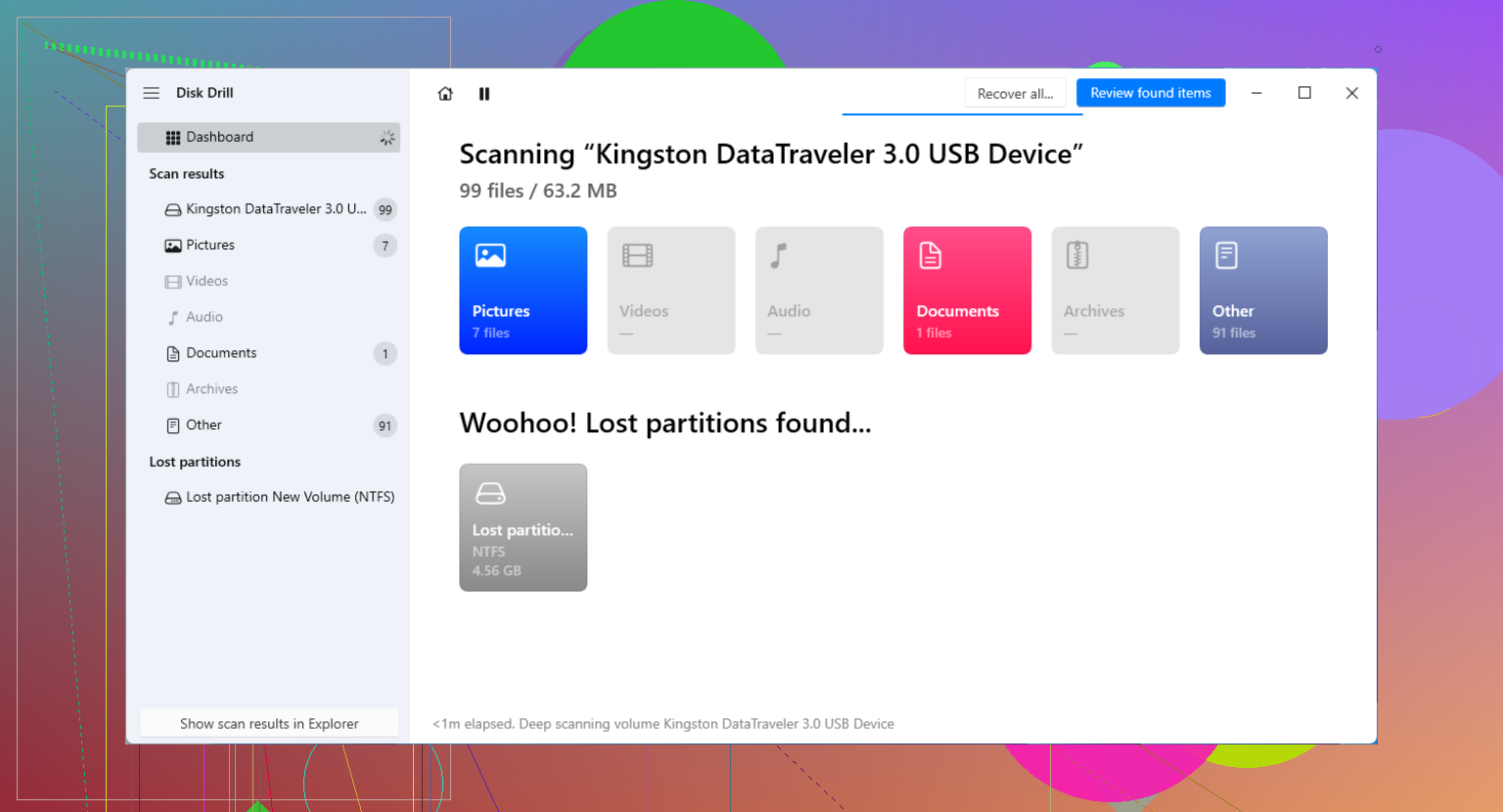
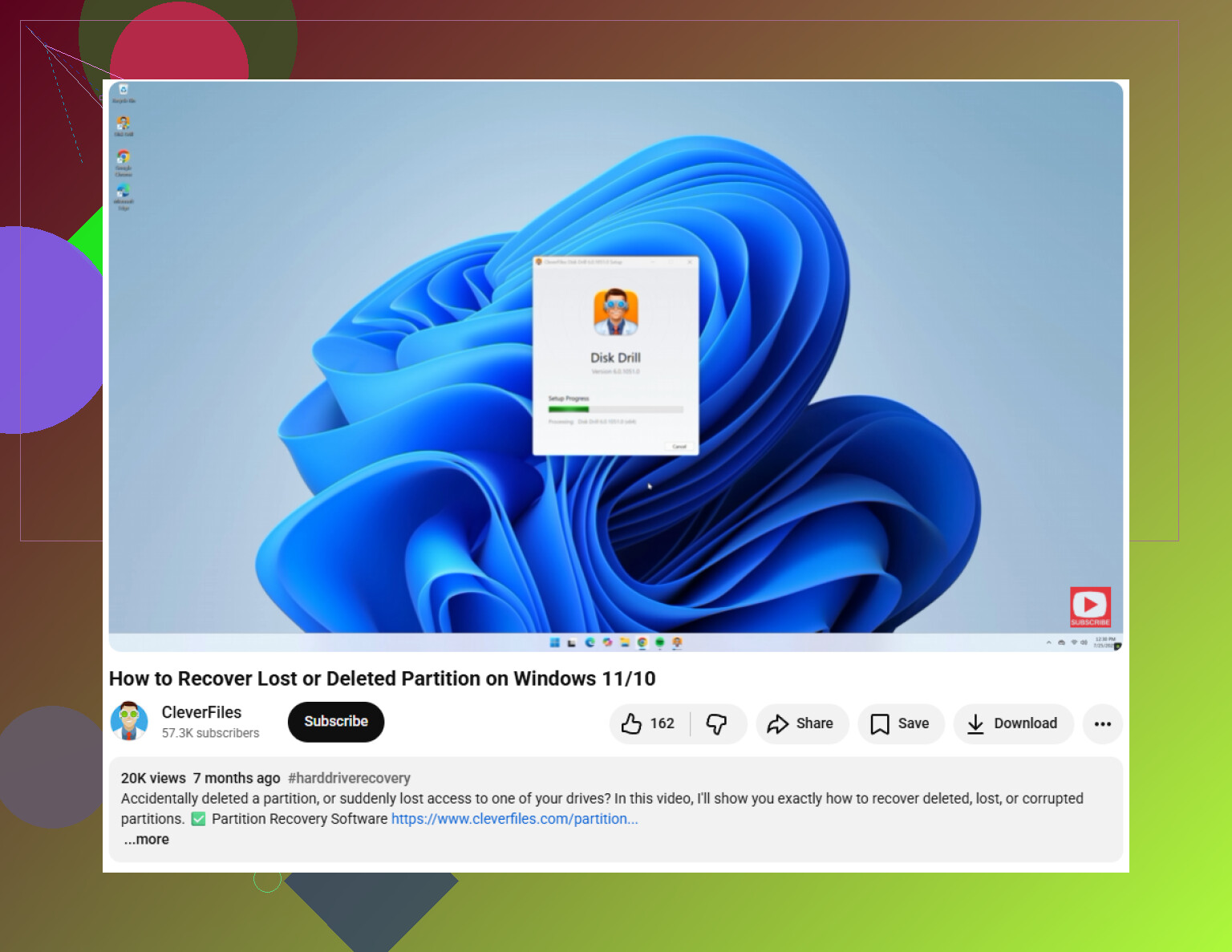
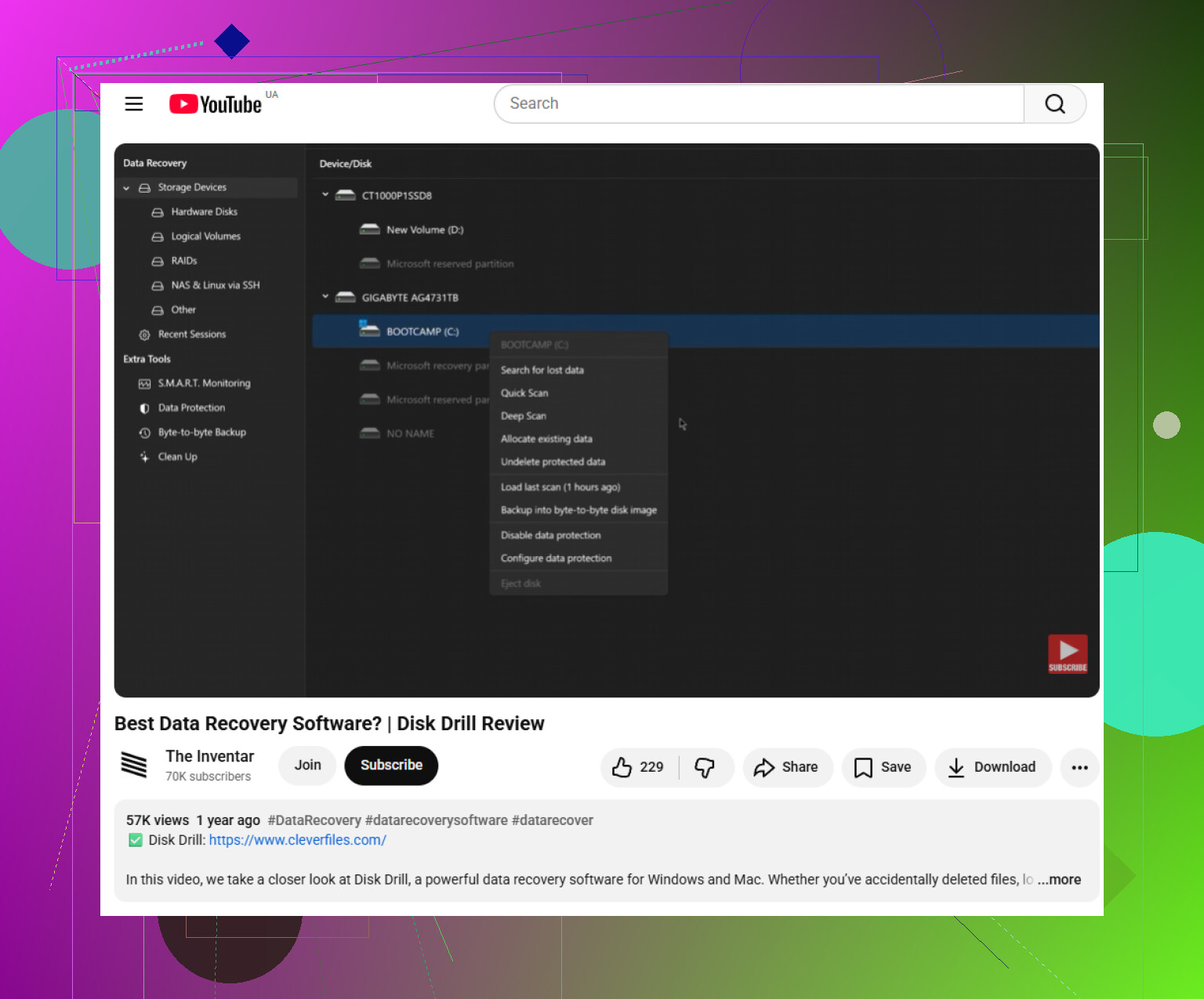
For most people, I’d skip manually rebuilding the partition table at first and use recovery software in read-only mode. Something like Disk Drill is a practical option because it scans for lost partitions, GPT data, and file signatures without making you fix the table right away. The important part is that you preview what it finds, then recover the files to a different drive. Never recover them back onto the same broken disk.
Once your files are safely copied somewhere else, then you can think about repair. If you’re comfortable with command-line tools, TestDisk can scan for the old partition and rewrite the partition table if it finds the right one. Just be careful before choosing “Write,” because picking the wrong partition can make things messier.
gdisk is another option if the main GPT header is damaged but the backup GPT header at the end of the drive is still usable. It can restore the primary GPT from the backup in some cases, but again, this is something I’d only do after imaging the disk or after the important files are already recovered.
And if Windows shows “GPT Protective Partition,” don’t assume that means the disk needs to be wiped. That can happen with older systems, USB docks, or other compatibility weirdness. Check whether recovery software can see the files first. Often it can read past that protective label well enough to let you copy everything off safely.
A missing primary GPT header is a very different situation from a drive where the beginning of the disk has been overwritten by a new format or installer. In the first case, yes, the old partition table can often be rebuilt from the backup GPT at the end of the disk. In the second case, “restore the old table” may not really be possible anymore, and you’re looking at file recovery or carving instead.
I agree with the caution above, but I’d be a little slower to jump straight to writing any repaired table back. A common trap is that a tool finds several old partitions and they all look believable. That happens if the disk has been repartitioned before, cloned, moved between USB adapters, or used in more than one machine. If you write the wrong layout, the disk may look “fixed” while pointing to stale or overlapping partitions. That’s worse than leaving it alone for another scan.
Another thing people forget is the enclosure or adapter. Some USB docks report a different sector size than the drive used internally, and GPT can look broken even when the disk itself is not. If this is an external drive, try the same connection type it originally used before repairing anything. If it was pulled from a NAS, RAID box, or BitLocker setup, don’t treat it like a normal single Windows disk until you know what you’re dealing with.
So the short answer is yes, GPT recovery can restore the old partition table when the backup GPT or partition boundaries are still intact. But I’d treat “restore” as the last step, not the first. First confirm the files are visible somewhere, copy anything important to another disk, then consider TestDisk/gdisk repair if the found layout matches exactly what you remember.
Restoring the old GPT table does not automatically restore the drive to a healthy, mountable state.
That is the bit that gets glossed over a lot. GPT only tells the computer where the partitions start and end, what type they are, and a few IDs/names. It does not prove the NTFS, exFAT, APFS, ext4, BitLocker header, or whatever filesystem inside that partition is still intact. You can rebuild a perfectly accurate partition entry and still have Windows say the volume is RAW if the filesystem metadata was damaged too.
So yes, GPT recovery can bring back the old partition table in the right case. If only the primary GPT header was corrupted and the backup GPT is still valid, tools like gdisk can usually make that repair pretty cleanly. If the partition entries are gone but the filesystems still have recognizable starts, TestDisk may be able to recreate entries based on those boundaries. That is real partition table recovery.
But if something wrote a new layout over the front of the disk, the first partition may have lost more than just its table entry. A Windows installer, Linux installer, NAS initialization, or “quick setup” tool might write new filesystem structures near the beginning. In that case, the old partition table might be partially guessable, but putting it back may only expose a damaged volume. That is when file recovery matters more than partition recovery.
A small check people skip: look at the exact sector starts before writing anything. GPT partitions often start at sector 2048, but that does not mean every old partition did. If a recovery tool finds a partition starting at 2048 and another old-looking one starting somewhere else, do not pick the one that merely “looks normal.” The right one is the one that matches the filesystem and the history of the disk. Size, label, file preview, and whether folders make sense matter more than the tool saying “found.”
I would not run CHKDSK, fsck, or any “repair filesystem” option yet either. Those tools assume the partition boundary is correct. If the boundary is wrong, they can write changes into the wrong place. Even if the boundary is right, they can remove damaged directory entries that a recovery program might still have been able to read. They are repair tools, not recovery tools.
My practical order would be:
- Stop mounting it read/write if possible.
- Image the disk if the data is worth the time.
- Scan the disk or image read-only.
- Confirm files and folder structure before writing a GPT repair.
- Recover important files to another disk first.
- Only then consider writing the recovered partition table.
Disk Drill, TestDisk, R-Studio, UFS Explorer, DMDE, and similar tools all approach this a little differently, but the main rule is the same: preview before repair. If a tool can show your actual folder names and open sample files, that is a much better sign than a tool simply finding a “lost partition.”
For a boot drive, expect another annoyance even after the partition table is fixed. The OS may still not boot because the EFI System Partition, bootloader entry, BCD, or Linux boot config may need repair. That does not mean the GPT recovery failed. It just means “the partitions are visible again” and “the operating system boots again” are separate problems.
So the realistic answer is: GPT recovery can restore the old partition table when the old layout can still be verified. It should not be treated as a magic undo button. If the data matters, copy files out first, then repair the table as a convenience step. If the data does not matter and you only want the disk usable again, wiping and repartitioning is faster than trying to resurrect the old GPT.
Do not click “Initialize disk” in Windows just to see what happens. That writes a new blank partition structure, and while it may not erase every file immediately, it can destroy the clues a GPT recovery tool needs to rebuild the old layout cleanly.
GPT recovery can restore the old table only if the old map is still recoverable and matches the filesystems underneath.