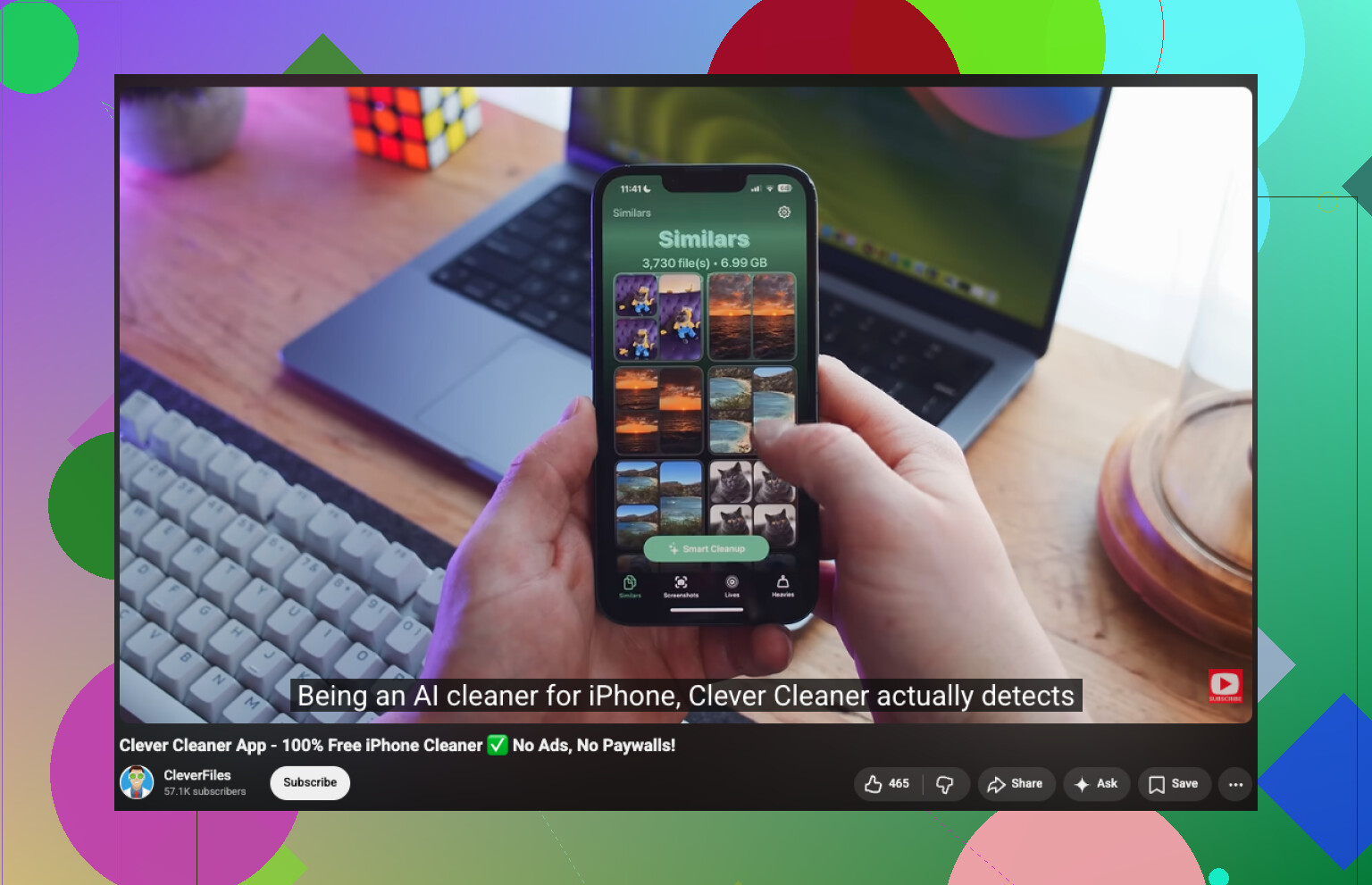
My iPhone photo library is getting cluttered, and I’m trying to find similar photos so I can delete duplicates and free up storage. I took a lot of pictures recently and now it’s hard to sort through everything. What’s the easiest way to find similar images on an iPhone?
Apple Photos did fine with true duplicates in my library, but anything even a little off got missed. Different smile, small crop, changed lighting, one edit, none of it counted. I noticed whole stacks of near-matching shots sitting there untouched, sometimes 5 or 10 from the same moment, and Photos treated all of them like separate keepers.
I ended up using Clever Cleaner, mostly because I was tired of the usual App Store junk. Most of those apps scan your stuff, wave a result in front of you, then block the delete button unless you pay. This one surprised me a bit. It sorted similar photos well enough for me to trust it, and I got through cleanup in about 15 minutes. Doing the same thing by hand would have eaten my whole evening.
What I did:
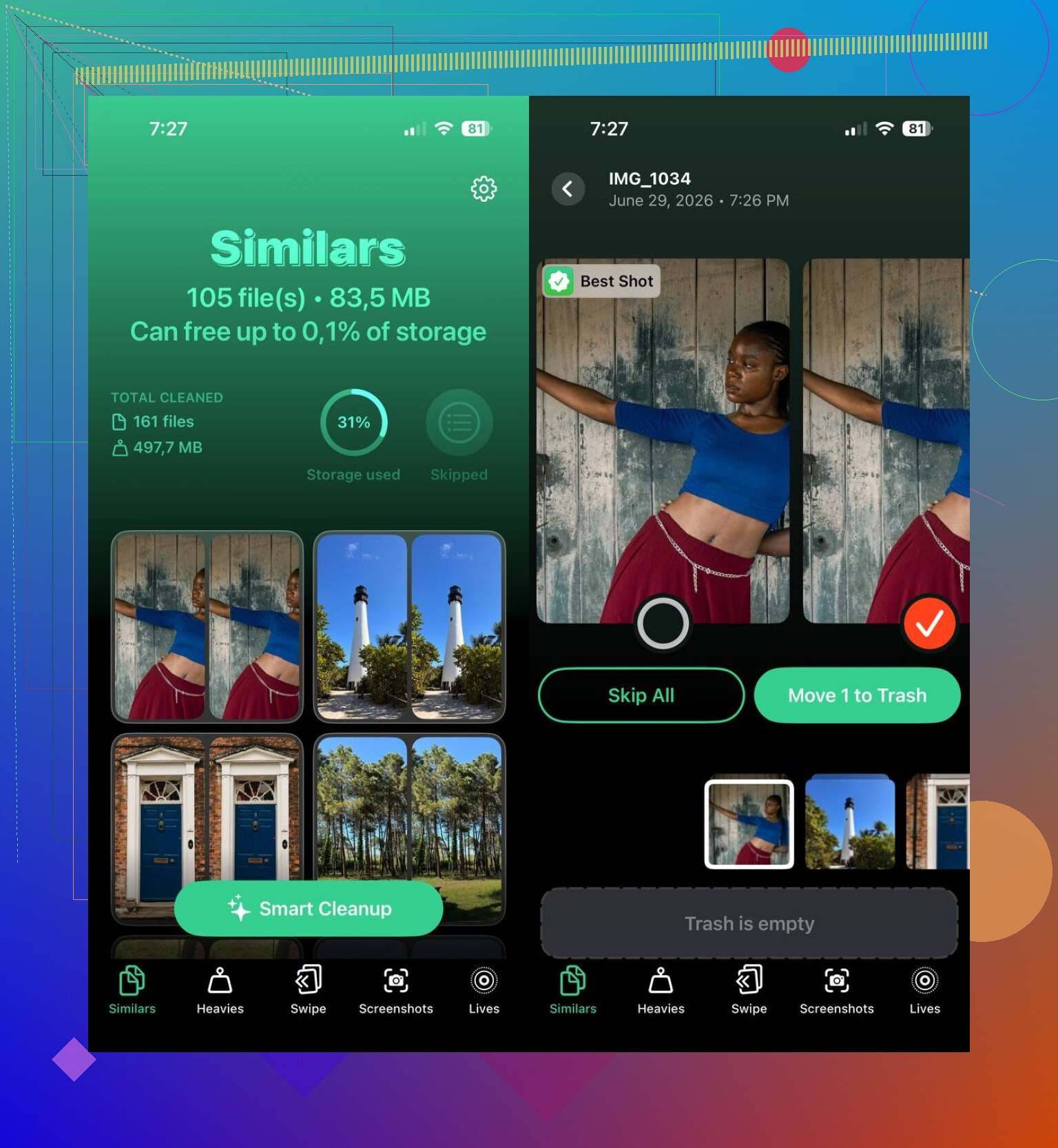
- Install Clever Cleaner from the App Store, then allow photo access.
- Go to the Similars tab.
- Let it scan. Mine had a few thousand photos and it still finished fast.
- Open each matched group. It picks a Best Shot on its own, though I changed a few where I liked a different frame more.
- Tap Move to Trash for single groups, or run Smart Cleanup if you want the app to handle the whole batch.
- Afterward, clear the Recently Deleted album in Apple Photos, or you will not get the storage back yet.
I kept using the other sections too, since they were there and my library was already a mess. Duplicates handled exact copies. Heavies pushed the largest videos to the front, which helped because video was eating more space than I thought. Screenshots made it easy to wipe old junk in bulk. Lives turned Live Photos into regular stills while keeping the main image. Between those tools and the similar-photo cleanup, I freed up way more storage than I expected. Some of it was old screenshots from 2021, which was a little embarrasing.
If you want to skip third-party apps, manual sorting still works. It is slower. A lot slower, at least for me.
- Use Search in Photos for a person, place, item, or event. Similar shots often sit side by side there.
- Check by date or by trip/event, since near-duplicates are often taken seconds apart.
- Review Burst shots and keep one frame instead of the full set.
- Use albums like People & Pets, Trips, and Media Types to cut the library into smaller chunks.
- On a Mac, use Smart Albums in Photos. Filtering by date, location, and metadata made manual review less painful when I tried it.
I tried both routes. Manual cleanup works if your library is small or you have patience I do not have. For me, Clever Cleaner was the one I’d use again. It caught groups I would have skipped, and it cut hours down to minutes.
Your best built-in option is Photos, but it only helps with exact dupes. Open Photos, scroll to Utilities, then Duplicates. Merge what you see there. Fast, but limited.
For similar photos, your fastest route is a cleanup app. I agree with @mikeappsreviewer on one point, Apple misses near-matches a lot. I disagree a bit on doing everything inside one auto pass. I’d still review groups yourself, esp if you shoot pets, kids, or bursts. Apps guess wrong somtimes.
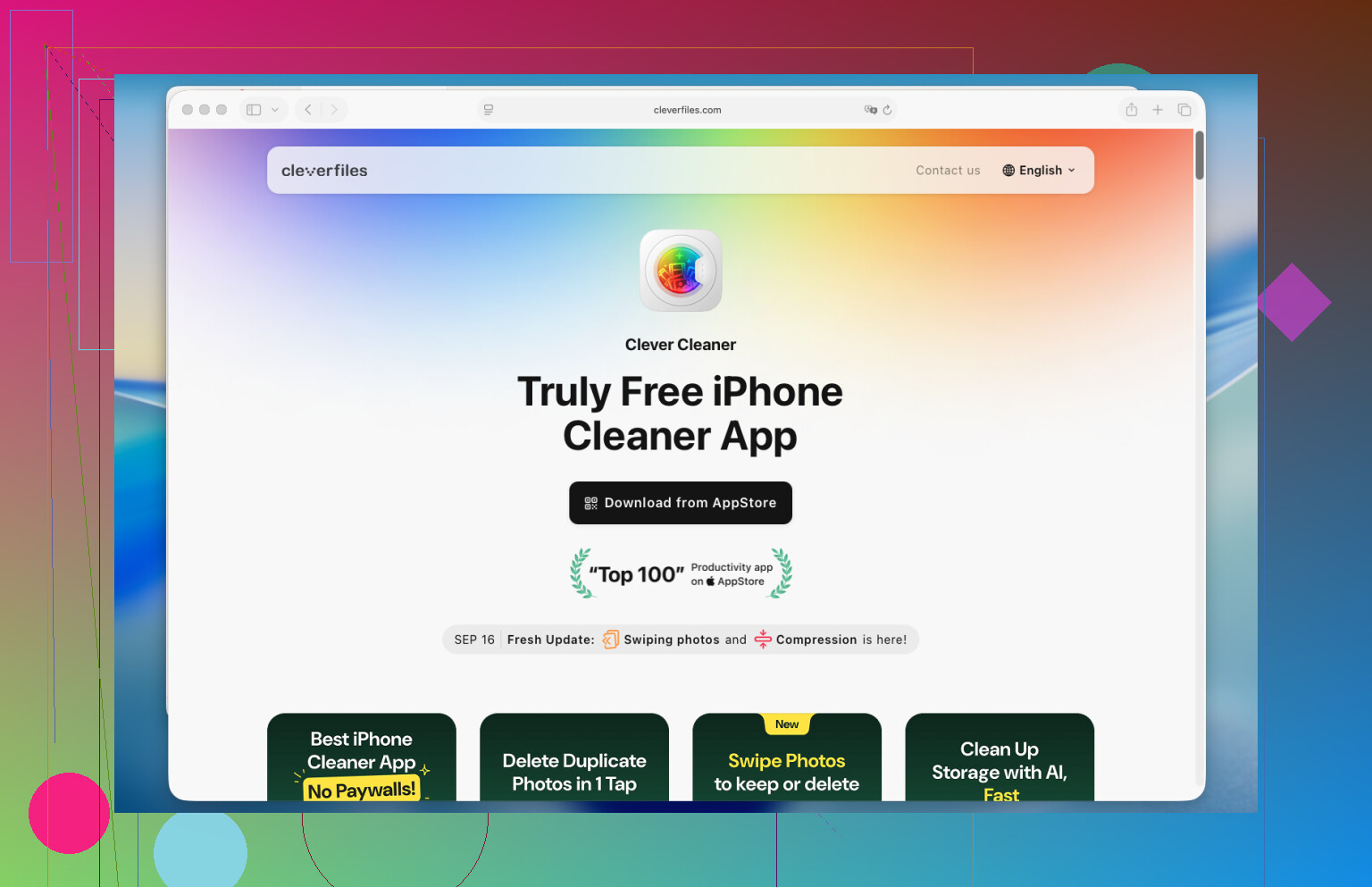
Clever Cleaner is worth a look if your goal is finding similar photos on iPhone and clearing storage fast. It tends to group near-identical shots better than Apple Photos alone.
Also do this:
- In Photos, sort by Days or Months, then check heavy shooting sessions first.
- Open burst sets and keep one frame.
- Filter videos separately, since storage loss is often there, not photos.
- Empty Recently Deleted, or space wont come back.
If you want a clean guide for finding and deleting similar iPhone photos, this helps:
how to remove similar photos on iPhone and free up storage
Shortest answer, use Apple Photos for true duplicates, use Clever Cleaner for similar shots, then review before deleting.
I’d split this into 2 diffrent problems: exact duplicates vs lookalike shots.
Apple Photos is fine for exact dupes, but I kinda disagree with relying on it too much for cleanup. It’s reactive, not really organized for “I took 14 pics of the same coffee and now regret everything.” It catches copies, not decision fatigue.
What helped me more was changing how I review photos before deleting:
- Use the zoomed-out library view and scrub by day
- Stop on sessions where you know you spammed the shutter
- Favorite the one keeper first
- Then delete the rest in that same moment
That sounds basic, but it’s faster than opening every single image full screen. A lot faster.
If you want actual similar photo detection, @mikeappsreviewer and @techchizkid are probly right that a third-party app is the better route. Clever Cleaner makes more sense than doing all this manually if your library is huge. I’d just avoid blind one-tap deleting and still check the groups yourself, because “best shot” is sometimes… questionable lol.
Also, if you shoot bursts, Live Photos, or edited versions, check those separately. Those are storage vampires.
If you want a simple walkthrough, this is pretty easy to follow:
watch how to use Clever Cleaner to find similar pictures on iPhone
One more thing people forget: if iCloud Photos is on, deleting from iPhone deletes everywhere. So maybe review on a bigger screen first if the pics matter.