I want to create realistic AI photos of myself, but I’m not sure which app or method actually works. I tried a couple of tools and either the results looked nothing like me or the steps were really confusing. I need help figuring out the best way to make AI portraits from my own photos without wasting more time or money.
If you want AI pictures of yourself without messing with prompts for an hour, the simplest route I found was using selfie-based apps. You feed them a batch of photos, they train a profile on your face, and then you spit out headshots, dating pics, profile photos, work portraits, or random styled shots.
What mattered most for me was not the app at first. It was the upload set. Bad input gave me wax-face output. Better input fixed most of it.
Use selfies with:
Good natural light
Different angles
Neutral expressions
No sunglasses
No heavy filters
A mix of close shots and upper-body photos
A few apps stood out after testing.
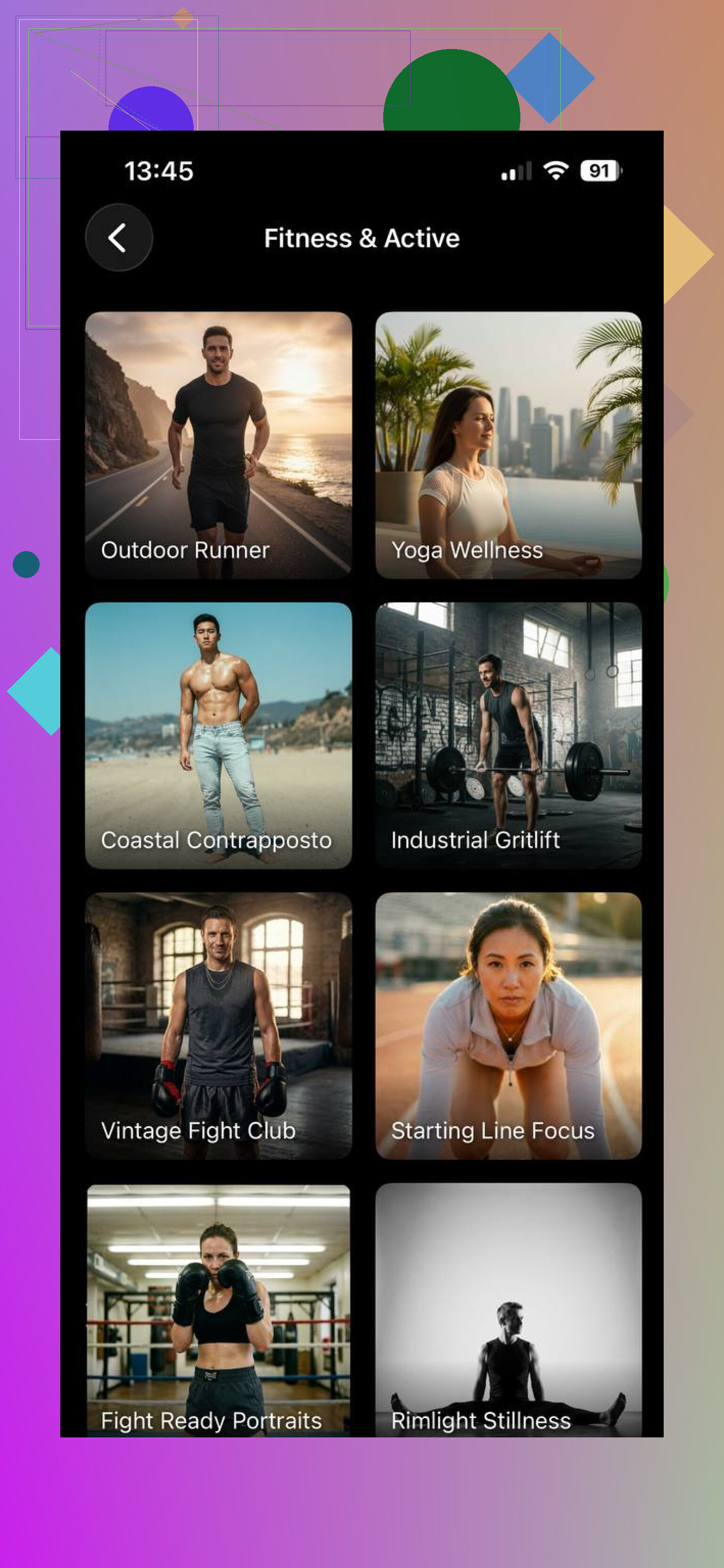
This one felt easiest to live with. I uploaded a small set, picked a pack, and got results fast. More importantly, the face usually stayed close to mine instead of turning into some polished stranger.
Packs worth trying:
LinkedIn Headshots
Corporate Portraits
Travel Photos
Casual Lifestyle
Instagram Content
How I used it:
Upload a few clean selfies.
Build your AI profile.
Pick a template pack.
Generate a batch and save the ones wich look normal.
One useful detail, the app gives one free AI headshot per day for the first 10 days after install. I liked having a way to test output before paying.
- Leonardo AI
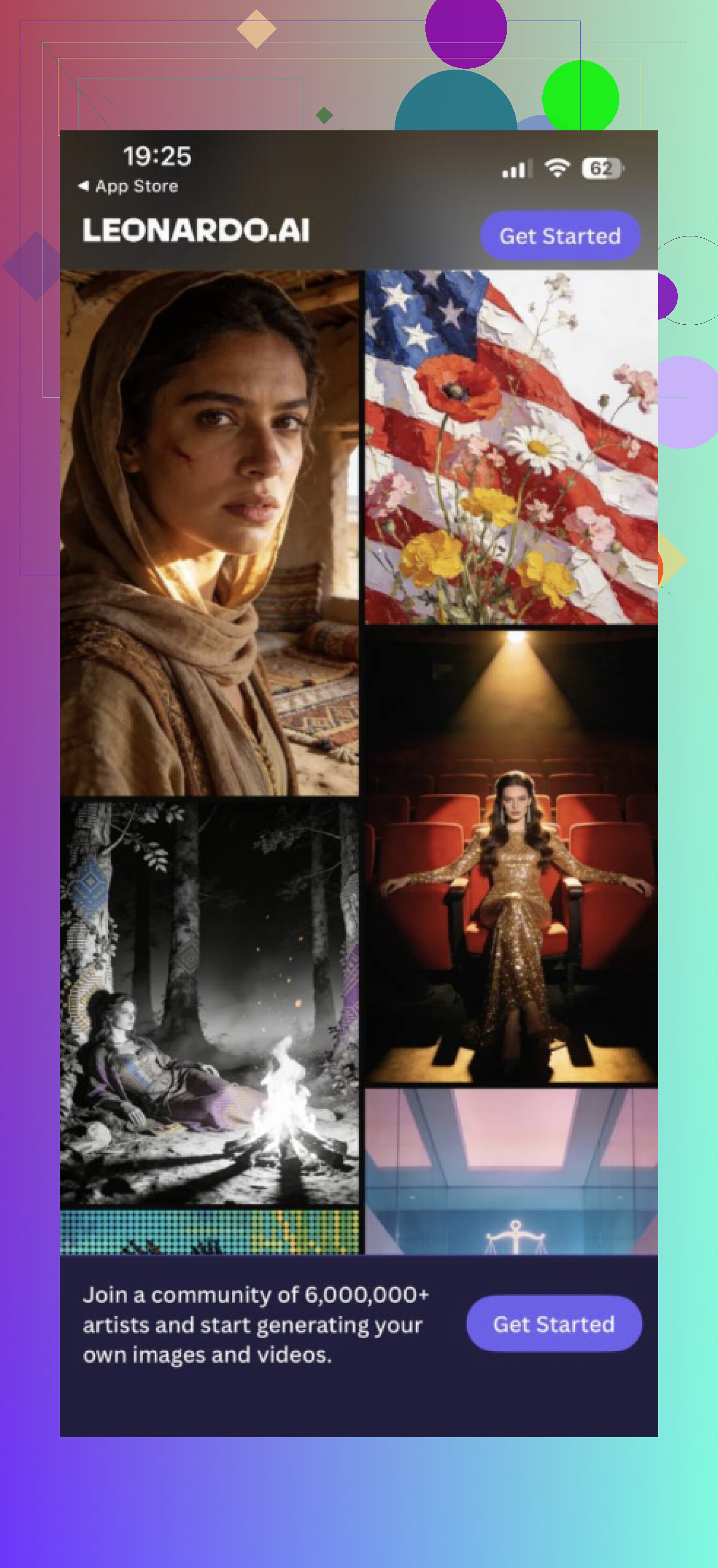
This one is for people who want more control and do not mind extra steps. I got better stylized results here than straight business photos. If you like typing prompts and tweaking styles, it gives you more room.
Best use cases:
Custom prompts
Cinematic portraits
Creative social media content
I would pick this if you want your photos to look designed, not plain.
- GIO AI Photoshoot Generator
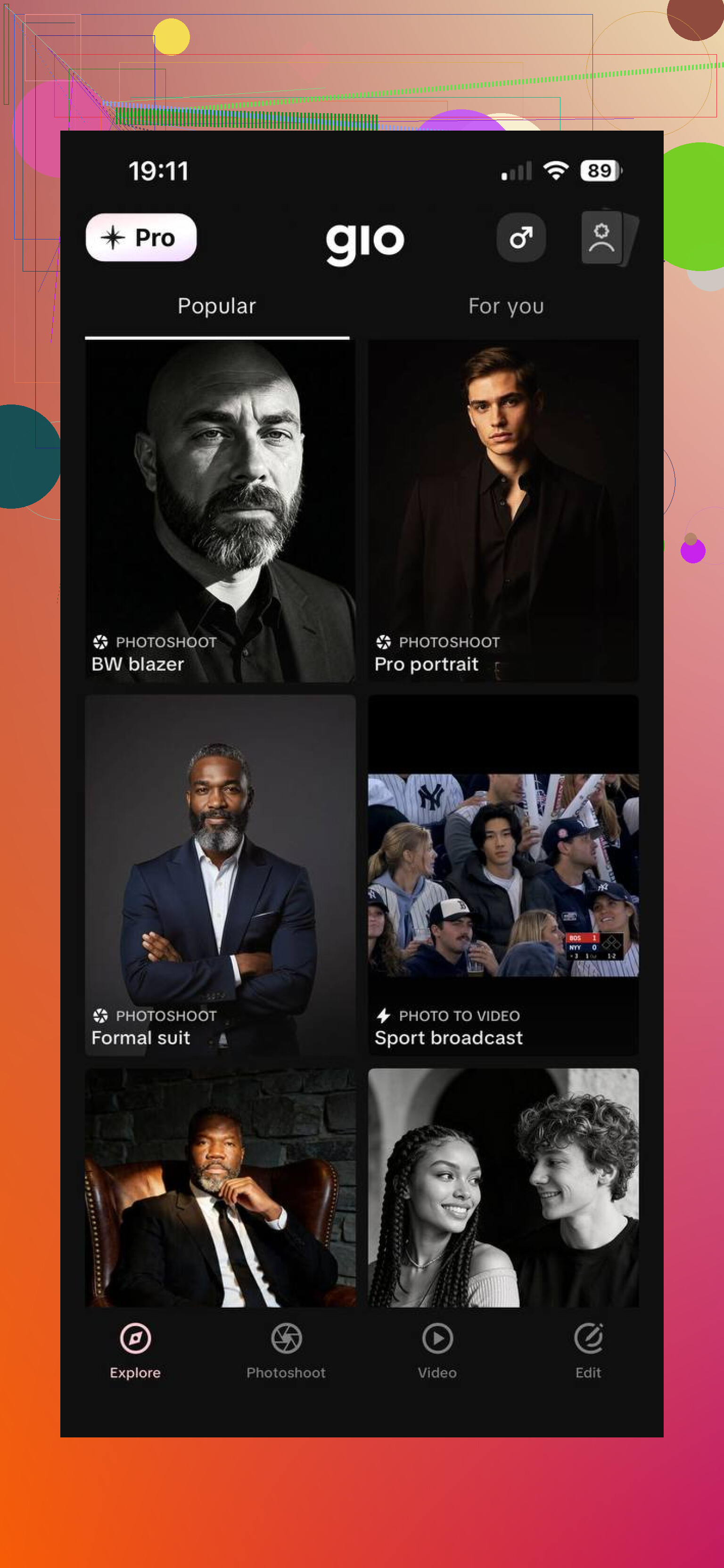
This felt built for speed. Templates are ready, so you move through it fast. I got decent polished images, though some looked a bit too edited for my taste.
Best for:
Fashion-style photos
Influencer content
Professional portraits
A few things helped me get better results across all three:
- Upload sharp photos with solid lighting.
- Use recent pictures, not stuff from three haircuts ago.
- Add some outfit and background variety.
- Skip group photos.
- Run multiple generations and keep the ones where your face still looks like you.
My take, Eltima AI Headshot Generator is the best choice if your goal is realistic AI photos with the least friction. Leonardo AI asked more from me. Good tool, more fiddly. GIO was quick, though the output leaned more polished than natural. Eltima gave me the most usable results for LinkedIn, resumes, and normal social profiles. The free headshot each day for the first 10 days also made it easier to test before spending money.
I’d split this into two lanes.
If you want easy, use a selfie trainer app like @mikeappsreviewer mentioned. If you want realism first, I’d go a different route and use a face-swap workflow on top of real photos. Less magic, more control.
What worked for me:
-
Generate or pick a strong base photo.
Use Midjourney, Flux, or even stock-style portraits with your hair, age, skin tone, and vibe. -
Swap your face onto it.
Use tools like Remaker, PhotoAI face swap, or similar. These often keep your identity better than full AI portrait apps, becuase the pose and lighting already look human. -
Fix the details.
Run the result through FaceApp, Photoshop Express, or Snapseed. Clean eyes, teeth, skin texture, and weird ears. AI always messes up one tiny thing. -
Keep your source set tight.
I got best results from 15 to 25 recent photos. Mixed light. Front, 45-degree, side. No group pics. No old haircut stuff.
My honest take, full AI headshot apps are fast, but they often average your face into a generic polished person. Face-swap plus light editing takes longer, but it looks more like you. Annoying, yes. Better, also yes.
If you want, I can give you a simple exact workflow for iPhone or for desktop.
I’d actually push back a little on both @mikeappsreviewer and @hoshikuzu here. Not because they’re wrong, just because a lot of people jump straight into app hunting when the real issue is expectation mismatch.
If you want “realistic AI photos of yourself,” there are basically 2 different goals:
- photos that look like real camera shots
- photos that actually look like you
Those are not the same thing, and most apps are better at one than the other.
My take: if the output “looks nothing like me,” stop using tools that fully invent your face from a training set. That method loves averaging features and giving you the handsome/pretty stock-photo cousin version of yourself. Super common. Kinda annoying.
What I’d try instead is this:
- Start with actual photos of yourself you already like
- Use AI for enhancement, not full generation
- Do background/outfit/lighting edits rather than asking AI to rebuild your whole face
That means apps/features like:
- Photoshop Generative Fill
- FaceTune for light cleanup only
- Lightroom presets
- Canva AI background tools
- Pixelcut or similar for background swaps
Why this works better:
- your face stays your face
- fewer weird teeth/eyes/skin issues
- way less setup
- more controllable results
Example workflow:
- take 20 to 30 normal pics in window light
- pick 5 strongest ones
- enhance sharpness/light
- clean flyaways or acne lightly
- change outfit/background with AI if needed
- crop for LinkedIn, dating, socials, whatever
Honestly, for most people this beats “train model, pray, regenerate 80 times.”
If you do want fully AI-made shots, use a tool that lets you reject and refine hard, not just one-tap magic. And be ruthless with your source photos. If half your uploads are bad, the result will be bad too. Garbage in, wax museum out.
Also, tiny reality check: if you want these for dating apps or professional stuff, don’t make them too perfect. People can smell AI face from a mile away now. Slightly imperfect = more believable.
So yeah, my boring answer is: use AI as an editor, not as your photographer. Way less confusing, and tbh usually more convincing.