My iPhone is almost out of storage, and lately it feels slower when opening apps, taking photos, and updating iOS. I’m trying to figure out if low iPhone storage actually affects performance or if something else could be causing the lag. Any advice on what to check or clear first?
The short version: yes, low storage can absolutely make an iPhone feel slow. That part is not some random myth people repeat.
I had this happen on a 14 Pro Max, and it was maddening because the phone felt old even though nothing obvious had changed. Scrolling got sticky, the keyboard would lag behind what I typed, and apps took longer than they should to open. In my case, storage ended up being the main problem.
iOS needs free space for more than just saving photos and installing apps. It uses storage for temporary files, app caches, background work, updates, and virtual memory. Once you get down to the last few gigabytes, the phone has less room to shuffle things around, and performance can get weird fast.
A decent rule is to keep around 10% to 20% of your storage free. If you have a smaller storage model, I’d still try to keep at least 10GB or more open if you can.
That said, storage is not the only thing worth checking. If this started right after an iOS update, give it 48 to 72 hours before assuming something is broken. After an update, the phone can spend a couple days reindexing photos, rebuilding app data, and doing other background cleanup. Leaving it plugged in on Wi-Fi overnight for a few nights usually helps it finish.
If it has been more than a week, check Battery Health in Settings. Once maximum capacity drops below 80%, Apple’s performance management can slow the processor to help prevent random shutdowns. Heat can do the same kind of thing. A hot phone, especially in direct sun or inside a thick case, will throttle itself to protect the hardware.
For me, though, the storage cleanup made the real difference. I had a ridiculous amount of stuff I forgot about: near-duplicate photos, old 4K videos, screen recordings, and random screenshots. Trying to clean it manually was awful. I lasted maybe ten minutes before giving up.
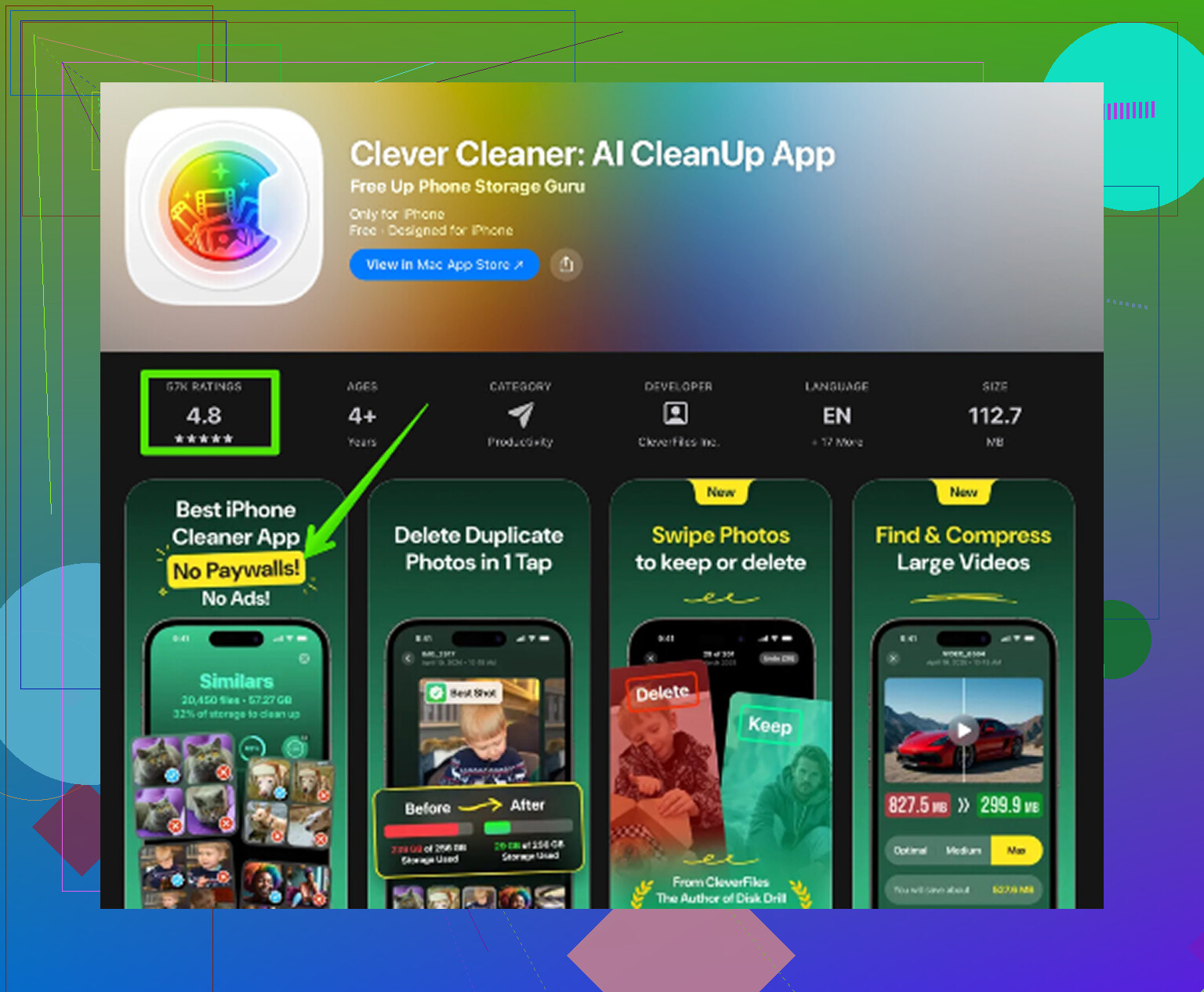
The app that actually helped was Clever Cleaner. I’m usually skeptical of cleanup apps because a lot of them turn into subscription traps, but this one was free, with no ads, hidden paywalls, or subscription nonsense.
The useful part is how it separates things. The Heavies section shows your largest videos and photos, including the file size right on the thumbnail, so it is easy to spot the huge 4K clips or screen recordings eating up space. The Similars section groups photos that are almost the same, like when you took a bunch of shots trying to get one good one. It also suggests a “Best Shot” to keep.
Privacy was a big factor for me too. The cleanup runs on the phone itself, so it is not sending your photo library off to some server. After clearing around 20GB, the phone felt noticeably better. The lag was basically gone.
One thing people miss after deleting a lot of photos: open Photos, go to Albums, scroll to Recently Deleted, and tap Delete All. Otherwise those files can still sit there for 30 days and keep taking up space.
Before doing a factory reset, I’d try this first:
- If you just updated iOS, give it a few days while plugged in and on Wi-Fi.
- Make sure Low Power Mode is off if you care about speed.
- Clear Safari’s cache in Settings.
- Check storage and free up a real cushion, not just one or two gigabytes.
If your storage looks anything like mine did, using Clever Cleaner to find the big files and duplicate-looking photos is a lot faster than digging through everything by hand.
Your exact free-space number matters more than the storage percentage. A 64GB iPhone with 3GB free is in a much worse spot than a 512GB iPhone with 25GB free, even though both might look “almost full” in Settings. Once free space gets tight, iOS has less room for downloads, decompression, cache swaps, photo processing, and update prep. That can show up as slow app launches, camera lag, failed updates, or apps constantly reloading.
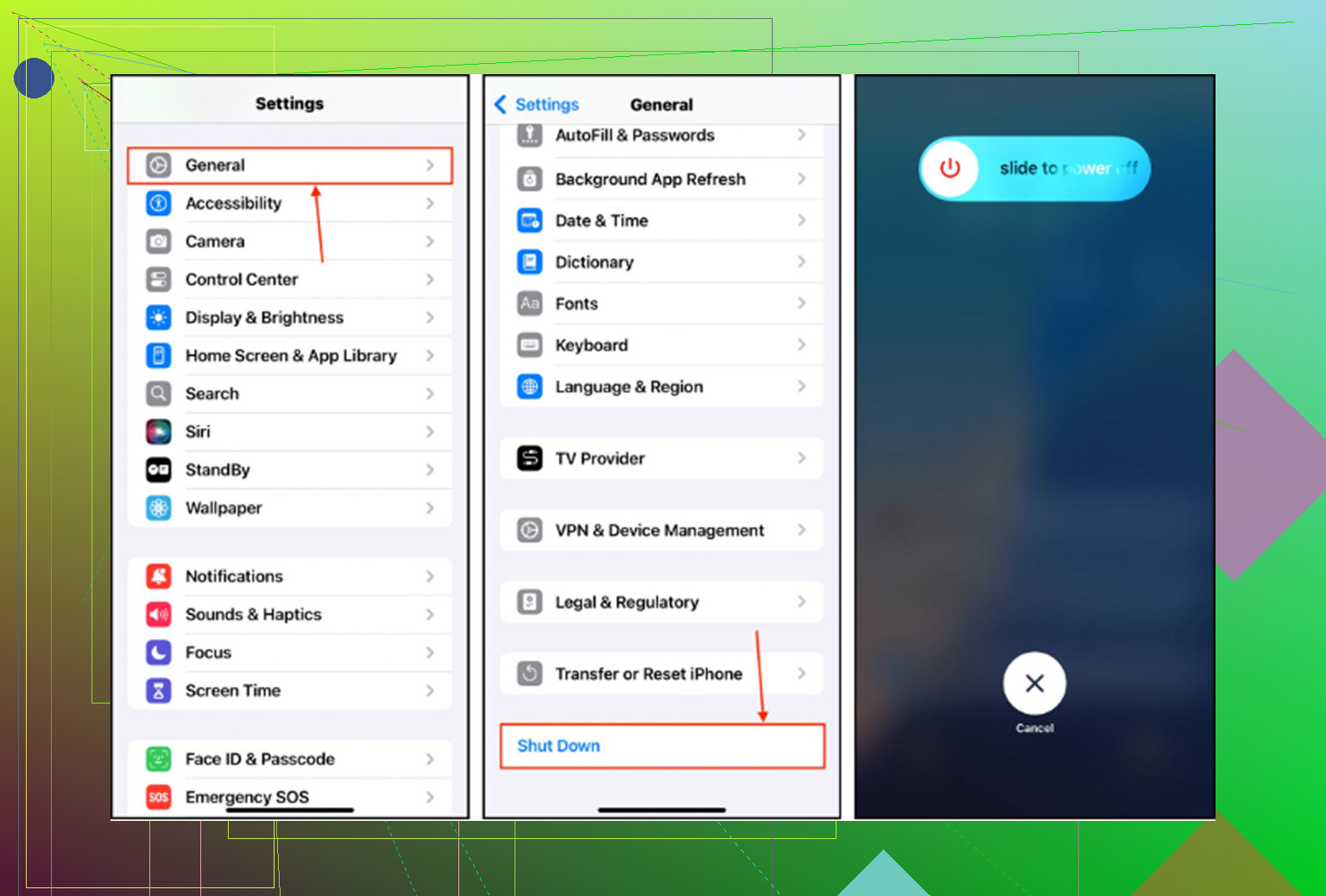
I agree with the general point that low storage can slow things down, but I wouldn’t assume storage is the only cause until you check what category is eating it. Go to Settings > General > iPhone Storage and wait for the list to fully load. If Photos or Messages is huge, cleaning those up makes sense. If “System Data” is huge, deleting ten random apps may barely move the needle. Apple has a basic page on checking iPhone storage that is worth looking at before you start nuking things.
I’d be careful with any cleanup approach until you know you have a backup, especially if iCloud Photos is involved. Deleting from the phone can delete from iCloud too, depending on your setup. If photos and videos are clearly the problem, an app like Clever Cleaner can make sorting large or similar shots less painful, but it is not magic for battery throttling, heat, bad network, or an iOS update still doing background work. Free up a real chunk of space first, restart the phone, then judge performance after a day.
Don’t start an iOS update with only a couple gigabytes free unless you enjoy failed downloads, long pauses, and the phone constantly asking you to make room.
Low storage can slow an iPhone down, but I’d phrase it a little differently: it usually hurts the stuff that needs temporary space. Opening a simple app may not be slower because the processor is weaker. It’s slower because the phone is trying to clear cache, reload app data, write new files, process photos, or make room in the background. The camera is a good example. If you take Live Photos or video while storage is tight, the phone has to save and process files immediately, and that is where lag shows up fast.
I wouldn’t get too attached to the 10% or 20% rule either. It’s a useful target, but the real danger zone is when you’re down to “I can barely install an update” space. For a practical fix, I’d first remove downloaded junk that can be replaced easily: Netflix/Disney downloads, Spotify playlists, podcast episodes, offline maps, big iMessage attachments, and old files in the Files app. That is safer than mass-deleting photos if you aren’t 100% sure how your iCloud settings work.
After you free space, restart the phone and give it a little time. If it still feels slow with plenty of room available, then I’d look at battery health, heat, a buggy app, or a recent iOS update doing background work. Full storage is real, but it’s not the only villain.
Turn on Offload Unused Apps before you start deleting important stuff, because it can free space without wiping the app’s documents and logins.
Yes, being nearly full can make the phone feel slower, but I’d treat it less like “storage percentage = speed” and more like “iOS has no working room left.” If you need a quick test, free 8 to 10GB, restart, and see if camera/app lag improves before chasing more complicated fixes.
Before sorting personal photos, try removing offline shows you’ve alreay watched. In the Apple TV app, open Library, tap Downloaded, swipe left on an episode or movie, then tap Delete and confirm. This removes downloaded videos from your device without requiring a cleaner app.
Start with a few downloads you dont need, then compare app launch times and camera responsiveness. Treat this as a storage test, rather than assuming every slowdown needs a reset.