I want to make an AI-generated photo of myself, but I’m not sure which app or tool to use or how to get realistic results. I tried uploading a few selfies, and the images came out weird and didn’t really look like me. I need help figuring out the best way to create an accurate AI portrait, what photos to use, and how to avoid common mistakes.
If you want AI photos of yourself in 2026, the process is pretty low-friction now. I tried a few of these tools, and most of them work the same way. You upload a small batch of clear photos, the model picks up your face, then it spits out new images of you in different looks, settings, and photo-session styles.
What changes the result is mostly simple stuff. First, your source photos matter a lot. Clean lighting, readable angles, no heavy filters. Second, the app matters. Some tools stay closer to your real face. Others push harder into polished, stylized output meant for profile pics or social posts.
The one I kept coming back to was Eltima AI Headshot Generator app. From what I saw, it handles identity consistency better than most. I uploaded a set of selfies and got back multiple photo types, work headshots, casual shots, lifestyle stuff, and more dressed-up glam results too. The big thing was consistency. My face did not drift all over the place from one image to the next, which is where a lot of these apps start to look off fast.
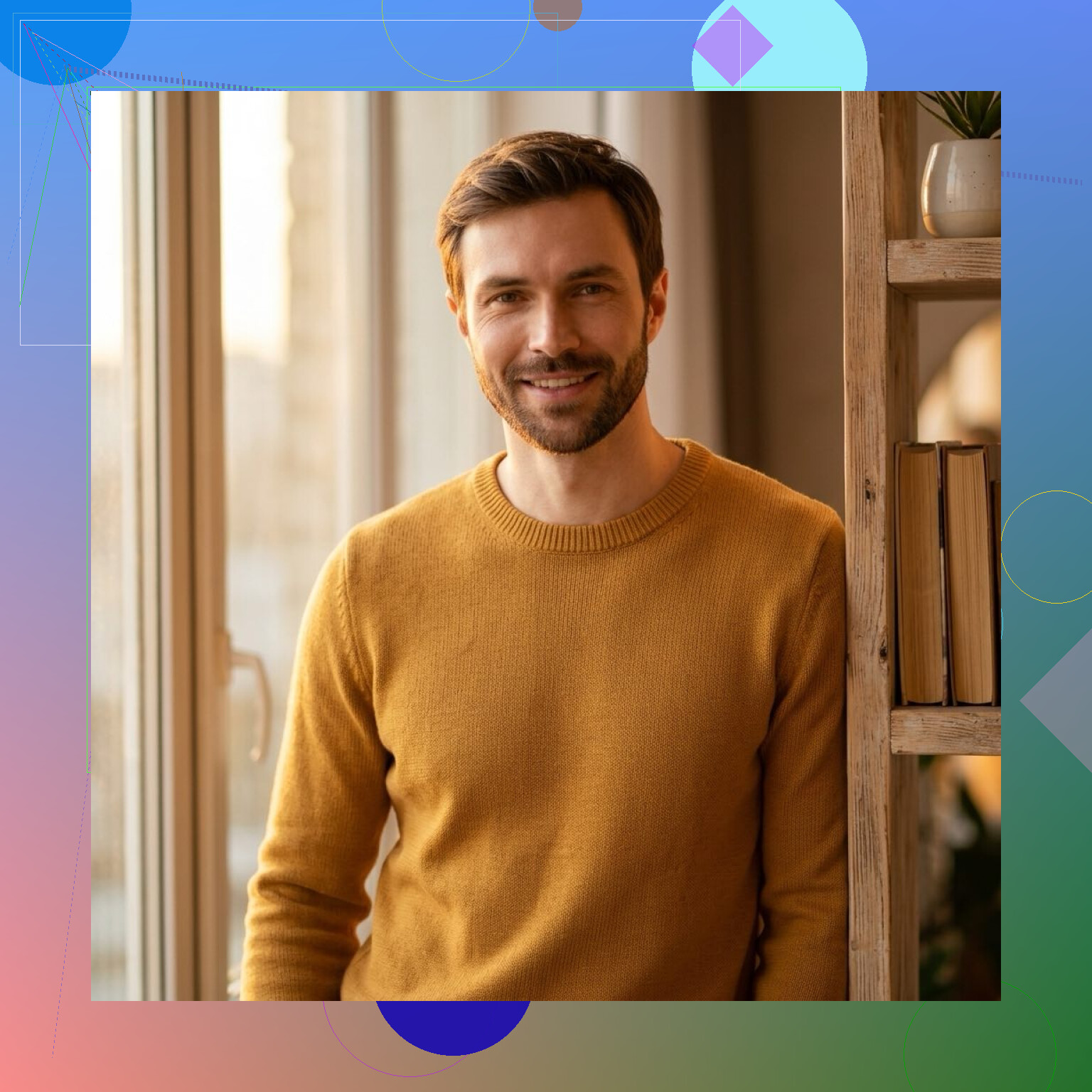
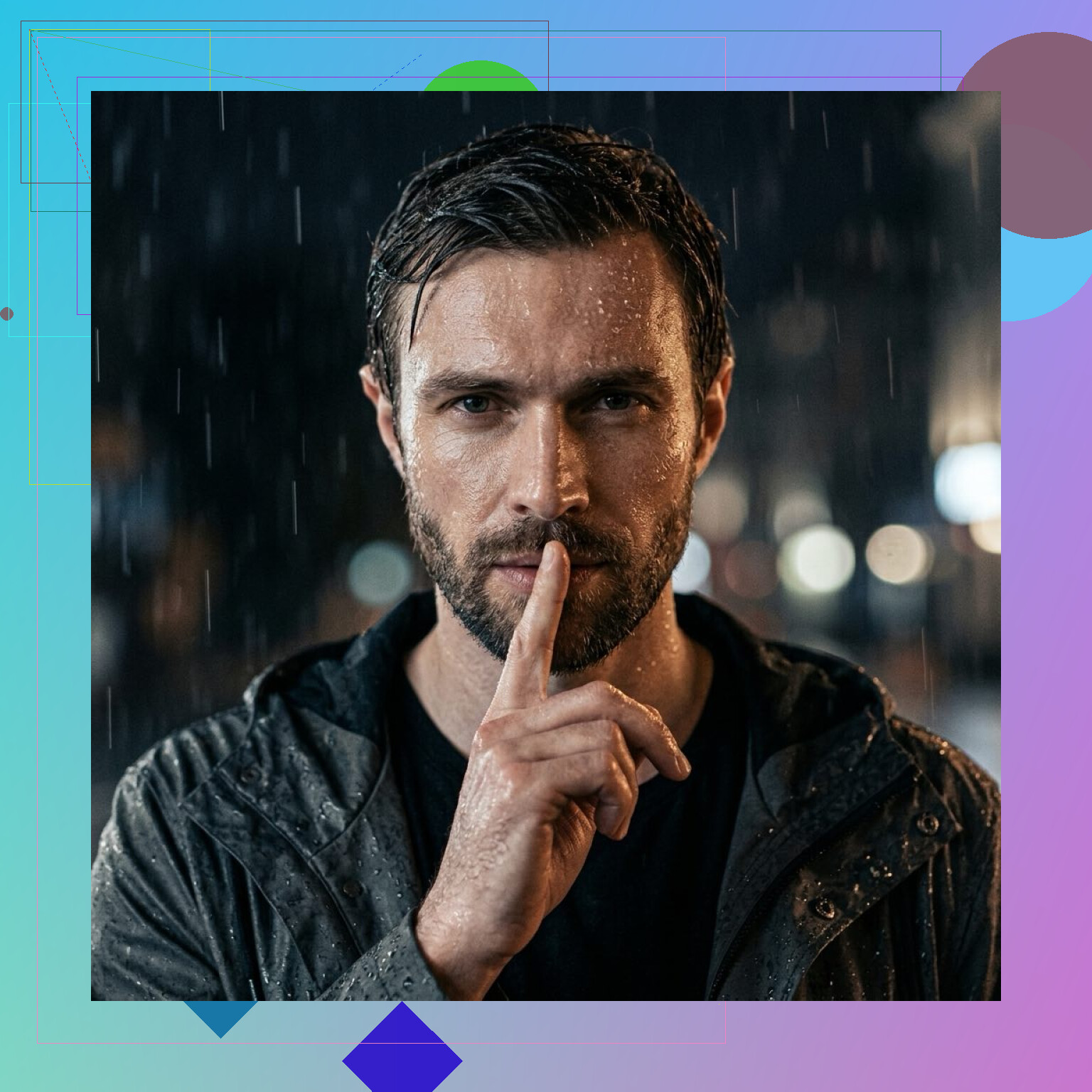
Momo AI felt like the fast-content option. You feed it photos, wait a bit, and it throws out a pile of trendy variations. If your goal is volume and quick social-ready images, it does the job. I did notice it wandered from my real features more often. Some outputs looked good on first glance, but after a second look, they felt a little synthetic and less tied to the same person.
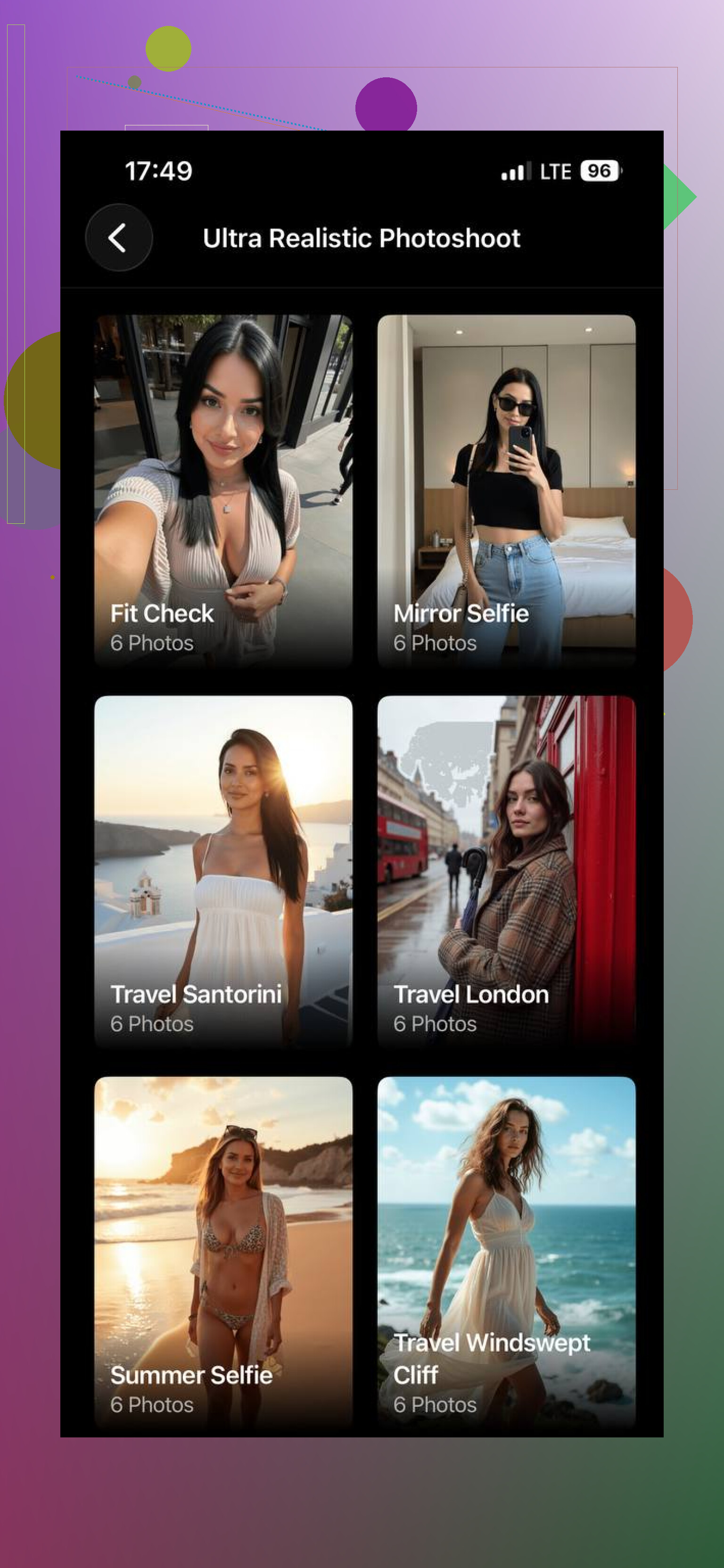
Aragon AI leans more formal. It seems built for business portraits, LinkedIn photos, team pages, stuff like that. The results are clean and safe. If you need a corporate-looking headshot, it works fine. I would not pick it first for varied shoots or anything with more personality, since it stays in a narrower lane.
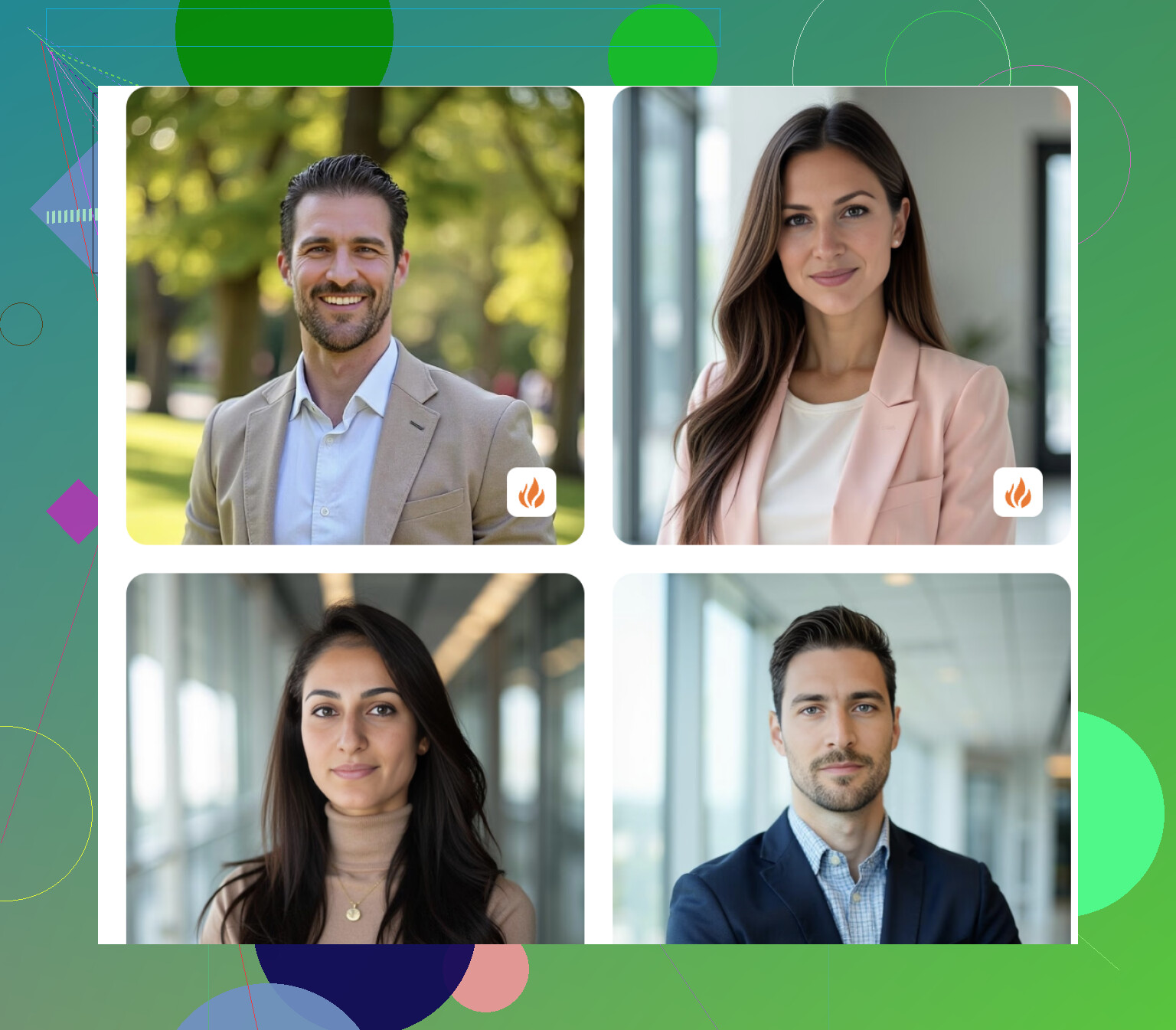
If you want the safest starting point, I’d look at Eltima AI Headshot Generator first. It gave me the best middle ground. The photos still looked like me, but I also got a wider spread of styles instead of the same stiff portrait repeated with different backgrounds.
3 Likes
Your selfies looked weird because most people upload too few photos, and the photos are too similar. That breaks face consistency fast.
I slightly disagree with @mikeappsreviewer on one point. The app matters, but your input set matters more.
What worked for me:
Use 15 to 25 photos.
Mix angles, front, left, right, slight smile, neutral face.
Use plain lighting.
No beauty filters.
No sunglasses, hats, group pics, or heavy shadows.
Include 2 or 3 waist-up shots, not only close selfies.
For tools, pick based on goal.
Eltima looks better for mixed styles.
Aragon fits work headshots.
Momo is more for fast social content, but it drifts more.
One more tip. Delete bad source photos before training. One blurry pic can mess up the whole batch. Also rerun with a tighter set if the first batch looks off. Annoying, yup, but it helps a ton.
A few selfies usually is the problem, but I kinda disagree with @mikeappsreviewer and @viaggiatoresolare on one thing: more photos alone does not always fix it. If the app over-beautifies faces, you still get that waxy stranger-version of you.
What helped me was treating it like a casting call, not a selfie dump. Use photos that show your actual face shape, hairline, skin texture, and eyes in normal conditions. If every pic is phone-cam closeup, the model guesses the rest and gets weird. That’s when you end up looking like your “cousin from another timeline.”
Also, pick the tool based on control, not just style packs. Eltima is probly the easiest all-around if you want realistic headshots without too much fiddling. Aragon is fine if you only want professional stuff. Momo can look cool, but yeah, it can drift.
Big tip nobody mentions enough: after generation, compare the outputs at full size, not thumbnail size. Thumbnails fool you. Full size shows the fake teeth, odd ears, melted jewelry, all the cursed little details lol.
If it still doesn’t look like you, do a second batch with fewer but stronger photos instead of keep adding random ones. More input can actually muddy the result.
I’d push back a little on the “just upload more photos” advice from @viaggiatoresolare, @viajeroceleste, and @mikeappsreviewer. More images can help, sure, but if the app is bad at identity retention, you just get 20 wrong versions of your face instead of 5.
What usually fixes realism is matching the training photos to the output you actually want. If you want polished portraits, don’t train mostly on gym selfies, car shots, and low-light bar photos. The model learns vibe as much as face. That mismatch is why results often feel off even when facial features are close.
A trick that helped me: keep your background variety low, but your facial expression variety moderate. Too many dramatic settings in the source set can confuse the model. Too little expression variety can make every result look stiff and dead-eyed.
For tools, Eltima AI Headshot Generator is a solid middle-ground pick if you want believable results without tons of tweaking.
Pros for Eltima AI Headshot Generator:
- good face consistency
- decent style range
- simpler workflow than many apps
Cons:
- can still over-smooth skin
- best results depend heavily on photo selection
- not ideal if you want extremely niche artistic control
Aragon is more rigid and work-focused. Momo is faster but tends to drift. My advice: decide first whether you want “looks exactly like me” or “looks like a polished AI version of me,” because most apps are better at one than both.