My iPhone storage is almost full, and I’m seeing a lot of cached files, app data, and random clutter. I want to clean junk from my iPhone without deleting important photos, messages, or settings. What’s the safest method or tool to free up space?
I’d start with Settings > General > iPhone Storage before deleting anything. That screen usually makes it pretty obvious where the space is going.
I had the same thing happen after a trip. I kept thinking there had to be some pile of “junk files” sitting around like on a Windows PC, but on iPhone that’s usually not the issue. For me, the real problem was photos and videos taking up way more space than I expected.
A few things that are actually worth checking:
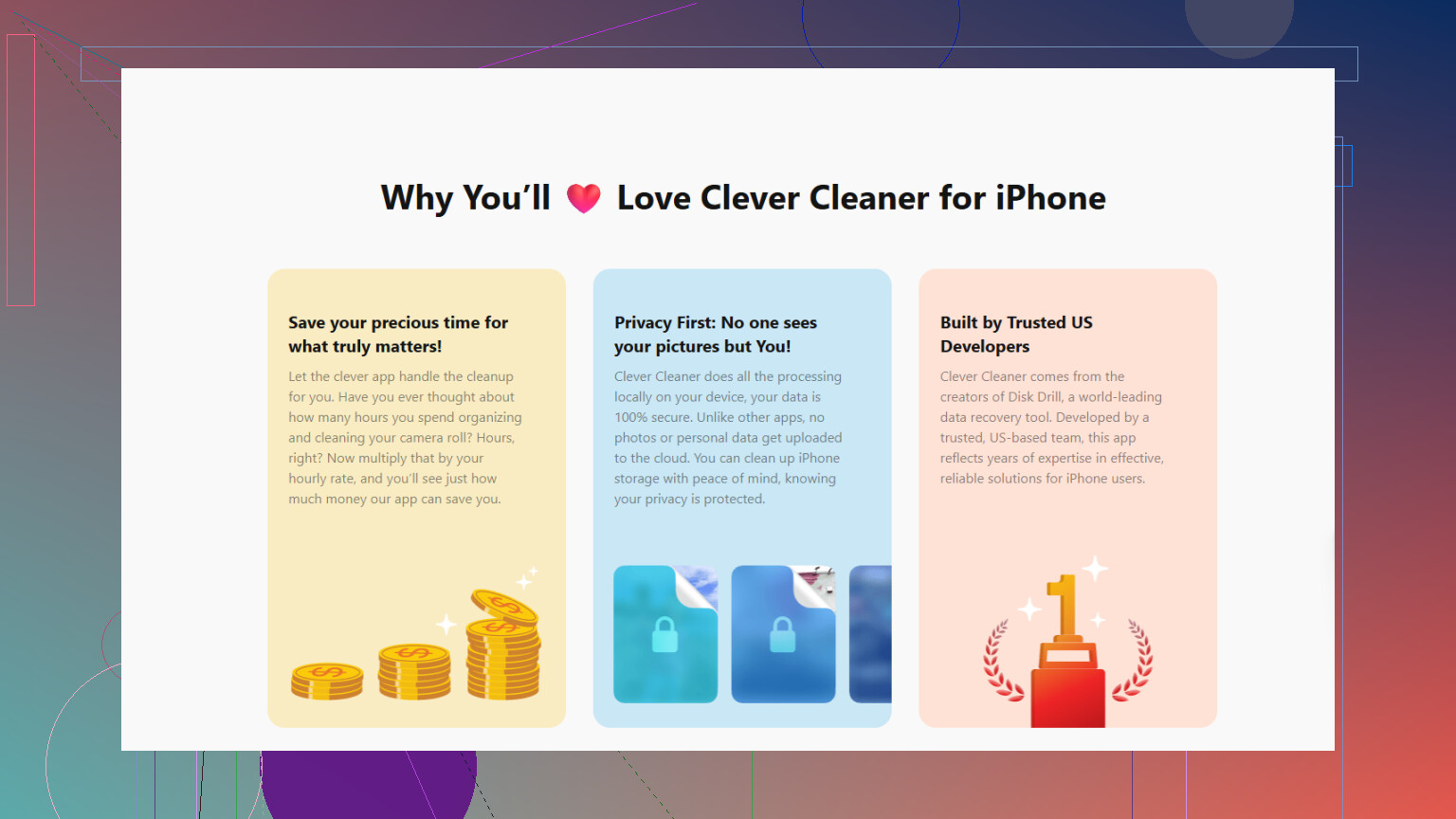
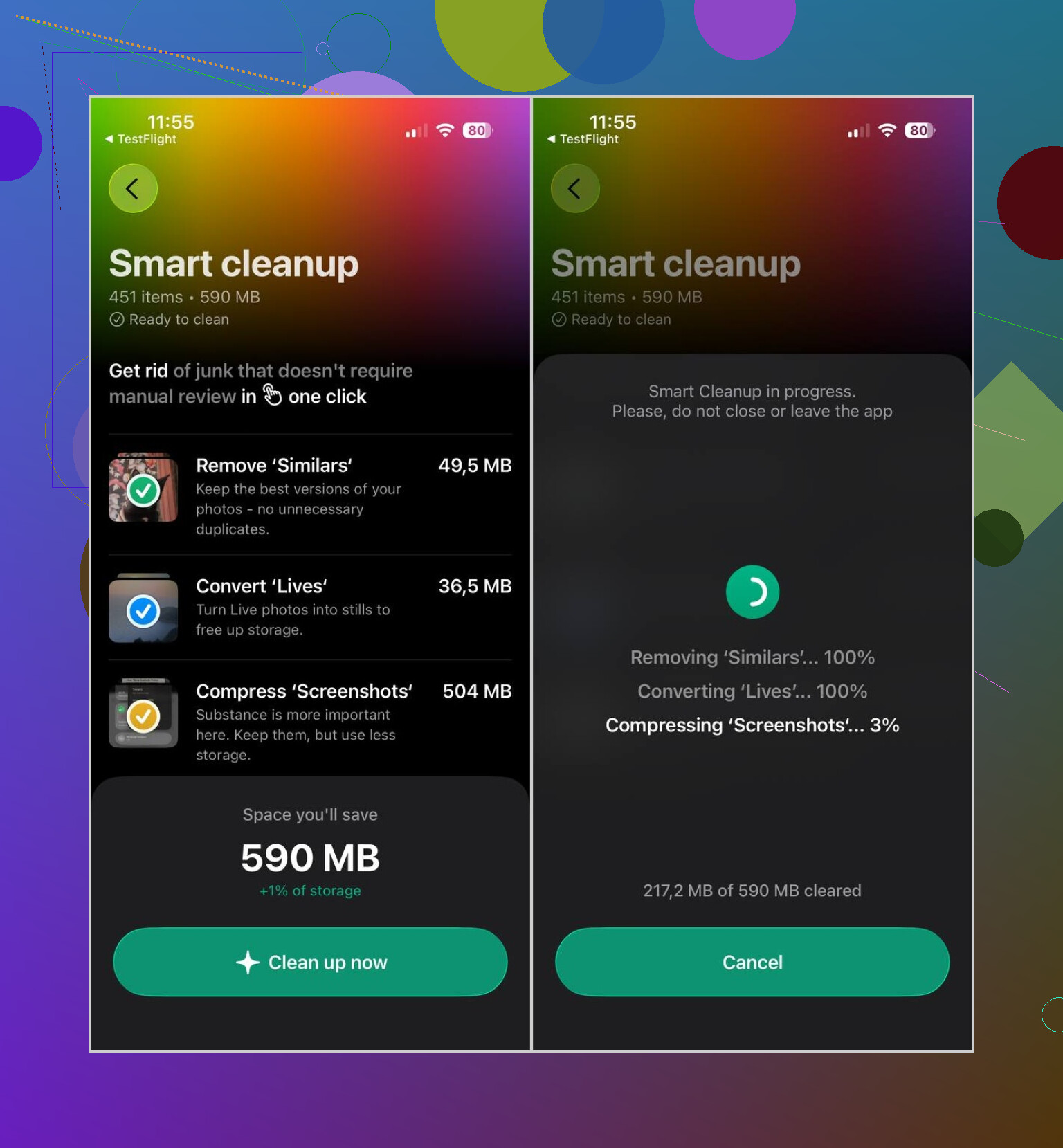
- Photos and videos. The Photos app can catch exact duplicates, but it won’t do much for ten almost-identical shots of the same thing. I used Clever Cleaner for similar photos, Live Photos, big videos, and screenshots. It runs locally, doesn’t have ads, and the free version is enough for normal cleanup stuff. After deleting, make sure you empty Recently Deleted, otherwise the storage won’t come back right away.
- Old apps. Delete anything you haven’t touched in a long time. If you might need the app data later, use Offload App instead.
- App caches and downloads. Clear Safari or Chrome data, then check apps like Telegram or Spotify for downloaded files or cache settings.
- Files app. Look in Downloads. It’s easy to forget about old PDFs, ZIP files, and random attachments sitting there.
- Messages attachments. If Messages is high on the storage list, old videos and photo attachments can be a big chunk of it.
Just don’t expect an App Store “cleaner” to wipe hidden iOS system files or clear every other app’s cache. Apple doesn’t really let apps do that. If something promises to clean all junk files, I’d be careful with it.
The storage breakdown is the best place to start. It saves you from guessing and usually points straight at the biggest thing to fix.
A phone that is full because you have 80 GB of photos is a different problem than a phone that is full because “System Data” has gone weird for a while. The first one you can clean up safely. The second one is usually not something a cleaner app can fix, and trying random “junk remover” apps for that is where people get into trouble.
I agree with using iPhone Storage first, but I’d check the exact category before deleting anything. If Photos, Messages, Music, Podcasts, WhatsApp, Telegram, or Files are near the top, clean inside those apps. If “System Data” is huge, try the boring stuff first: restart the phone, update iOS if there’s an update waiting, leave the phone plugged in on Wi-Fi for a bit, and make sure iCloud Photos or Messages syncing is not stuck halfway. Sometimes storage looks worse while the phone is indexing, syncing, or holding temporary update files.
The safest “junk cleanup” is really manual cleanup with a backup already made. Delete downloaded videos, old podcast episodes, offline maps, big message attachments, and app downloads you can get again. Offload apps instead of deleting them if you care about their documents. For photos, use the built-in duplicates tool or something like Clever Cleaner if you want help sorting similar shots, but treat any delete button as permanent until you’ve checked Recently Deleted. The main rule is: clean user data you can see, don’t chase hidden iOS files with apps that claim they can magically scrub the whole phone.

You probably won’t get a magic 20 GB back unless the storage screen shows a real culprit. On iPhones, “junk” usually means downloaded stuff, local copies, or app data you forgot was there, not a folder you can safely empty like a computer temp folder.
The big caveat I don’t see people mention enough: be careful with iCloud Photos. If iCloud Photos is turned on, deleting pictures from the phone also deletes them from iCloud and your other Apple devices. That catches people off guard. If photos are the problem, a safer move is Settings > Photos > Optimize iPhone Storage, then clean obvious trash like duplicates, blurry screenshots, screen recordings, and huge videos. Apps like Clever Cleaner can help with the sorting part, but you still need to review before deleting anything.
For a low-risk cleanup, I’d do it in this order: make a backup, check iPhone Storage, offload unused apps, clear downloads inside streaming/chat apps, then restart the phone. If “System Data” is still massive after that, I wouldn’t keep installing cleaner apps hoping one of them can reach hidden iOS files. At that point the cleaner method is usually backup, erase, and restore, but I’d treat that as the last step, not normal maintenance.
If you’re picturing something like CCleaner on Windows, drop that comparison now, because it’s the reason people keep buying cleaner apps that do nothing. iOS keeps every app in its own sandbox. An app you download from the App Store literally cannot reach into Spotify’s cache or Telegram’s downloads and wipe them. So any tool claiming to scrub ‘all junk across your phone’ is either exaggerating or just clearing its own tiny footprint. @mikeappsreviewer already said this, but I think it’s worth being blunt about the technical why, because that’s the part that stops you wasting money.
Where I’d push a little further than the earlier replies is on backups. Everyone says ‘make a backup first,’ but if your backup is just iCloud and iCloud Photos is on, that backup doesn’t really protect the photos you’re about to delete. They’re the same library. Delete on the phone, it’s gone from the cloud copy too. If you actually care about keeping those shots, plug into a Mac or PC and make a local backup through Finder or iTunes before you start swinging. That gives you a copy that isn’t tied to the sync.
On the photo sorting itself, something like Clever Cleaner is fine for grouping similar shots and flagging the big videos, since that’s genuinely the tedious part to do by hand. Just don’t let the review step turn into blind tapping. It runs on your device and can only show you what’s in your photo library, which is exactly what you want, but the delete is still permanent once Recently Deleted clears.
Honestly, for most people the whole thing comes down to photos, videos, and one or two apps hoarding downloads. If your storage screen doesn’t show an obvious offender and System Data is the bloated one, stop installing tools and just do a backup, erase, restore. It’s the only thing that reliably clears the temporary mess iOS won’t let you touch, and it’s slower but it actually works.