I lost my Samsung TV remote and I can’t seem to turn it on using the buttons on the TV itself. Does anyone know if there’s another way to power it up or any tricks I could try? I need help because I want to watch something tonight and can’t find the remote anywhere.
If you’ve ever needed to turn on your Samsung TV without a remote, TVRem makes it effortless. This app transforms your iPhone or iPad into a full-featured TV controller — no batteries, no digging for remotes. Simply open the app, connect to your TV, and you’ll see a power button right in the interface to turn your Samsung TV on or off.
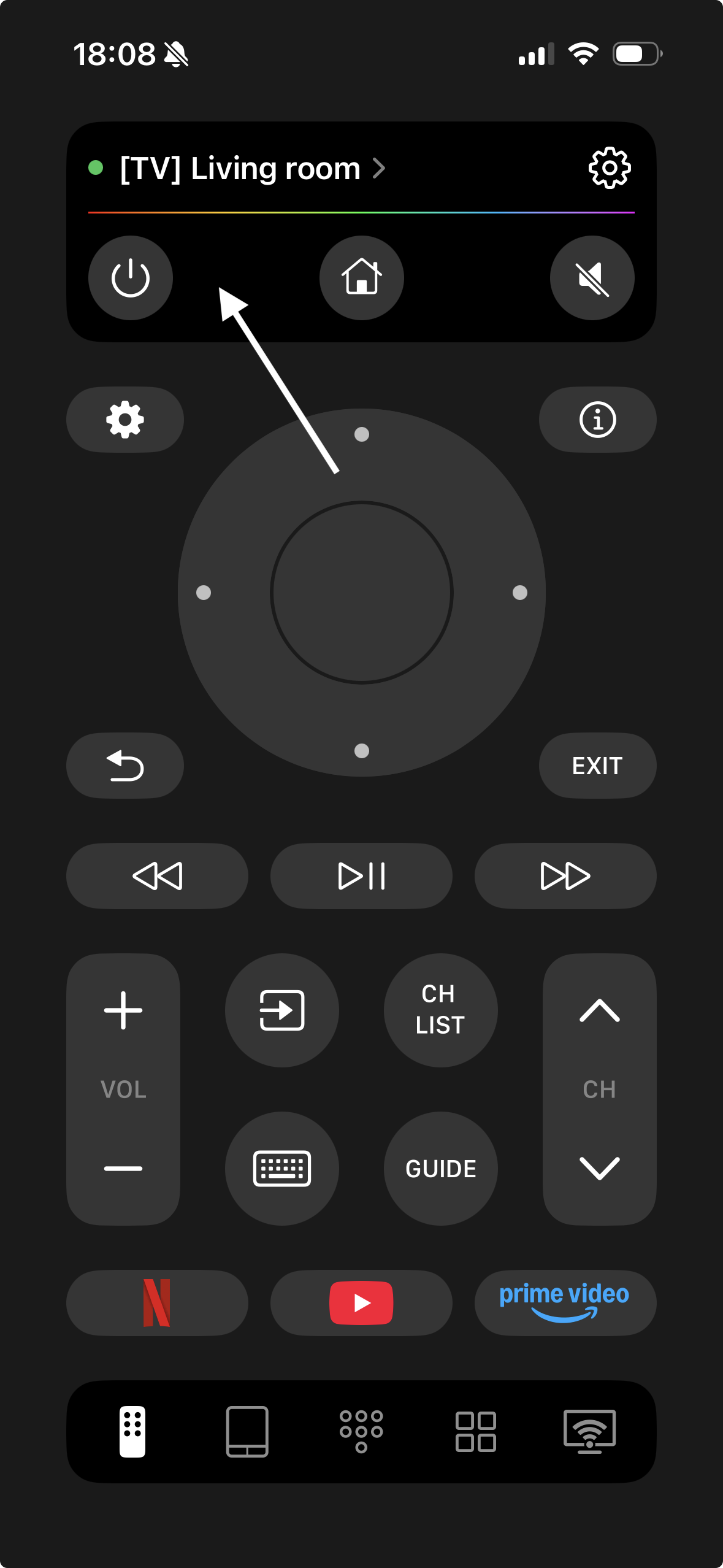
TVRem gives you complete control over your Smart TV:
- Adjust volume, change channels, and control playback
- Launch streaming apps like Netflix, YouTube, or Prime Video with one tap
- Navigate smoothly with touchpad gestures — swipe to move, tap to select
- Type titles directly from your phone keyboard for quick searches
- Use voice input or hands-free control on supported models via Google Assistant or Alexa
Setup is simple — connect your iPhone and Samsung TV to the same Wi-Fi, open TVRem, and select your TV. Fast, intuitive, and reliable.
Smack That Power Button (If You Can Find It)
Every Samsung TV has a physical power button, though the location can vary depending on the model. Look in these common spots:
- Directly underneath the Samsung logo, dead center at the bottom.
- On the right side of the back (if you’re facing the screen like a normal human).
- Occasionally, it’s chilling on the lower left or right front bezel.
Once you’ve found it: just hold it down for a few seconds. Boom, you should see the TV blink to life. Feels retro, honestly, like turning on your parents’ old tube set.
Get SmartThings App
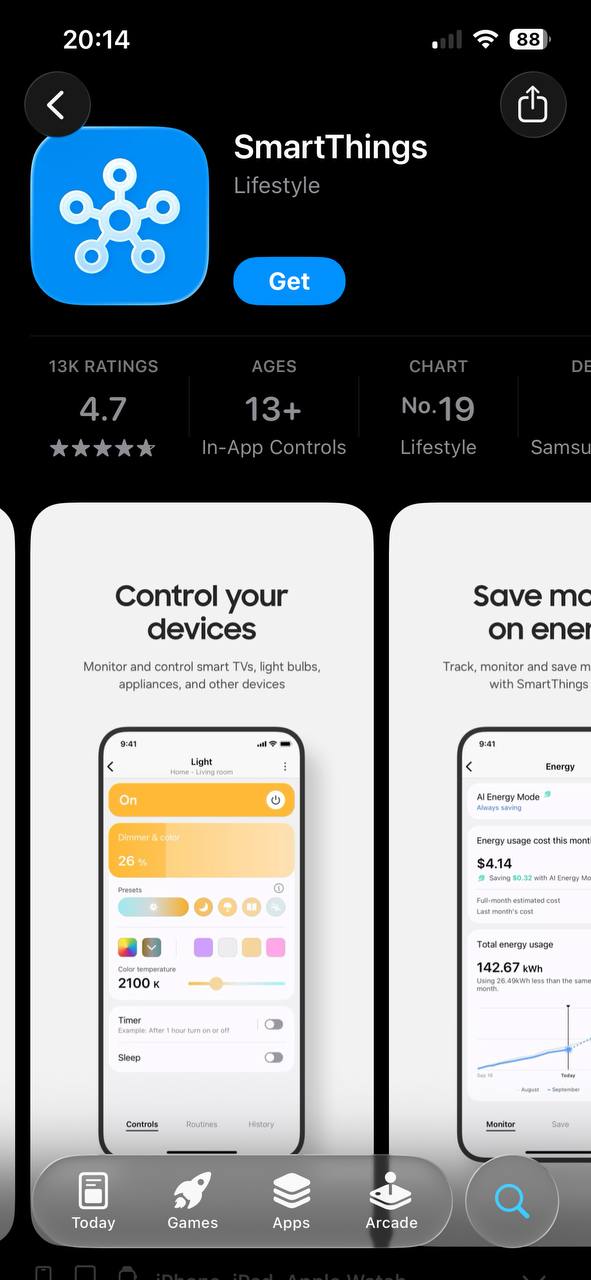
Okay, so you were connected to Wi-Fi before your remote decided to bail? Good news! Samsung’s SmartThings app is about to become your new best friend. Hit up the App Store or Google Play, download SmartThings, and:
- Log in with your Samsung account (or make one if you’ve never bothered).
- If you’ve connected your TV before, it’ll pop up in your devices list. Tap on it.
- A virtual remote shows up with all the stuff you need—power, volume, changing inputs, the whole nine yards.
It’s surprisingly reliable, and you don’t need to hunt for the right codes or anything like the old universal remotes. Just make sure your phone and TV are using the same Wi-Fi, or you’ll be staring at a blank screen wondering what you did wrong (don’t ask me how I know).
iPhone Owners, Check This Out: Remote Control Apps
Not everyone wants to mess with Samsung’s own app. If you’re part of the Apple club, you’ve got a slick alternative:
Universal Remote – Smart TV
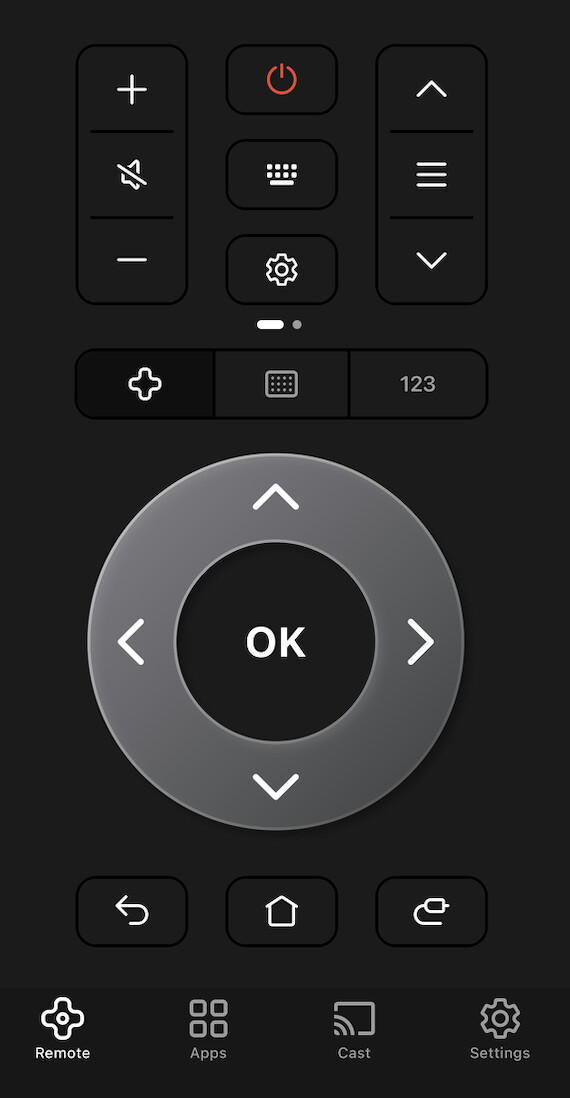
This app is actually free—just snag it from the App Store—turns your iPhone into a TV remote for most smart TVs (Samsung absolutely included).
- Both TV and phone need to party on the same Wi-Fi network.
- Finds your TV instantly, no crazy setup or weird codes.
- Lets you tweak power, volume, channels, and even apps, if you want.
- Setup is so easy you’ll look at your old remote with contempt.
Bottom Line:
Lost your Samsung TV remote? TVRem makes it effortless to take full control from your iPhone. No hunting for tiny buttons or wrestling with Samsung’s SmartThings app, which requires account logins and clunky navigation. With TVRem, you get instant access to power, volume, channels, playback controls, and streaming apps — plus smooth touchpad gestures and voice input on supported models — all in a sleek, easy-to-use interface.
Other apps like Universal Remote – Smart TV may technically work, but they’re often slower, limited in functionality, and missing advanced features such as app shortcuts or hands-free control. TVRem remote app eliminates that frustration by delivering a fast, reliable, and truly universal solution that turns your iPhone into a powerful, hassle-free replacement for any lost or broken Samsung remote.
Guys, this is classic Samsung nonsense—putting the power button in a spot only a contortionist would love, so I def feel your pain. @mikeappsreviewer covered SmartThings, physical button, and iPhone apps (solid options, but kinda assumes your house is a Wi-Fi utopia and your TV was set up for this before your remote made like Houdini).
Here’s the kicker though: some models (esp. older or budget ones) barely let you use side buttons for anything, and if you can’t even turn it on with those, you’re pretty much stuck. If that’s you, and NONE of the above magic works, last-resort move is unplugging the TV for a few secs, then plugging it back in. Sometimes this power-cycles it right on (weird, I know, but worked for me when my remote was toast AND button was jammed). Not a permanent fix but hey, desperate times.
If your TV supports HDMI-CEC (‘Anynet+’ in Samsung speak), you can also try turning it on with a device connected to HDMI (like a Fire Stick or game console)—sometimes just turning that on wakes the TV. Kinda janky but it’s something.
Last tip: universal remotes from Walmart/Target, some for like $8, and most work instantly with Samsung—no app needed, no WiFi, no endless fiddling. Beats waiting for the “couch monster” to spit the remote back out. Don’t get me started on just how quickly TV manufacturers could FIX THIS, lol.
So: unplug/replug, HDMI-CEC, or get a $8 universal remote if the rest failed. If you’re unlucky enough to have killed both your remote and your TV buttons, well, you’re just living in a dystopian Samsung reality. Should’ve gotten that LG, huh?
Dang, been there—Samsung has truly mastered the art of hiding power buttons like it’s some kind of national secret. Srsly tho, I see what @mikeappsreviewer and @mike34 were saying: SmartThings is epic…IF your TV was ever hooked up (and ya didn’t just set it up for the first time, lol). Unplug/plug-in trick? Maybe it reboots, maybe you get nada except existential dread.
Here’s a harebrained idea neither of them mentioned: If you’ve ever connected your TV to Alexa, Google Home, or any smart speaker, sometimes you can just say “turn on TV.” It’s like rolling dice, but hey, modern tech surprises me sometimes.
Also, universal remotes work, but it’s 2024—who even has AAAs lying around? And HDMI-CEC is mega finicky. My PS5 turns on the Samsung, but my Switch? Nah, sleeping beauty mode.
I’ll be real, sometimes them buttons just flat out refuse, esp. on cheaper Samsung models. If so, you hit the glass ceiling of TV tech. Losing the remote is the TV equivalent of locking your keys inside your car. Short of some Mission Impossible remote-finding stunt, that $8 universal remote from Target might be your best investment since streaming, as much as I hate to admit it.
Sidebar: Why can’t they just put the dang power button in a NORMAL spot? Because then there’d be nothing separating us from the dystopia the Samsung engineers dream of: endless remote scavenger hunts.
Anyway, hope you find the remote. Or at least find solace at the end of a universal one.