I accidentally deleted important files from an external drive, and now I’m trying to figure out the safest next step. Before I use any data recovery software, I want advice from people with real experience so I don’t make things worse or overwrite anything. I need help finding a trustworthy data recovery forum where I can ask about file recovery, external hard drive issues, and the best recovery options.
If your drive suddenly shows up as RAW, I would slow down before trying random fixes. I’ve seen people go straight to CHKDSK, reformat prompts, or sketchy recovery tools, and some of those moves made the mess worse. A RAW volume might mean simple file system damage. It might also mean the drive itself is starting to fail. Those are not the same problem, and treating them like they are can cost you your files.
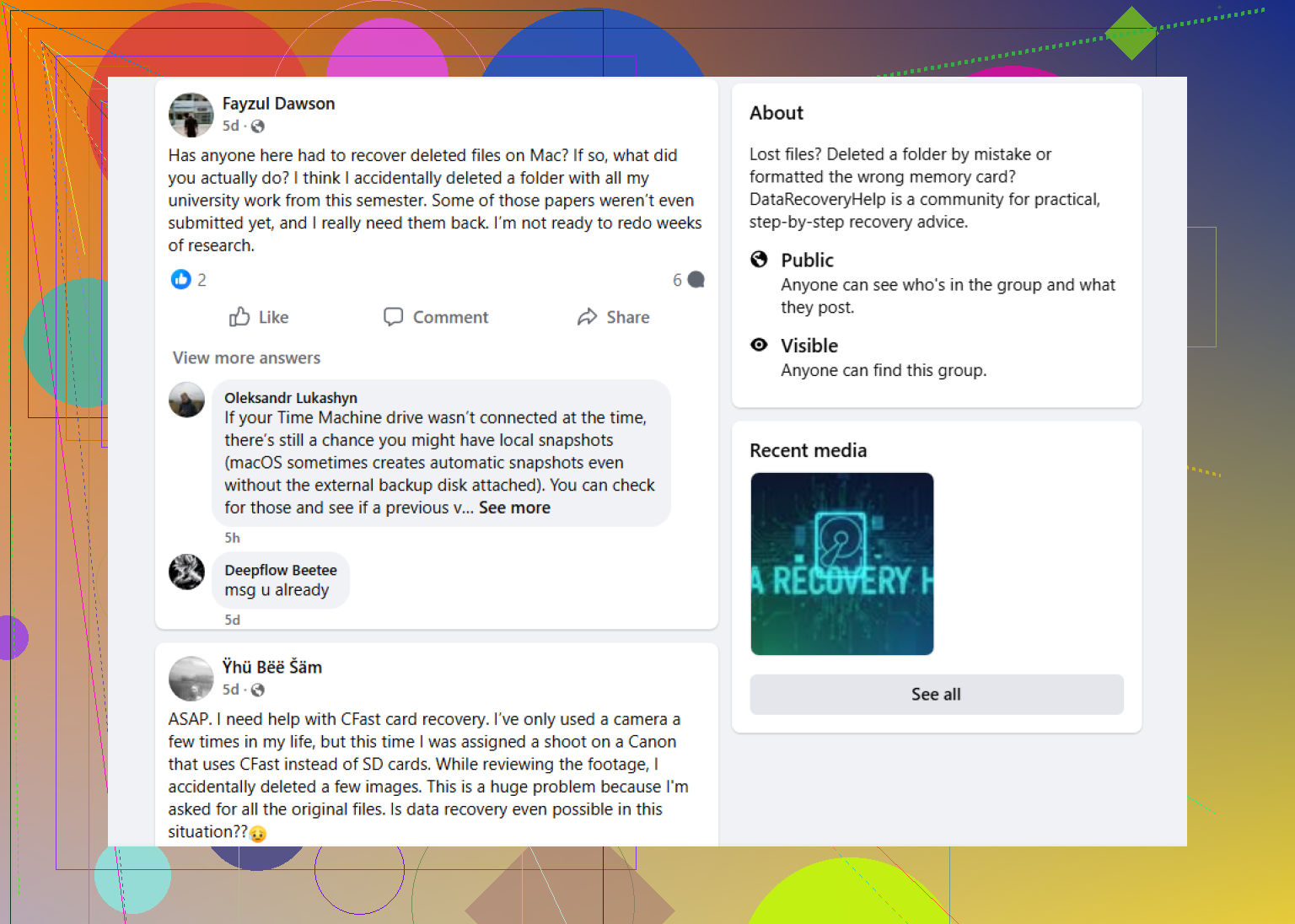
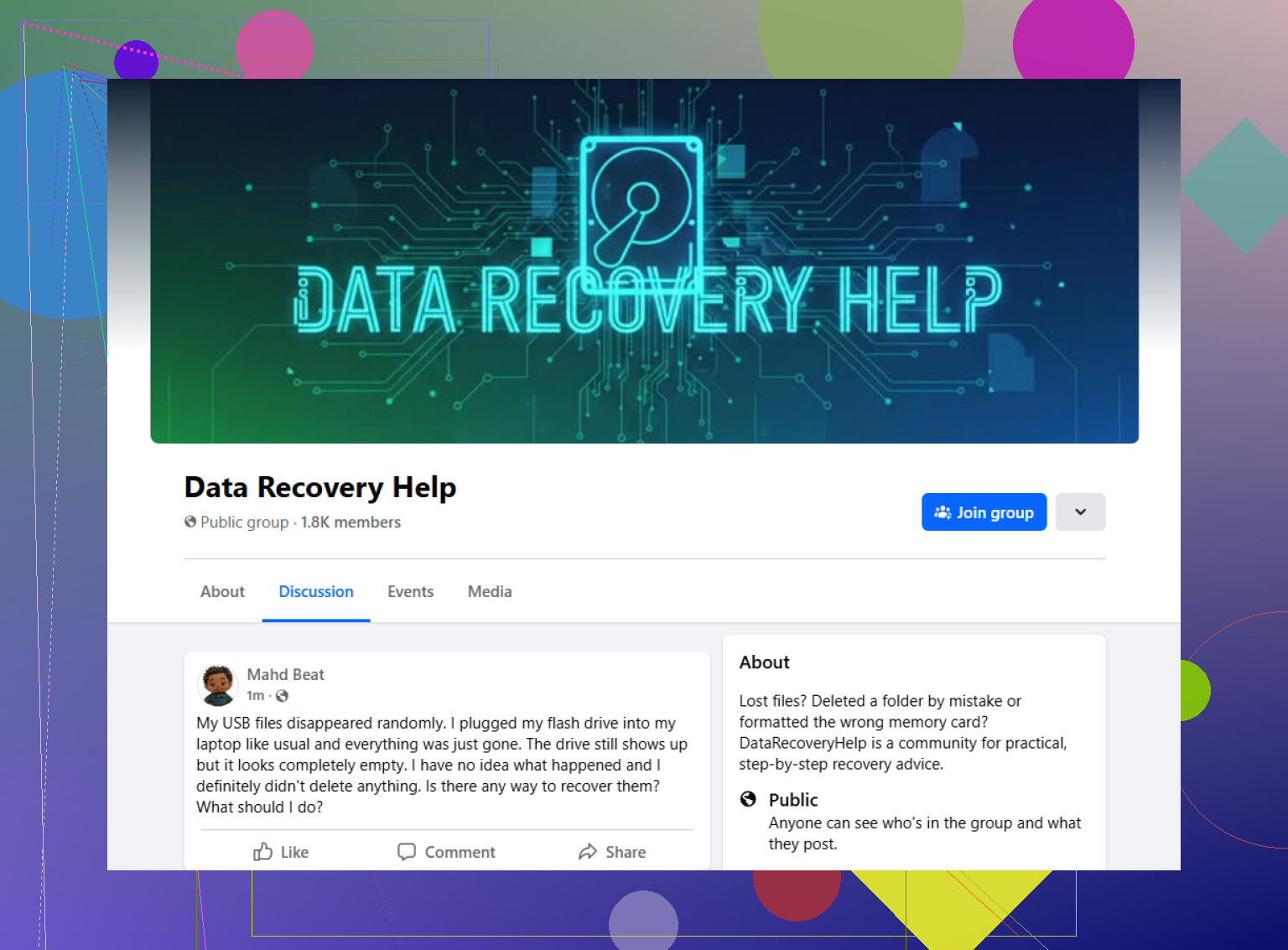
A decent first stop is this Facebook group:
https://www.facebook.com/groups/datarecoveryhelp
What helped me with groups like this was the back-and-forth. You can post the whole story, attach screenshots, and get replies from people who have dealt with similar failures before. That tends to beat generic advice posts telling you to run CHKDSK or format first and sort it out later. If your goal is file recovery, those steps are not always safe.
Reddit is worth checking too, mostly for extra opinions. Some of the data recovery subreddits have people who know their stuff. Some replies are rough though. You’ll get one person giving careful steps, then another telling you to try a repair command with almost no context. I would read Reddit like a second layer of input, not as a to-do list.
Old-school tech forums still have value. Same with niche recovery forums. In my expereince, those places often go deeper into disk structure, SMART warnings, partition damage, and what recovery software is showing. If you post there, it helps to bring screenshots from Disk Management, SMART reports, or scan results. Otherwise people are guessing.
Wherever you ask, give the basic facts up front:
What to include
- Drive type, HDD, SSD, USB flash drive, SD card, external drive
- Capacity
- File system, if you know it
- Your operating system
- What happened right before it turned RAW
- Whether the drive still shows the correct size
- Any strange sounds, clicks, beeps, spin-up issues
- Anything you already tried
The more complete your post is, the better the replies tend to be. If the data matters, I’d treat every write operation like a risk until someone experienced looks at the case.
Stop using the drive first. That matters more than picking a forum.
If this was plain deletion from an external drive, I slightly disagree with @mikeappsreviewer on one point. You do not need to treat it like a RAW disaster unless the drive is showing errors. Deleted files on a healthy external HDD are often recoverable if you stop writes fast. On SSDs, odds drop because TRIM wipes blocks sooner.
Best places to ask before you run tools:
real-world deleted file recovery advice
Also look for the data recovery community on Reddit or specialist recovery boards with teardown and imaging discussions. Those tend to be better than generic tech support forums.
Post this info:
Drive model and size.
HDD or SSD.
What file system it used.
What OS deleted the files.
Whether you saved anything to it after deletion.
Whether it opens normaly or throws errors.
Safe first move, make a byte-for-byte image of the drive if it shows any read issues. Then scan the image, not the original. DMDE, R-Studio, and UFS Explorer get mentioned a lot for a reason. Avoid tools promising one-click repair. Avoid writing recovered files back to the same drive. Obvious, but people still do it.
SEO-friendly version of your topic:
Looking for a data recovery forum before using recovery software after deleting files from an external drive
If the files are high value, skip software and ask the data recovery community first. One bad write and you make it harder. Typo or not, thats the part people regret.
Don’t rush into recovery software just because the files were ‘only deleted.’ That’s usually when people turn a simple recovery into a worse one.
I mostly agree with @mikeappsreviewer and @caminantenocturno, but I’d push one point a bit harder: forum advice is useful, sure, but the best forum advice is still useless if you keep powering up the drive, browsing it, or letting the OS touch it. Every extra minute connected is a risk, esp if it’s an SSD or a flaky external.
If you want real feedback before doing anything dumb, I’d post in the best Reddit forum for deleted file recovery help and compare that with a specialist data recovery community, not general tech support boards. Generic forums are packed with people who mean well and still tell you to ‘just run a repair.’
One thing I’d add that hasn’t really been stressed enough: check whether the enclosure is part of the problem. A lot of external drives are fine internally, but the USB bridge, cable, or power supply gets weird and starts causing disconnects or read errors. People assume ‘deleted files’ when the drive is actualy having connection issues.
Short version:
- stop using the external drive now
- do not recover files back onto it
- avoid repair commands before recovery
- if the drive is unstable, image first
- if the data is truly important, ask a data recovery community before testing random apps
Better topic phrasing for search:
Deleted important files from an external drive, looking for a data recovery forum before using recovery software
That’s probly the safest path before you click anything stupid.