I misplaced my TV remote right before kickoff, and now I can’t use my TV to watch football. I’ve already checked the couch, table, and usual spots, but it’s nowhere to be found. I need quick ways to use the TV without a remote or other tips so I don’t miss the game.
I lose the TV remote at the dumbest time. Usually a few minutes before football starts. At this point I expect it.
You don’t need the original remote if your TV is a smart TV. I’ve done this from my phone over Wi‑Fi and it covered the basics fast, channels, apps, volume, pause, menu navigation. If your remote vanished into the couch or died for good, your phone works fine.
For iPhone
TVRem is the one I’d try first:
TVRem – Universal Remote turns your iPhone into a full Smart TV remote over Wi‑Fi. Setup is short. I installed it, made sure the iPhone and TV were on the same Wi‑Fi, then let the app scan. The TV showed a pairing prompt. I confirmed it, done.
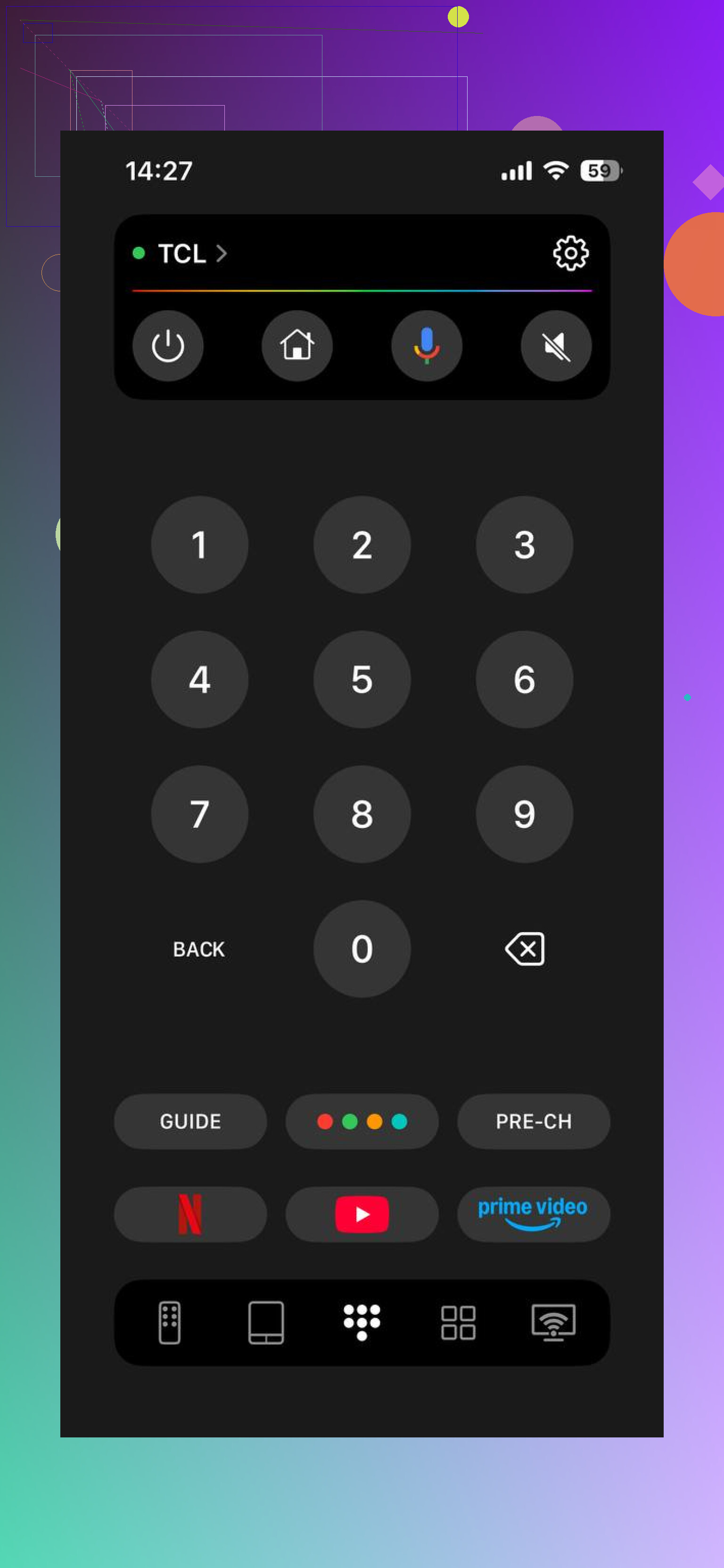
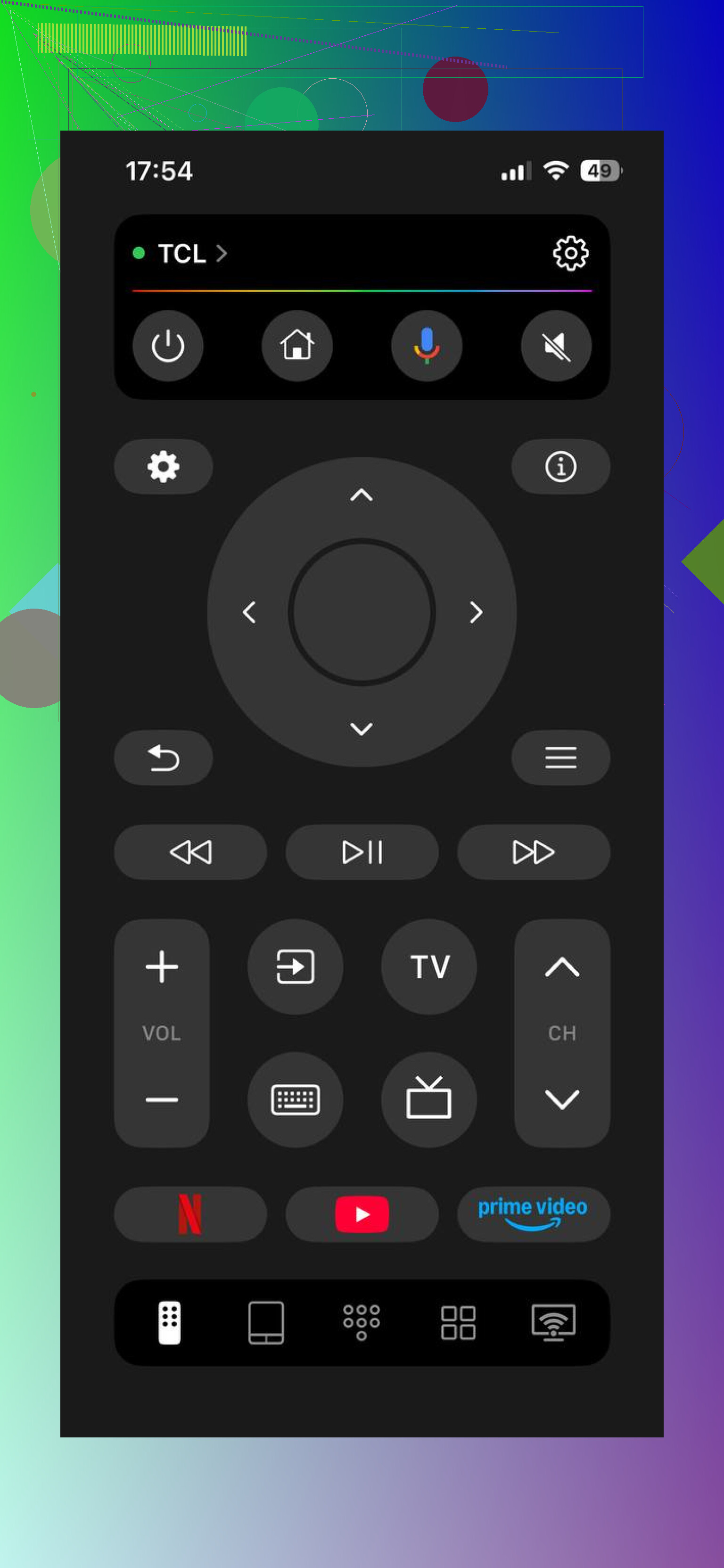
What it handled after pairing:
- Changing channels and switching inputs
- Opening apps like YouTube, Netflix, and sports streaming apps
- Volume, playback, and menu controls
- Phone keyboard input, which is way faster than typing with arrow keys
- Touchpad-style navigation, which felt less annoying in crowded menus
It works with most common smart TV platforms I’ve seen, Samsung, LG, Roku, Fire TV, and Android TV or Google TV. So if you’re fuzzy on the exact model, it still has a decent shot.
For Android
Universal TV Remote Control by Codematics does the same kind of job. Same Wi‑Fi on both devices, let it find the TV, pair it, then use the phone like a full remote.
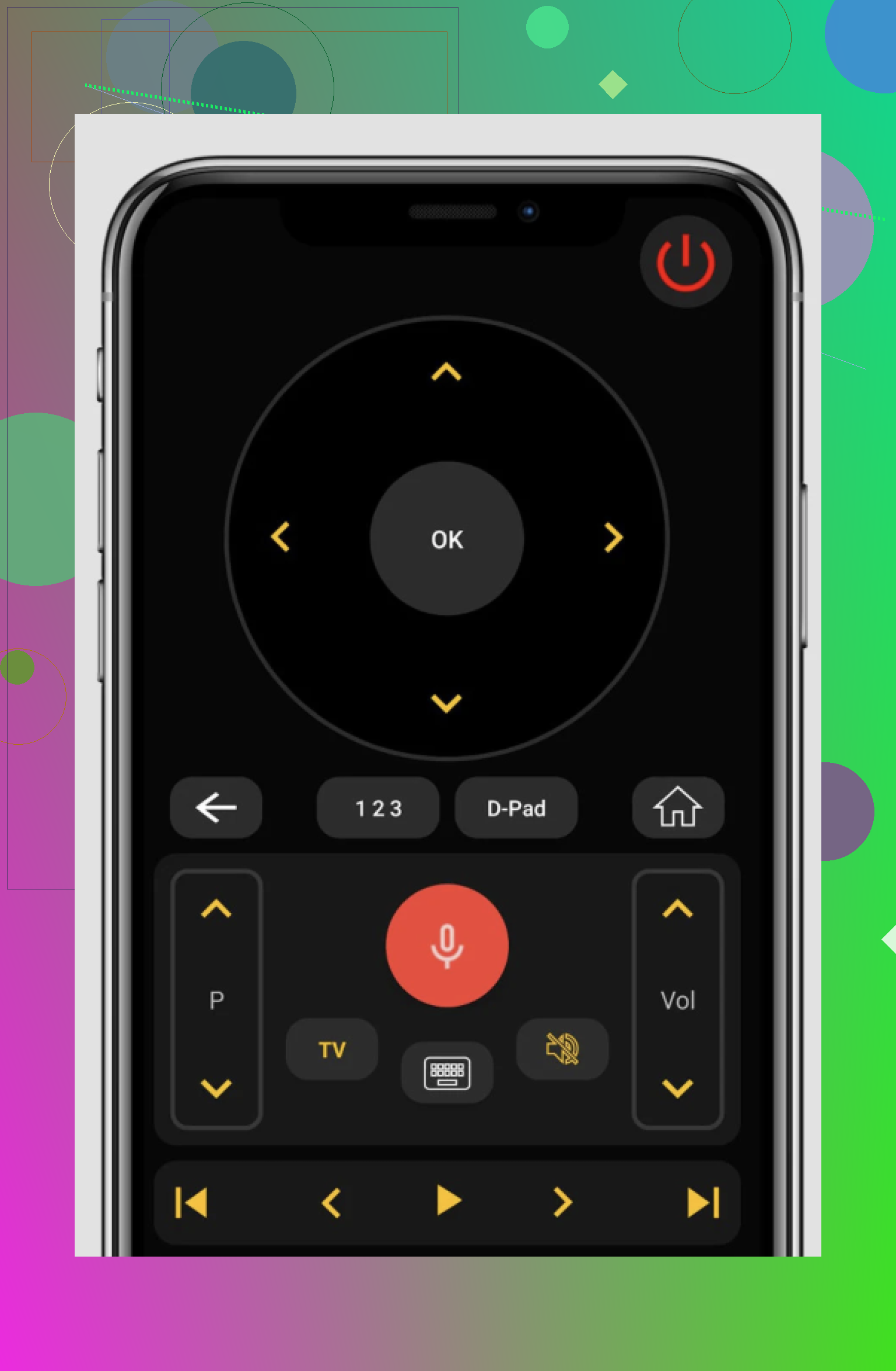
What you get:
- Full navigation, either D-pad or touchpad
- Quick launch for streaming apps
- Volume and playback controls
- Keyboard input for search boxes and login fields
I’ve seen people use it when the original remote is lost, cracked, or flat-out dead.
What matters
Most smart TVs already support remote control over Wi‑Fi. So losing the handheld remote usually doesn’t stop anything.
You need three things:
- Your TV and phone on the same Wi‑Fi network
- A remote app, TVRem on iPhone or Universal TV Remote Control by Codematics on Android
- A pairing confirmation on the TV, if it asks for one
After pairing, your phone takes over for more than channel changes. You can open apps, move through menus, search faster, and control playback. I did this in under a minute last time. Tiny bit annoyng the first time, then it was easy. The game stayed on, which was the only part I cared about.
2 Likes
Skip the app route first if kickoff is close. @mikeappsreviewer covered that part well, but pairing apps sometimes needs a prompt on the TV screen, which is annoying if the set is off.
Try these faster options.
-
Check the TV itself for a power button.
Most TVs still hide one. Look under the center logo, behind the right edge, or on the back left. Samsung, LG, TCL, Hisense, Vizio, all do this a lot. Press it once for power. On many models, a long press opens input control too. -
Use physical buttons on a cable or satellite box.
Xfinity, Spectrum, DirecTV, Dish boxes often have power and channel buttons on the front. If the TV was left on the right input, you’re in business. -
HDMI-CEC trick.
If you own a PlayStation, Xbox, Apple TV, Fire TV stick, or Roku, turning on that device sometimes wakes the TV and switches inputs. This works on a ton of sets if CEC was already enabled. Around half the time in my house, this saves me. -
Try the TV maker’s own app.
I disagree a bit with using only universal remote apps. Brand apps are often less flaky. Roku, Fire TV, Google TV, Samsung SmartThings, LG ThinQ, Vizio Mobile. Those tend to pair smoother. -
Borrow another remote.
A lot of remotes control more than one TV from the same brand. My old Samsung remote worked on a newer Samsung with no setup. Worth 30 seconds. -
If you have a game on a streaming app, use another screen now.
Phone, tablet, laptop. AirPlay or cast later if you get the TV on. Not ideal, but better than missing first quarter.
Last ditch move. Buy a cheap universal remote from Walgreens, Walmart, Target. Some are preprogrammed for major brands. Ten minutes, tops if traffic isn’t awful. I’ve done this twice because I am aparently incapable of keeping remotes alive.
I’d do two things they didn’t really lean on.
First, if your TV has voice assistant support already enabled, try that. Alexa, Google Assistant, even Siri through HomeKit stuff can sometimes turn the TV on or launch the right input if you had it set up before. People forget this because they only use it to dim lights like a caveman from the future. “Alexa, turn on living room TV” has saved me before.
Second, if you have a soundbar remote, check that. A lot of soundbars with HDMI-ARC or CEC can control TV power and volume, and sometimes input too. Same for some receiver remotes. Not elegant, but football does not care about elegance.
Also, tiny disagreement with @sognonotturno on borrowing another same-brand remote. That’s super hit-or-miss unless the TVs are pretty similar. Worth trying, sure, but I wouldn’t burn kickoff minutes counting on it.
If the TV is already on but just stuck on the wrong input, plug a laptop directly into HDMI. Even without the remote, many TVs auto-switch when they detect a live HDMI signal. That’s probly the fastest hack if you can stream the game from a browser.
And if you’re still tearing the room apart, check the stupid places:
- fridge
- bathroom counter
- laundry basket
- under blankets
- between mattress and headboard
Remote teleportation is real, aparently.