I lost my Samsung TV remote and need a free iPhone app that actually works to control my TV. I tried a couple of iOS remote apps, but they either wanted a subscription or would not connect. Looking for help finding a free Samsung TV remote app for iPhone that is reliable and easy to set up.
I went through the same mess on iPhone, searching for a free Samsung TV remote app and getting buried under ad-heavy junk. A lot of apps look fine for the first minute, then they start gating basic stuff like typing or simple navigation behind a subscription screen right after your TV connects.
The one I kept coming back to was TVRem – Universal TV Remote.
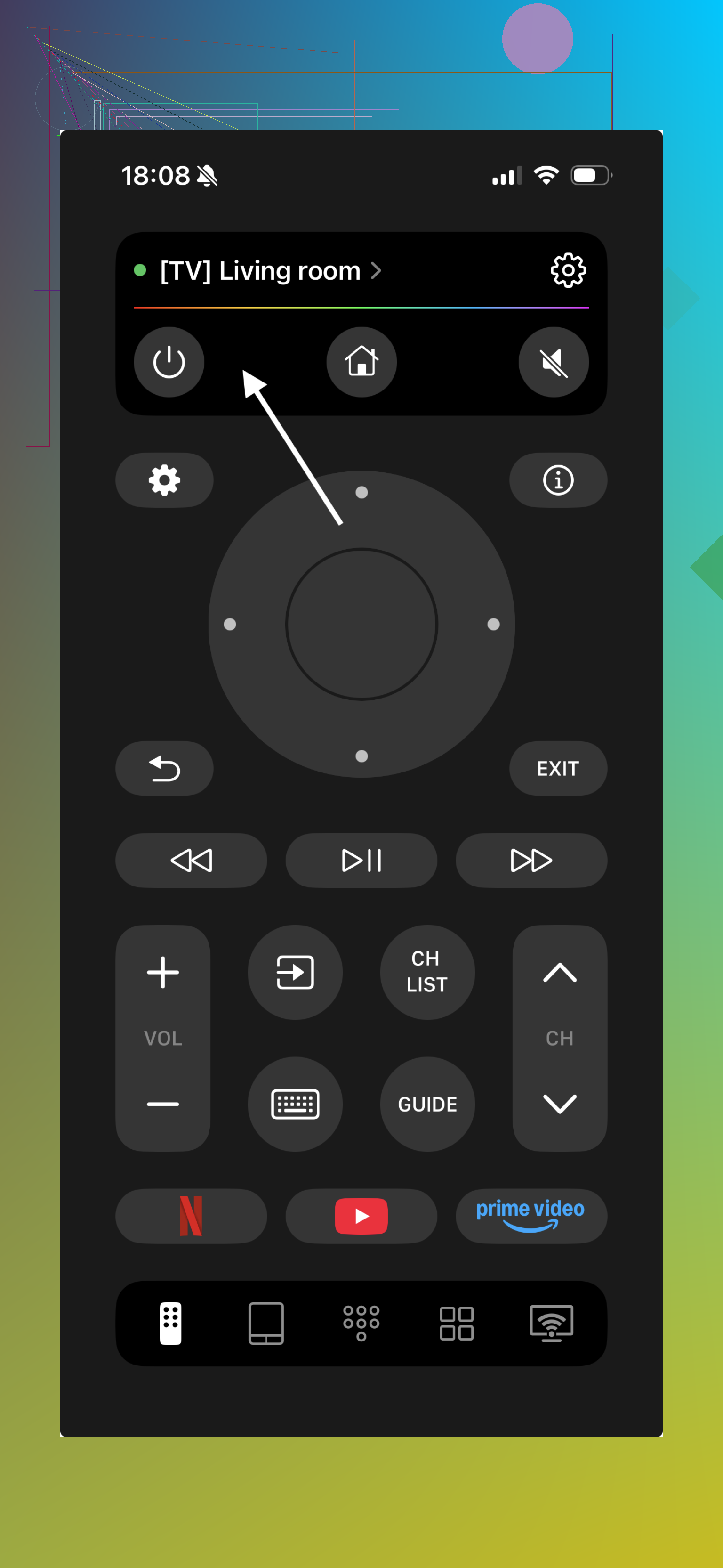
On my end, it paired with newer Samsung Smart TVs over Wi-Fi and felt close to a full remote replacement. You get the usual stuff, volume, power, directional control, and then the parts people miss once the physical remote disappears, touchpad navigation, keyboard input for apps like YouTube and Netflix, voice input, and shortcut access to apps. What stood out to me was support across multiple Samsung TV generations. A lot of these apps act like Samsung TVs only started existing three years ago.
What made this one easier to keep installed was the free version didn’t feel fake. I didn’t hit the usual wall where the app lets you connect, teases basic control for ten seconds, then throws up an upgrade screen. Navigation worked. Typing worked. It stayed usable. I also saw people mention the same thing in forum threads and on Reddit, mostly around the lack of ads and the absence of instant paywalls. For this app category, that’s kinda rare now.
Another one worth trying is Samsung Smart TV Remote Plus.
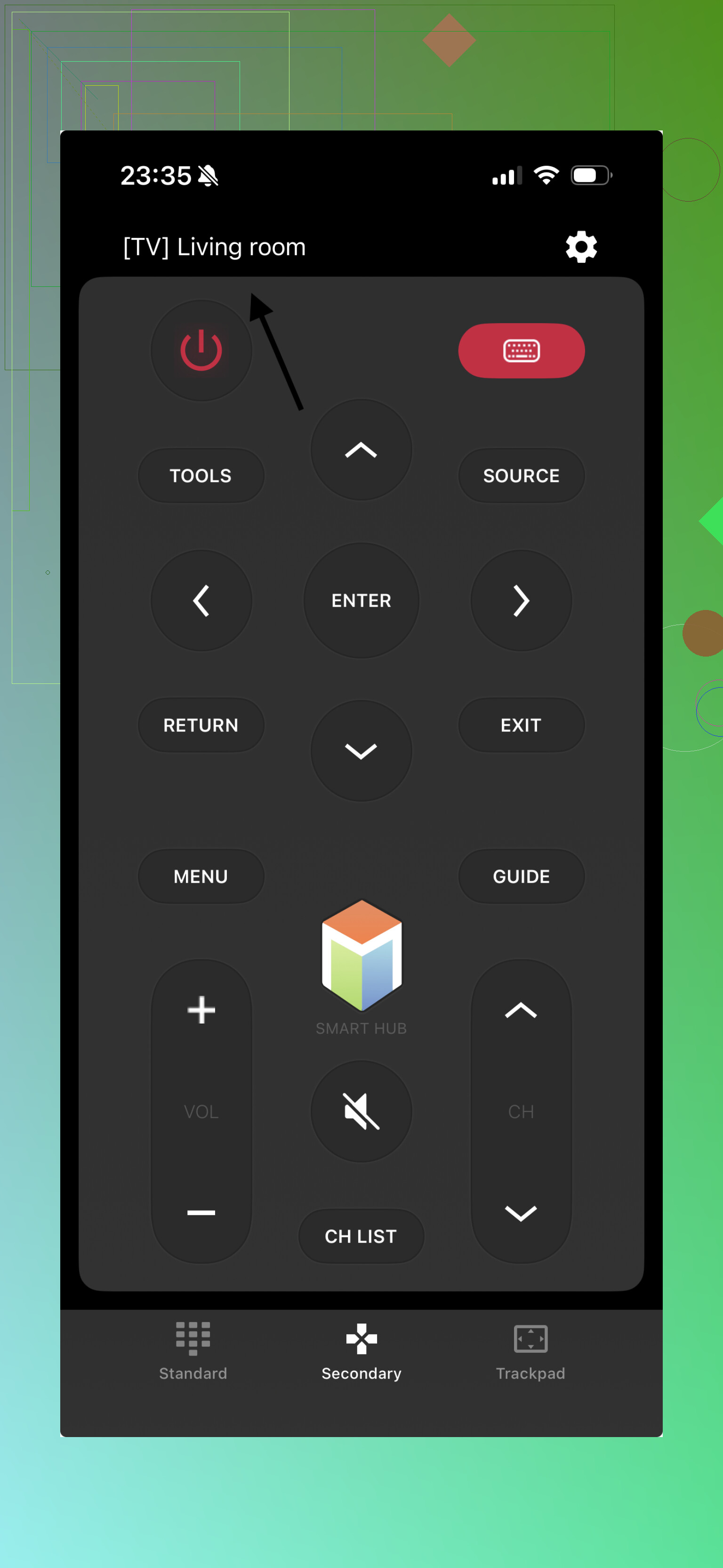
This one leans harder into Samsung-specific controls. Gesture support is decent. Touchpad input works well. Keyboard entry is there too. From what I saw, it performs better on newer Samsung sets than older ones. The catch is familiar. Some of the better features sit behind in-app purchases or a subscription, so the free experience feels narrower.
There’s also Remote for Samsung Control TV.
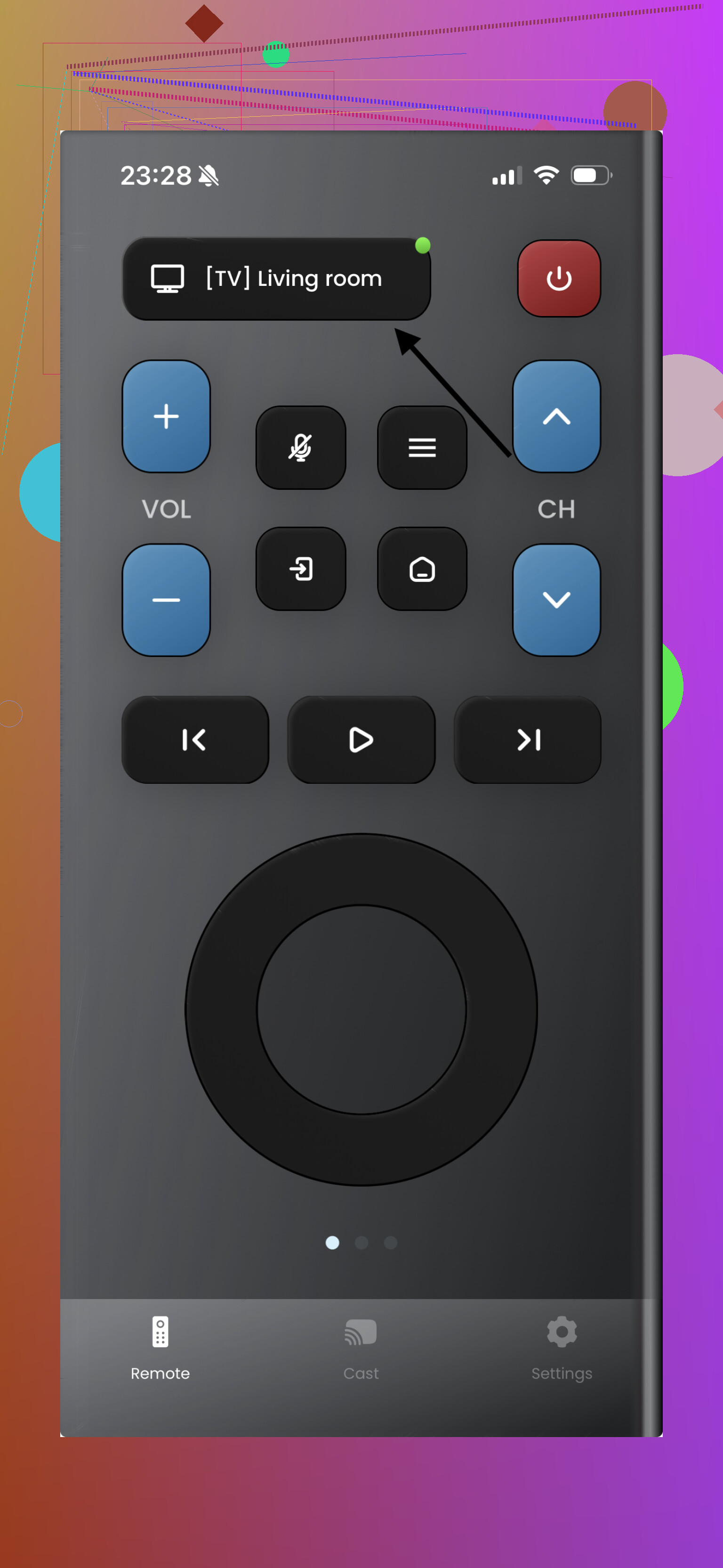
It covers the basics people usually need, power, volume, channels, touchpad support, and general smart TV controls. I found it fine for simple use. If all you want is to move around menus and change volume, it does the job. Still, like a lot of Samsung-only remote apps, extra functions tend to depend on paid unlocks.
If your goal is simple, one app, free, and no constant nagging to upgrade, TVRem is probably the best free Samsung TV remote app for iPhone right now.
The practical part is bigger than it sounds. It’s free, it works across different Samsung TV generations, and you’re not boxed into one brand later. If your setup changes, or you’ve got another TV in the house, using one remote app beats installing three separate ones and forgetting which is which.
I’d test one thing before trying more apps. Make sure your Samsung TV and iPhone are on the same Wi-Fi band. A lot of failed pairing issues happen because the phone is on 5 GHz and the TV is stuck on guest Wi-Fi or a different network. That makes good apps look broken.
I slightly disagree with @mikeappsreviewer on one point. App quality matters, but connection setup matters more. If pairing fails, most free apps feel useless.
For free options, I’d try the Samsung SmartThings app first. It’s Samsung’s own app, free, and it works with many newer Samsung smart TVs. It’s not my favorite layout, kinda clunky tbh, but power, volume, input switching, and app launching worked fine for me on a 2021 set.
If SmartThings does not see your TV, then try a dedicated remote app like the ones already listed. Older Samsung TVs are more hit or miss. If your set is pre-2016, support gets weird fast.
Quick checklist:
- Same Wi-Fi network.
- Turn off VPN on iPhone.
- Enable external device control on the TV.
- Restart TV and phone.
- Accept the pairing prompt on the TV screen.
If your TV is not a smart model, iPhone apps won’t help. iPhones lack IR blasters, so no app will control it offline. Thats the part a lot of app listings hide.
I’d actually start with something neither @mikeappsreviewer nor @viajeroceleste really leaned on much: check whether your Samsung TV already supports Apple’s built-in controls through Control Center shortcuts or AirPlay-related device handling. It’s not a full remote most of the time, but on some setups it’s enough to get you back into the TV menus so you can then pair a proper app. Kinda boring answer, but sometimes boring works.
Also, tiny disagreement with the usual app hunt strategy: I would not keep cycling through random “free” remote apps from the App Store for an hour. Most of them are the same thing with different icons and a paywall hiding in the bushes. If two or three failed, that’s usually a sign to verify the TV model year first, not keep downloading more junk.
What I’d do:
- Find your exact Samsung TV model
- Check if it’s a smart model with Wi-Fi remote support
- If it is, use SmartThings first only as a compatibility test
- If SmartThings sees it but you hate the interface, then switch to one of the dedicated apps mentioned above
- If SmartThings does not see it, your TV may be too old, network-blocked, or not app-compatible at all
One more thing people forget: some Samsung TVs disable network wake/power-on from apps unless the TV was turned off a certain way. So if the TV is fully off, an app may not turn it on, but once it’s on, control works fine. That makes people think the app is broken when it’s really just Samsung being Samsung lol.
If you post your TV model number, people can tell you pretty fast whether a free iPhone app is realistic or if you’re wasting time.
I’d actually be a little stricter than @viajeroceleste and @sternenwanderer here: if SmartThings fails, I would not assume the next five “free” apps will magically work. On Samsung TVs, app compatibility is often tied to the TV’s model year and firmware, not just the app.
One angle nobody really stressed enough is this: check whether your TV is already logged into a Samsung account or has mobile device permissions blocked. Some Samsung sets silently reject app remotes until you allow mobile control in the TV’s general settings. That is different from basic network visibility.
For free iPhone options, SmartThings is still the cleanest first test. After that, TVRem – Universal TV Remote is worth trying if you want something simpler.
Pros of TVRem – Universal TV Remote:
- 100% free app
- easier layout than SmartThings
- basic controls feel actually usable
- good if you just want a remote, not a smart home app
Cons:
- still depends on Wi-Fi compatibility
- older Samsung TVs can be inconsistent
@mikeappsreviewer was right about many App Store remotes being subscription traps. I’d just add that if your TV is from the pre-smart era, none of them matter anyway. In that case, your only real fix is a replacement physical remote.