I’m trying to use my iPhone as a remote for Google TV, but the app options I found are confusing and I’m not sure which one actually works. My physical remote stopped working, and I need a reliable iOS app to control my Google TV without buying a replacement right away.
If you're on iPhone and need a remote for Google TV, I kept landing on the same two options.
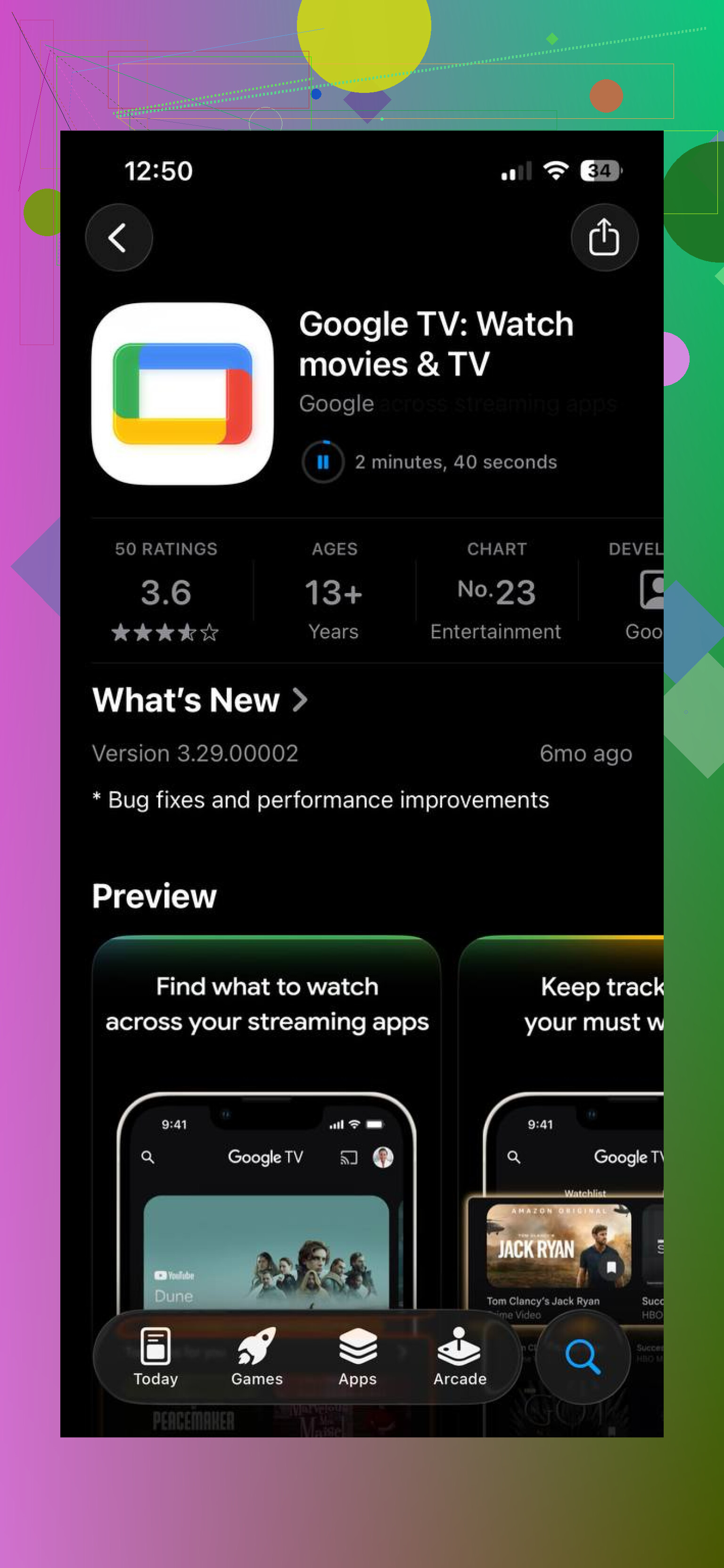
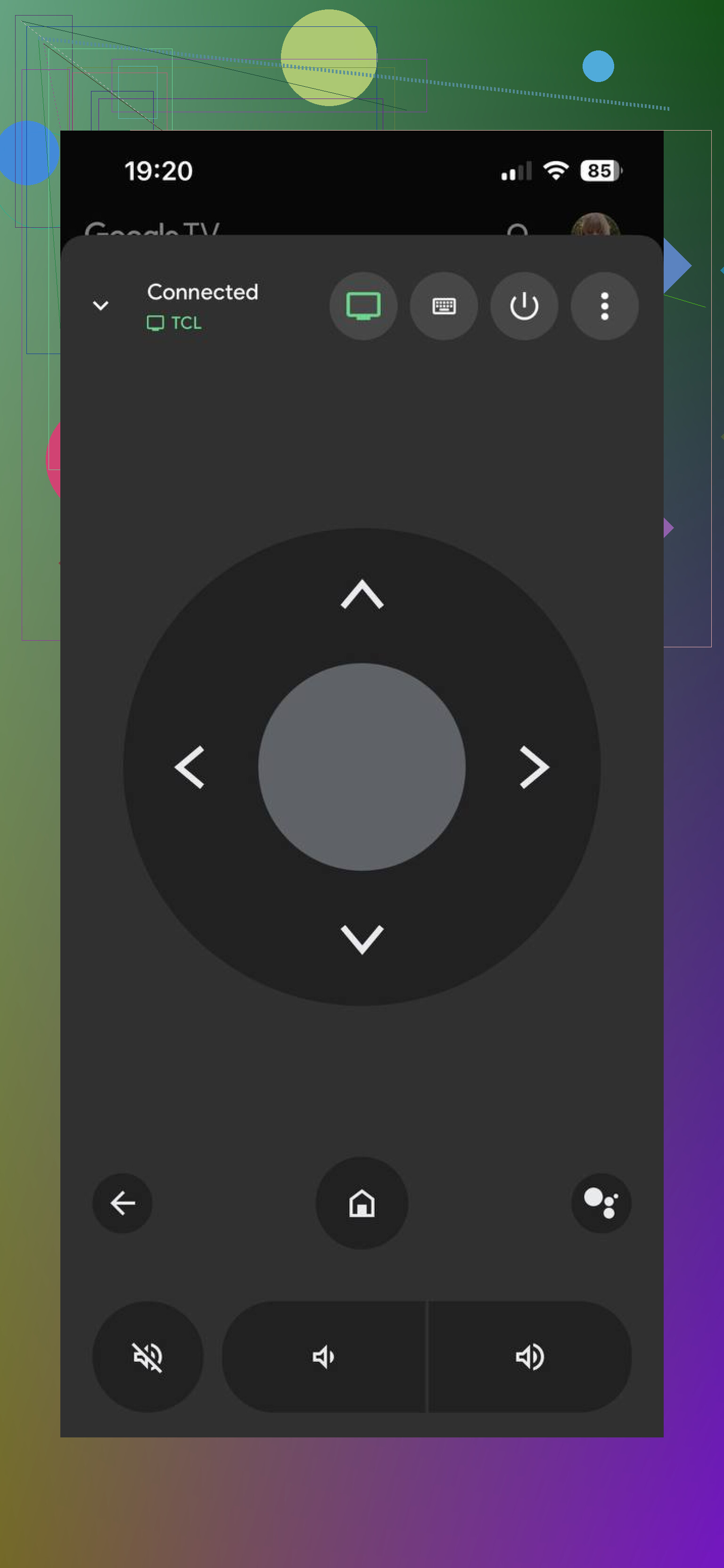
First one is the official Google TV app. It has a remote built in for Chromecast and Google TV devices. You get the standard stuff, navigation, play and pause, voice search, the usual. I used it for a while because it was already tied to my Google account, so setup felt easy. Still, in day to day use, it felt a little uneven. Sometimes it connected right away. Other times I had to wait, or reconnect after the TV woke up from standby. Input lag showed up often enough for me to notice it.
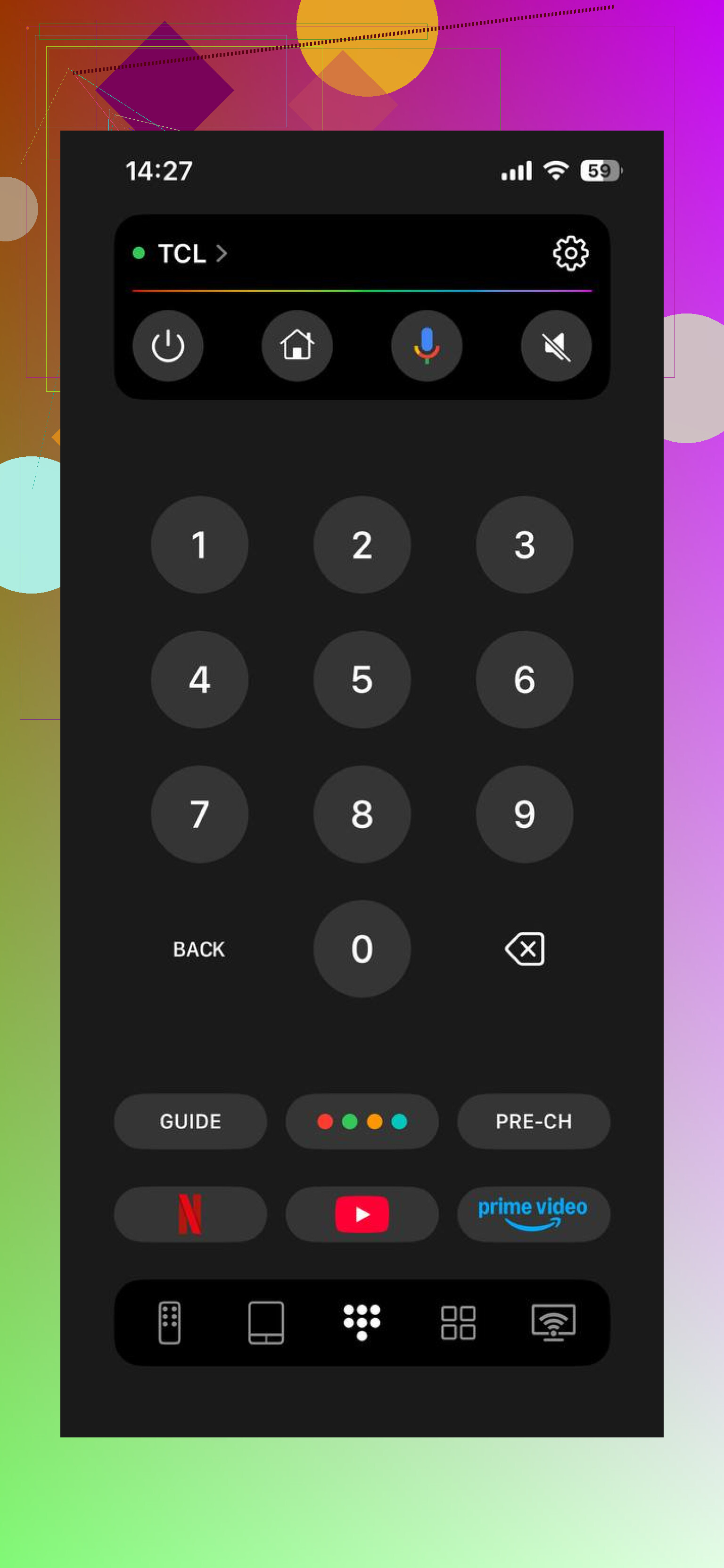
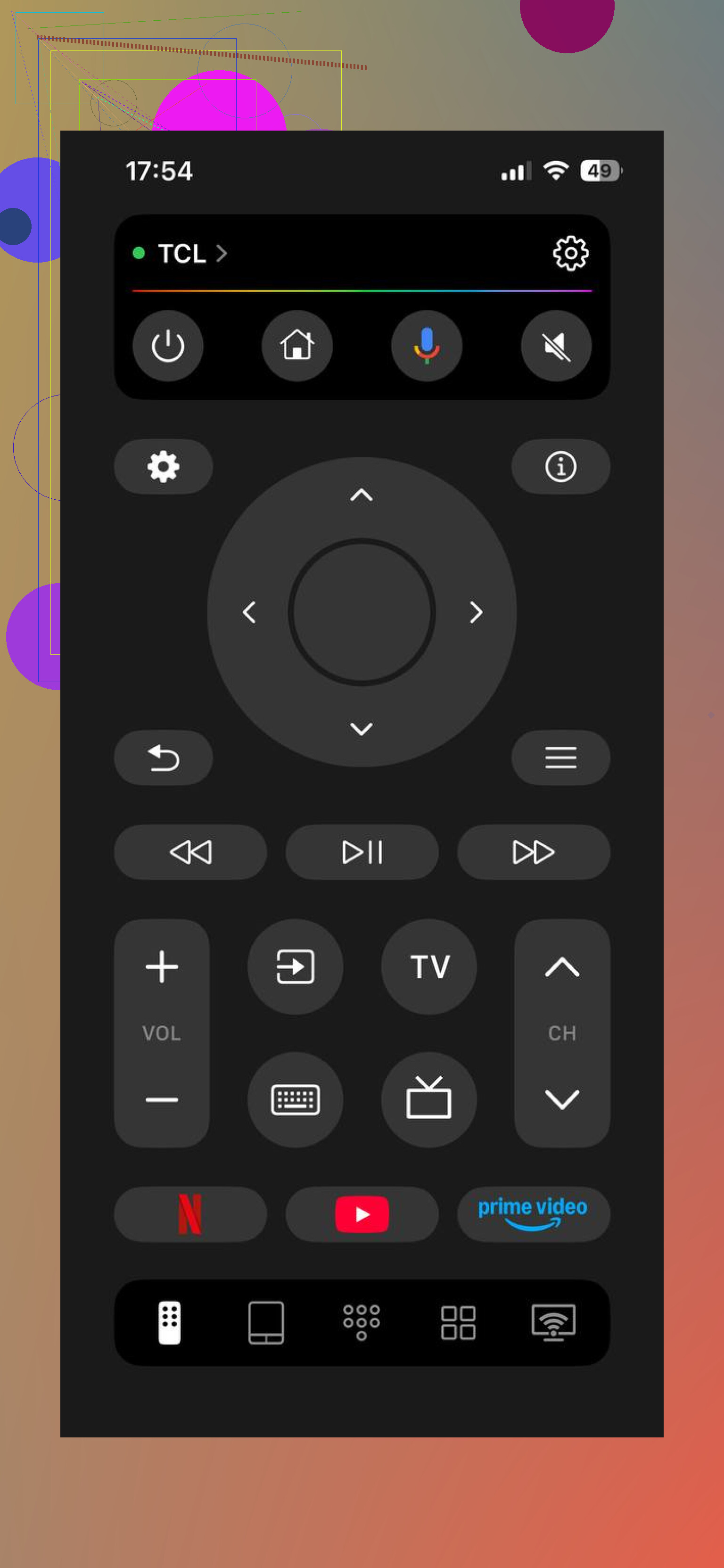
The other one is TVRem – Universal TV Remote App . This one feels less like a single-purpose Google TV add-on and more like a full remote replacement. It's a third-party app, yes, but it covers more ground. I saw support for Google TV, Android TV, LG webOS, Samsung, Roku, and other TV platforms, which matters if you have mixed stuff at home.
Why people keep bringing up TVRem:
It pairs over Wi-Fi fast when your phone and TV are on the same network.
It isn't stuck inside Google's ecosystem.
The touchpad control feels smoother than tapping arrow keys over and over.
You get quick buttons for volume, home, back, input, and other common actions.
Typing is easier with keyboard input, which saved me time in YouTube and search boxes.
The connection held better in standby than a lot of remote apps I've tried.
The layout is clean. I didn't run into the usual mess of ad-heavy screens.
It works well as one backup remote app for more than one TV.
For me, the big thing was simple. I didn't want a separate app for every screen in the house. One app handling most of them is easier.
If you only want an official remote with basic controls, the Google TV app does the job. If you want something broader and easier to live with long term, TVRem is the better pick. It covers more brands, feels closer to a real remote, and makes more sense if your setup isn't all Google.
I’d keep it simple. Start with the built-in Google TV remote on iPhone before you install a pile of apps.
Open the Google TV app, or check Control Center on iOS. Apple and Google both pushed remote access into places people miss. If your Google TV is signed into the same Wi-Fi, pairing takes like 30 seconds on most sets. For basic use, home, back, arrows, volume on some models, it works fine.
Small disagreement with @mikeappsreviewer, I would not jump straight to a third-party app unless the official option fails. Less junk, less tracking, fewer paywalls. Some of those remote apps look clean at first, then hit you with subscriptions.
If your physical remote died, also check this first.
- Replace batteries, even if you did already.
- Re-pair the remote in Google TV settings.
- Restart the TV by unplugging it for 60 seconds.
If the official app keeps dropping, then try a third-party one. Pick one with keyboard input and no ad spam. That matters more than fancy buttons tbh.
I’m a little between @mikeappsreviewer and @jeff on this one. The official Google TV remote is fine when it works, but I also think people oversell how ‘simple’ it is if your TV is being weird or half-awake. Sometimes it connects, sometimes it acts like your TV vanished into another dimension.
One thing I’d check that they didn’t really get into is whether your Google TV device has Bluetooth remote fallback stuff disabled or your iPhone is stuck on a different Wi-Fi band with client isolation turned on. A lot of router setups split 2.4GHz and 5GHz in a way that breaks discovery. Same internet, but the phone and TV still don’t see each other right. Super annoyng.
Also, if your goal is just to survive until you replace the physical remote, you might not need a dedicated app at all. If you have HDMI-CEC enabled, your actual TV remote might control the Google TV basics through HDMI. Not perfect, but enough for navigation and playback on a lot of setups. People forget that option exists.
My take:
- official Google TV app first if you want free/basic
- third-party app if you want better typing and more stable reconnects
- HDMI-CEC as the sneaky backup plan nobody mentions enough
If none of the apps can find the device, it’s usually a network issue, not the app being bad tbh.
I’d split this into two goals: emergency control right now, and best long-term replacement.
I slightly disagree with @jeff on one part. “Official first” is logical, but if you’re already locked out or the TV is flaky, spending 15 minutes fighting discovery can be more annoying than just trying a stronger remote app immediately.
My practical take:
- If your Google TV is still visible on the network, the official Google TV iPhone remote is fine for basic taps.
- If pairing is inconsistent, TVRem – Universal TV Remote App is worth trying because it tends to be less barebones and better as a full backup remote.
Pros of TVRem – Universal TV Remote App:
- cleaner all-in-one remote replacement
- easier text entry
- useful if you also have Roku, Samsung, LG, etc.
- usually better layout than many free remote apps
Cons:
- third-party app, so some people prefer not to grant network/device permissions
- may not be necessary if the official Google TV remote works fine for you
One extra thing not mentioned enough by @byteguru or @mikeappsreviewer: check whether your TV has a remote app permission setting buried in system settings. Some Google TV devices block network remotes until that toggle is enabled again after updates or resets.
Also, if your iPhone has VPN enabled, turn it off temporarily. That breaks device discovery surprisingly often.
So my answer:
- basic/free: official Google TV remote
- more reliable backup: TVRem – Universal TV Remote App
- if neither sees the TV, suspect permissions, VPN, or network isolation before blaming the app