I lost my Apple TV remote after moving some furniture, and now I can’t control my device properly. I’m trying to find a good Apple TV universal remote that works well with my setup and is easy to program. Looking for recommendations on compatible replacement remotes and what to avoid.
If you want to control Apple TV from an iPhone, I ended up with two routes.
The first one is already on your phone. Apple includes an Apple TV remote in Control Center. I used it for the usual stuff, moving around menus, pausing, scrubbing, and typing with the iPhone keyboard. For one Apple TV box, it works fine. It is fast to reach and I did not have to install anything.
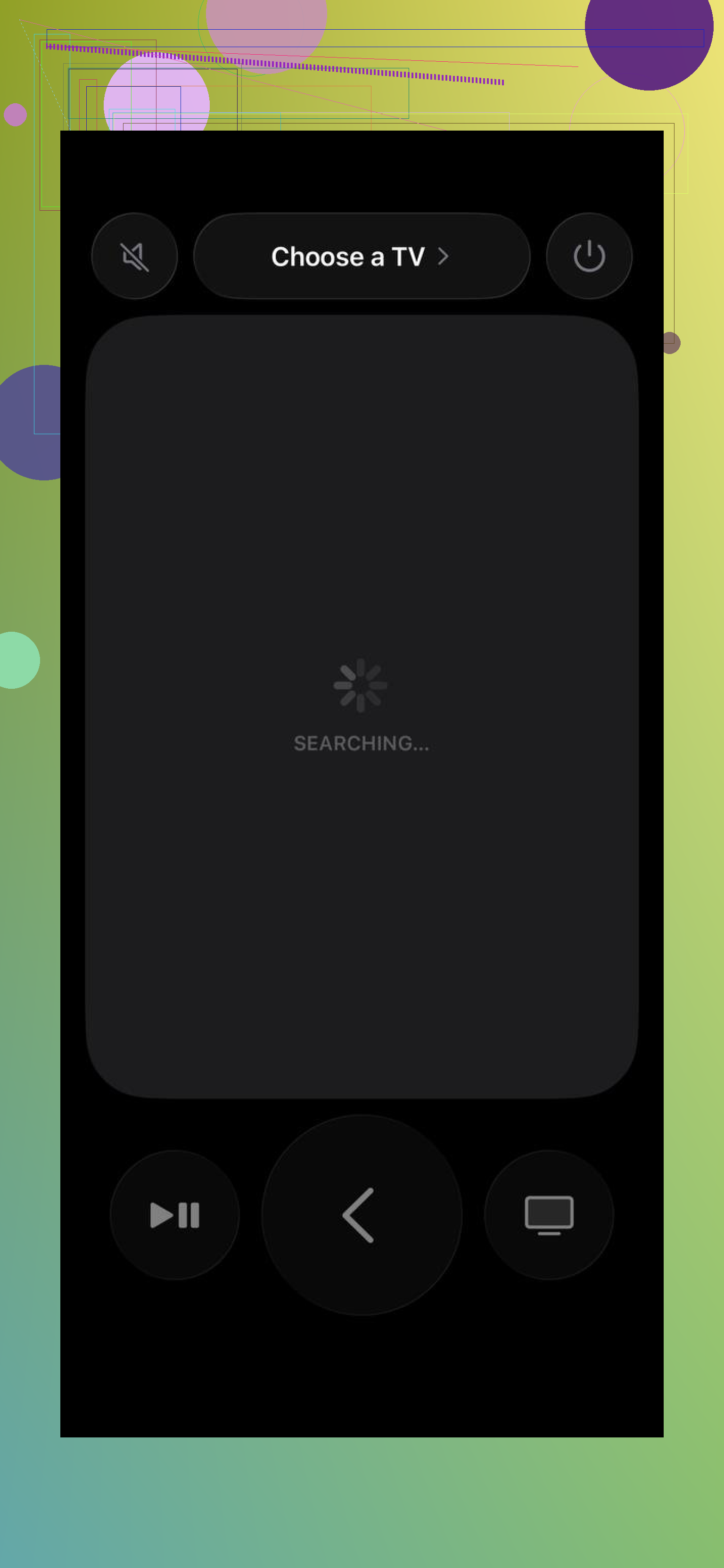
Where it started to feel limited for me was when I wanted one remote setup for more than Apple gear. If your place has a mix of devices, the built-in tool feels narrow.
I had better luck with TVRem — Universal TV Remote. It feels closer to a full remote app instead of a small companion panel Apple tucked into iOS.
A few things stood out when I tried it.
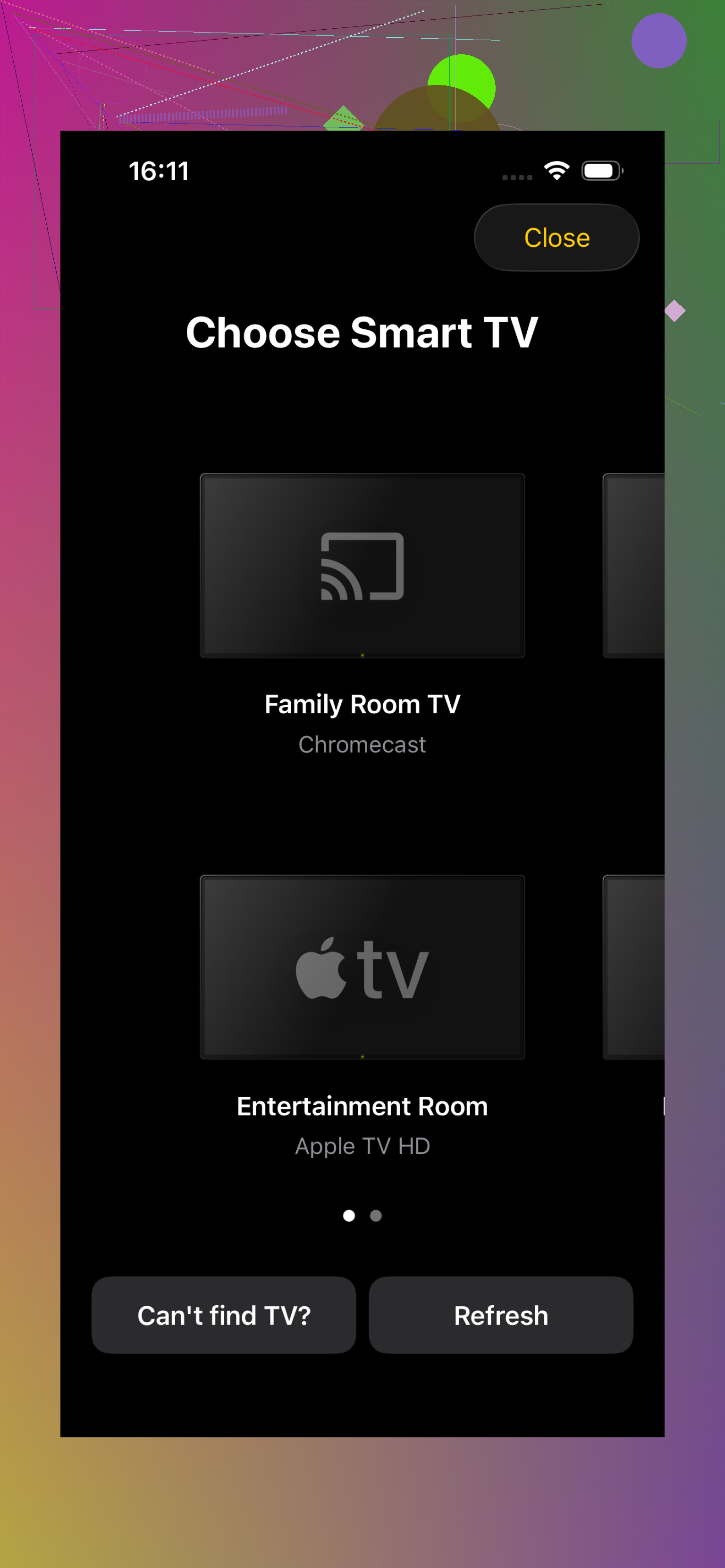
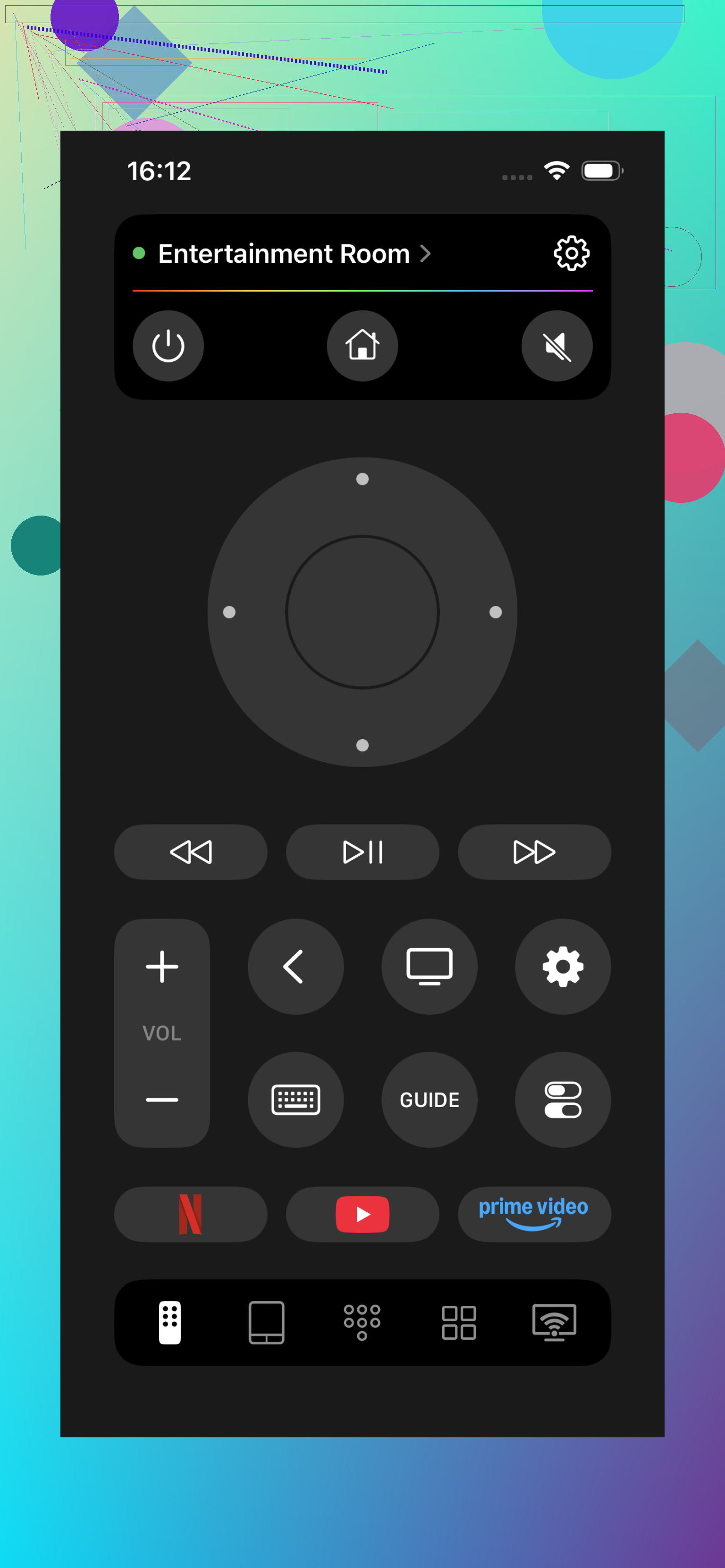
It works with Apple TV, but it does not stop there. I saw support for Samsung, LG, Roku, Fire TV, Android TV, Google TV, and other setups, which matters if your living room is a mess of different brands like mine was.
The control layout felt more usable to me than the default iPhone remote. Less poking around, fewer misses. Search and text entry were quicker too, mostly because using your phone keyboard beats tapping letters one by one on a plastic remote. Everyone knows thta pain.
If you switch between multiple TVs or streamers, having one app handle all of them is simpler than keeping a stack of remotes on the table. I did that for a while. It got old fast.
Another thing I liked, if you replace a TV later, you are not stuck with an app built for one platform only. You keep using the same setup.
It is also listed as free, which made trying it easy.
My take is simple. If you only need quick Apple TV control once in a while, the iPhone built-in remote is enough. If you are looking for a universal remote and want one app for different TVs and streaming boxes, I would start with TVRem. It covered more devices, felt less cramped, and fit better as a long term option.
If you want a physical remote, I would skip the cheap no-name “Apple TV compatible” ones. A lot of them miss swipe support or have lag. Apple TV is picky.
Best options I’ve used:
-
Function101 Button Remote for Apple TV.
Works out of the box with Apple TV 4K and HD.
No touchpad, all buttons.
Great if you hate accidental swipes.
Easy for kids or parents.
Downside, less fluid for scrubbing. -
One For All Streamer Remote.
Good if you want one remote for TV, soundbar, and Apple TV.
Programming is simpler than most universal remotes.
IR for TV gear, proper support for streamers.
This is the one I’d look at first for a mixed setup. -
Sofabaton X1S or U2.
Better for complex setups.
Apple TV support is solid.
App-based setup is faster than old Harmony remotes.
More expensive, and a bit overkill if you only run one box.
Small disagree with @mikeappsreviewer, phone control is fine as a backup, but I would not want it as my main remote. No tactile buttons, no quick volume grab, and if your phone battery dies, you’re stuck agian.
If you want the easiest route, buy a used genuine Siri Remote. Pairing takes like 10 seconds. If you want one remote for the whole room, go Sofabaton or One For All.
I’d actually go a little different than @mikeappsreviewer and @himmelsjager here. If your main goal is “easy to program” and not “ultimate home theater nerd remote,” check whether your TV remote already supports HDMI-CEC with Apple TV before buying anything. A lot of Samsung, LG, Sony, TCL, etc. remotes can already handle basic Apple TV navigation, play/pause, and sometimes volume if CEC is enabled. It’s boring advice, but boring sometimes wins.
If you do want to buy one, I’d look at Function101 first if this is mostly for Apple TV. It’s simple, physical buttons, and doesn’t try too hard. For mixed gear, Sofabaton U2 makes more sense than some cheap “universal” remotes that claim Apple TV support and then randomly forget half the buttons.
One small disagreement with the “just get a used Siri Remote” idea: yeah, it pairs fast, but it’s also easy to lose again because it’s basically a tiny slab of mystery. I lost mine twice in one week. Very premium. Very invisible.
Also worth checking if your Apple TV is set up to learn IR from another remote. That can save you some money if you’ve got an old remote in a drawer somewhere. Kinda janky, but it works surprsingly well.