I’m trying to switch my site to the best managed WordPress hosting and started checking Reddit for real user recommendations, but now I’m overwhelmed by mixed reviews. My current host has been slow, support hasn’t helped, and I need a reliable option with good performance, security, and customer service before my traffic grows more.
I went down a rabbit hole of Reddit threads trying to sort out which managed WordPress host is worth paying for in 2025. After moving a few sites around and watching how they behaved over months, I ended up with a short list and some opinions.
One thing I quit believing fast was the whole 'unlimited' pitch. Every time I checked the fine print, there was some limit hiding in there. Visits. CPU. inodes. support scope. Something.
I also don’t park every site with one company. I split them up on purpose. Partly risk control. Partly so I can see who slows down at busy hours and who stays steady.
Managed WordPress hosts I’d put on the shortlist
Rocket.net
If I wanted the least friction, this is one of the first names I’d look at.
My experience was simple. Setup felt quick, pages loaded fast, and I didn’t need to patch together extra services right away. A lot of the appeal comes from the Cloudflare Enterprise layer:
- edge caching
- CDN included
- WAF built in
- DDoS protection included
The lower plan usually sits around $25 per month for 1 site, about 10 GB storage, and around 250k visits depending on how they count traffic.
It isn’t the budget pick. Still, I liked the pricing more than hosts with teaser rates up front and ugly renewals later. If your goal is speed without babysitting plugins and stack settings, this one makes sense.
Pressable
This felt like the practical middle option to me.
Since it sits on Automattic infrastructure, the WordPress fit feels tighter than average. It didn’t give me the same 'pile of unrelated tools taped together' vibe I get from some hosts.
What the common entry plan looks like:
- around $25 per month, lower on annual billing
- 1 site
- about 30k visits
- 20 GB storage
I liked the fact the limits were stated plainly. No fuzzy 'everything is unlimited' stuff. You also get staging and Jetpack Security bundled in.
If you’re leaving cheap shared hosting and want something cleaner without jumping straight into premium pricing, this is one I’d point you toward first.
Kinsta
This one sits higher in the price stack, and you feel it.
Kinsta runs on Google Cloud’s premium tier and uses isolated containers. The dashboard is polished, maybe one of the cleaner ones I’ve used. It also leans more dev-friendly than some of the beginner-focused options.
Starter tier, roughly:
- $35 per month
- 1 site
- about 25k visits
- 10 GB storage
On raw performance, I didn’t run into issues. SSH access, staging, analytics, and the rest were there when I needed them. For a tiny blog, the spend feels hard to defend. For a revenue site, SaaS front end, or something people yell about the second it goes down, I get why people pay it.
Flywheel
Flywheel always looked more agency-shaped than owner-shaped.
It’s under WP Engine now, but the product still feels built around workflow and handoff. If you build sites for clients, some of the convenience pieces matter more than raw storage numbers.
- staging sites
- client collaboration tools
- billing transfer
- Local for development
Usual starter pricing lands around $25 per month on annual billing for:
- 1 site
- 25k visits
- 10 GB storage
On paper, other hosts beat it on specs. I think people pay for reduced friction. If your week is full of revisions, approvals, and moving ownership around, those workflow bits save time.
DreamHost DreamPress
This was one of the cheaper managed options I kept circling back to.
Some people care a lot about the WordPress.org recommendation, some don’t. Either way, DreamPress usually lands lower on price than the premium group.
The usual starting point looks something like this:
- about $16.95 to $19.99 per month
- 1 site
- around 30 GB storage
- unmetered traffic, with soft caps in practice
You get caching and daily backups. Fine for the price. I’d still check renewal costs before signing up, becuse the intro term is where many hosts look nicest.
WP Engine
Old name, still relevant.
WP Engine has been in this category long enough that most people looking at managed WordPress will run into it sooner or later. The platform still holds up.
Main pieces:
- Google Cloud infrastructure
- EverCache
- CDN
- staging
- backups and security features
The common starter plan is around:
- $25 per month
- 1 site
- 25k visits
- 10 GB storage
I don’t think it’s a bad pick. I do think newer hosts have narrowed the gap, and in a few cases passed it on price-to-performance.
There isn’t one host that wins for everyone
After comparing plans and running sites on different setups, I stopped looking for a universal winner.
- Small blog, most decent hosts will be fine.
- Business site, uptime and support start mattering more than storage numbers.
- WooCommerce, bad hosting gets exposed fast.
A lot of hosting reviews read fake in one direction or the other. Either the host is treated like magic, or like a total scam. My own results were less dramatic. Most of these companies are usable. The differences show up under load, during migrations, at renewal time, or when support gets tested at 2 a.m.
FTP clients I’ve kept installed
Even with managed hosting, you’ll still run into times when you need an FTP client. Broken plugin update. manual upload. quick config edit. same old story.
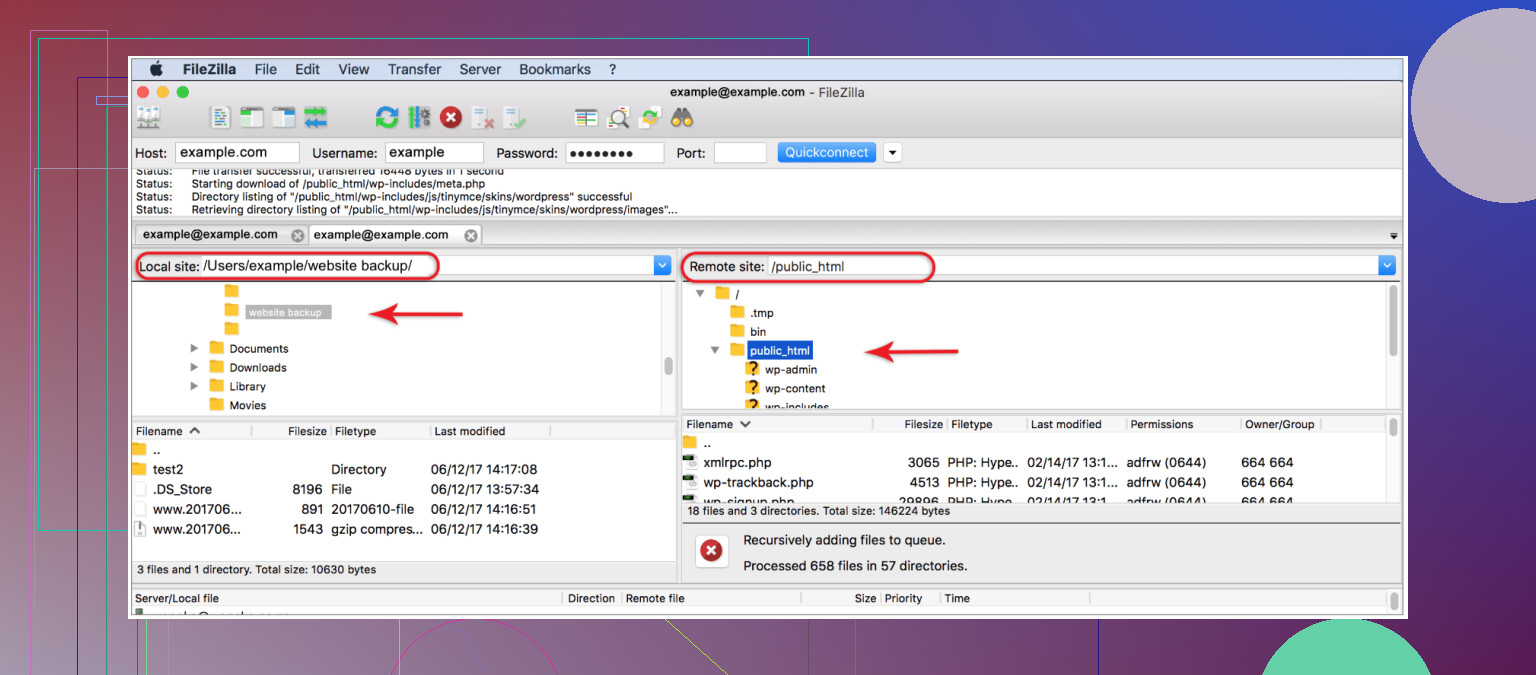
FileZilla
This is where a lot of people start, me included.
- free and open source
- works on Windows, Mac, Linux
- supports FTP, FTPS, and SFTP
- easy enough to learn
For normal work, it does the job. Theme uploads, plugin folders, wp-config edits, no problem. Once I started pushing a lot of files or larger backups, it felt slower and a bit clunky. Still usable. Not my favorite for heavier work.
Commander One
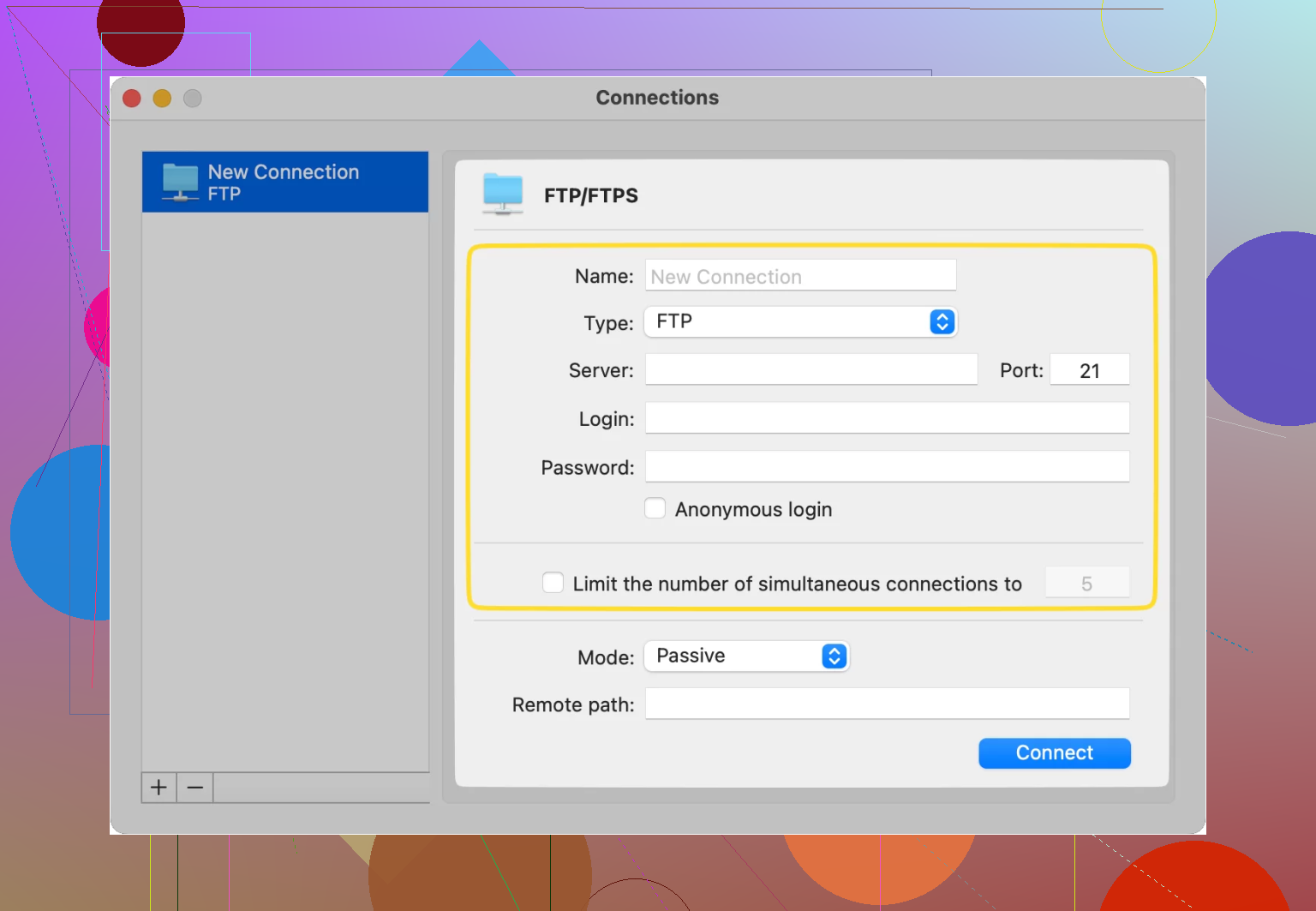
On Mac, I ended up liking Commander One more than I expected.
- paid app
- dual-pane layout
- built-in FTP and SFTP support
- archive handling without extra unpacking steps
The dual-pane setup speeds things up if you move files all day. I found it better suited for dev work and larger project shuffling than the more basic free tools. If you live on macOS and deal with site files often, it’s a decent step up.
Cyberduck
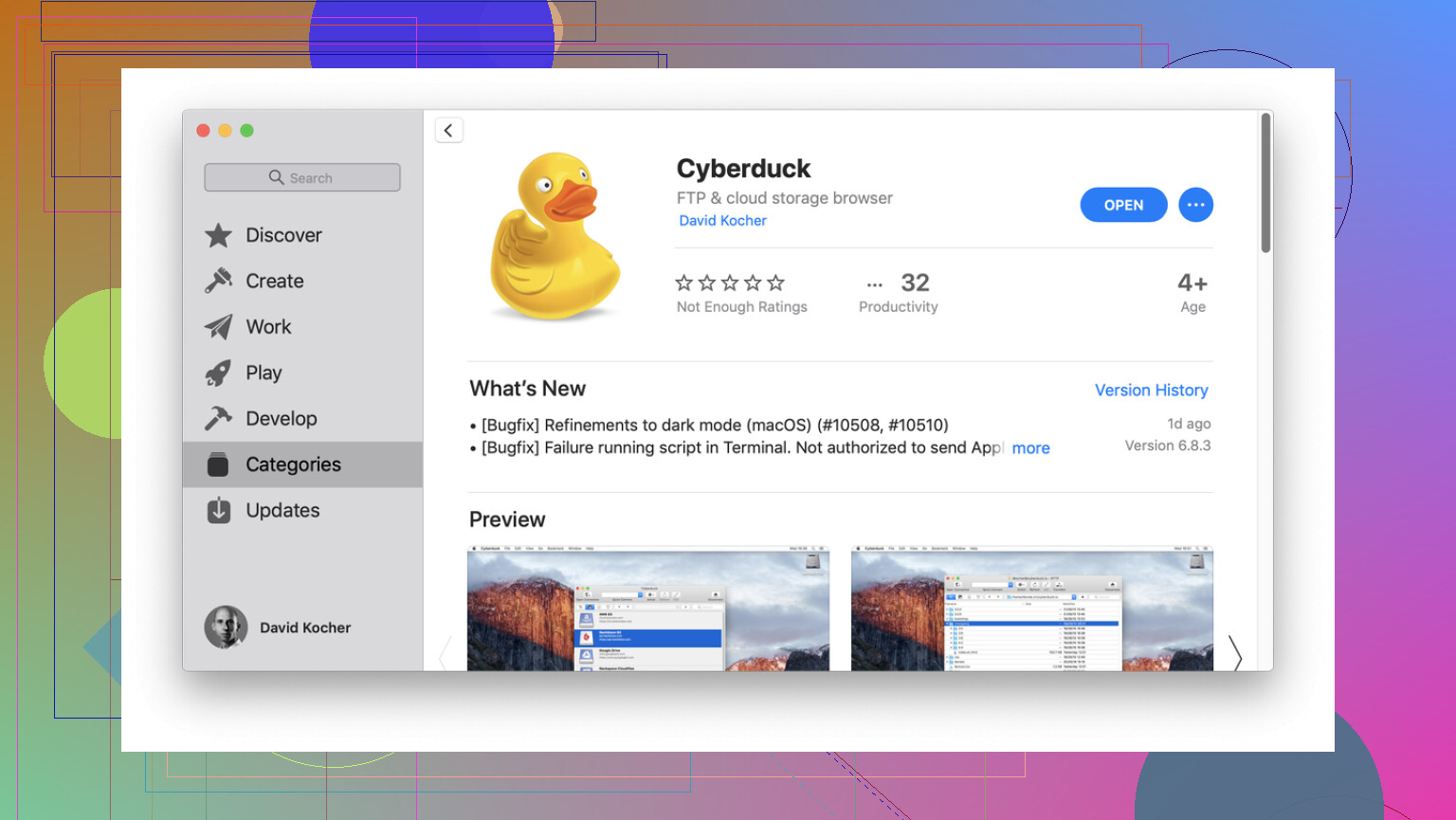
I’ve used Cyberduck on and off because it’s free and easy to install.
- open source
- available on Mac and Windows
- works with FTP, SFTP, WebDAV, and some cloud storage services
The interface is clean. No complaints there. My issue was reliability. I hit enough odd transfer hiccups and small file operation weirdness to stop trusting it for anything time-sensitive. For occasional use, fine. For repeated production work, I got annoyed.
CloudMounter
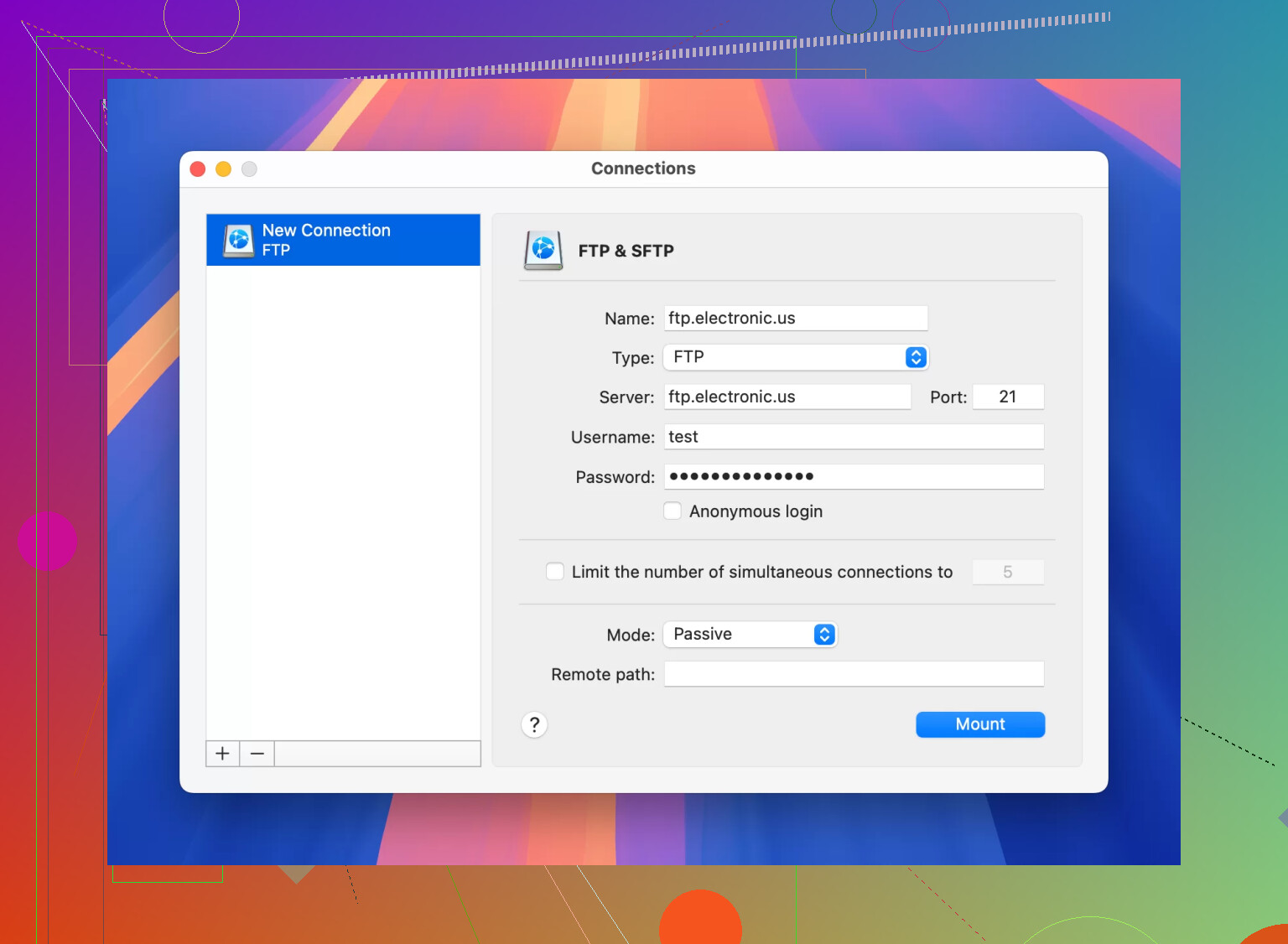
CloudMounter takes a different route.
- works on Windows and Mac
- mounts FTP or SFTP like a local drive
- ties into Finder or File Explorer
This is the one I’d hand to somebody who hates traditional FTP apps. You work with remote files like they’re sitting on your own machine. Drag, drop, done. For simpler workflows, it feels less annoying than bouncing around a separate transfer window.
What I’d do if I were picking today
If you’re new, I wouldn’t spend a week trying to find the perfect host. Pick a sane option and watch uptime, support quality, backend speed, and renewal pricing for a few months.
If you manage multiple sites or client work, testing across providers taught me more than reading ten polished reviews ever did. One host looks great on landing pages. Another behaves better once traffic shows up. You only see it after using them for real.
I’m still splitting sites across providers, and I don’t think I’ll stop doing tha anytime soon.
6 Likes
Reddit is noisy on hosting because most people post after a bad migration or a billing fight.
My short take.
If your site is a business site and you want fewer headaches, look at Kinsta, Pressable, Rocket.net. Those 3 come up for a reason. Fast stack. Better support than bargain hosts. Cleaner dashboards.
Where I differ a bit from @mikeappsreviewer is Rocket.net. Fast, yes. Easy, yes. But I would not pay Cloudflare-premium pricing for a low traffic brochure site. For that, Pressable often feels like the better value. If you run Woo or get traffic spikes, Rocket.net starts making more sense.
My rough pick list:
- Pressable for balanced price and support.
- Kinsta for dev tools and stable performance.
- Rocket.net for speed-first setups.
- WP Engine if you find a promo and want mature tooling.
- DreamPress if budget matters more than top-tier support.
What I’d check before moving:
- Renewal price, not intro price.
- Visit limits and overage fees.
- Backup retention.
- Staging on entry plan.
- Support scope, plugin conflicts, Woo help, migration help.
Also, if you migrate manually, keep an FTP app ready. Commander One is solid on Mac. Better file handling than the usual free stuff, less annoying when you need quick wp-config edits or plugin rollbacks.
If you post your traffic, Woo or not, and budget, people here will give better recs. Right now I’d say Pressable is the safest bet for most poeple.
Reddit tends to overrate whatever solved somebody’s problem last week. I mostly agree with @mikeappsreviewer and @nachtschatten on the shortlist, but I’d rank by use case, not brand hype.
My take:
- Pressable if you want the safest all-around move from a bad host. Solid support, sane dashboard, fewer weird surprises.
- Kinsta if backend tools matter and you don’t mind paying more.
- Rocket.net if speed is the obsession, but I think it’s overkill for a small site with modest traffic.
- WP Engine if you value a mature platform more than best-value pricing.
- DreamPress only if budget is tight and your expectations are realistic.
What I’d care about more than Reddit opinions:
- how fast admin and uncached pages feel
- actual support quality during migration
- overage fees
- backup restore process
- whether WooCommerce is involved
Hot take: a lot of people switch hosts when the real issue is bloated themes, junk plugins, and no caching strategy. Hosting matters, but it’s not magic.
If you do migrate manually, keep Commander One around if you’re on Mac. It’s honestly one of the better file manager / FTP options for WordPress work, way less annoying for quick edits and file moves than some free clients.
If you share traffic, budget, and whether it’s Woo, the answers get way less vague. Right now, Pressable is probly the easiest “don’t make me regret this” pick.
I’d actually push back a little on the “just pick Pressable” vibe from @nachtschatten, @vrijheidsvogel, and @mikeappsreviewer. It’s a safe pick, sure, but “safe” is not always “best.”
My take by scenario:
- Kinsta: best if you care about clean tooling, staging, logs, and not fighting the platform later.
- Pressable: best if support matters more than raw specs.
- Rocket.net: great, but a lot of small sites are paying for speed/security extras they never fully use.
- WP Engine: still good, but you need to watch plan limits and pricing.
- DreamPress: acceptable if budget wins the argument.
What I’d do is test the host on stuff Reddit rarely measures well:
- wp-admin speed
- backup restore speed
- support response on a weekend
- plugin restriction headaches
- PHP worker limits for Woo
If this is WooCommerce, I would lean Kinsta or Rocket.net over Pressable. If it’s just a brochure site or blog, Pressable is easier to justify.
Also, don’t ignore migration workflow. Even on managed hosting, you may need file access for a bad plugin rollback or config tweak. Commander One is worth keeping around on Mac.
Commander One pros
- dual-pane file manager is faster than basic FTP apps
- SFTP/FTP support built in
- good for quick WordPress file edits
- cleaner for moving backups and plugin folders
Commander One cons
- not free if you want full features
- Mac-focused recommendation, so less useful if you’re on Windows
- overkill if you only touch files once a year
So, shortest version:
- business site: Pressable or Kinsta
- Woo / traffic spikes: Kinsta or Rocket.net
- budget-sensitive: DreamPress
- agency workflow: WP Engine / Flywheel worth a look
Reddit makes hosting sound religious. It’s mostly about matching the host to the site type.