I’m planning a new WiFi setup for a small office and I’m stuck choosing between the NetSpot WiFi Analyzer app and Ekahau. I need reliable heatmaps, interference analysis, and capacity planning, but my budget is limited and I’m not sure which tool offers the best value for a non‑expert user. Can anyone share real‑world pros, cons, and recommendations for NetSpot vs Ekahau in this kind of environment?
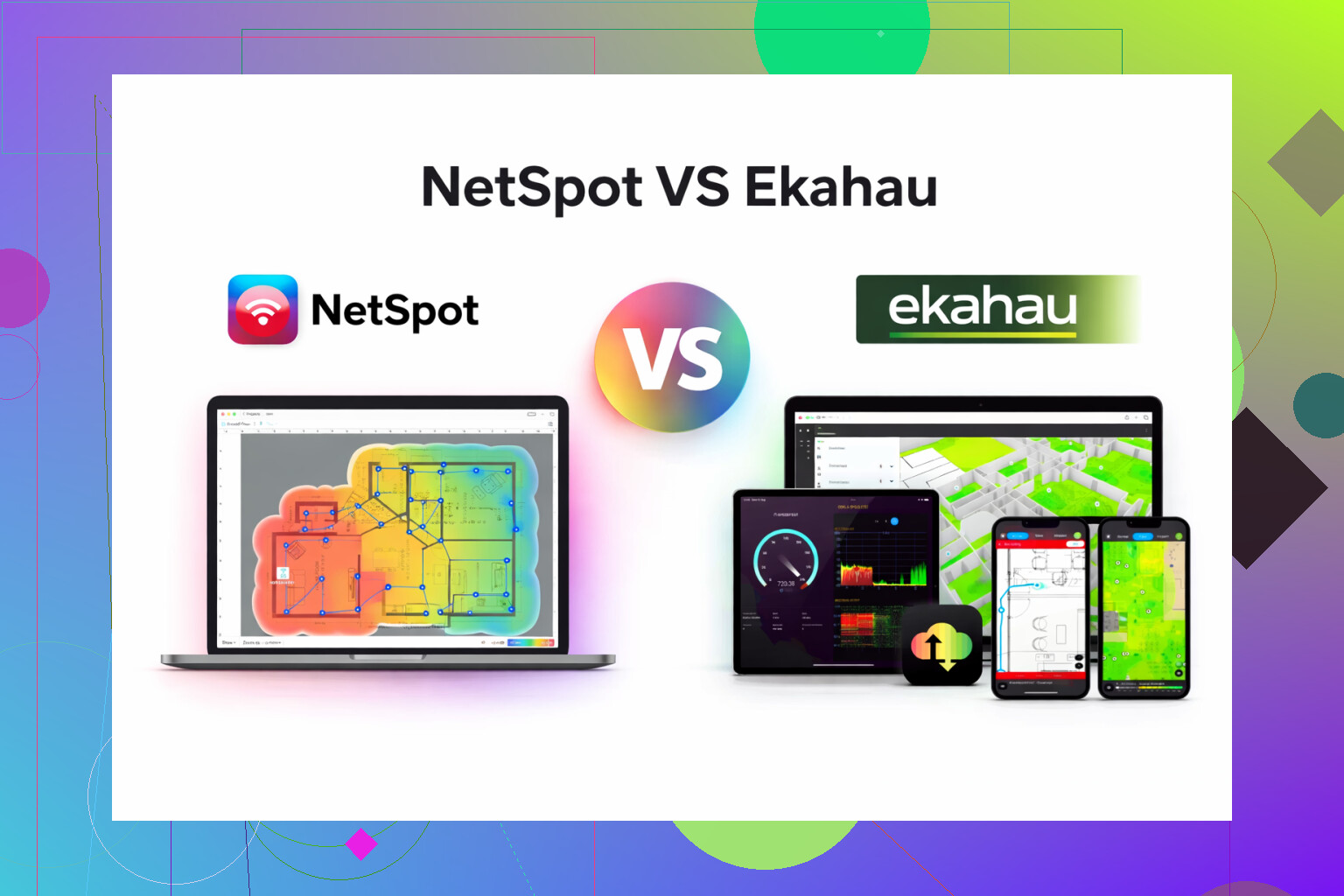
I bounced between Ekahau and NetSpot for a while at work and at home, so here is how it played out for me without the marketing gloss.
For context, I handle Wi-Fi for a few small offices, a warehouse, and my own house that has way too many access points for a normal person.
Ekahau felt like walking into an enterprise NOC. Tons of knobs, tons of options, insane detail. Also, the price made my manager squint at the quote for a solid minute. It does everything, but most days I only needed 20 percent of it, and I spent more time fighting the interface than fixing coverage problems.
NetSpot was the opposite for me. I installed it, pointed it at a floor plan, walked the site, and had usable heatmaps in one afternoon. No training videos, no manual, no guessing. The main things I used:
• Heatmaps for signal strength and noise
• Quick check where roaming broke between APs
• Finding dead corners in the warehouse shelves
• Verifying that “the Wi-Fi sucks in the conference room” was not user imagination
For small offices and home setups, that was enough. I did not miss the super advanced design features from Ekahau on 9 out of 10 jobs.
If you are not building Wi-Fi for stadiums, airports, or full campus deployments, the heavy gear starts to feel like overkill. I stopped renewing Ekahau after a year and stuck with NetSpot for routine survey and planning.
If you want to look at what I am talking about, this is the app I ended up sticking with:
There is also a short walkthrough here that helped one of my coworkers get up to speed without asking me every two minutes:
If your budget is already making you sweat, Ekahau is going to hurt. It is priced and designed for people doing WiFi all day, every day, across big sites. For a small office, you pay for a lot of stuff you will rarely touch.
Compared to what @mikeappsreviewer said, I agree on the “overkill” part for Ekahau, but I would push back a bit on one thing. If you need serious capacity planning with lots of clients, voice, plus maybe separate SSIDs for staff and guests, Ekahau’s design features are stronger. Things like:
• Detailed AP placement with wall materials
• Per device-type capacity modeling
• Advanced interference and channel planning
The real question is what your office looks like.
If you are doing something like:
• 2 to 10 APs
• Under ~100 users
• Standard office apps, web, calls, maybe Zoom/Teams
• One or two floors, nothing exotic with concrete bunkers
Then NetSpot App is more than enough, and it keeps your wallet alive.
How I would break it down:
Use NetSpot App when:
- You need heatmaps for signal and noise
- You want to walk the office, validate AP locations, find dead spots
- You need basic interference analysis, like “too many 2.4 GHz neighbors on the same channel”
- Your “capacity planning” is mostly “are my APs spaced well and not all on channel 6”
Use Ekahau when:
- You have dense seating, like 30+ people in open areas per AP
- You run a lot of voice over WiFi or barcode guns in a warehouse with roaming that must be perfect
- You manage multiple sites and want one professional tool to standardize everything
- You need to model a design before the building is finished
For your small office, a practical path:
-
Start with NetSpot App
Load your floor plan. Walk the office. Generate heatmaps.
Look at RSSI, noise, SNR, and channel overlap. -
Fix basics first
• Aim for at least -65 dBm in work areas
• Use 5 GHz as primary, reduce 2.4 GHz where possible
• Avoid overlapping channels on neighbors
• If you have DFS support, use it for more 5 GHz channels -
Capacity check
• Count users per AP, including phones and laptops
• Try to stay under ~25 active clients per AP radio in a basic office
• Add one more AP if a single area carries too many people, but turn down transmit power to avoid massive overlap -
Interference
NetSpot will show noisy spots. Look for:
• Microwave near kitchen
• Old 2.4 GHz devices
• APs blasting max power into each other
If you reach a point where you still have issues like WiFi calling dropping on every roam, or you plan to open more floors and grow to 100+ users per floor, then consider renting or borrowing Ekahau for a one-time design pass instead of buying it outright.
For a single small office on a tight budget, I would not buy Ekahau. NetSpot App gives you the heatmaps, interference checks, and “good enough” capacity visibility without a long learning curve or a big bill.
You’re basically choosing between a scalpel and a full operating room.
I’m mostly with @mikeappsreviewer and @vrijheidsvogel on this, but I’d tweak the conclusion a bit.
They’re right that Ekahau is borderline overkill for a typical small office. But the one thing people underestimate is future pain. If your “small office” is actually:
- Growing fast
- Planning dense open seating
- Heavy Zoom/Teams all day
- Mixed clients (old laptops, random IoT, VoIP handsets)
then some of Ekahau’s “overkill” starts to look less like luxury and more like insurance.
That said, with a tight budget, buying Ekahau outright for a single site is pretty hard to justify. The license + hardware is brutal for what you’re describing.
Where I diverge a bit from the others:
-
Capacity planning
They’re right that Ekahau does capacity modeling better. But for under ~80–100 users total, you can get surprisingly far with “manual” capacity planning plus a decent survey tool like the Netspot App. Count devices, check utilization on your APs, and design for 5 GHz first. You do not need a predictive model to avoid stuffing 40 users on one AP. -
Interference
People love to say NetSpot is only “basic” on interference. For a small office, basic is… usually enough. If you’re not next to a hospital or an event venue, your worst offenders are going to be: neighbors’ APs, 2.4 GHz junk, and bad channel planning. Netspot App will absolutely show you that. -
“Enterprise features”
Stuff like wall material libraries, advanced predictive design, and huge multi-site project workflows are nice, but they only start paying off if you’re doing wireless design as your job, not as a one-off office setup.
What I’d actually do in your position:
- Buy or license: Netspot App
- Borrow or rent: Ekahau only if you hit a real wall
Seriousy, if you later discover:
- Roaming is still a mess even after sane AP placement and power tuning
- You’re opening a second site or doubling headcount
- You’re adding latency-sensitive stuff like WiFi voice or warehouse scanners
then rent Ekahau for a week or get a consultant who already owns it to do a one-time predictive design. That way you’re not locking yourself into a huge subscription for a small office.
If your office is:
- 2–8 APs
- Under ~80 users, normal office traffic
- One or two floors, drywall and glass, not concrete bunkers
I’d personally go Netspot App without losing sleep. It hits your three asks:
- Reliable heatmaps
- Practical interference analysis
- “Good enough” capacity planning when combined with common sense and your AP stats
Ekahau is awesome. It’s just awesome in the same way a Formula 1 car is awesome when you really just need something to drive to Costco.
If you strip the marketing away, you are really deciding how much “future proofing” you want to prepay for.
I agree with @vrijheidsvogel, @hoshikuzu and @mikeappsreviewer that Ekahau is overbuilt for one modest office, but I’d push back on the idea that it is only about scale. It is also about how strict your requirements are.
When Ekahau actually makes sense for a “small” office
If any of this is true, Ekahau’s cost starts to be defensible:
- You must guarantee voice over Wi‑Fi or WiFi calling with tight latency/jitter targets
- You expect to grow into multiple floors or additional sites in the next 12–18 months
- You want solid predictive design before you buy APs, not just validation after install
- You will be reusing the tool regularly as part of your job, not once every few years
The advanced RF modeling, capacity simulations and wall material libraries really do help if you are treating Wi‑Fi as a business critical utility, not “just internet”.
For a one‑time deployment with ordinary office traffic though, I think most people overpay for that peace of mind.
Where the Netspot App fits better
Netspot App is strongest as a “get it done this week” tool:
Pros:
- Very quick to learn, especially if you are not a full‑time Wi‑Fi engineer
- Solid post‑deployment surveys: signal, noise, basic interference, roaming issues
- Great for visually proving to non‑technical people where coverage actually breaks
- Runs on commodity hardware so you are not buying a whole ecosystem
Cons:
- Capacity planning is mostly manual: you still have to think about client density and airtime
- Predictive design is limited compared to Ekahau; you are not modelling complex scenarios deeply
- Less suited if you intend to manage a portfolio of sites with strict design standards
Where I slightly disagree with the others: I would not depend only on “walk, see heatmap, done” even with Netspot App. For a small office that wants to avoid rework, I would combine it with:
- Vendor tools from your AP manufacturer for basic capacity checks
- Simple rules of thumb: cap associated clients per AP, prioritize 5 GHz, reserve 2.4 GHz for legacy/IoT
- A plan to repeat a quick survey after the office fills up and people’s habits stabilize
Practical call: what would I do in your place
-
If you are under ~60–80 users, one or two floors, standard productivity apps, some video calls:
Go with Netspot App, do a careful survey, and sanity check capacity with your controller stats over the first month. -
If you are planning heavy real‑time traffic, fast growth or multiple new sites soon:
Either rent Ekahau for a short window or bring in someone who already has it for a one‑off predictive design, then use Netspot App later for ongoing spot checks.
So I would treat Netspot App as your everyday instrument and only bring Ekahau into the picture if you can clearly articulate a failure scenario that the simpler tool cannot reasonably help you avoid. For most genuinely small offices, that scenario never actually shows up.