My physical TV remote stopped working, so I need a reliable free replacement for my iPhone. Which free TV remote apps in the App Store work best in 2026 without subscriptions, excessive ads, or connection issues?
If you want the option that’s actually free, start with TVRem – Universal SmartTV Remote. The other two are free to install, but ads and paid features are part of the deal.
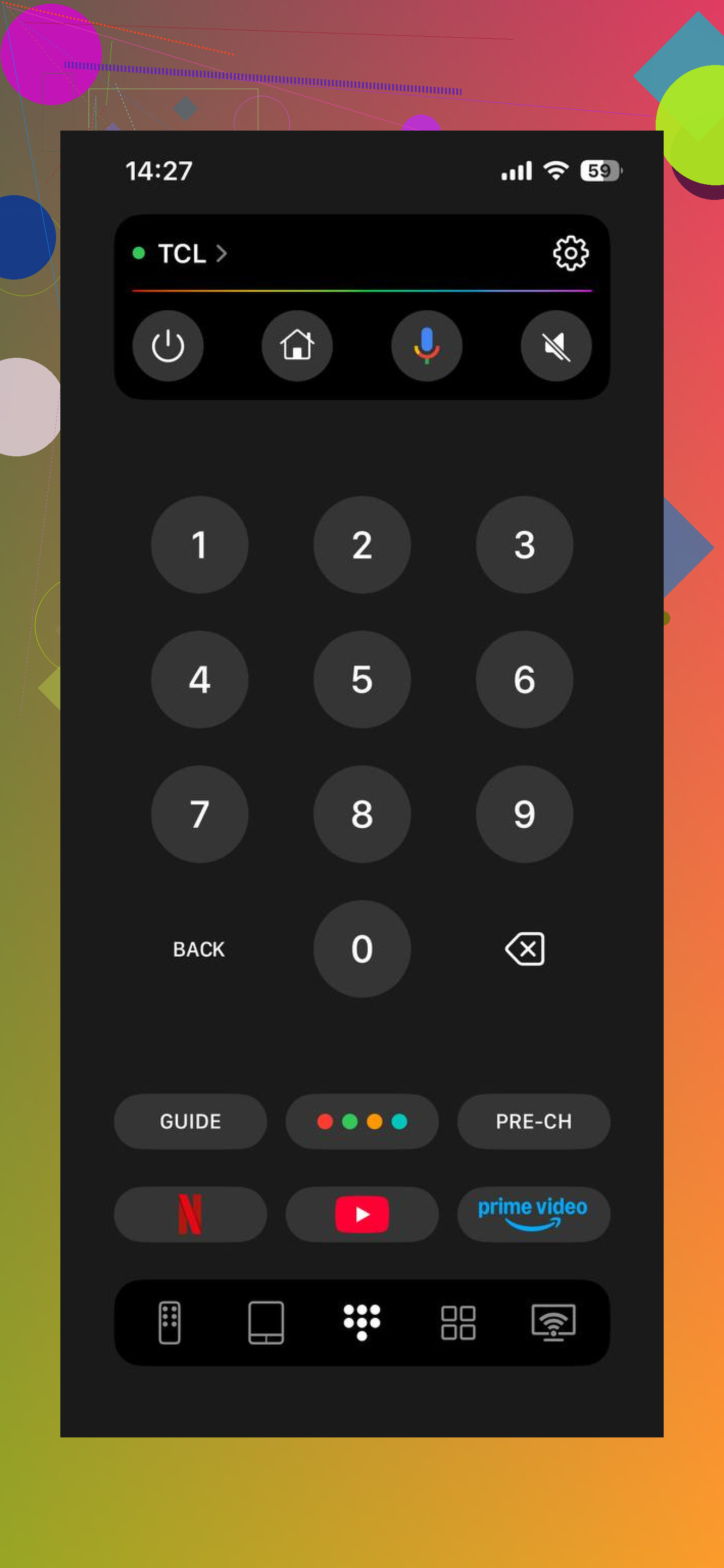
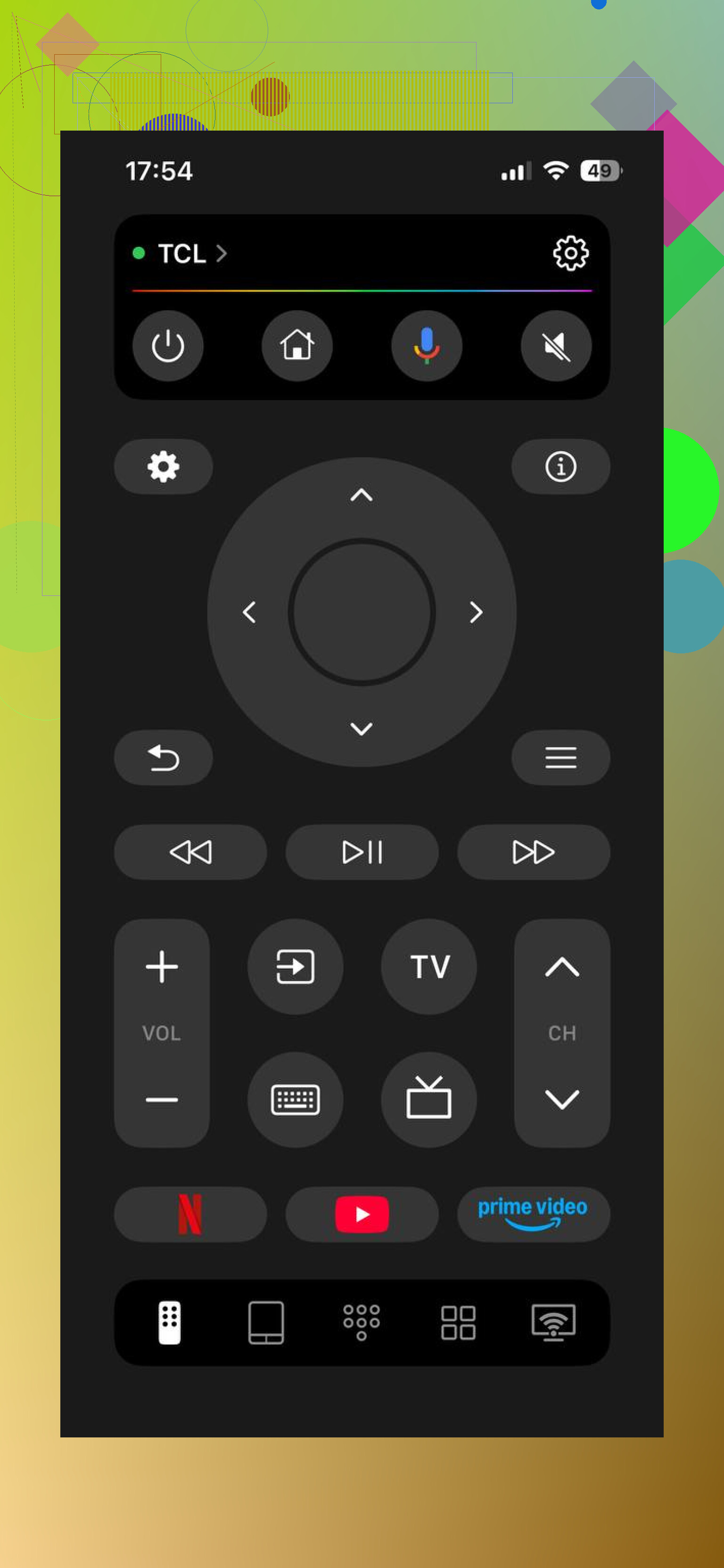
TVRem has a 4.8 rating from roughly 4,000 reviews and supports Samsung, Roku, Fire TV, Android/Google TV, and LG. It handles the usual volume, channel, and playback controls, along with a touchpad, voice input, phone-keyboard typing, and quick access to Netflix, YouTube, and Prime.
What separates it from most remote apps is the lack of ads or a subscription tier. Reviewers mention occasional prompts asking whether they like the app, but there isn’t a premium version constantly being pushed. For a straightforward free remote, this is the best place to start.
TV Remote, Universal Remote by Inston
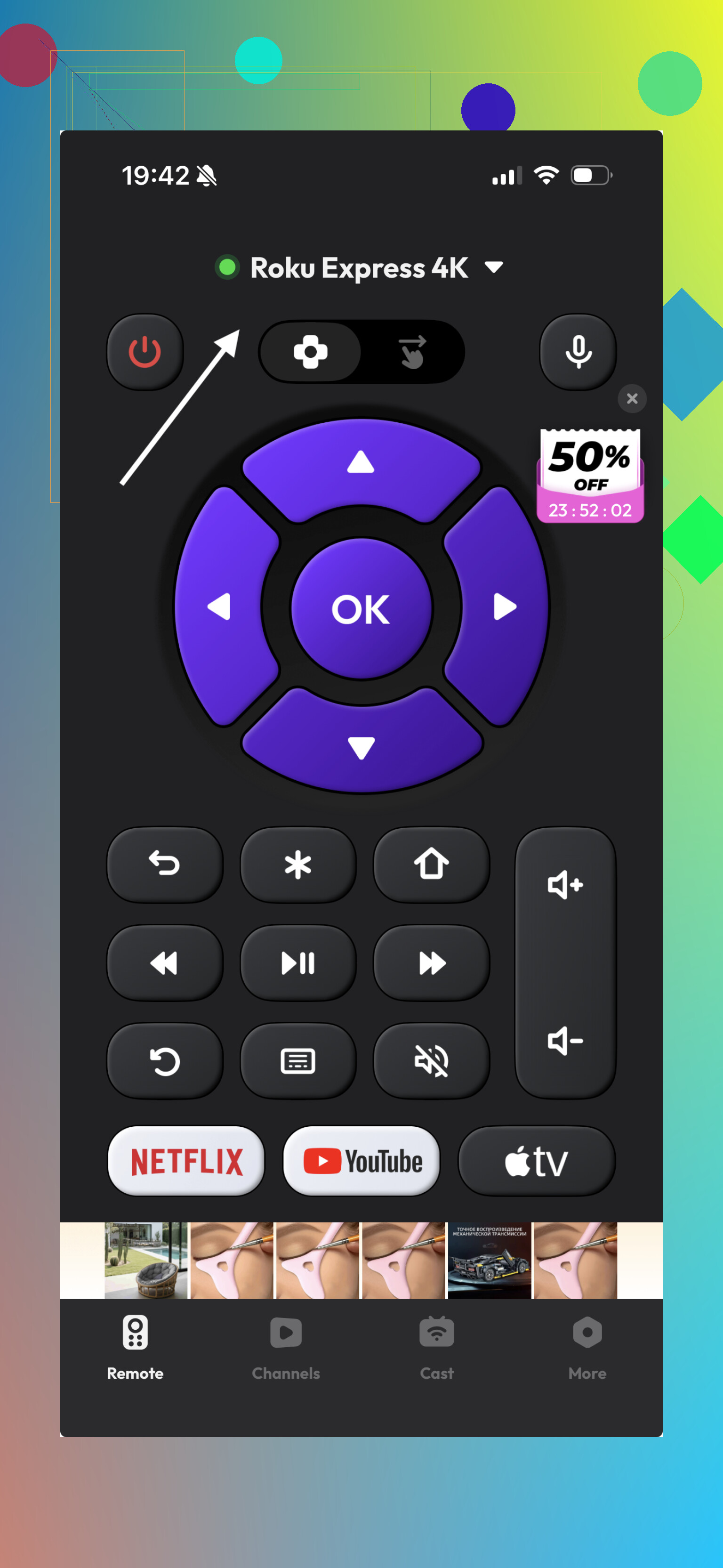
This one also has a 4.8 rating, based on around 2,800 reviews. It supports a wide range of TV models and offers one-tap setup. Basic controls include power, volume, mute, channel entry, navigation, and menu access.
The downside is that the free version has frequent pop-up ads, and some features require payment. Reviews are pretty direct about the free tier feeling limited. It may still be fine if you only need basic controls and don’t mind the ads, but expect to pay if you want everything unlocked.
Universal remote tv smart by Yohan Teixeira
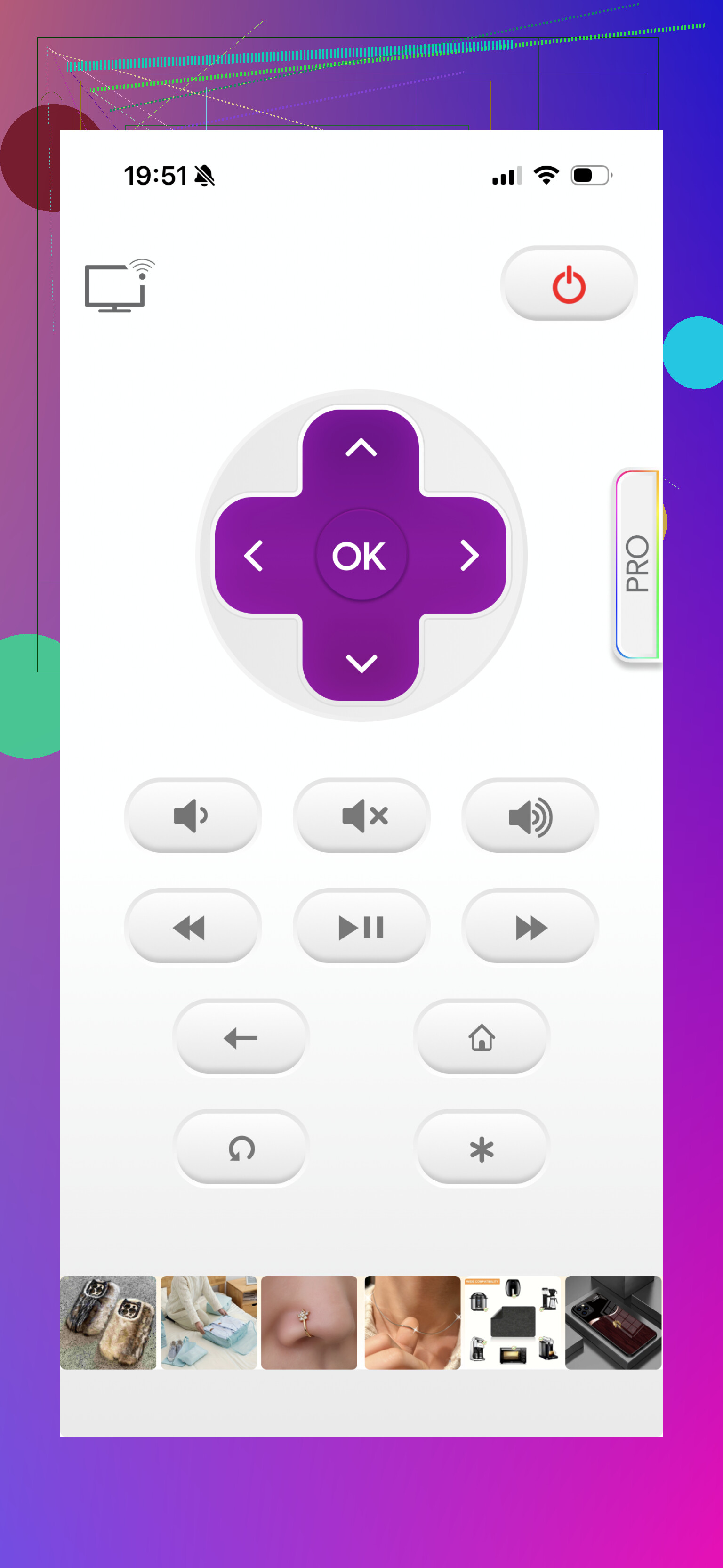
This is the most established app here, with a 4.2 rating from about 43,000 reviews. Brand support includes Samsung, LG, Sony, Philips, Panasonic, TCL/Roku, and several others. You get volume and channel controls, a navigation pad, video controls, menu access, and power-off functionality.
It’s also the roughest of the three if you plan to stay on the free version. Reviewers complain about a heavy stream of ads, including a close button positioned awkwardly near the power control. The paid version may be solid, but the free experience seems designed to steer you toward the upgrade.
So while all three cost nothing to download, only TVRem is genuinely free of ads and subscriptions. The Inston and Yohan Teixeira apps are reasonable alternatives if you’re willing to put up with advertising or pay for the full version.
One limitation applies to all of them: your smart TV and phone need to be connected to the same Wi-Fi network. These apps won’t work with an older non-smart TV.
Use the TV maker’s own app before installing any universal remote.
For Roku, Fire TV, Google/Android TV, or Samsung, try the official Roku, Amazon Fire TV, Google TV, or SmartThings app first. They provide the core remote functions without a separate remote subscription, and you avoid the weekly-payment traps common in lookalike apps. LG owners can try ThinQ, although its TV remote can be fussier than the dedicated apps.
TVRem still makes sense as a fallback, especially if you control several TV brands. The catch people miss is that a phone app may not rescue a TV that has dropped off Wi-Fi or cannot wake from standby. In that situation, use the TV’s physical button to turn it on and reconnect it first. If that keeps happening, a cheap replacement remote will be less annoying than fighting the network every evening.
No iPhone app is a complete drop-in replacement for every physical remote because the phone normally controls the TV over Wi-Fi, not infrared. Initial pairing may require approving a code on the TV, and power-on can fail if the set disables network access during standby.
I’d stick with the official manufacturer app for a single TV. If you have several brands, TVRem looks like the better universal fallback since it avoids the subscription nagging common in this category. I would treat App Store ratings cautiously, though. Many remote apps are rated before users discover that volume buttons, keyboard input, or power controls sit behind a paywall.
A separate soundbar or receiver is another wrinkle. The app might control the television perfectly but do nothing to the actual volume unless HDMI-CEC is configured correctly. For a simple smart-TV setup, an official app or TVRem should cover the basics. For an older TV, unreliable Wi-Fi, or a complicated home-theater setup, a cheap replacement remote will still be more dependable.
A hidden cause of “connection issues” is the iPhone’s Local Network permission. If you tapped Don’t Allow during setup, the remote app may show no TVs even when both devices are on the same Wi-Fi. Check Settings > Privacy & Security > Local Network before uninstalling anything. Guest Wi-Fi can create the same problem because some routers prevent devices from seeing each other.
My 2026 order would be:
- The TV or streaming-device maker’s official app.
- TVRem if you need one remote for multiple brands.
- A physical replacement if waking the TV remains unreliable.
The official Roku, Fire TV, Google TV, and SmartThings apps are still free and provide remote controls without requiring a remote subscription. For Apple TV, skip the App Store entirely and use Apple TV Remote in the iPhone’s Control Center.
TVRem is the universal app I’d try first, but I wouldn’t judge it mainly by its rating. The useful distinction is that it currently lists no in-app purchases, while many similarly named “free” remotes reserve volume, keyboards, or ad removal for payment. It supports the major TV platforms and has recently received connection-related updates, though discovery can still depend heavily on the network.
Before downloading any app, confirm the developer name. App Store search results are packed with unofficial apps using near-identical Roku, Fire TV, and universal-remote names. “Free” beside the download button does not mean the actual remote functions are free.
The hidden downside of a universal remote is that “works with your TV” often means only the common buttons work. Volume and navigation may be fine, while input switching, numbered channels, picture settings, sleep timers, or app shortcuts are incomplete. That matters more than the App Store rating if you use anything beyond streaming menus.
For a single television, I’d still choose the manufacturer’s app. It usually provides deeper control and avoids third-party subscriptions, though you may have to sign in or grant smart-home permissions. For several TV brands, TVRem is the more sensible compromise because it gives you one interface and currently avoids the usual ad and payment clutter. I wouldn’t call it automatically better than every official app, just better than most “universal remote” clones.
There is a convenience difference people overlook too. A physical remote wakes instantly and can be used without looking. An iPhone replacement means unlocking the phone, finding the app, waiting for discovery, and possibly reconnecting after changing Wi-Fi networks. That is acceptable for a temporary replacement, but it gets irritating when you only want to lower the volume quickly.
My comparison would be: official app for the most complete controls, TVRem for multiple brands and a cleaner free experience, then a cheap model-specific remote if phone access becomes a daily chore. I’d skip any app that advertises a free download but does not clearly disclose its in-app purchases before installation.
Free is not worth much if the app wants to track you.
Before installing a universal remote, check its App Privacy section and permissions. Basic control should mainly require Local Network access, with Bluetooth or microphone access only when a feature actually uses them. A remote asking for contacts, photos, precise location, or broad tracking permission would be an immediate skip for me. The same goes for “free” apps that push a weekly trial before you can even test volume and navigation.
For a single TV, the official maker’s app is still the cautious choice. For several brands, TVRem appears to be the cleaner universal option mentioned here. Whichever you choose, test pairing, volume, input switching, and waking from standby before relying on it. Some apps look fine while the TV is already awake, then become useless after the set has been off for an hour.
A dead physical remote on a smart TV is a five-minute fix with an app, but the same dead remote on a non-smart set means the app does nothing, since there’s no Wi-Fi to talk to. @signallab already flagged this, and it’s the part people skip past. TVRem’s fine as a universal fallback, just confirm your TV actually pairs over the network before you count on it.
Try the official TV app first, then TVRem if you cannot find the right one or have multiple brands. What confused me was repeatedly reinstalling the app, which can force pairing again, so check Local Network permission and Wi-Fi before deleting anything.