I treat my Mac like a stereo some days and a studio on other days. Depends how fried my brain is. I bounced through a bunch of apps over the last few years, and I still don’t feel like I’ve picked a “correct” setup. I’ve put together this breakdown based on my own experience alongside the current opinion of Reddit experts to show what’s actually worth using. So here’s what I ended up using, what broke, and what stayed.
The prices below are what I last saw listed, they change all the time, so double check before you throw in your card.
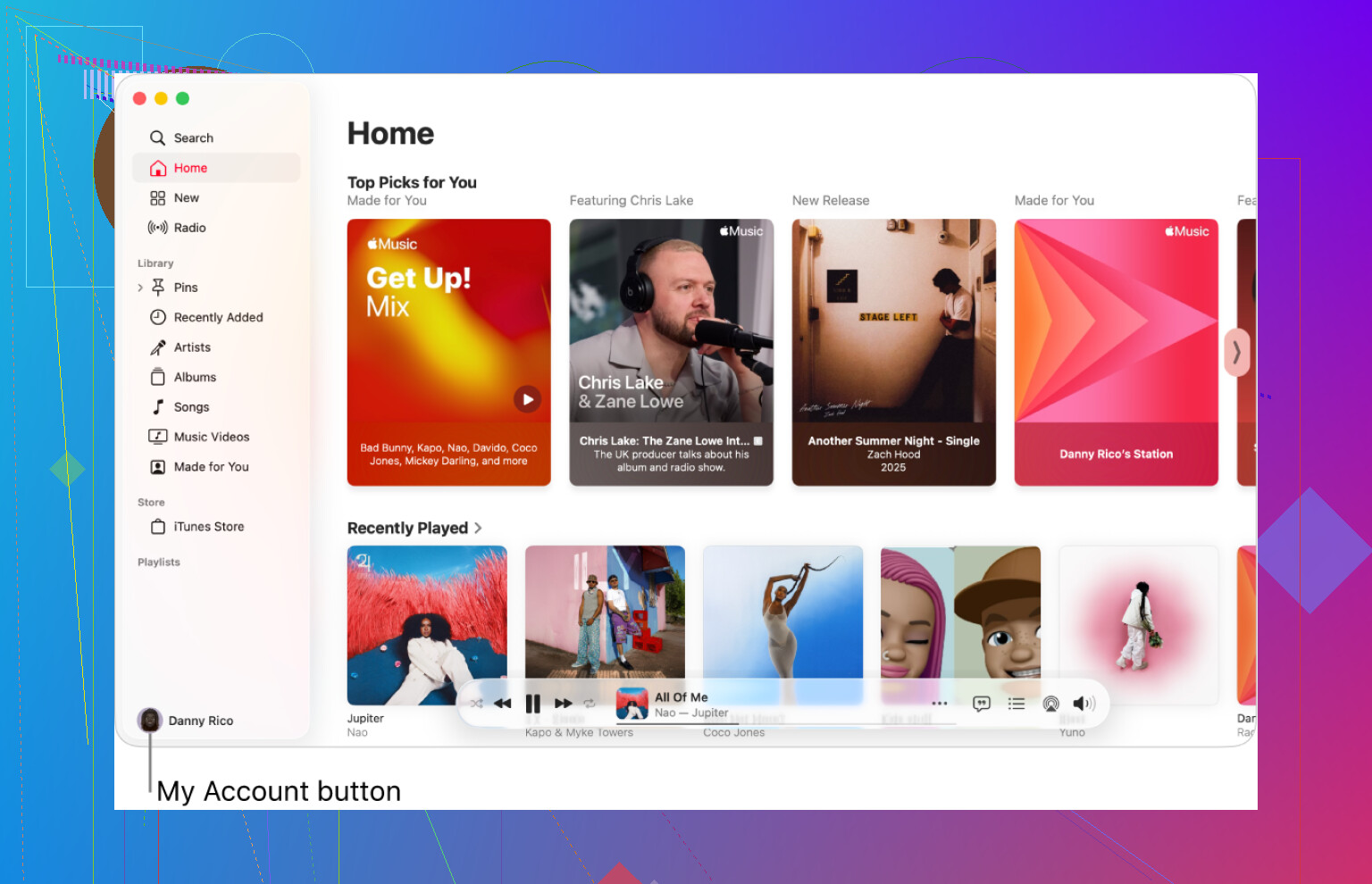
Apple Music ($10.99 / month)
I keep Apple Music around mostly out of laziness. It ships on the Mac, it ties into the system volume keys, and it doesn’t fight me when I hit play from the keyboard.
What it does well for me
• Local files: I dumped a pile of old MP3s and AACs from a 2008 backup drive into the Music app. Out of everything I tried, this handled the mess the best. Tags were hit or miss, but at least it indexed them without choking.
• Lossless streams: I tried a couple of their lossless and hi‑res jazz albums with decent headphones. I felt like I heard a bit more space in the cymbals and room tail, but I’m not going to swear it was night and day. Seeing the “Hi‑Res Lossless” label definitely messes with your brain.
Annoyances
• UI feels tangled. The navigation still feels like they stacked new ideas on top of old iTunes logic. Sometimes I end up in weird side panels and need a second to remember how to get back to my own library.
• Discovery is so-so. It feeds me stuff I know, not much I did not know. If you want “put something on and surprise me,” it trails behind Spotify for me.
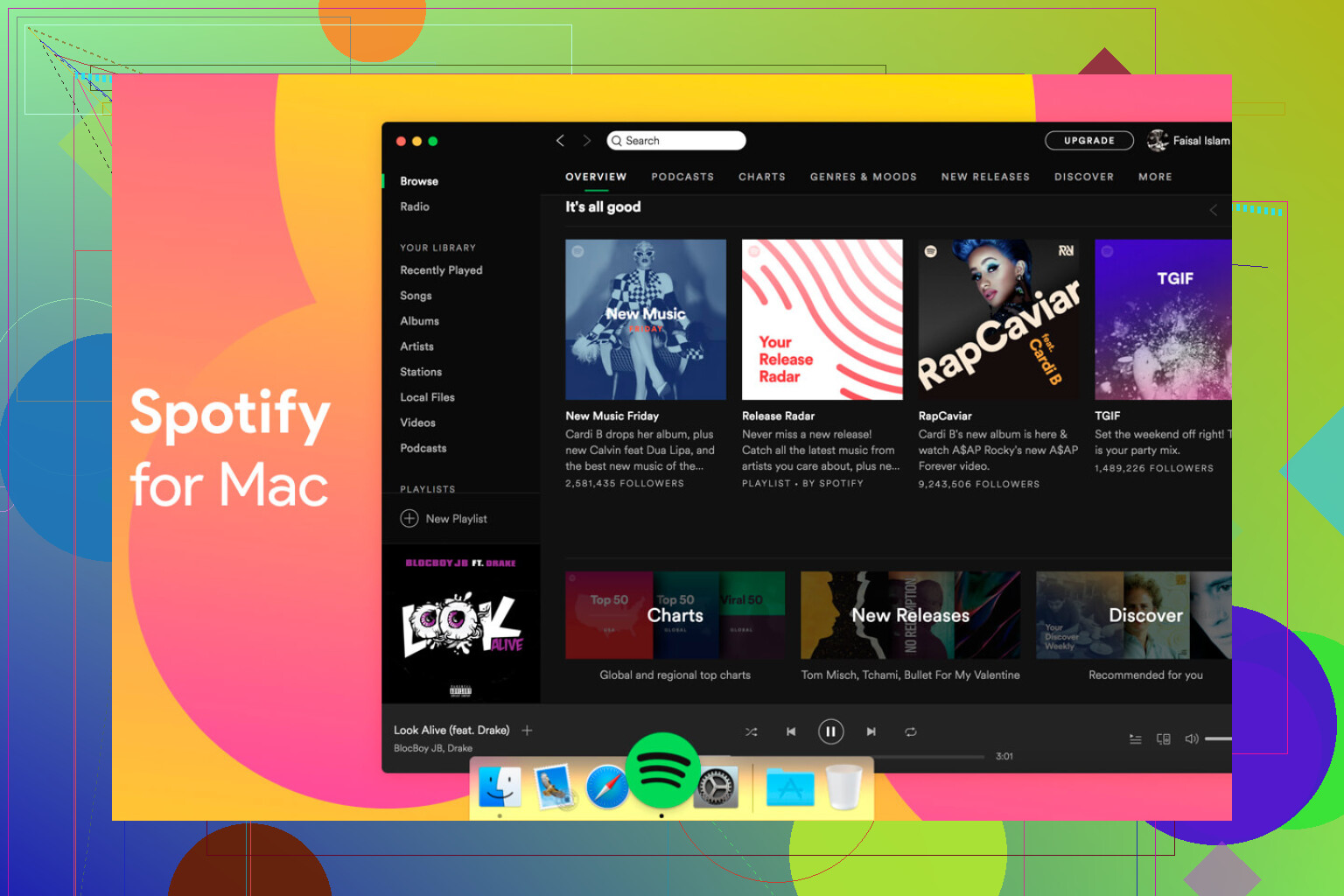
Spotify ($11.99 / month, supposedly going to $12.99)
I walked away from Spotify for a bit. Then a friend sent me a playlist and I felt my library looked like a junk drawer in comparison, so I reinstalled it.
What pulled me back
• Discovery: If I want new tracks without thinking, this is what I open. Release Radar and Discover Weekly hit more often than they miss for me. It got me into artists I probably would not have searched for.
• Social stuff: Shared playlists, links in group chats, “blend” playlists, all of that is smoother. For group listening sessions or sending songs around, it wins.
• “Set and forget” listening: When I’m working and only want background sound, I fire this up instead of digging around in my own library.
Downsides
• Desktop app feels heavy. It behaves like a web app wrapped in green. On older or fanless Macs I notice it more, scrolling gets sluggish during long sessions.
• Local file integration is weaker than Apple Music. It works, but the process always feels like a side feature instead of a first class thing.
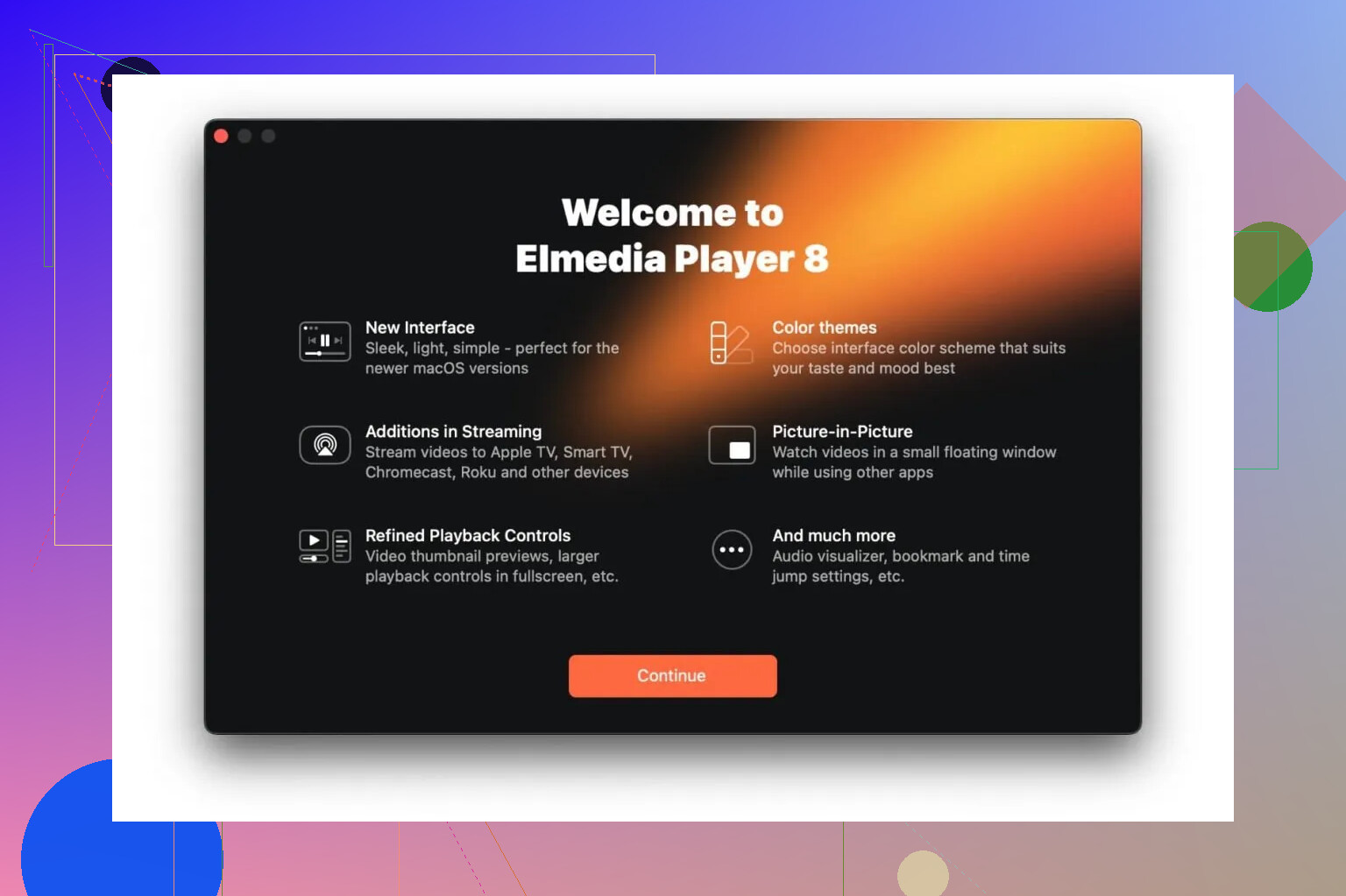
Elmedia Player (Free / $19.99 Pro)
I went hunting for Elmedia after Apple’s Music app refused to touch my FLAC collection. I had a folder with high‑res albums that I did not want to convert to ALAC.
What I did
• Dragged an entire FLAC folder into Elmedia and it started playing without a complaint.
• Tested a mix of 16‑bit and 24‑bit files, plus random odd formats from Bandcamp and old archives.
Why I paid for Pro
• I wanted to send audio to my living room TV over DLNA. With Pro, I targeted the TV directly, hit play, and it stayed stable.
• When I used AirPlay streaming from a browser to the same TV, I used to get dropouts or short hiccups when the network got busy. With Elmedia Pro sending via DLNA, the same files played clean during a couple hours of listening.
Where it fits
• Good for “difficult” formats, FLAC, some weird legacy stuff, without converting.
• Works as a general media player too, but I mainly keep it for the times when Apple Music shrugs at a file.
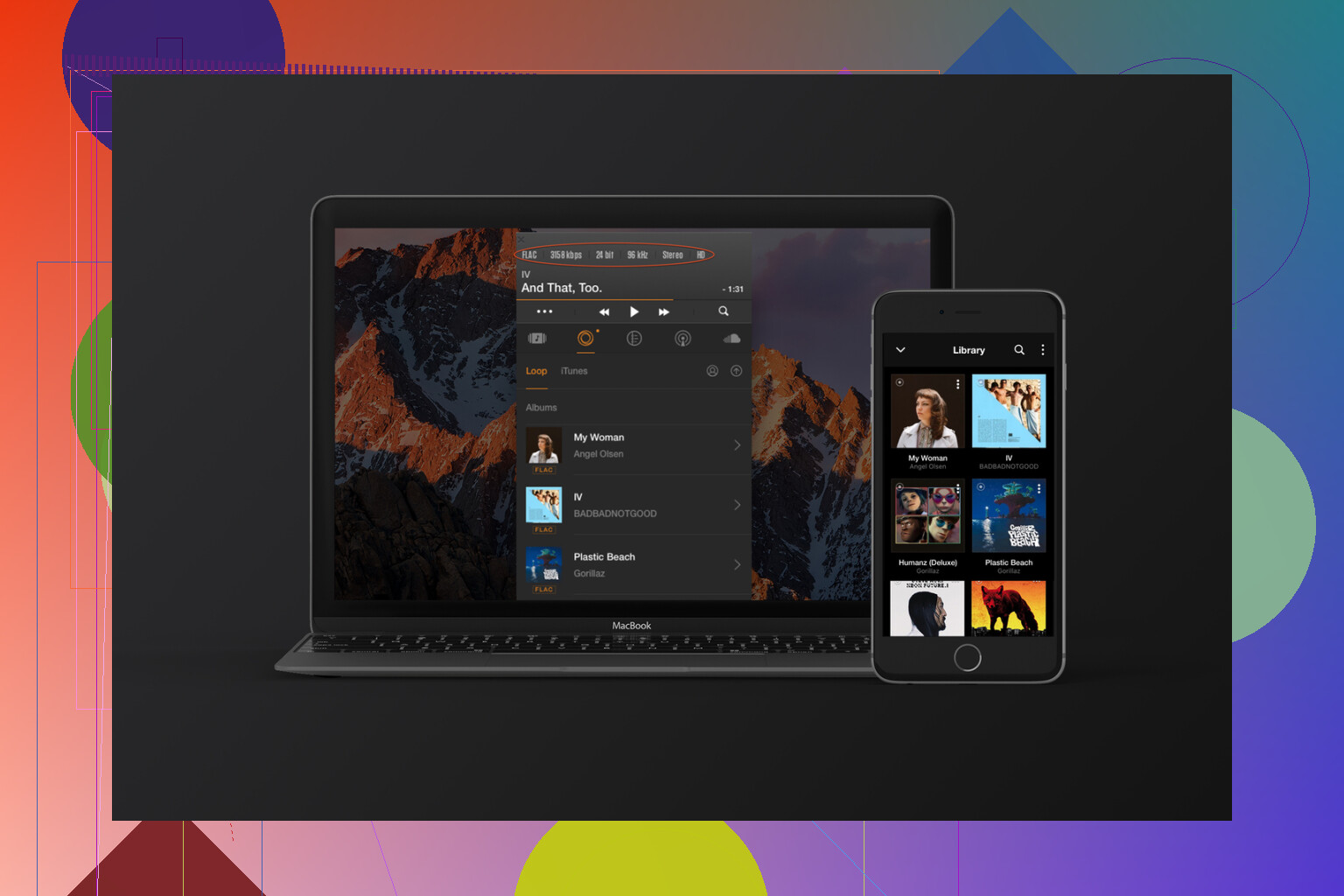
Vox ($4.99 / month)
I grabbed Vox when I wanted a tiny player that stayed out of the way. I didn’t want a full window stealing half my screen while I was working.
What I liked
• Lives in the menu bar. You get basic controls without a big UI hovering over your workspace. For small screens, this matters.
• Handles large libraries better than I expected. I pointed it at a folder with a lot of FLAC and MP3 albums stored on an external drive. Scanning took some time, but playback after that felt light.
• “Hog Mode”: This feature tries to take full control of the audio device and mute other system sounds. I toggled it on while using wired headphones and got the sense that system notifications and random app bleeps stopped fighting with the music, which is all I wanted.
Caveats
• Subscription model at $4.99 a month feels steep if you only play a modest offline library.
• Their cloud features are wasted if you do not want to upload or sync through their service.
GarageBand (Free)
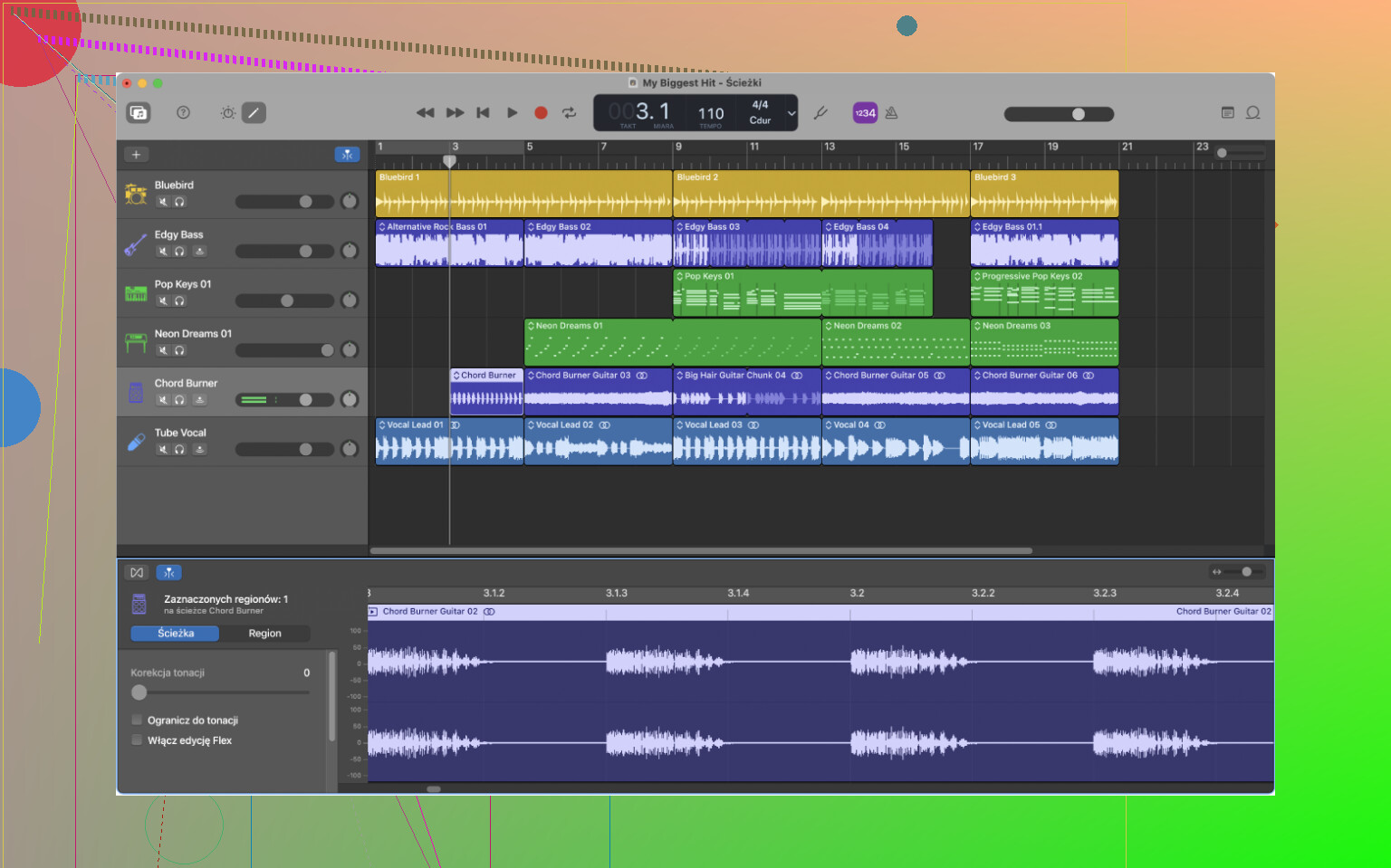
I went back to GarageBand recently to check if I still remembered how to lay down a guitar track and a few MIDI layers.
What surprised me again
• It is free and not gutted. For recording a couple of live instruments, adding software drums, and mixing a podcast, it covers way more than bare basics.
• The “Drummer” feature still works well. I threw together a four chord loop, added a drummer track, and with a few knob tweaks it followed the groove tightly enough for a rough demo. For quick song ideas, it is fast.
• Built‑in instruments and amps are fine for sketching. Guitar amp sims are not the most detailed ones compared to dedicated plugins, but for idea capture they are good enough.
Limitations I ran into
• Project complexity hits a wall. Once I started stacking more buses, more intricate routing, side‑chains, it began to feel constrained.
• Plugin chains and automation views feel simplified, which is helpful when you start, but at some point you want more precise control and routing grids.
Logic Pro ($199.99 one time, or $12.99 / month in Creator Studio)
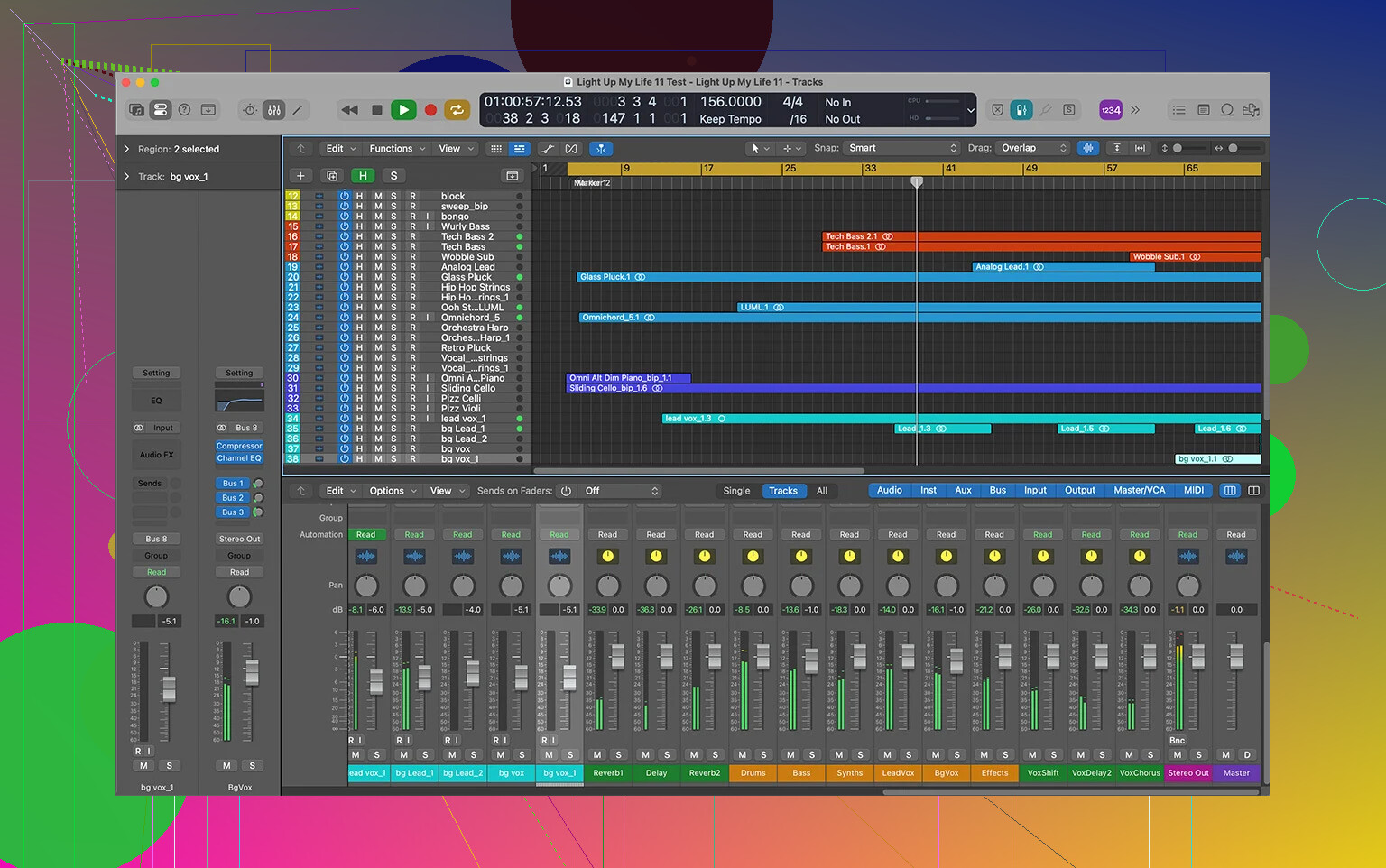
I moved to Logic Pro once I hit GarageBand’s ceiling. The project that pushed me over had a bunch of vocal layers, buses, parallel chains, and I kept fighting the layout.
How it felt transitioning
• Interface looks familiar if you used GarageBand. The track area, transport bar, and a lot of shortcuts carry over. You are not starting from zero, but every area exposes more options.
• There are way more tools. More instruments, more effects, and deeper routing. The “Environment” view and advanced mixer options took me a while to get comfortable with. At first, it feels like someone opened the back panel on a console and showed every wire.
• The new AI‑aided instruments and features (like the updated synth players and assistive tools) work like helpers when building ideas. I set up a couple of synth sounds using some of those suggestions and then tweaked from there. It cut down the time I spent hunting through presets.
Money side
• I went with the standalone $199.99 license. For me, paying once hurt initially, but it removed that background stress of another subscription.
• The Creator Studio option at $12.99 a month spreads the cost, but long term it adds up. If you know you will use it for years, the one time fee seems more sane.
Where it lands
• For podcasts, simple demos, or casual music creation, GarageBand holds up.
• For bigger arrangements, more serious mixing, or if you want to integrate a lot of third‑party plugins and detailed routing, Logic Pro feels more appropriate.
Where I ended up using what
Quick recap of how I actually use these now, so you can map it to your own setup:
• Casual listening to my own files: Apple Music, because it is tied into the system and handles old MP3/AAC libraries decently.
• New music and shared playlists: Spotify, because its discovery is stronger and social features are smoother.
• High‑res and oddball formats: Elmedia Player, especially FLAC and files that Apple Music skips.
• Minimal footprint player: Vox, when I want audio controls in the menu bar and a library on an external drive.
• Learning and quick recording: GarageBand, for scratch ideas, simple podcasts, and practice.
• Bigger projects and deeper production: Logic Pro, once track counts, routing, and plugin chains start piling up.