I recently came across LocalSend and I’m curious whether people generally have a good experience with it. Does it feel polished and dependable in everyday use?
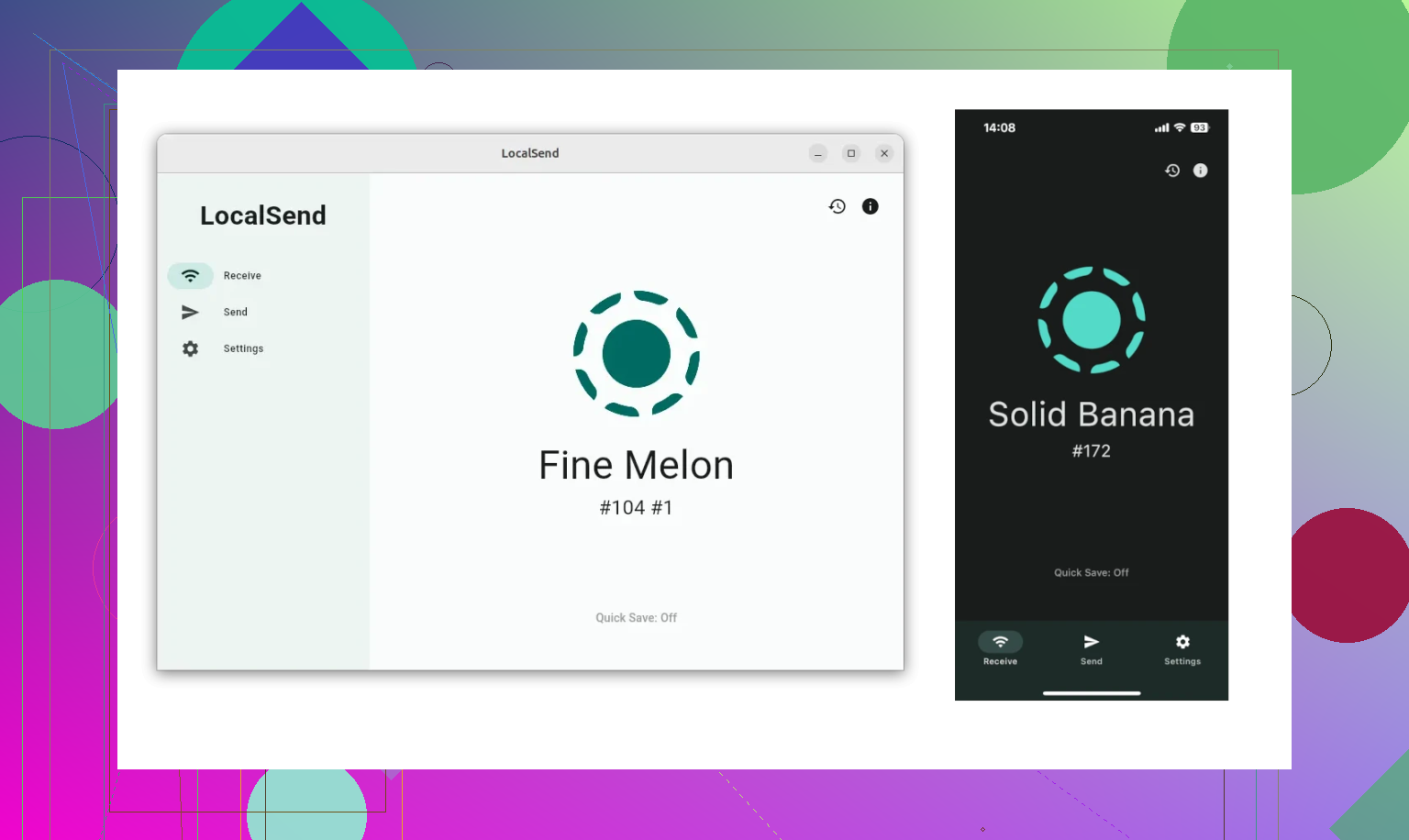
I stuck with LocalSend for a good stretch, mostly moving stuff between a Windows desktop, an Android phone, and once in a while a MacBook. If you have not used it, LocalSend is an open-source file transfer app for devices on the same local network. No cloud hop. No upload first, download later routine.
What pulled me in at first was how plain it felt. Install it, put both devices on the same Wi-Fi, send the file, done. No account. No monthly plan. No weird setup screen asking for ten permissions before you even start.
What worked for me
The main thing was convenience. I did not need to dig out a cable every time I wanted to move a photo, a PDF, or some random audio file from my phone to my computer.
The short version:
Free, and the code is open
Runs across Windows, macOS, Linux, Android, and iPhone
Speed was decent on stable Wi-Fi
For smaller jobs, it was solid. I moved screenshots, docs, short videos, and music files with barely any friction. If your use case looks like 'send a few files now and then,' I get why people keep recommending it. I had the same reaction early on.
Where it started getting annoying
Once I used it more often, the rough spots showed up. Same stuff I kept seeing other people mention in forum threads.
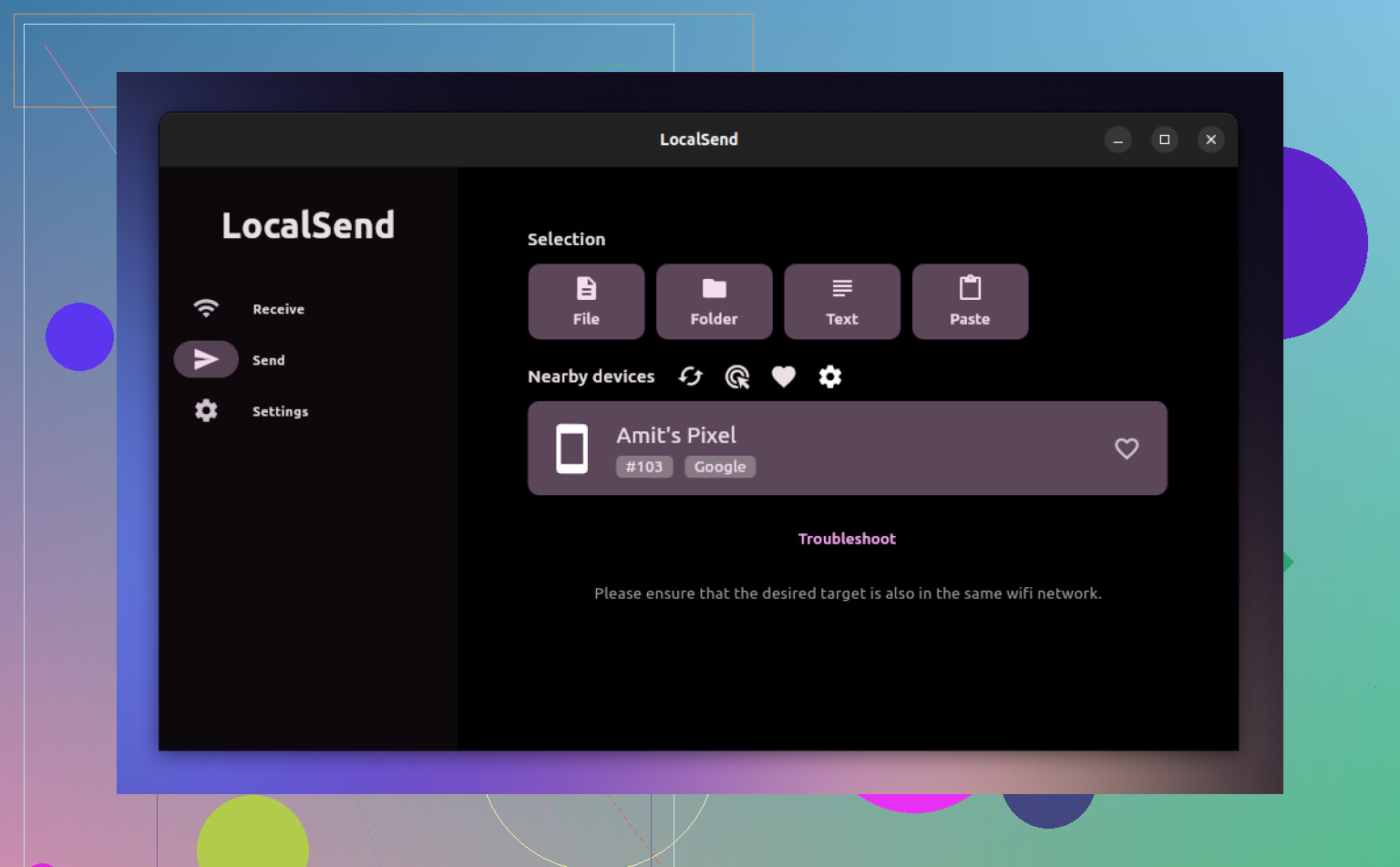
The biggest one was device discovery. Some days both devices popped up right away. Other days, nothing. Same room, same network, same app, no luck. After too much trial and error, I figured out firewall settings were often behind it.
Windows Firewall caused the most trouble on my side too. Even when the settings looked fine, LocalSend would still fail to see or talk to another device. Router settings added another layer of nonsense. If you do not know your way around local network settings, the fix is not always obvious. I lost time there, no question.
VPNs also got in the way. I usually leave mine on and forget about it. A couple times LocalSend stopped working until I turned the VPN off. At first I blamed the app. Turned out local discovery was getting blocked upstream. Took me longer than it should have to notice tht.
Folder transfers and vague errors
Single files and smaller batches were mostly fine. Big folder moves were shakier.
Folder transfers occasionally failed with permission errors that did not explain much. I remember sending a large project folder from one Windows machine to another and getting a warning that looked serious but told me almost nothing useful. No path. No clear cause. No next step.
I also saw odd differences between platforms. Windows to Android, smooth. Android back to Windows, same files, same network, fail. Then later it would work again. Stuff like that is what wore me down.
The worst part was the guessing. When a transfer breaks, you are left sorting through too many suspects:
Permissions
Firewall rules
Router isolation settings
VPN interference
OS-specific behavior
When the error message says almost nothing, every failed transfer turns into a mini support thread in your own head.
Security talk I kept seeing
I ran into a few discussions around security too, mostly tied to the web version of LocalSend.
I did not hit any security issue myself. Still, I get why people are cautious. Any file transfer tool deserves a bit of suspicion if you are using it on a network you do not fully trust, or if your setup is sloppy. I never treated it like a problem-free tool, more like a useful one with a few conditions attached.
Why I moved big transfers to USB
At some point I stopped pretending wireless tools were the right answer for huge moves. Fine for quick sends. Less fine when you are pushing a giant photo library, a pile of videos, or thousands of files in nested folders.
If Wi-Fi wobbles in the middle, the transfer stalls, fails, or leaves you checking whether everything made it over. I had large folder copies freeze halfway through and force a full restart. Not once either.
And slow wireless transfers drag. You start the copy, go do something else, come back, and it is still chewing through the same batch. That got old.
So I ended up switching to MacDroid with a USB cable for bigger Android-to-Mac transfers.
The part I liked right away was simple. My Android phone showed up in Finder almost like external storage. I could open folders, drag files around, and move things directly without relying on Wi-Fi or a cloud relay.
For large transfers, I found that setup easier to trust.
It also cut out a few recurring headaches:
Slow wireless transfer speeds
Paying for extra cloud space when I did not need it
Partial transfers and missing files
The consistency mattered more than anything. I did not need to mess with discovery, reconnect devices three times, or shut off a VPN to make a folder move. I plugged in the cable, opened the app, and started copying. Boring, which is what I wanted.
My take now
I still use LocalSend. I am not dumping on it. For quick transfers on a stable home network, it does the job and does it without much setup. It is free, easy to install, and works on almost everything.
Still, if you move big folders all the time, send files daily, or want fewer moving parts in the process, I get why people end up choosing a wired option like MacDroid. I did, mostly because I got tired of troubleshooting the network instead of moving the files.
4 Likes
LocalSend is good, but I would not call it polished in every day use.
My experience was better than @mikeappsreviewer on one point. Discovery was mostly fine on my home network. Windows 11, Pixel, iPad. It found devices fast most of the time. The app UI also feels clean. No account junk, no ads, no cloud step. For quick sends, it feels mature enough.
Where it falls short is consistency under load. If you send 5 photos or a PDF, it feels smooth. If you send 20GB of mixed folders, the polish fades fast. Progress feedback is too thin. Error info is not great. Resume behavior is not something I trust. That matters more than a pretty interface.
So my short take:
- Great for small, frequent transfers on the same Wi-Fi.
- Good cross-platform option if you hate cables.
- Less dependable for large archives or folder-heavy moves.
- Best on a simple home network, no VPN, no weird router rules.
If your goal is phone to Mac file management every day, I still lean toward MacDroid for bigger jobs. Wired is boring, and boring wins. LocalSend is worth keeping installed, though. I use it, I dont rely on it for stuff I care about not redoing.
I’m a little more positive on LocalSend than @mikeappsreviewer, but not quite as forgiving as people who call it “set and forget.”
For me, it feels polished in the surface-level way: clean UI, fast to learn, no account nonsense, and it usually works for the exact thing most people want, which is tossing a few files between phone and computer without thinking too hard. In that sense, yeah, people generally do have a good experience with it.
Where I slightly disagree with @nachtdromer is on “mature enough.” I’d say it feels mature for casual use, not fully dependable use. That’s an important difference. An app can feel slick and still be a bit flaky once you depend on it every day.
My read:
- polished interface: yes
- dependable for light use: mostly yes
- dependable for heavier workflows: kinda no
The weak point is not really the design, it’s that local-network tools are only as stable as the network conditions around them. So when people say “LocalSend failed,” sometimes it’s the app, sometimes it’s Windows being Windows, sometimes it’s your router being weird. That makes the real-world experiance less dependable than the UI suggests.
If you mostly send photos, docs, short clips, small batches, it’s honestly great. If you’re moving big media folders all the time, I would not want LocalSend as my main system. For that, wired still wins. If you’re doing Android-to-Mac stuff regularly, MacDroid is probly the more dependable option because it skips the whole discovery/network layer and just behaves more predictably.
So, short answer: good app, worth installing, pretty polished, but “dependable” depends a lot on how much you ask from it. I’d trust it for convenience, not for mission-critical bulk transfers.
I land somewhere between @nachtdromer and @caminantenocturno, and a bit less frustrated than @mikeappsreviewer. LocalSend feels polished enough to like, but not polished enough to stop thinking about. That distinction matters.
What it gets right:
- super low friction
- clean interface
- no accounts, no cloud detour
- genuinely handy for quick sends
What keeps it from feeling fully dependable:
- behavior can change depending on firewall, VPN, router quirks
- large transfers still feel like a gamble
- failure messaging is not strong enough when something goes wrong
I actually think people sometimes judge it too harshly for discovery issues. A lot of that is just the reality of local network apps. But I also think fans oversell it as seamless. It is seamless right up until your setup is slightly weird.
So yes, general experience is good. Everyday dependable? For light use, mostly yes. For repeated big moves, not really.
If your workflow is more serious, MacDroid makes more sense on Android-to-Mac. Pros:
- stable wired connection
- Finder-style file handling
- better for large folders
Cons:
- not free like LocalSend
- cable required
- narrower use case than a cross-platform wireless tool
My take: LocalSend is a great convenience app. I would keep it installed. I just would not make it my only transfer method.