I accidentally deleted important files from my computer and emptied the Recycle Bin before realizing they were gone. I need help finding the best data recovery software to restore deleted files quickly and safely without damaging the drive or losing anything else.
If you deleted files, don’t write anything else to that drive. I learned this the hard way years ago. The biggest mistake is panicking, then installing recovery apps, moving files around, downloading random tools, all onto the same disk you’re trying to save.
What I’d look at first:
This is the one I’d hand to most people first. It’s easy to get through without feeling lost, and it handles more than simple deletes. I’ve used it for deleted files, formatted partitions, RAW drives, and damaged volumes. The part I kept coming back to was the preview. If the file opens in preview, your odds are usually better, and you don’t waste time guessing. It also includes byte-to-byte backup, which matters if the drive seems unstable and you want an image before doing anything risky. On Windows, there’s also up to 100MB of free recovery.
- Recuva
Still fine for basic stuff. If you emptied the Recycle Bin by mistake and caught it early, I’d try this before overcomplicating things. It’s free, small, and quick. It does feel old, and I wouldn’t lean on it for damaged drives, huge media files, or messy corruption. For photos, PDFs, school docs, small office files, it still punches above its weight.
- R-Studio
This one is for people who don’t mind a messier interface and more knobs to turn. I used it when dealing with RAID, broken partitions, and stranger storage setups. It’s good software. It’s also not friendly. If you already know why you need R-Studio, then you likely do. If not, I’d start somewhere easier.
What matters most right now:
Stop using the drive.
Deleted files are often still sitting there until new data lands on top of them. Every install, every browser download, every copied file cuts into your chances. Even a small write can ruin the one folder you cared about.
Also, install your recovery software somewhere else. Different drive, different USB, different SSD, whatever you have. Don’t install recovery software onto the same drive with the deleted files. I’ve seen people do this and then wonder why half the recoverable stuff turned into junk.
One more thing, and this part matters more than the software list.
If the drive is clicking, grinding, beeping, dropping offline, or not showing up in BIOS or Disk Management, stop. Don’t keep rescanning it. Don’t run five tools in a row. Don’t keep unplugging and reconnecting it hoping it wakes up. Those signs point more toward physical failure, and repeated scans can make the damage worse. At that point, a recovery lab is the safer move, even if it stings.
If this was only a normal delete, your odds are still decent. Move slow. Use another drive for installs and recovered files. Check previews before recovering a ton of junk. Post back with what happened, I’m kinda curious how bad it is.
If the files matter, I’d rank the options by how much damage control you need, not by hype.
Disk Drill is the best pick for most people. Fast scan, clear file preview, decent file type support, and it doesn’t bury you in menus. If you want deleted file recovery software without a learning curve, start there. I don’t fully agree with @mikeappsreviewer on Recuva as the first free try. It’s fine for simple deletes, but I’ve seen it miss folder structure and filenames on newer SSD setups. Annoying as hell.
My short list:
-
Disk Drill
Best balance of speed, safety, and ease.
Good for deleted docs, photos, videos, and emptied Recycle Bin cases. -
PhotoRec
Ugly interface, strong recovery engine.
Best when names and folders don’t matter as much. -
UFS Explorer
Better than most people need, but great for odd partitions and harder cases.
One thing people skip, TRIM on SSDs. If your deleted files were on an SSD and TRIM already ran, recovery odds drop fast. No software fixes overwritten blocks. That part sucks, but it’s true.
Also worth watching, top data recovery software video review for deleted files.
If you post whether this was HDD or SSD, internal or external, people here can narrow it down fast.
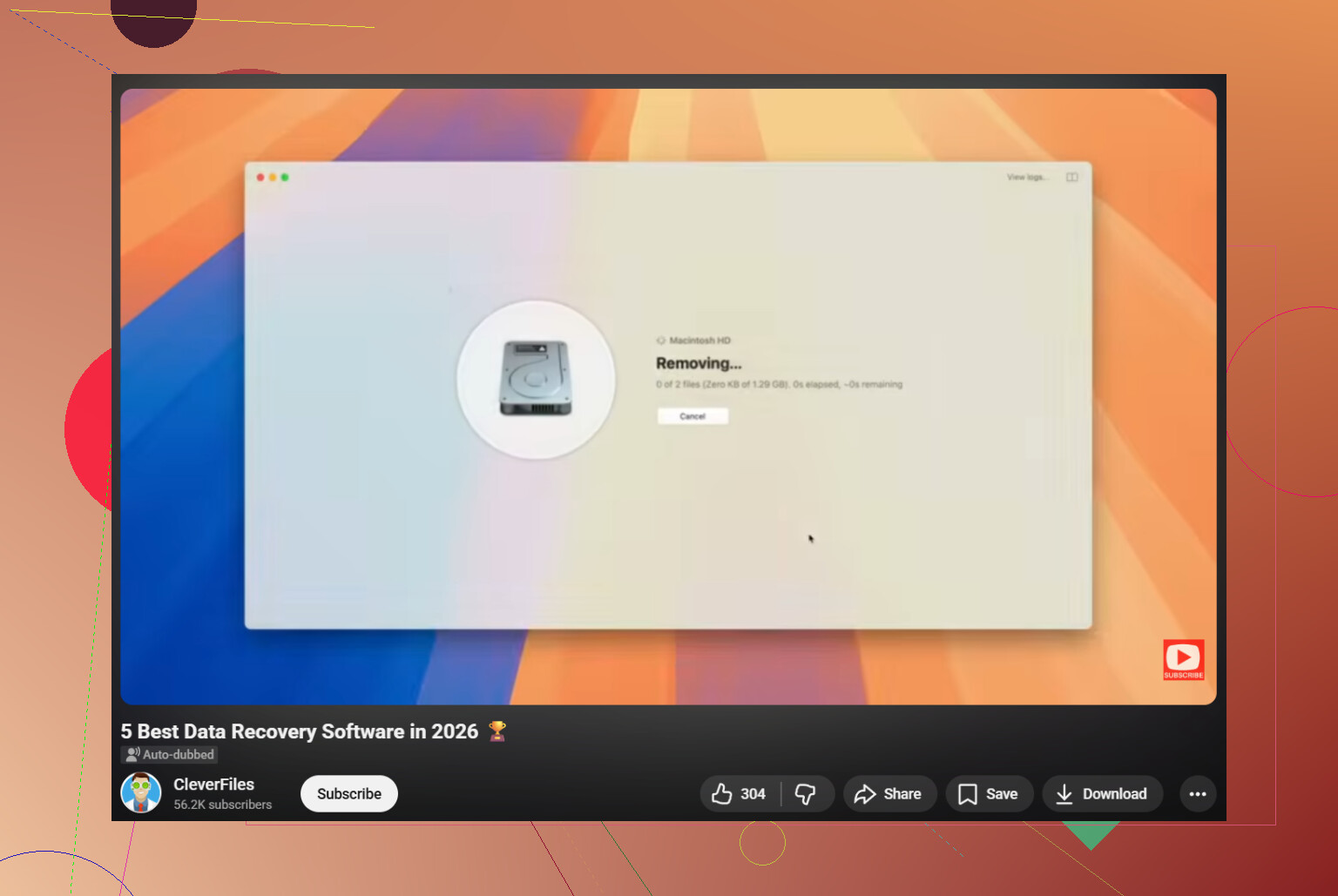
If this is a plain accidental delete and not a dying drive, I’d probly put Disk Drill at the top for most normal people. Not because it’s magic, just because it’s less annoying than a lot of recovery tools and the preview system saves time. That part matters when you don’t wanna recover 40GB of useless junk.
I slightly disagree with @mikeappsreviewer on Recuva being the first stop every time. It’s fine, yeah, but it can feel hit-or-miss on newer systems. And I also wouldn’t jump straight to PhotoRec like @sternenwanderer mentioned unless you’re okay with messy file names and sorting through chaos afterward. Great engine, ugly results.
My take:
- Disk Drill: best balance of easy + effective
- R-Studio: stronger for advanced cases, but overkill for most people
- Recuva: okay for simple accidental deletes if you want free
- PhotoRec: last resort when structure/names are already toast
Big factor nobody can dodge: SSD vs HDD.
If the files were on an SSD, TRIM may have already wiped the blocks behind the scenes. If it was an HDD or external hard drive, your chances are usually better.
Also, if you want a broader best data recovery software comparison for deleted files and drive recovery, that list is worth checking before you install random stuff.
Short version: for fast, safe deleted file recovery, Disk Drill is probably the best first try. Just don’t install it onto the same drive you’re trying to recover from. Thats where people screw it up.
I’d split this a bit differently from @sternenwanderer and @sonhadordobosque and @mikeappsreviewer.
If this is a normal accidental delete and the drive is still healthy, Disk Drill is probably the best first paid tool because it helps you verify files before wasting time on garbage recovery.
Disk Drill pros
- very easy to use
- good preview support
- solid for photos, docs, videos, and emptied Recycle Bin cases
- can recover to another drive without much fuss
Disk Drill cons
- not the cheapest option
- free recovery on Windows is limited
- deep scans can return lots of extra clutter you have to sort through
Where I slightly disagree with the others: people overfocus on scan power. For deleted files, the better question is whether the software can show you a clean, recoverable result fast. That is where Disk Drill tends to beat old-school tools.
If you want alternatives:
- Recuva for quick free checks
- R-Studio if you already know your way around storage issues
- PhotoRec if you only care about raw file carving and can live without filenames
My rule: if the files are valuable, test with preview first, then recover only the specific folders you need. Bulk recovering everything usually creates a mess. Also, SSD recovery after deletion is often a coin toss because of TRIM, so don’t expect miracles.
Before paying for recovery software, check for existing copies frist.
If your files synced to OneDrive, use another computer to sign into its website. Open its Recycle bin, select your files, and click Restore. Check this even after emptying Windows’ Recycle Bin.
Also search your email attachements, backup USB drives, and shared folders. Ask anyone who received the documents to send them back.
Use the other computer to save recovered copies onto an external drive. Open each file to check its contents before considering the job finished.
Even if you stop touching the drive, your operating system doesn’t. Windows keeps writing logs, temp data, and update bits in the background the entire time it’s booted, so if those deleted files lived on your C drive, every extra minute of running scans and clicking around is working against you. The cleaner move is to shut the machine down, pull the drive out, and scan it from a second computer as a secondary disk. Booting from a USB environment does the same job. That’s the part that gets skipped most often right after someone empties the Recycle Bin.
@just_router is on the right track though, and that’s where I’d actually start. Before paying for anything, check the OneDrive online recycle bin, old email attachments, phone backups, shared folders, whatever. A good chunk of the ‘lost forever’ files I hear about are quietly sitting in a sync folder. Ten minutes, zero cost, and it sometimes ends the whole problem.
If it really is gone and the drive is healthy, Disk Drill is what I’d reach for, mostly because it lets you save a scan and pick it back up later instead of re-running the whole thing. My gripe is smaller than the stuff others brought up: the way it mounts found results as a virtual drive feels clunky to me, and I’d rather it just handed over a plain list. Also don’t take its recovery odds as gospel. Files marked as good can still open to nothing, so test the ones you actually care about the moment they land on your other drive, not a week later.