I need help finding the best unarchiver for Mac because the built-in Archive Utility keeps failing on some ZIP and RAR files I downloaded for work. I checked Reddit, but there are so many suggestions that I’m not sure which app is actually reliable, safe, and easy to use. Looking for a Mac file extractor that can handle common archive formats without errors.
I went down the same rabbit hole most Mac users hit at some point. I read a pile of Reddit threads, plus posts across r/MacApps, r/apple, and r/software, and the same names kept surfacing. After trying them myself, these are the archive tools I kept coming back to.
🗜️ The Unarchiver
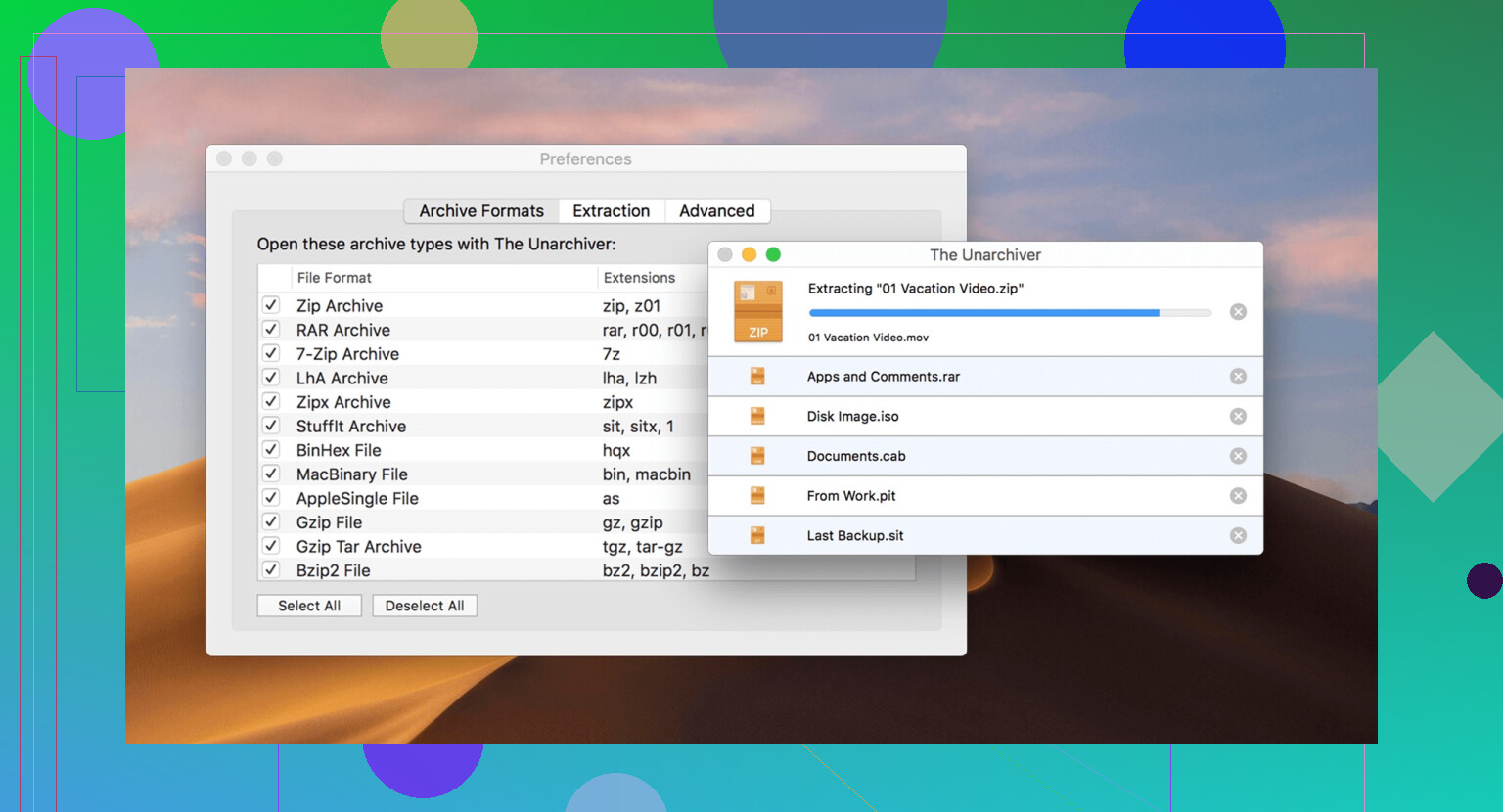
If your goal is simple extraction with no setup drama, The Unarchiver is still the easy pick. I installed it, set it as default, and more or less stopped thinking about it. It opens ZIP, RAR, 7z, TAR, GZIP, and a long list of other formats without asking much from you.
The part I noticed fast was filename handling. Archives made on Windows boxes or older Linux setups often come over with broken text in Finder. The Unarchiver cleaned up a lot of those cases for me. No fancy interface. Barely any interface, tbh. You open stuff, it extracts, you move on. If your use case is mostly 'I downloaded a file and need it unpacked,' this one fits.
📁 Keka
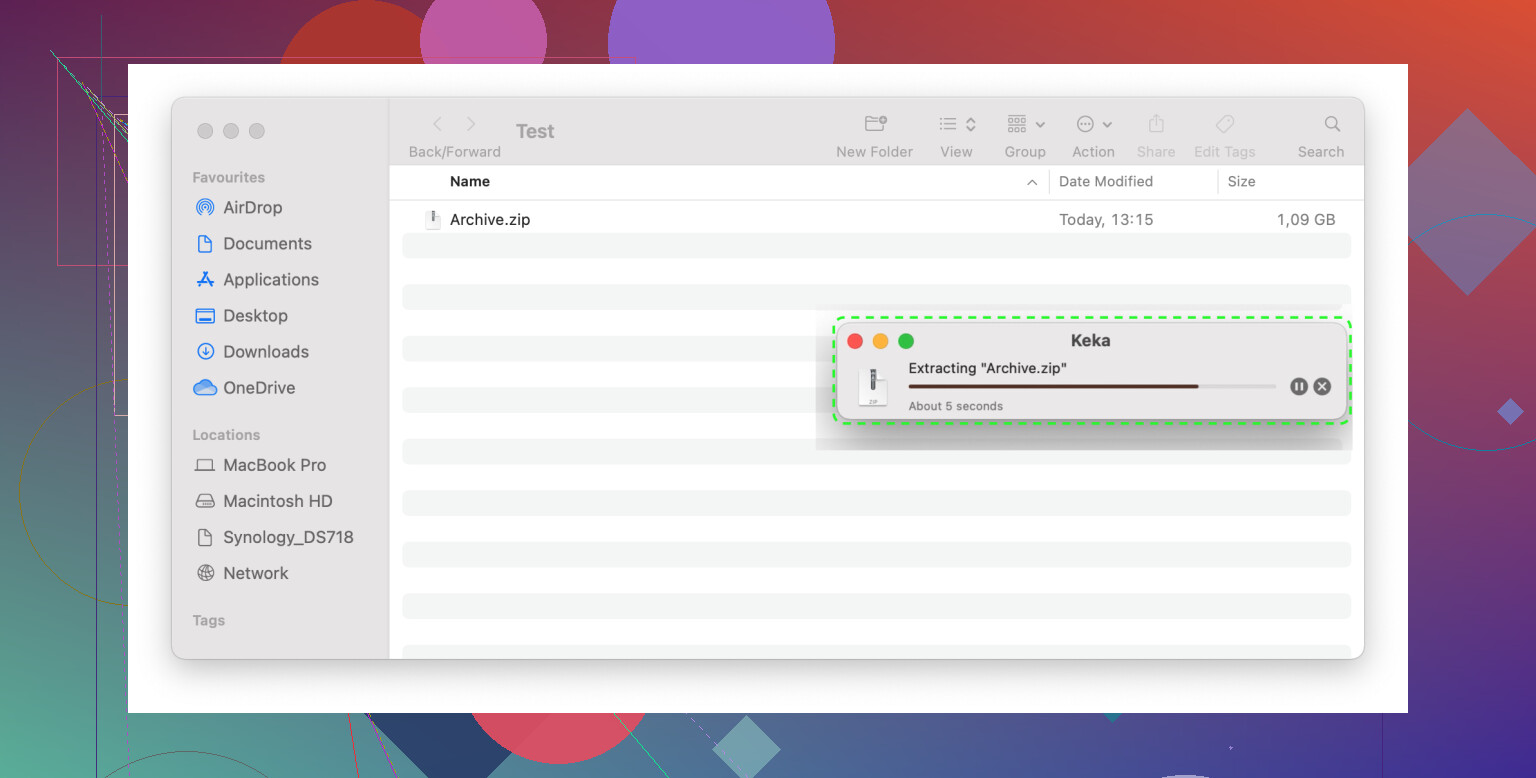
Keka is where I landed once I needed more than extraction. If you build archives often, send folders to clients, or want control over output size and format, this one earns its spot. It works with ZIP, 7z, TAR, GZIP, BZIP2, XZ, and handles RAR extraction too.
What sold me was the control. I could change compression level, split a large archive into chunks, lock it with a password, and strip out junk like .DS_Store before sending files off. Drag a folder in, pick your settings, done. It sits quietly in the menu bar or Dock and doesn't nag you.
I use it when the archive itself matters, not only the files inside it. Large design folder going out, Keka. Passworded backup, Keka. Batch of logs I need smaller before upload, same answer. After a while it stops feeling optional.
🖥️ Commander One
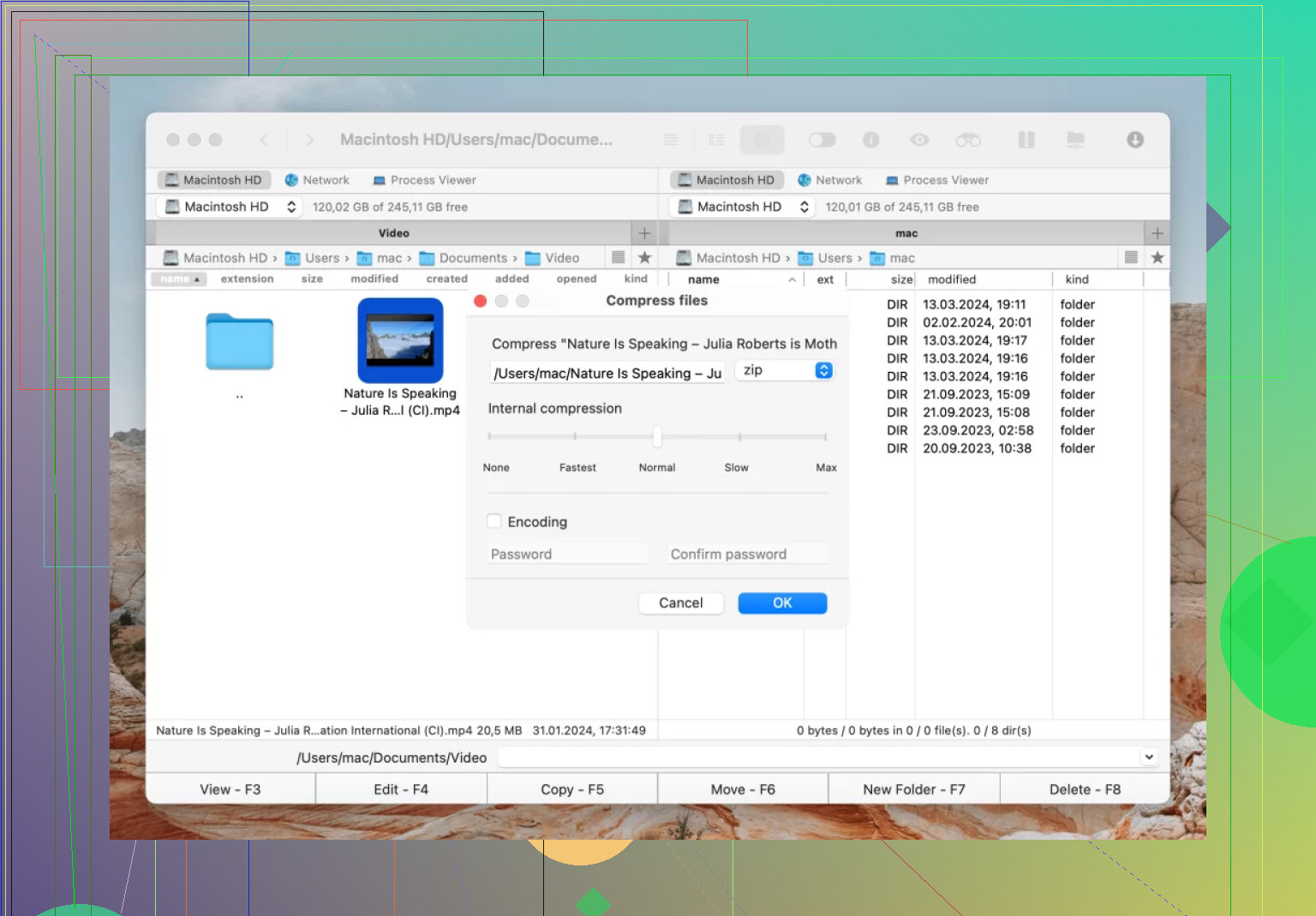
This one is a different beast. Commander One is more than an archive app. It's a two-panel file manager, closer in spirit to Total Commander or Midnight Commander, built for macOS people who move files around all day and get tired of Finder's limits.
Archive support is broad. ZIP, RAR, 7z, LHA, plus formats like TGZ, TBZ, TLZ, and TZ. What made me keep it installed was the ability to search inside archives and edit files without unpacking the whole thing first. I didn't think I'd care much about this feature until I had to pull one file from a giant compressed project folder for the third time in a week. That saved me time fast.
Then there is the file management side. FTP, SFTP, and FTPS are available in the same workspace, so if your files live partly on your Mac and partly on a server, you aren't bouncing between apps. I found this handy for site backups, log bundles, and pushing builds around without breaking focus.
The split-pane layout felt odd on day one. By day two, Finder started feeling slow and clumsy. If you spend hours sorting local files and remote files in the same session, this app makes more sense than a plain archive utility.
💼 WinZip
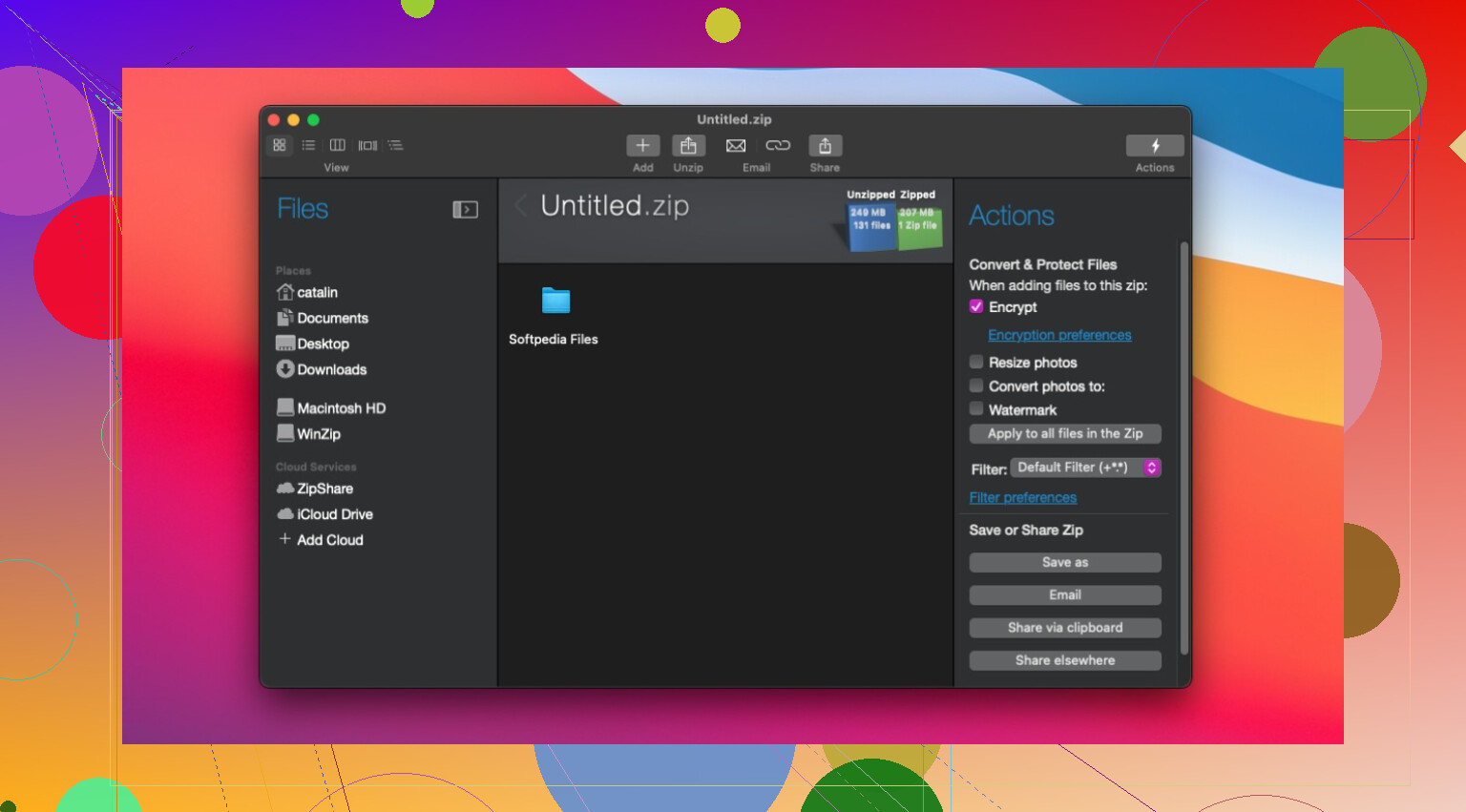
WinZip is the familiar old name. A lot of people know it from Windows first, and the Mac version still leans in that direction a bit. It covers the standard archive formats, includes AES encryption, and ties into cloud services like Dropbox, Google Drive, and OneDrive.
I didn't run into reliability issues with it. It worked fine. My hang-up was value. On Mac, there are other tools I found easier to recommend unless you already use WinZip at work or your team expects that workflow. In office setups, I get why people stick with it. The interface is polished, support exists, and nobody needs to re-learn much.
Quick breakdown
| Tool | Best use |
| The Unarchiver | Free extraction, casual use, odd file formats |
| Keka | Frequent compression, passworded archives, cleaner output |
| Commander One | File management, archives, remote server work in one app |
| WinZip | Office workflows, teams already using the WinZip setup |
On my Mac, Keka and Commander One get the most use. Keka handles compression jobs where I care about settings. Commander One stays open for file work through most of the day. I still keep The Unarchiver around too, mostly because it is free and it deals with a few weird archives better than macOS does out of the box.
If you're choosing one tool, I'd keep it simple. Pick The Unarchiver for easy extraction. Pick Keka if you make archives often. Pick Commander One if Finder slows you down and your files are spread across local folders and servers. WinZip makes more sense when you're fitting into an existing workplace setup.
2 Likes
Reddit leans hard toward The Unarchiver and Keka, but I’ll disagree a bit with @mikeappsreviewer on one thing. If Archive Utility is failing on work files, I would not start with the most bare-bones tool. I’d start with Commander One if you deal with lots of archives, mixed formats, or files coming from servers.
Why. It does more than extract. You can inspect archives, move files around faster than Finder, and work with FTP or SFTP in the same app. For work, that matters. I’ve had ZIPs open in Archive Utility, fail, then unpack fine elsewhere. RAR support is another reason, since macOS does not handle RAR well out of the box.
My short list:
-
The Unarchiver
Best for simple extraction.
Free. Fast. Low friction.
Best if you only open ZIP, RAR, 7z once in a while. -
Keka
Best if you create archives too.
Great for 7z, ZIP, passworded files, split archives.
Cleaner than a lot of old Mac tools. -
Commander One
Best for work use.
Better file handling than Finder.
Useful if your downloads live on remote storage or you need to peek inside archives before extracting. This one feels less toy-ish, tbh. -
WinZip
Works fine.
I don’t think it earns the price for most Mac users unless your office already uses it.
If you want the safest pick, install The Unarchiver first.
If you want the best Mac unarchiver for work, I’d pick Commander One.
If you compress stuff often too, pick Keka.
My setup would be Keka plus Commander One. That combo covers most weird file crap on macOS.
Reddit’s usual answer is The Unarchiver or Keka, and @mikeappsreviewer / @viajantedoceu both basically land in that zone. I slightly disagree on the “best” part though.
If Archive Utility is choking on work files, especially weird ZIPs, RARs, split archives, or stuff pulled from servers, I’d honestly try Commander One first, not because it’s the simplest, but because it’s the most practical for actual work. It lets you handle files like a grown-up file manager instead of just tossing errors at you through Finder. Being able to browse, move, and manage archive contents in one place is way more useful than people admit.
My real ranking:
- Commander One: best for work-heavy use, mixed file sources, remote storage, and archive management
- The Unarchiver: best free “just open the file” option
- Keka: best if you also create archives a lot
- WinZip: fine, but kinda overpriced unless your company already uses it
If you only want one app, I’d go Commander One for Mac over the built-in utility. If you want a free backup option too, keep The Unarchiver installed. That combo solves most of the annoying archive crap macOS fumbles tbh.
I’d split this into two answers: best free unarchiver and best Mac unarchiver for work.
For free, Reddit is mostly right: The Unarchiver is still the easiest fix for broken ZIP/RAR extraction.
For actual work, I lean Commander One a bit more than @viajantedoceu, @sognonotturno, and @mikeappsreviewer. Not because it extracts better in every single case, but because when archive files are part of a larger file-handling mess, it’s just more useful.
Commander One pros
- Handles archives plus regular file management
- Better than Finder for moving stuff around
- Useful if files come from FTP, SFTP, external drives, remote storage
- Lets you inspect archives without the same clunky Finder workflow
Commander One cons
- More app than some people need
- Not the simplest choice if all you do is double-click ZIPs
- Interface makes more sense for power users than casual users
My take:
- The Unarchiver for quick extraction
- Keka if you also create/password/split archives
- Commander One if this is a recurring work problem
- WinZip only if your office already standardizes on it
Slight disagreement with the usual Reddit advice: “simple” is not always “best.” If Archive Utility is already failing on work files, I’d rather use something sturdier than just another bare extraction app.