I lost my physical remote and now I can’t control the volume, inputs, or smart TV settings. I’ve tried a couple of universal TV remote apps, but they either won’t connect or don’t work well with my TV. I need help finding the best universal TV remote app that actually works reliably.
If you’re hunting for a universal TV remote app on iPhone, the App Store gets old fast. I went through a few of them, and most felt like the same app wearing a different shirt. New icon, same nags, same subscription wall, same ad spam.
I tested a handful, and this is where I landed.
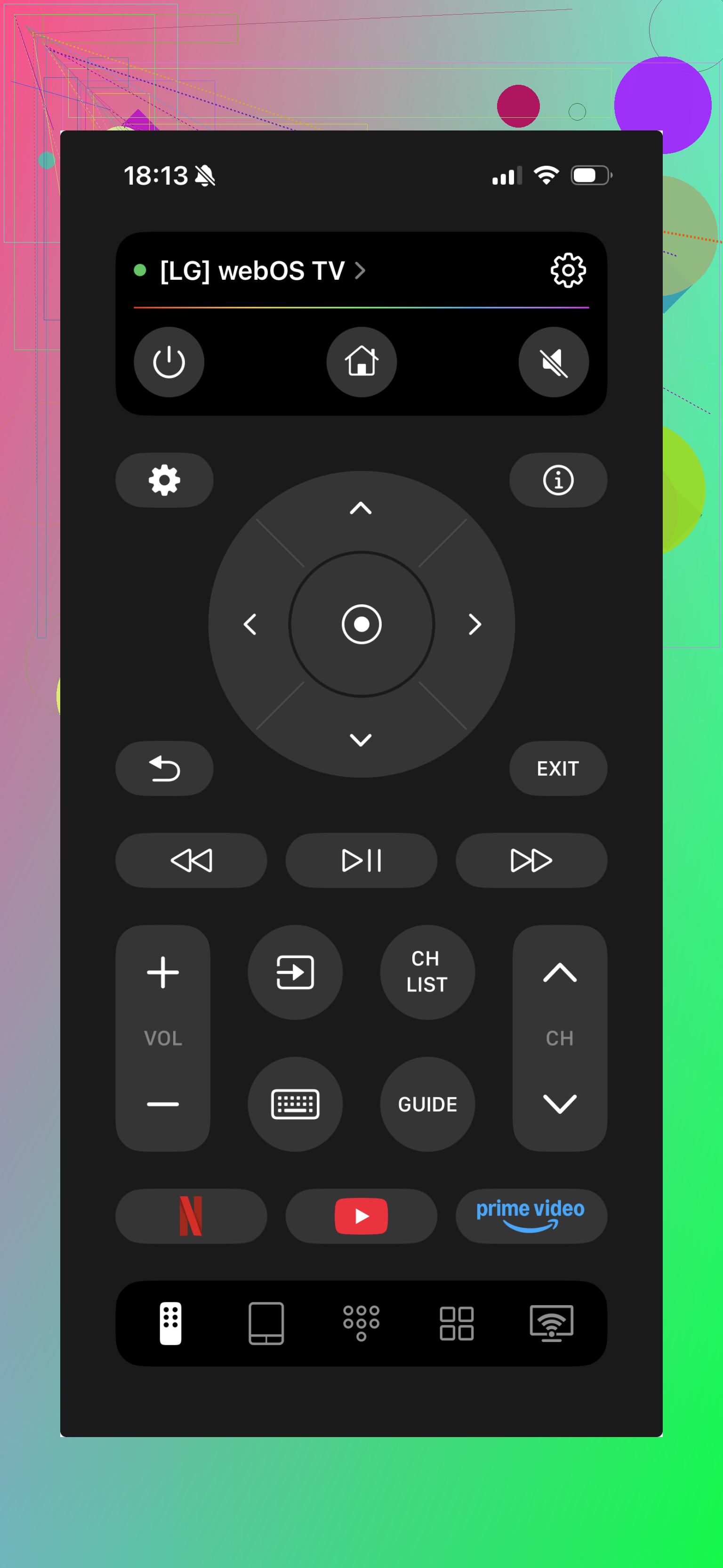
This one gave me the least trouble.
Setup was quick. I opened it, connected the TV, and got the usual stuff right away, volume, navigation, and shortcuts for streaming. No maze of menus. No weird onboarding where you tap through screen after screen for no reason. It felt built for people who want a remote, not a product tour.
What stuck out to me was stability. Some remote apps work once, then act flaky the next day. This one stayed consistent in my use. I didn’t have to babysit the connection or keep retrying.
Also, it being free matters more than people admit. A lot of apps survive on the trick where you install them, hit a trial screen in 20 seconds, and remove them before lunch. I kept this one installed because it did the job and didn’t start a fight.
- Universal Remote TV Control
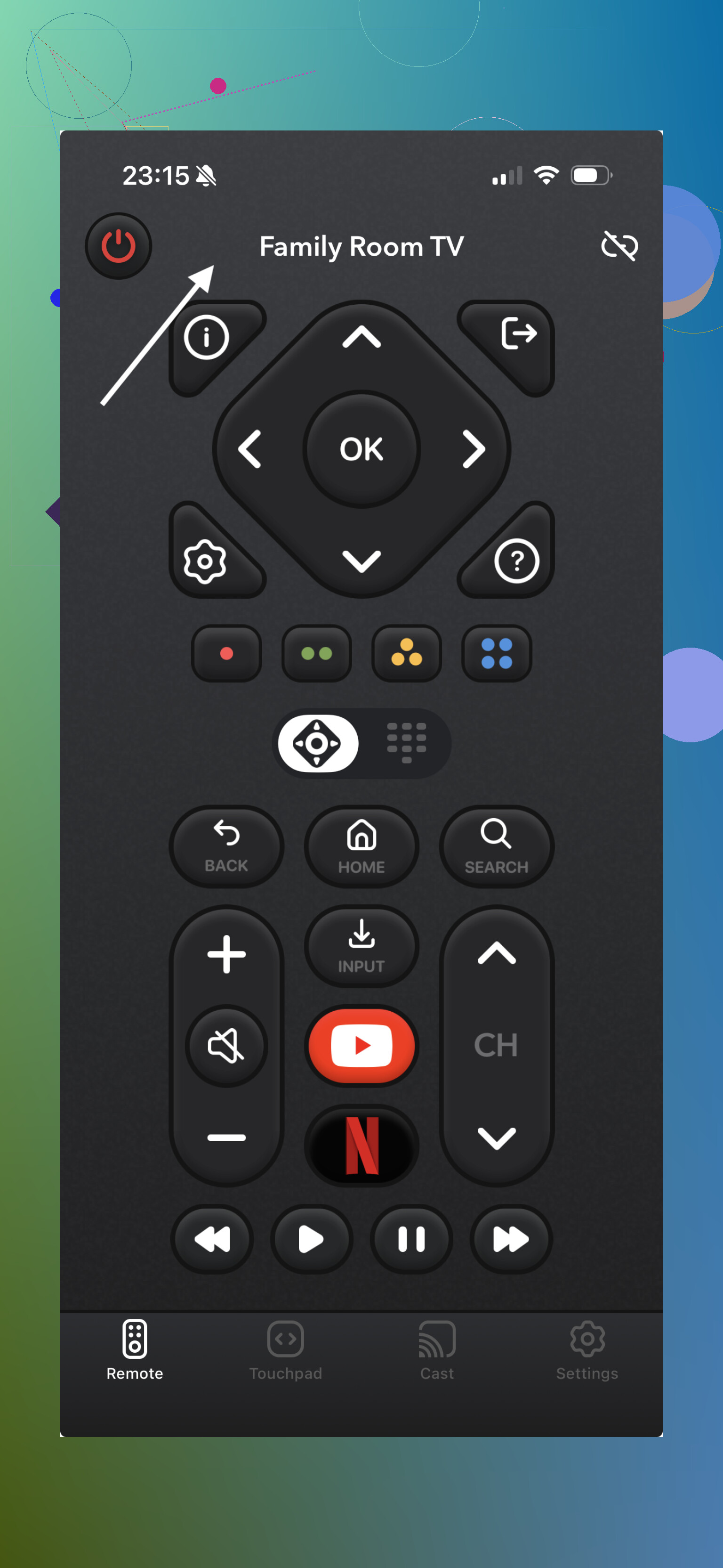
This one looks stacked on paper.
You get extras like a touchpad, keyboard input, and more advanced navigation options. I tried it expecting it to beat the simpler apps, but it felt bloated. Too much stuff in the way. I also kept running into the usual issue where key features were locked unless you paid or started a trial.
Connection was hit or miss for me. On one TV it worked fine. On another, it got shaky. I saw other people mention the same thing, so it didn’t feel like a one-off.
- Universal Remote Smart TV
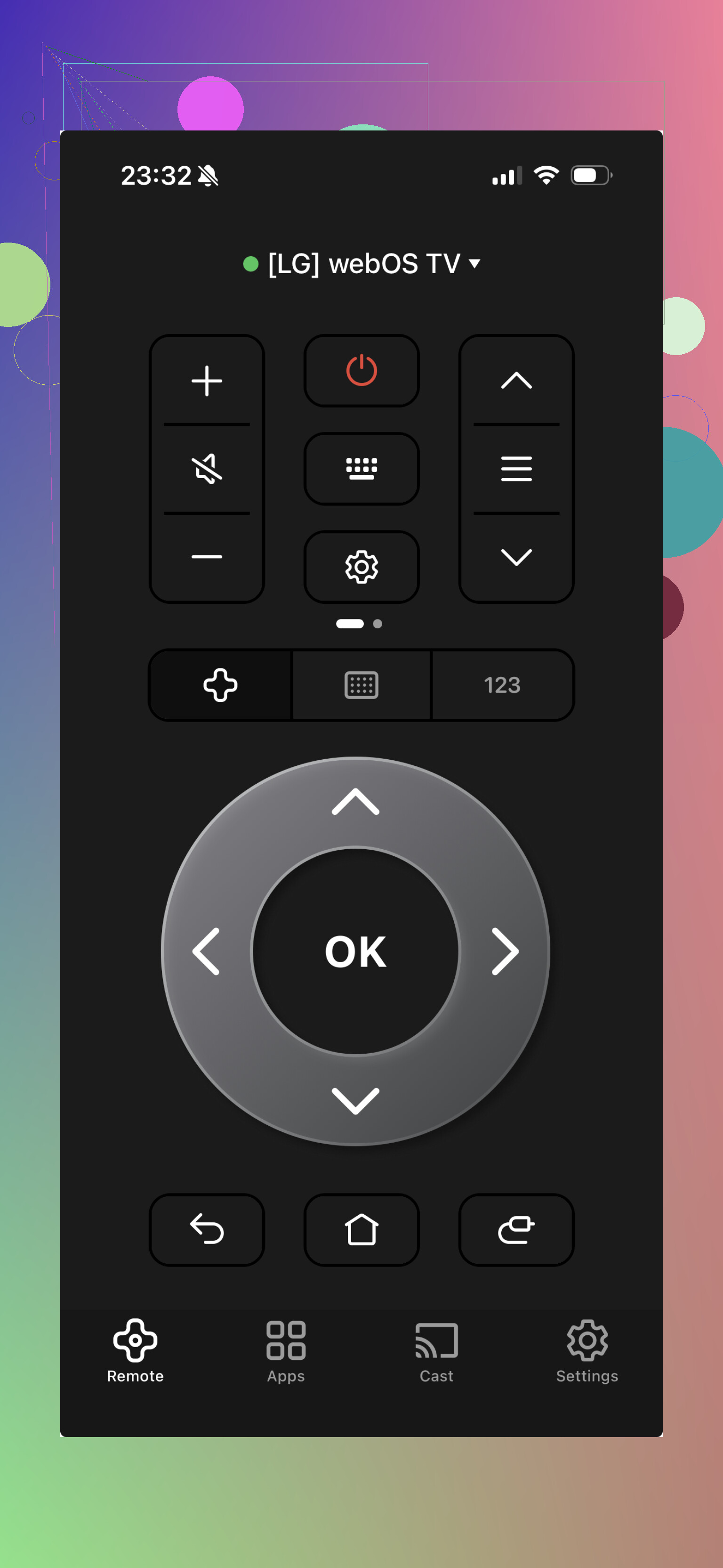
This one sits in the same bucket as a lot of remote apps.
It supports a bunch of TVs, and for basic controls it does work. Still, the day-to-day use felt rougher. Too many interruptions. Ads, upgrade prompts, and a general sense you were borrowing the app instead of using it. I got through the basics, but I wouldn’t call it smooth.
My take after trying these:
Most universal TV remote apps handle the same core tasks. The split shows up in the small stuff, how fast they connect, whether they stay connected, and how often they interrupt you with payment screens or ads.
If you want something for daily use, TVRem app felt easier to live with. Simple layout, free access, no extra nonsense. For this kind of app, tht’s the part I cared about most.
4 Likes
I’d split this by TV brand first, not by app name.
Universal apps are hit or miss because many TVs want brand-specific control over Wi-Fi. If you have Roku TV, use Roku. If you have Samsung, use SmartThings. LG, use ThinQ. Fire TV, use the Amazon Fire TV app. Those usually handle volume, inputs, and settings better than generic remotes. Less guessing. Fewer failed pairings.
If you need one app for mixed TVs, I’d look at TVRem first. @mikeappsreviewer had a decent take there. My only slight disagrement is I would not call any universal app ‘best’ without knowing your TV model. A cheap Hisense Roku TV and a Sony Google TV behave differntly.
Quick check list:
- Phone and TV on same Wi-Fi.
- TV remote control over network turned on.
- If volume fails, your TV might block it unless paired through the brand app.
- If nothing connects, your TV may need IR, and iPhone apps won’t help.
If you post your TV brand and model, people here can narrow it down fast.
I’d actually push back a little on the idea of hunting for one “best” universal app first. @mikeappsreviewer is right that some apps are less annoying than others, and @techchizkid is right that brand matters a lot, but the real decider is whether your TV accepts network remote commands at all.
My short version:
- If your TV is Roku, Fire TV, Google TV, Samsung, or LG, use the official app first.
- If official app fails, then try a universal one like TVRem.
- If that fails too, your TV probably needs IR or has network control disabled.
One thing people forget: volume control is often the first thing to break in universal apps. Not because the app is bad, but because some TVs route volume through HDMI-CEC, external speakers, or soundbars. So the app connects, but volume still does nothing. Super common.
Also, if you lost the only physical remote, borrow or buy a cheap replacement remote for 10 minutes of setup. Seriously. Sometimes you need the original remote just to enable “Control by mobile apps” buried in settings. Dumb? Yep. But thats how a lot of TVs are.
So my answer is:
- Official app if your TV brand has one.
- TVRem if you need a general fallback.
- Cheap replacement remote if neither works.
Universal remote apps are kinda a lottery, tbh. The “best” one is usually just the one your TV doesn’t hate.