I lost my TV remote and can’t change inputs or access streaming apps easily. I’m trying to figure out the best replacement remote, universal remote, or phone app option for my TV model. Any simple tips for controlling a TV without the original remote?
Losing a remote is weirdly common, and it’s usually either buried in something soft or sitting in a place that makes no sense. I’d start with the boring search first: couch cushions, under the sofa, between chair seats, inside blankets, kitchen counters, bathroom, laundry pile, and yes, even the fridge. It sounds dumb until it’s actually there.
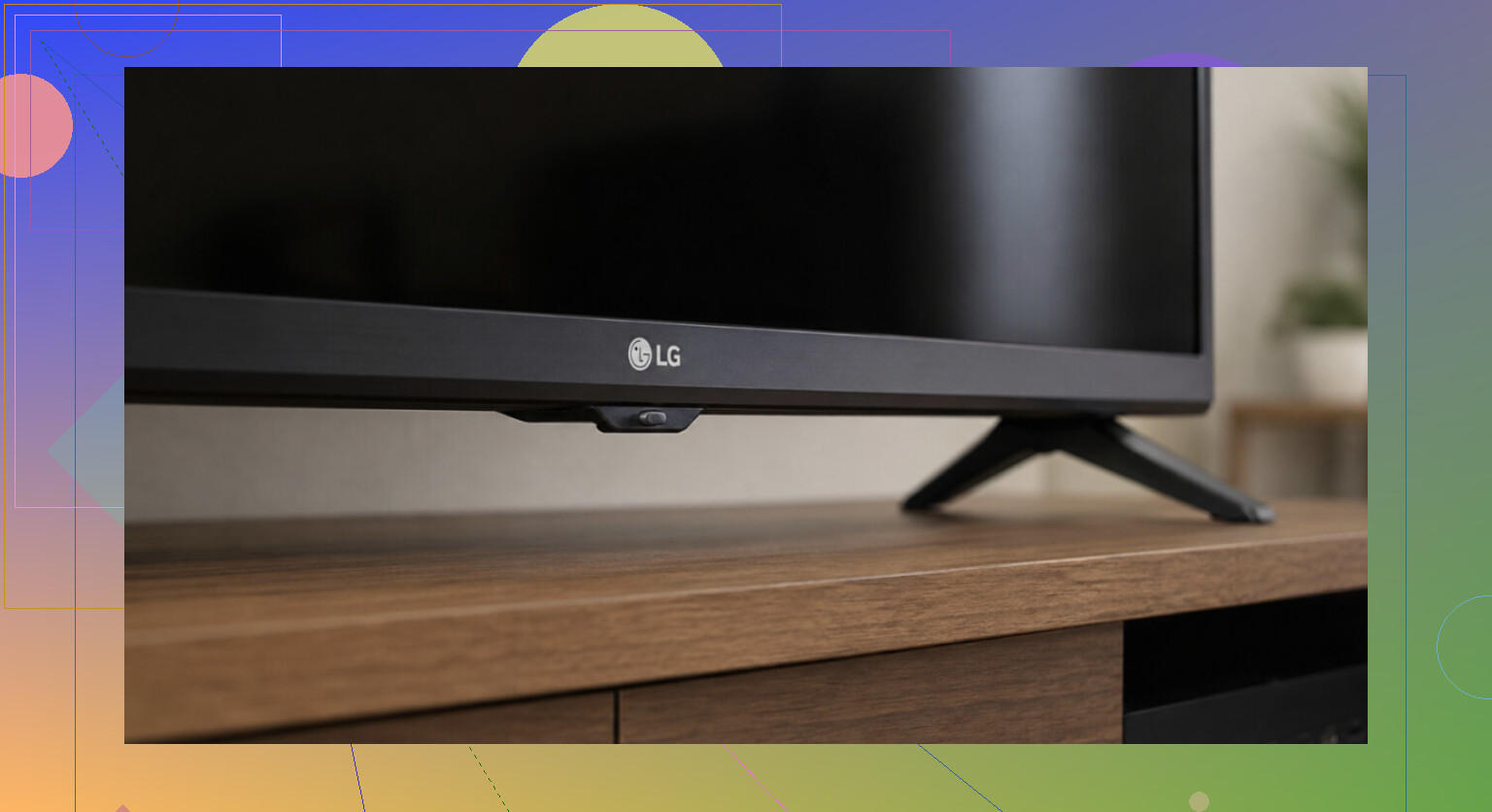
While you’re looking, you can still use the TV without the remote. Most TVs have physical controls somewhere on the set, usually along the bottom edge, on the back, or tucked near the logo. Sometimes it’s a tiny joystick instead of separate buttons. It’s not fun to use, but it should handle basics like power, volume, inputs, and channels. If you can’t find the controls, check the model number on the sticker on the back and look that up.
If it’s a smart TV connected to Wi-Fi, your phone is probably the easiest temporary fix. The main catch is that your phone and TV usually need to be on the same Wi-Fi network, which is where a lot of these apps fail.
You can try the official app for your device first, like Samsung SmartThings, LG ThinQ, Roku, or Fire TV. Those are usually the cleanest option if you only need to control one TV or streaming stick.
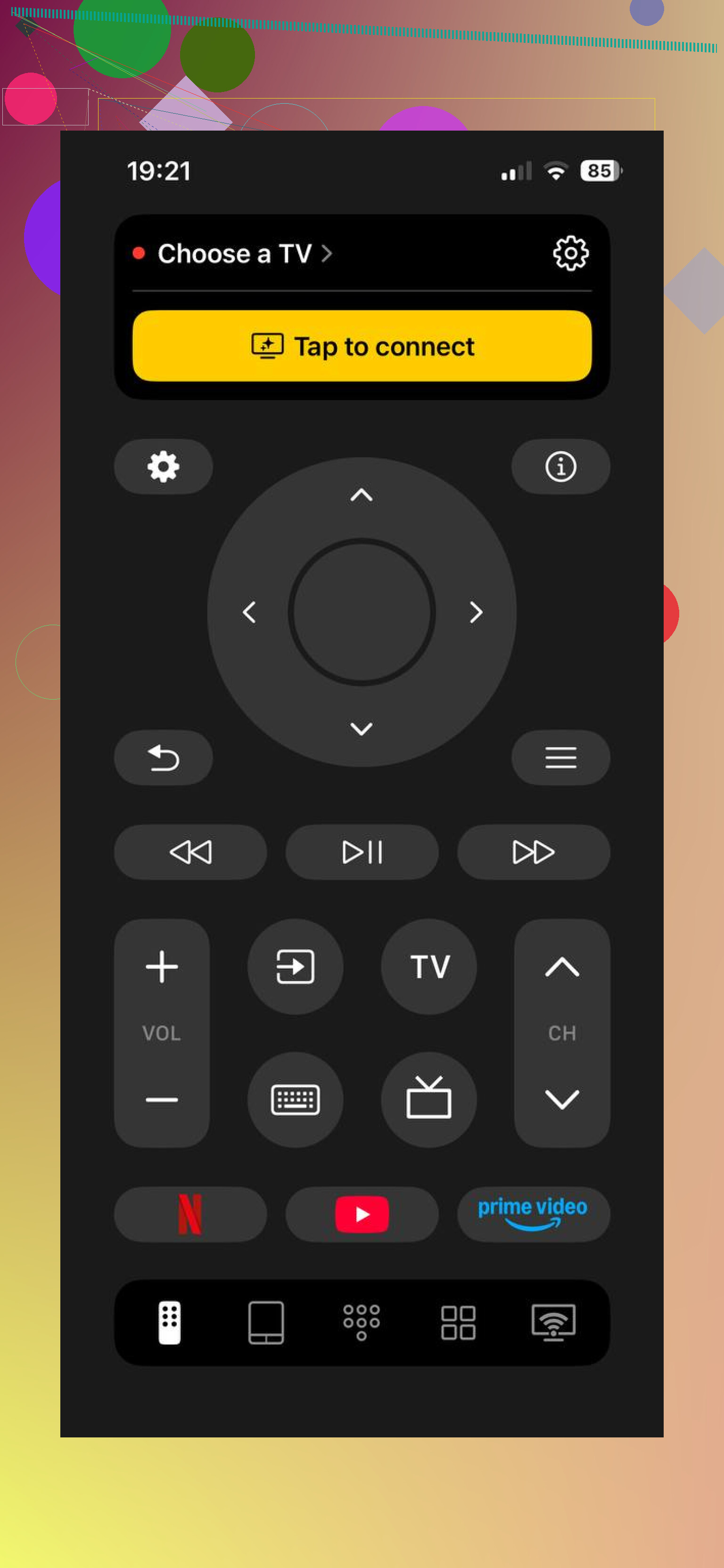
Another option is a universal app like TVRem. It works with Samsung, LG, Roku, Fire TV, Android/Google TV, and Apple TV, so it’s useful if you have more than one setup in the house. It has full remote controls, one-tap app launching, keyboard input, voice search, no subscription, and a 4.8 rating from a couple thousand reviews. More info here: Free TV Remote App for iPhone & iPad: One Remote for Almost All TVs
If you’d rather have a real remote again, search your TV model number plus “remote.” You can either get the official replacement from the manufacturer or grab a cheap universal/learning remote that works across different brands. For Roku and Fire TV sticks, the official replacement remotes are usually sold by the maker.
Realistically, the easiest setup is often a phone app plus a cheap $5–15 backup remote. The app is convenient, but the physical remote is nice when your phone is dead, missing, or someone else wants to watch TV.
One important limitation: remote apps only help if the TV is smart and already on Wi-Fi. If it’s an older non-smart TV, you’re stuck with the buttons on the TV or a physical replacement remote.
If you know the brand and model, or whether it’s a Roku/Fire TV/Apple TV type device, I can help narrow down the right replacement or app.
A universal remote may get you power and volume back, but it might not handle the annoying stuff like Home, apps, voice search, or input switching correctly. Before buying anything, check whether your original remote was infrared or Bluetooth/RF. If it only worked when pointed at the TV, cheap universal remotes are usually fine. If it had voice control, a cursor, or worked from another room, you probably want the exact replacement remote for that TV or streaming box. Search the model number from the sticker on the back of the TV, not just the screen size or brand, because “Samsung 55 inch remote” can lead to a bunch of almost-right remotes that pair badly or miss buttons.
Don’t buy the first remote that says your brand. A lot of those cheap “works with Samsung/LG/Sony” remotes only cover basic IR buttons and then you find out the Input, Home, Settings, or back button is wrong. I’d look for the exact remote part number in the TV manual or on a replacement parts site, then buy from somewhere with easy returns. If you mostly use a Roku, Fire Stick, Apple TV, cable box, or game console, check HDMI-CEC too, because that device’s remote may be able to turn the TV on, change volume, and switch inputs once CEC is enabled. It is not perfect, but it can get you watching stuff before you spend money on the wrong remote.